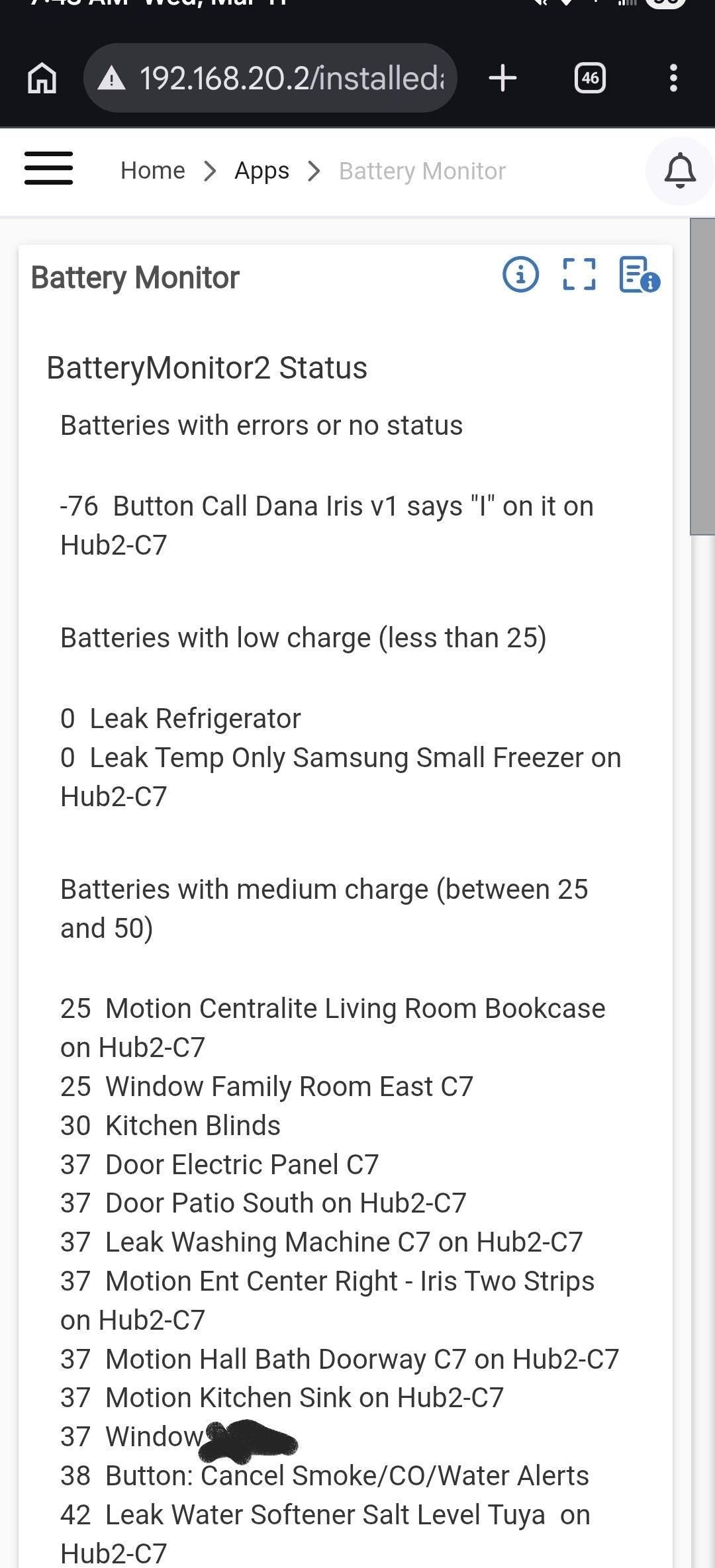
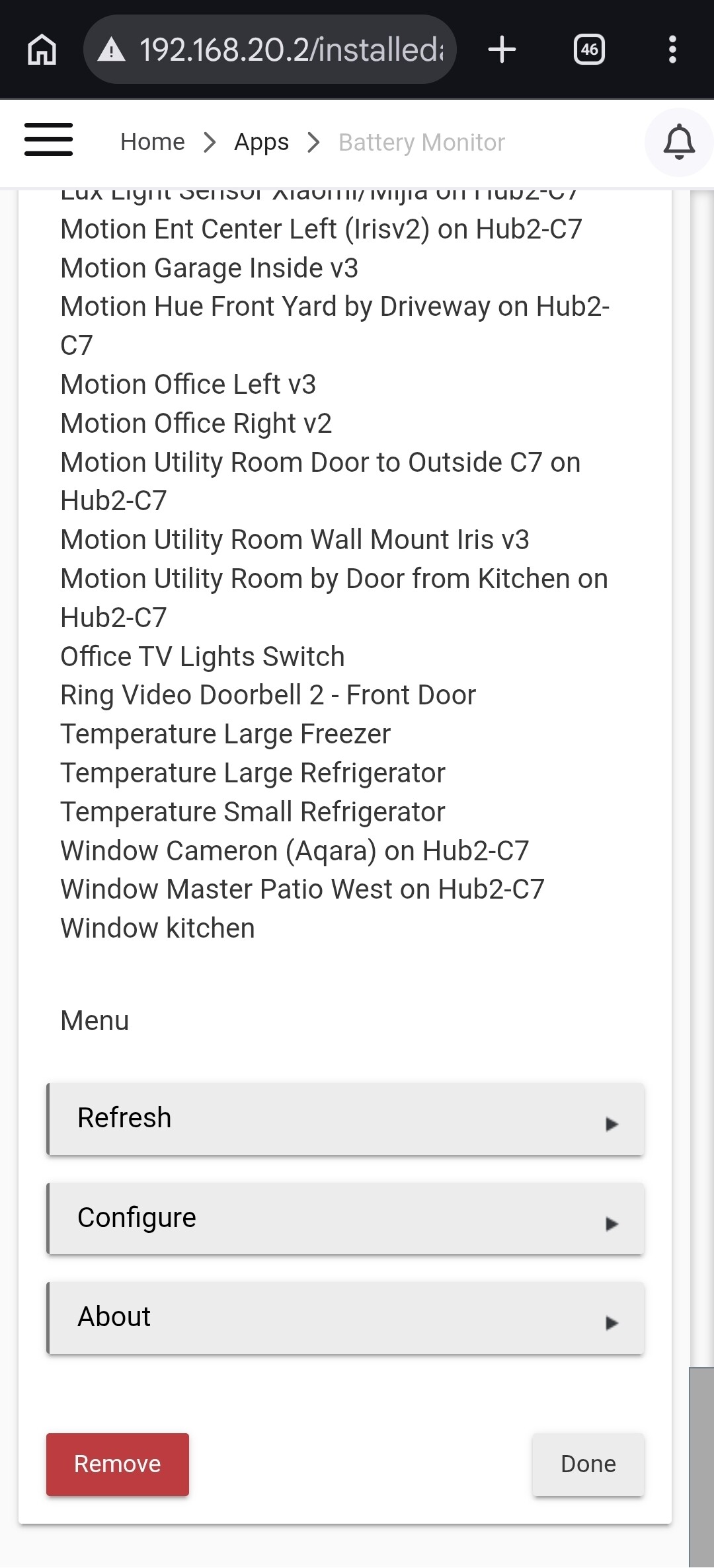
Expanded on the already great app by Brandon Gordon and larry kahn.
I originally utilized the previous app to check on battery health but wanted a bit more from it.
Battery Monitor 2.0 Release Notes 3-10-26
Battery Monitor 2.0 Release Notes: 3-10-26
- Automatic battery device discovery (optional)
- Sorted battery report (lowest first)
- Battery drain tracking (shows last change)
- 4- Low + Critical alerts
- 5- Flexible scan frequency
- Summary reports: Daily, Every Other Day, Every 3 Days, Weekly
Battery Monitor 2.0 Release Notes 3-12-26
Battery Monitor 2.1 Release Notes: 3-10-26
- Missed report
- Devices appear only once - removed duplicate entries
- Sorted - lowest battery first
- All devices categorized
- Clean report formatting
- Categories: CRITICAL, GOOD, High Charge, Full Charge
- Report notifications fire reliably** when
summaryTimeis updated.- Scheduled summary notification only
- Battery category reporting
- CRITICAL ≤25%, GOOD 26–70%, HIGH CHARGE 71–99%, FULL 100%
- Battery drain rate tracking (% per day)
- Estimated remaining battery life
- Battery health scoring - Excellent, Good, Moderate, Poor
Battery Monitor 2.8.1 Release notes: 3-12-26
- Battery replacement detection
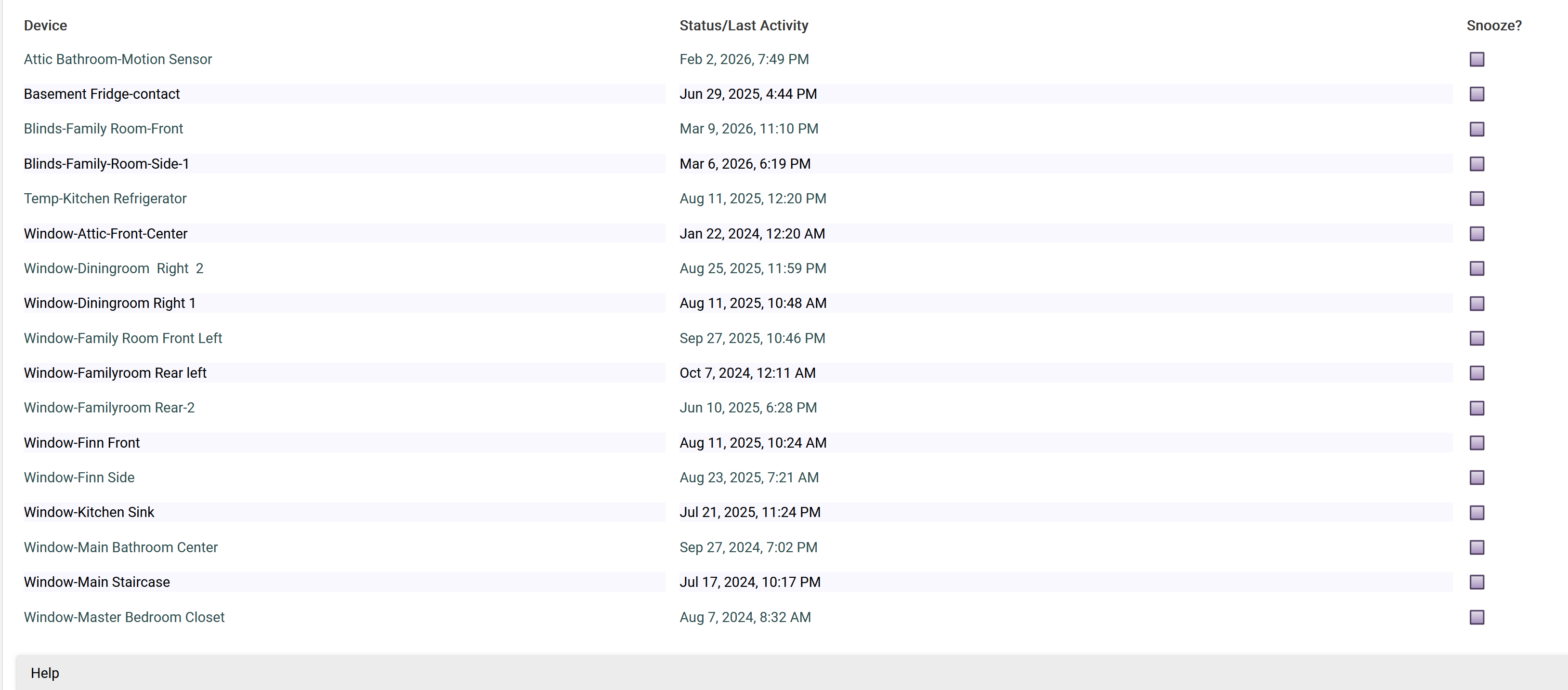
- Device stale reporting (devices not reporting battery)
- Battery health score
- Estimated days remaining
- Worst battery leaderboard
- Rapid drain detection
- Battery change history tracking
- Live device diagnostics table
- Categorized summary report
- Scheduled summary notifications only
- Fully safe state handling
- Color battery indicators (
)
- Color battery health indicators


Battery Monitor 2.0 Release Notes 3-13-26
Battery Monitor 2.8.2 Release notes: 3-13-26
- battery replacement detection (Zigbee + Z-Wave)
- Lowest battery tracking
- Replacement history logging
- Drain tracking + trends
- Estimated battery life
- Memory protection on logs
- Cleaner scheduling
- Battery Drain inserts data to trigger a health condition when no event has taken place. Once an event takes place, the health will update accordingly.
"This could cause estimated battery life to be inflated until the device starts registering data for drain."
Battery Monitor 2.0 Release Notes 3-14-26
Battery Monitor 2.8.3 Release notes: 3-14-26
- Better Critical battery detection
- Sort by worst drain
- Days since last battery report column
- Stale device warning column
- Removed **round() errors
- Sort by table for Trends and Summary
Battery Monitor 2.8.4 Release notes: 3-14-26
- Removed manual entry device list as stand alone feature.
- Added note for Auto Discovery usage.
- Repaired Battery Replacement feature and added manual entry for battery replacement when the battery is replaced outside the current register points. (<= 40 old to >= 95 new)
- other minor tweaks for summary pages and logging.
BETA release notes in thread. Full updated set for 4-3-26 via HPM
Battery Monitor 2.0 is available in the HPM. (Thank You @csteele for your patience)
Battery Monitor 2.0 — Setup Guide
INSTALL VIA HUBITAT PACKAGE MANAGER (HPM)
1. Apps → Hubitat Package Manager → Install
2. Search by Keywords → "Battery Monitor 2.0"
3. Select the package → Next → Install
SETUP
Step 1 — Select Devices
Open the app and select all battery devices you want to monitor.
Click Done before viewing any reports — this is required on first setup.
Step 2 — Set Scan Interval
Controls how often the app reads battery levels to build drain history.
• Hourly — most accurate, fastest to establish health ratings
• Every 3 Hours — balanced (default)
• Every 6 Hours — lowest overhead
Step 3 — Notifications (Optional)
Toggle on Enable Notifications to reveal all notification settings including
frequency, time, notification devices, and which battery groups to include.
Step 4 — Battery Catalog (Optional)
Assign a battery type and quantity to each device (e.g. CR2032 x1, AA x2).
Appears in the Summary table and in Poor device alerts.
This is a one-time setup — tap Done to save.
Step 5 — Done
Click Done to save. The app will begin collecting data immediately.
Health ratings show Pending for the first 5 days and 5 samples — this is normal.
TIPS
• Use Manual Battery Replacement after swapping a battery to reset history immediately
• Use Force Scan Now on the Summary or Trends page to read all devices on demand
• Set Scan Interval to Hourly to build health ratings faster on slow-reporting devices
• Health ratings and Trends use the same thresholds — they will always agree