Just curious… Did you ask @gopher.ny if he could allow those?
Moot point now that you did it the long way, but Hubitat has been pretty responsive to allowing additional libraries where there is a use case and it doesn't impact hub functionality or security.
EDIT: Oh, and nice work! That is a really cool way to do it. Very impressive!
To be honest, I didn’t initially consider asking, since I recognize the complexity behind firmware development and the hub’s internal operations. I didn’t want to burden developers with an unsolicited or specialized request.
I also assume such features exist for purposes I might overlook, given my lack of direct involvement in firmware work.
Honestly, I don’t mind the longer approach. I’m genuinely excited to have found a solution without requiring a major firmware overhaul.
That was a missing event subscription. The fan-mode characteristic wasn’t in the live-update list, so external On/Auto changes only showed up after a manual Refresh. Fixed (re-import) — it now subscribes to fan-mode events, so it updates live like the rest.
While I was in there I fixed a related one: comfort profile and hold-end time also only updated on manual Refresh, because (unlike fan mode) those characteristics are read-only with no event support — so they can’t be subscribed. v0.11.4 reads them on the existing keepalive instead, so they self-refresh within ~5 min.
This was my last huzza regarding Ecobee.
I have a Pearl in standby, was honestly considering the Z-Wave Honeywell.
But the wife(and so do I to be honest) really likes the Ecobee (aesthetics, big touchscreen). My only beef was the cloud dependency which now, is history.
If it's any comfort, you can score Ecobees for ~$20 on ebay (lower also on Marketplace?)
Our utility is building new powerplants to meet the demand from data centers. The cost of that building has been passed on to their customers - residential and commercial, under the guise of infrastructure improvements. But at least so far they’re not restricting use.
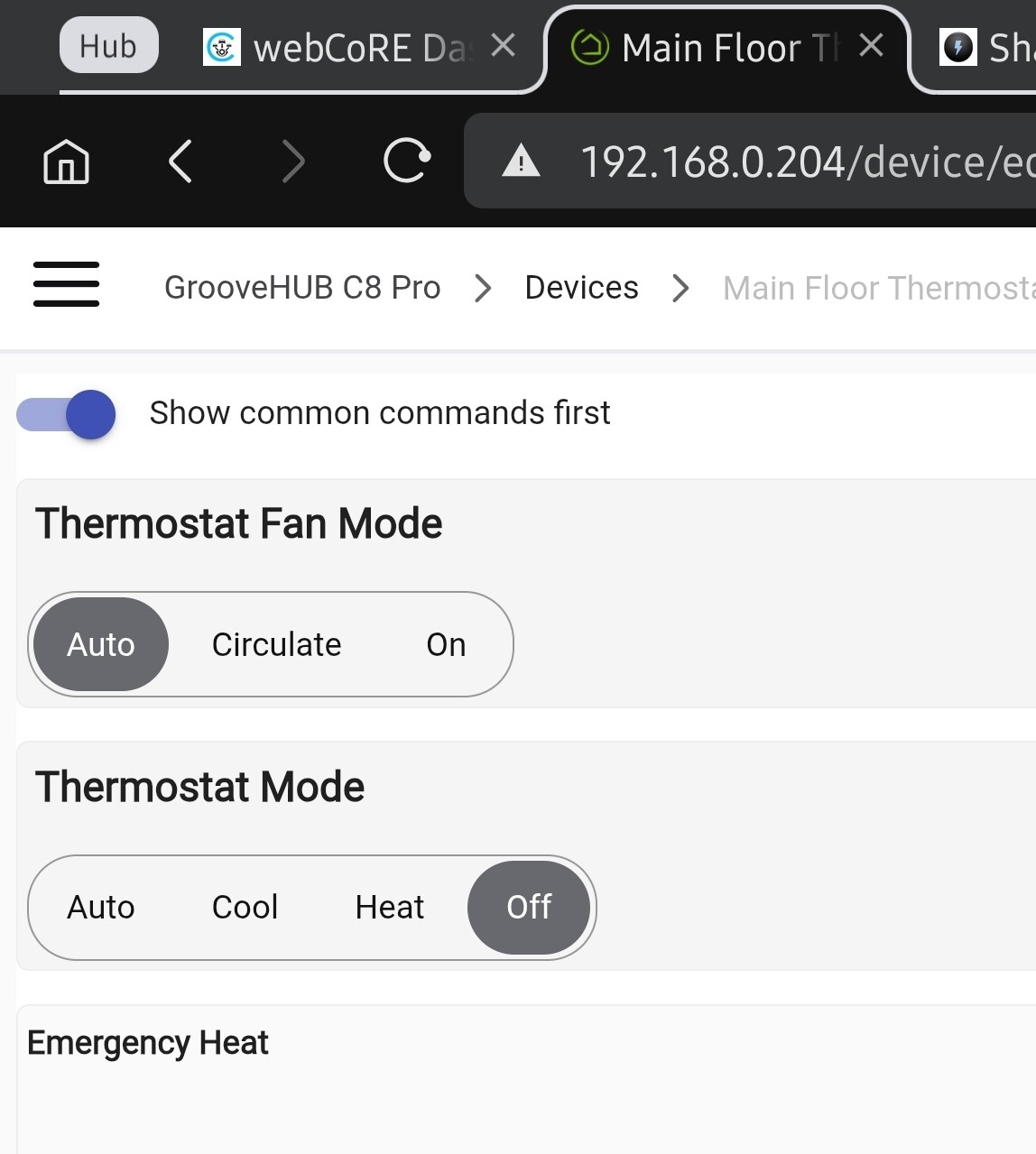
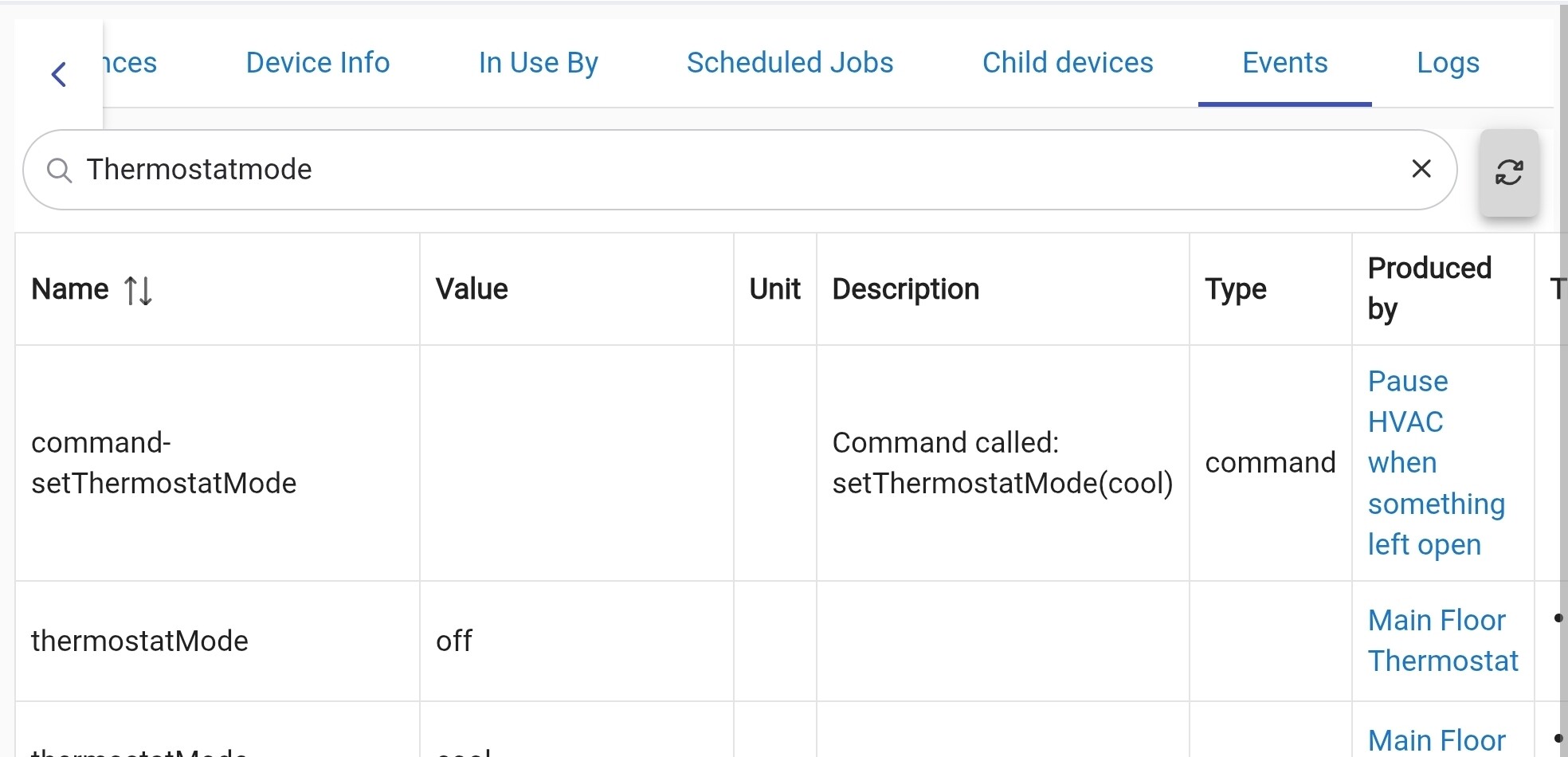
I believe I found another issue with refreshing. This time it's with ThermostatMode. The system went back on to cool, the event log shows it's cool, but the device handler doesn't refresh this and still thinks it's off.
SE Duke Energy customer here and I had thought this too and avoided their store until I reread their fine print and they don’t require control unless you sign up for their monthly bill discount program which I would never do
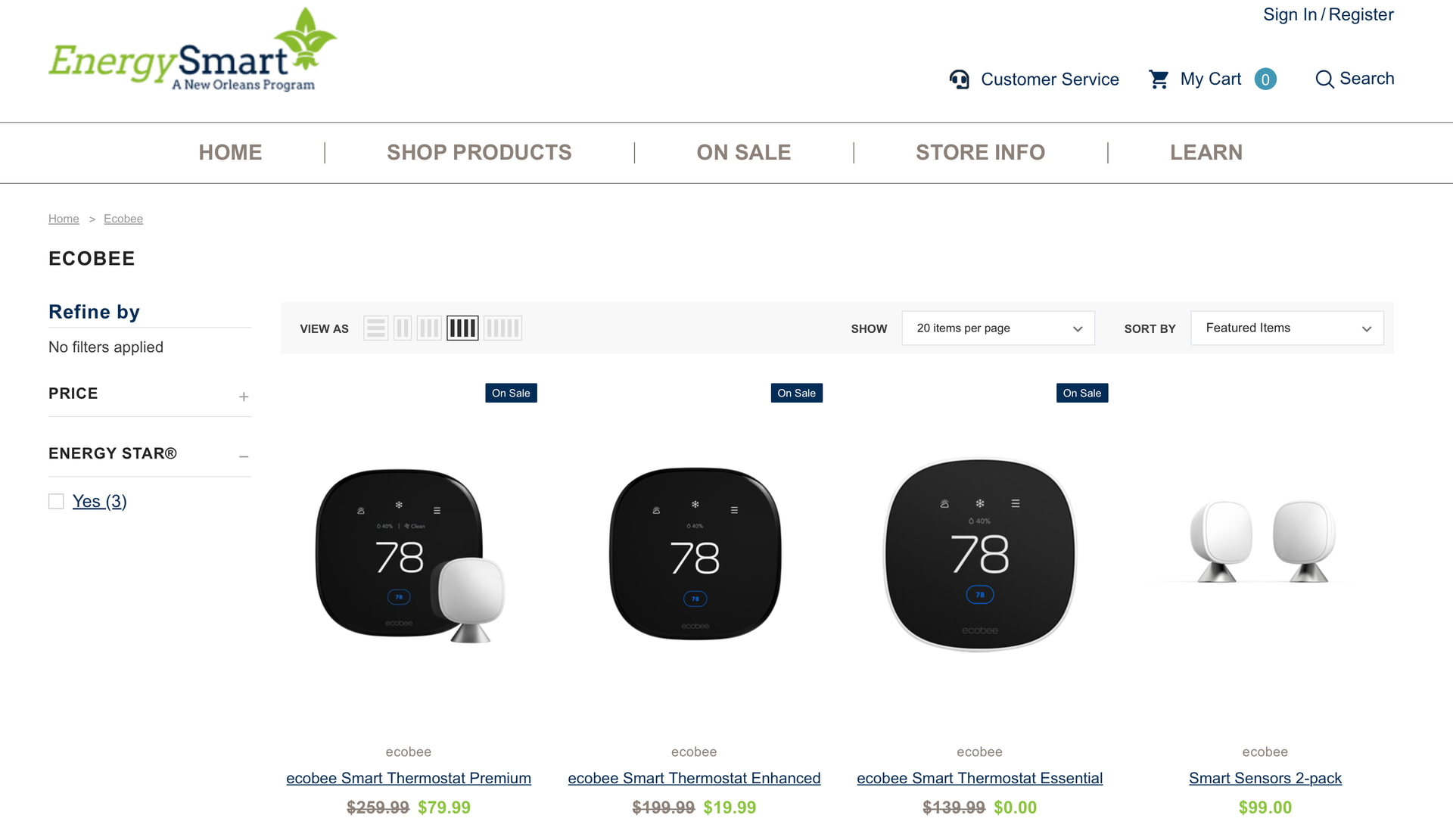
If you are a Costco member they have a great deal on the Ecobee Premium thermostat $190 (through June 30) and it comes with 2 sensors vs 1 like everywhere else.
Ping me if you still need those classes. Or other classes If there’s a reason we can’t include a class, fine, but generally it’s just a “forbidden unless explicitly permitted” sandbox approach.
Great set of drivers, Thanks, but (there’s always a but), why are motion and presence disabled for thermostat? Would leaving them enabled cause problems?
I use them and have to remember to uncomment the lines in the source every time I update.
Ok I included everything that was obvious and available in the HAP protocol.
I still have 4 undocumented ones (not so obvious logic, ids that didn’t budge when I was probing/changing parameters initially), 4 which I’ll start poking at now.
For the curious:
iid 49 (0-4), 50 (0-3), 51 (bool), 53 (0-100)…
I’ll end up documenting and decoding the whole friggin’ thing.
 If there’s a reason we can’t include a class, fine, but generally it’s just a “forbidden unless explicitly permitted” sandbox approach.
