Quick update -- I installed the WS90 outdoors and the WS45 indoors, both integrated with the gateway GW2001. Integration was smooth and easy thanks to this driver. Mega-props!
Just a few small questions if I could....
does the "driver" attribute refer to the Hubitat device driver? Because my device says "v1.34.3 (v1.34.4 available)", but HPM says no updates are available.
What does lastUpdate mean? I noticed that my parent device and all my children haven't updated for a few days, yet my Ecowitt is online via their app. Is there someway to reinitialize the Hubitat driver? I don't see any errors in the log on its most verbose setting.
I'm guess this is related to #2, but I added a WH31 today that shows up via the Ecowitt app, but it's not showing up in Hubitat.
Appreciate any guidance!
EDIT: sorry I see that question #1 above was already surfaced earlier in the thread. My bad.
Glad your initial setup experience was a smooth one.
With #1, yeah I think I will need to look at the version displayed, it has come up a few times now.
Like to mentioned in #3, we might come back to the last updated once we look at the update issues you may be having.
With the verbose logging turned on for the HE devices, do you see any logs show up, indicating it is processing the data coming from the gateway? If not, have you checked your configuration for the data feed in the WSView App and the device network id for the gateway in HE? Also, could the IP address for your HE hub have changed?
We should be able to get to the bottom of this and get it running again.
I had a repeat of the same problem from a week ago where my Ecowitt stopped updating. Poked around a bit and figured out the problem. Thought I'd share it here in case others struggle with same.
I had connected my gateway (GW2001) via ethernet and reserved a static IP address accordingly. And so when I created the Ecowitt device in HE, I used that static IP. Well, unbeknownst to me, the GW2001 also had created a wifi connection (why or how I don't know). And so the updates to HE were coming from the wifi IP address not the wired IP address. Thus no updates to HE.
So my quick fix was to change the IP address in the HE device to the wifi IP address. Worked straight away. I did ask Ecowitt support if I could just disable the wifi, but haven't heard back yet. If anyone knows, I'm all ears. Cheers....
Glad to hear you figured out what was happening @mluck and have been able to workaround it for now. I would prefer a wired connection as well, not that I have that option with my older gateway.
Could you block the mac address for the gateway's wifi adaptor in your router, rather than relying on EcoWitt to disable it?
And thanks for posting back here for others to benefit from.
Yeah I considered that, but I’m concerned about the possibility that the data from the Ecowitt gateway won’t revert from the wired IP just because I prevented the Wi-Fi connection. But maybe that’s not a risk — not a networking guy, if you can’t tell!
Correct. The gateway that came with my Wittboy has Wired and Wireless.
Pretty sure it is a GW-2000
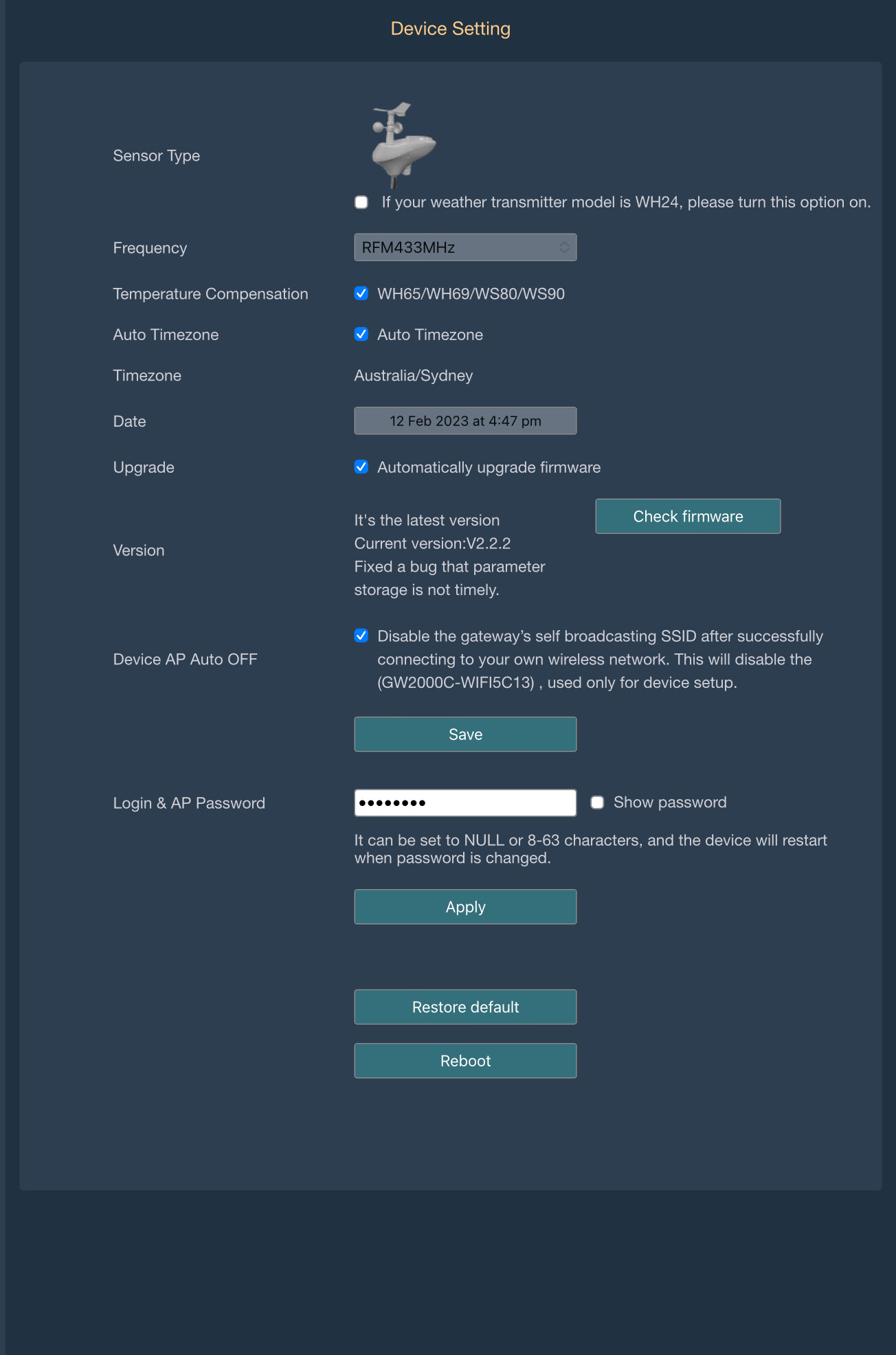
You should disable Wifi once setup from the device page
I don't expect that would disable the wireless connectivity to your router though, just the network the EcoWitt gateway broadcasts for you to connect to at setup. Still good to disable it, like they recommend, but I don't think this it would impact Mark's experience. I could be wrong...
I don't think it is so much about the EcoWitt Gateway not being able to connect to the WiFi, more that @mluck seeing it swap from a wired to wireless connection.
If it comes to it, I can always add another child device to accept comm's from another Mac address.
Ultimately if there is an option during the setup process to disable the Wi-Fi in favour of a Wired Ethernet connection, that is likely the preferable setup, at least for use of the HE local integration.
I would at least be interested to know how the blocking of Wireless connectivity in a router plays out, but can understand any hesitation to implementing this setup.
Like I mentioned, if needed I expect a "child" device that can accept communications from the parent gateway device and pass it on to the "real" gateway would provide an alternative that could suit this scenario. In the end we should wait to see what EcoWitt support come up with, along with our own testing.
I have three hubs at our property (three buildings) and have Ecowitt set up on one of them. I haven't used the mesh features of Hubitat as it seems like more trouble than it's worth for me. However, I would like to access the outdoor temperature from the Ecowitt on each of the three hubs. Is there a relatively simple, easy way to do that, given that one must tell the Ecowitt to report its data to a particular hub? Can it report to several?
Let me go off and learn more about hub mesh. My current workaround is to simply use the Weather Underground driver, which takes its data for my location from my PWS. It's just that that creates a cloud dependency, and I've noticed a few instances lately in which it has been significantly off, presumably because of something on the WU end. It eventually fixes itself within a few hours, but that can be a problem as a trigger.
My hesitancy with hub mesh is that it adds more complexity, and complexity rarely improves reliability. I feel like I'm seeing someone posting a hub mesh issue almost daily on the forum. Much of that may well be user error, of course, but I do like the simple concept of each little hub communicating only with its own devices, in a tiny little "ecosystem". If one of them fails, the others just hum merrily along... The more I deal with the world at large, the more that concept makes sense to me. But let me see what I can go learn. Not a big deal, by any means. Thanks!
No a big thing, but I see on my main gateway device, it says the following next to driver as if there is an update?
driver : v1.34.3 (v1.34.4 available)
I've tried repairing in Package Manager and even scouted your GitHub but don't see that version... Typo or something your working on in the background?
 Well, actually...
  ).
).
