Pushover notification categories not working

I setup a pushover device and sent a test message and all worked great.

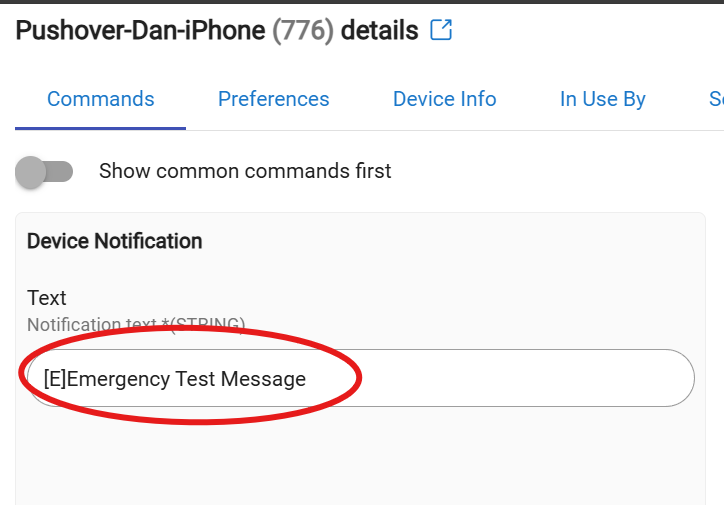
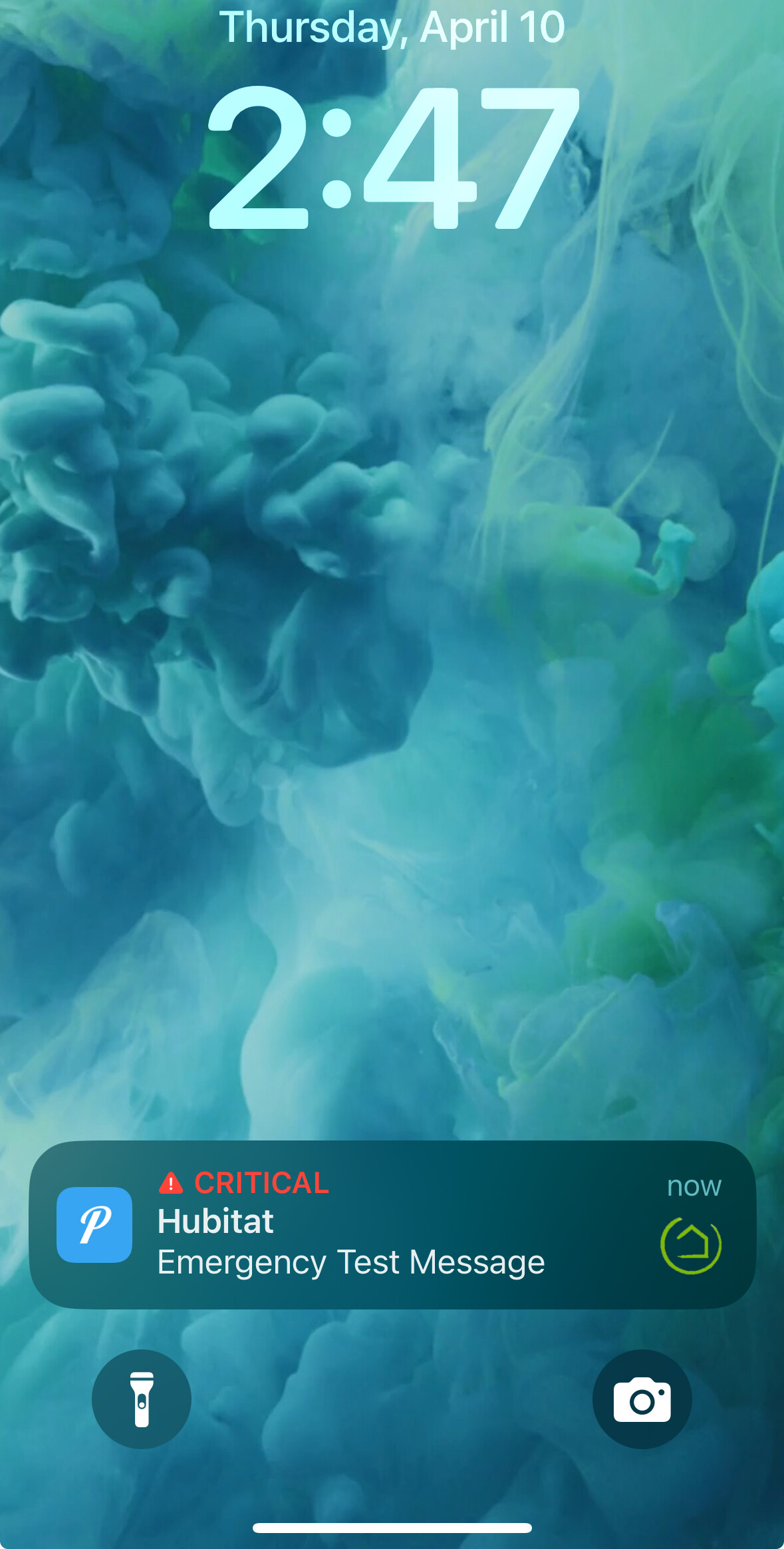
I wanted to play with Android categories so i put a [E] in front of my message and no notification was sent. Remove it, it worked.

So I tried changing the default to Emergency in the device and sent a test. Not notification. Set it back to normal and all was good.

Why are categories not working?

Which Pushover driver are you using? Built-in? Or @ogiewon’s enhanced driver?

I believe I am using @ogiewon enchanced driver.

IIRC, on an iPhone, Pushover requires some additional configuration for the Emergency [E] priority to work properly. Perhaps that is needed on Android as well?

Maybe some clues in the Pushover documentation?

2 Likes

It all works fine from the Pushover website. It's an issue with the Hubitat driver.

Which driver are you using?

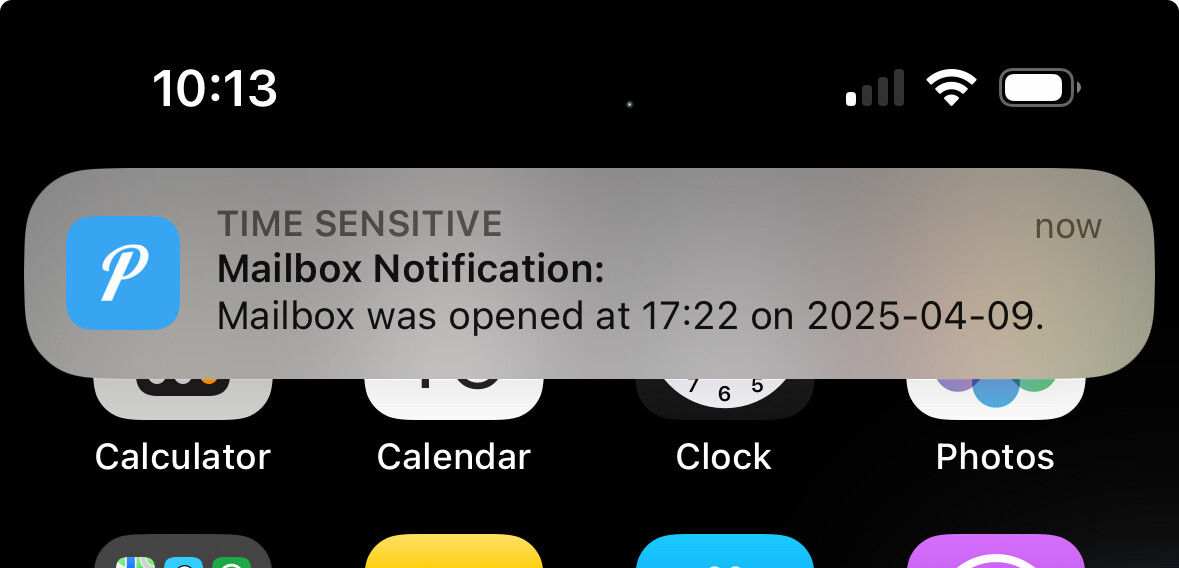
I personally use notifications such as the one below and they work fine (I am using @ogiewon's enhanced Pushover driver). Make sure you construct the notification using instructions in the documentation that accompanies @ogiewon's driver - if that's the driver you are using.

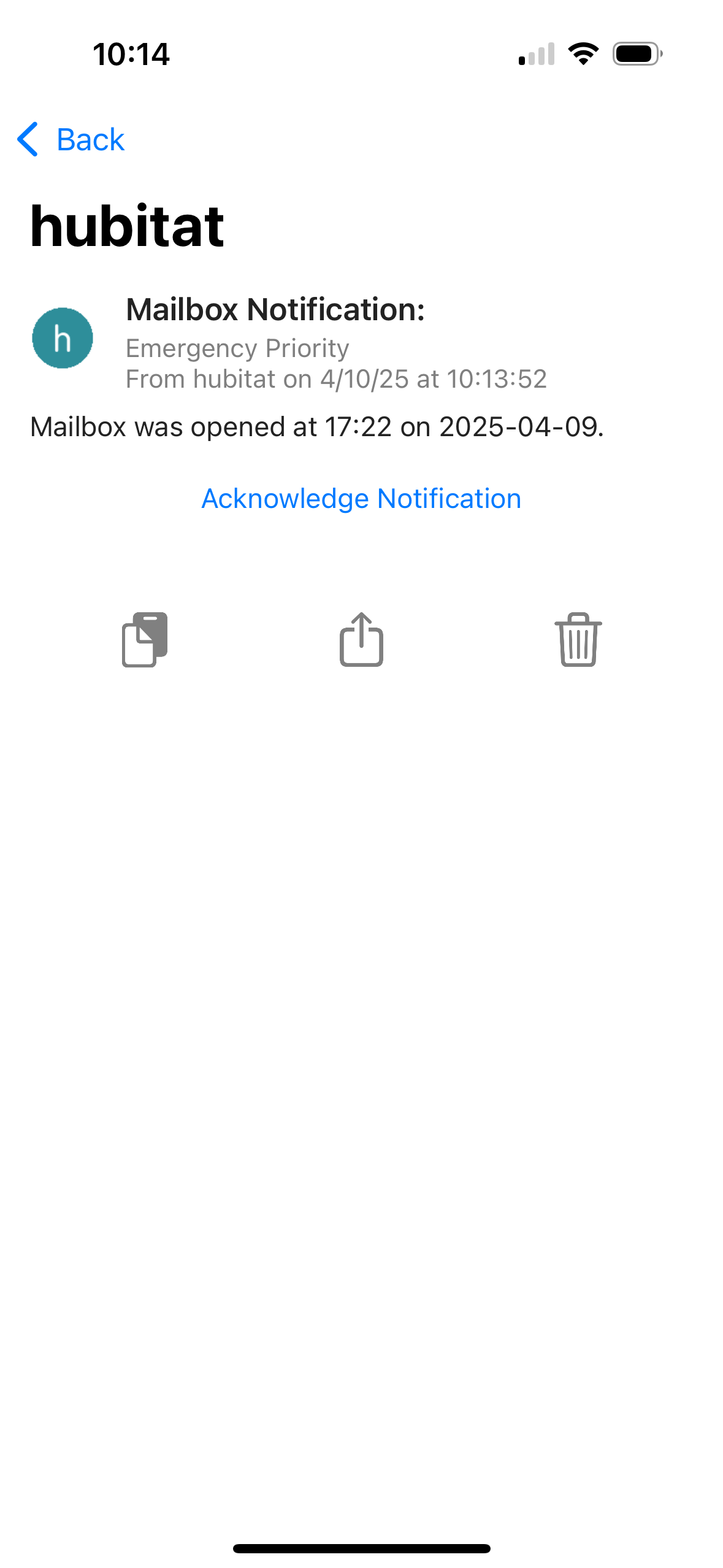
This is how an emergency ([E]) notification should be constructed as:

[E]©300©™3600™^Mailbox Notification:^Mailbox was opened at %time% on %date%. #Bike#

1 Like

Works fine for me, using my Pushover Driver. I haven't used Hubitat's built-in driver in a quite some time. Thus, I cannot say whether or not it properly handles the Emergency [E] priority.

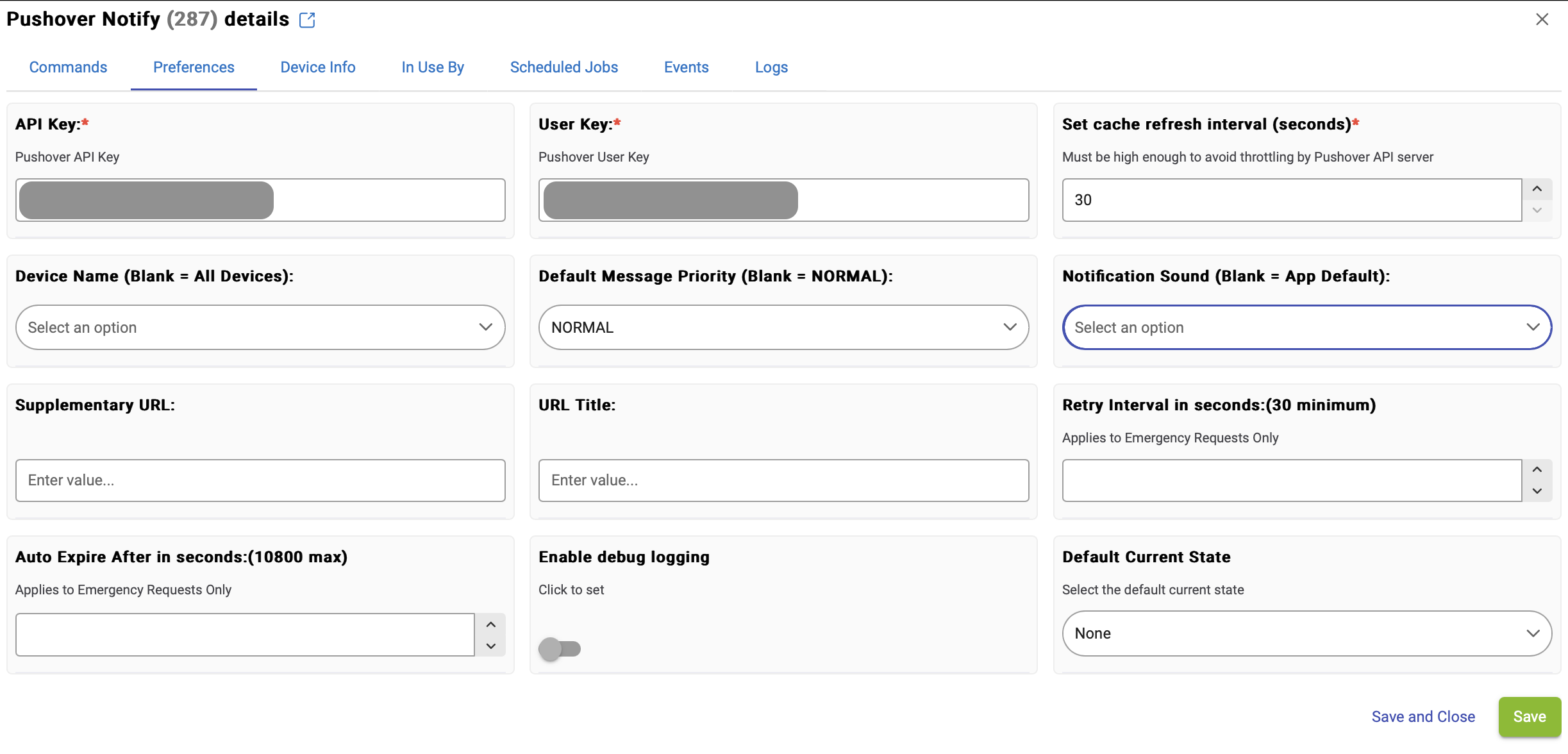
Make sure you have values set properly for the following two User Preferences on the Pushover Device, as these are needed for the [E] priority messages, if not embedded into the message as shown by @aaiyar's example.
1 Like

How do i tell for sure which driver I'm using?

When you look at the device in the device list, is it using a built-in driver or a user driver?

And when you open the device, do you see all these choices under the Preferences tab?

2 Likes

Thank you...I was using the built in driver. I switched to the user driver and all works now!

Is Hubitat ever going to update to the newer driver?

1 Like

I use use the native/stock Pushover driver and I have no issues receiving alerts I built as Emergency (or any other alert level) on iOS.

2 Likes

This topic was automatically closed 365 days after the last reply. New replies are no longer allowed.