Added support for virtual outlets (what @inetjnky was running into).
Updated how scheduling is performed for refresh and driver update checking is set up.
Changed the logging to my current standard. This results in the Preference list being different so you need to select the dropdown and Save Preferences again if you want logging.
Might not have to do much of anything... When I went through everything and saved preferences for all the parent and all children, it reset and cleared everything and then on the next check in it re-imported everything as it is currently. So the old renamed devices are gone now.
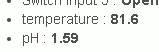
As you can see I have 3 different PH probes and several temp probes.
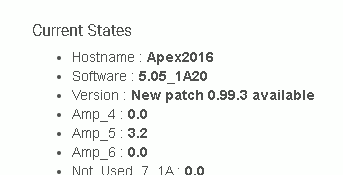
In the base, aka head unit, I'm only showing one PH port being reported and I'm only seeing one temp port being reported. The Temp "Name" isn't listed either.
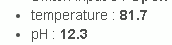
another example on my PM1 module:
It would be better if it read with the actual name of the PH probe and included the secondary probe port on the base unit which is completely missing all together.
So it would read like this:
KalkPH:
CaRxpH:
FrgpH:
Would it be possible to change the Temperature: to match the actual temperature name it's given as well?
Enabling the "Provide events for all inputs" will give you Events (that do not "stick") but it will also create states for every single input, so you should be able to get those additional ones. For the Event data to be usable by other things it needs to be an Attribute in the driver and the Attributes cannot be dynamically created unfortunately. States on the other hand can easily be created (and removed, I remember now that the refresh command clears all current states when run before getting the new data, which is why the odd ones you had went away).
The driver does have a limited way to report some additional fields as Events (the "Show Custom Attributes?" preference opens up 4 Inputs and 4 Outputs you can use, but they will be the names shown on their preference not their "true" name in the event). I use this method myself because my system has 2 temps and 2 pHs (sump and display).
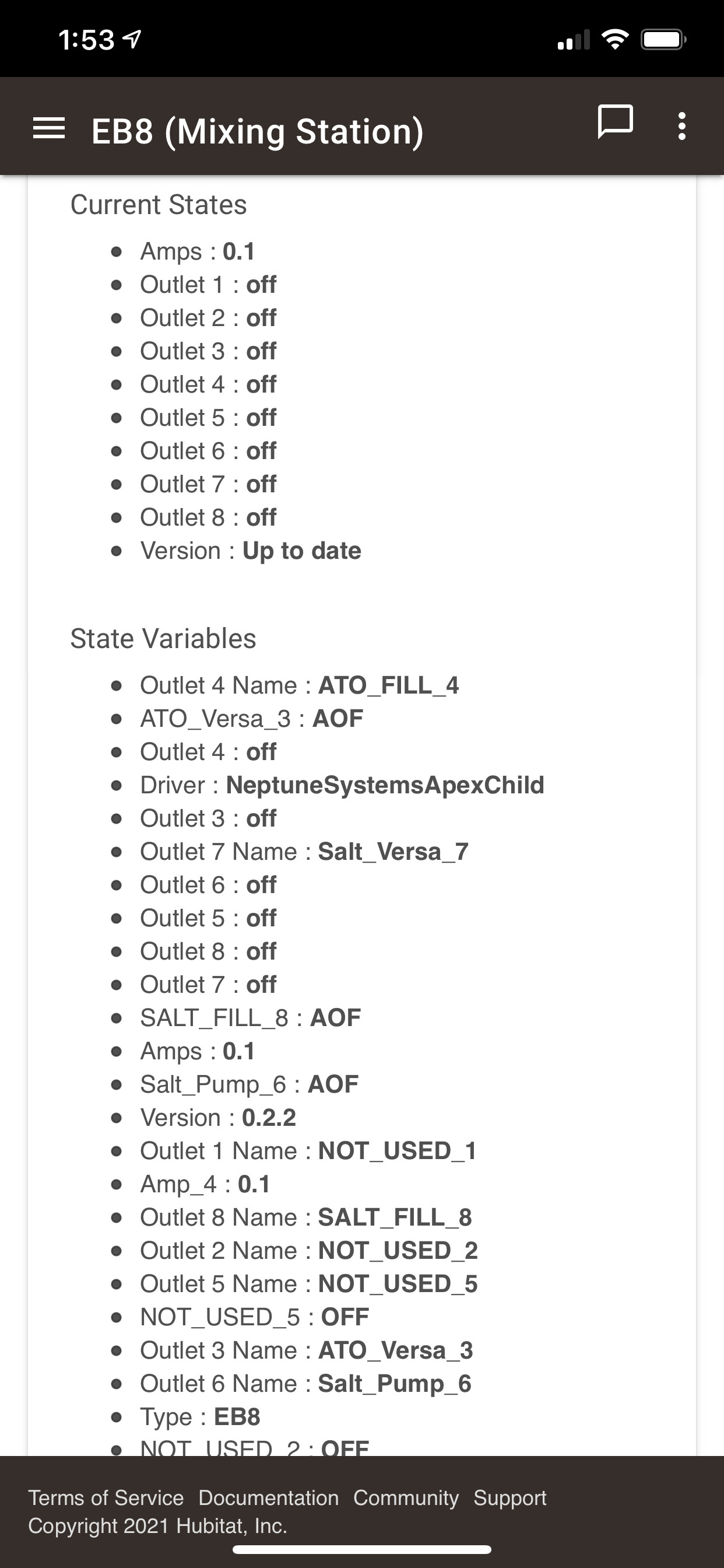
The last method is using the Child Devices, as each will have a separate pH and temperature listing (as Events because those are Attributes). Although I did not include a pH2 for the base... so that is now in. I am also making it so that the custom names of inputs will show up as states in the child devices (it was already in there for outputs but I apparently forgot to do it for inputs).
Updated Version(s):
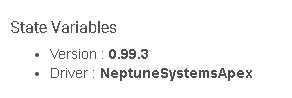
NeptuneSystemsApex.groovy = 0.99.3
NeptuneSystemsChild.groovy = 0.2.2
Change(s):
Now support pH2 being reported by base.
Parent will now send named states to child devices (ex: if you have a custom FrgpH, it will send the pH as an Event to the child but ALSO send FrgpH as a State to the child). Previously it only sent the specific Attribute for inputs variables. This already happens for Outputs so it must have been an oversight on my part not to include it for the Inputs.
Let me know if that goes away tomorrow after the daily update check. It only deals with that statement when it does that check. I could force a check every time someone saves preferences... but I thought that might be a bit much.
Thanks for confirmation. Just wanted to make sure nothing weird happened. I know how things work with MINE but sometimes things get a little strange elsewhere so it is always best to check. I wonder if there is a function that is triggered when a driver is saved (so in theory there is a new one). Could be useful for simple cases like this just to clear that out.
You might want to talk with @csteele on that one. I know when the multisensor 6 driver is updated, you have to go in and click on "Save Preferences" to get it to update and it recognizes the new version right away.
On a side note, I'm seeing this in my logs:
dev:21882021-02-13 02:41:48.566 pm errorgroovy.lang.MissingMethodException: No signature of method: user_driver_Snell_Neptune_Systems_Apex_2177.ReceiveData() is applicable for argument types: (org.codehaus.groovy.runtime.GStringImpl, org.codehaus.groovy.runtime.GStringImpl, java.math.BigDecimal, org.codehaus.groovy.runtime.GStringImpl) values: [Child ID# 10, FrgTmp, 81.4, °F] Possible solutions: ReceiveData(java.lang.Object, java.lang.Object) (ReceiveData)
I could easily have it check on the Save Preferences, sure. I just figured that most people do not do that too often (even after an update) so there was no point.
Error is now fixed in the newly posted version.
Updated Version(s):
NeptuneSystemsApex.groovy = 0.99.4
Change(s):
Corrected a statement for temperature where it was sending the state to a child device but included the units. State variables do not have units, only Events, causing an error message.
@snell I'm having an issue now that I'm a little stumped on... Let me explain...
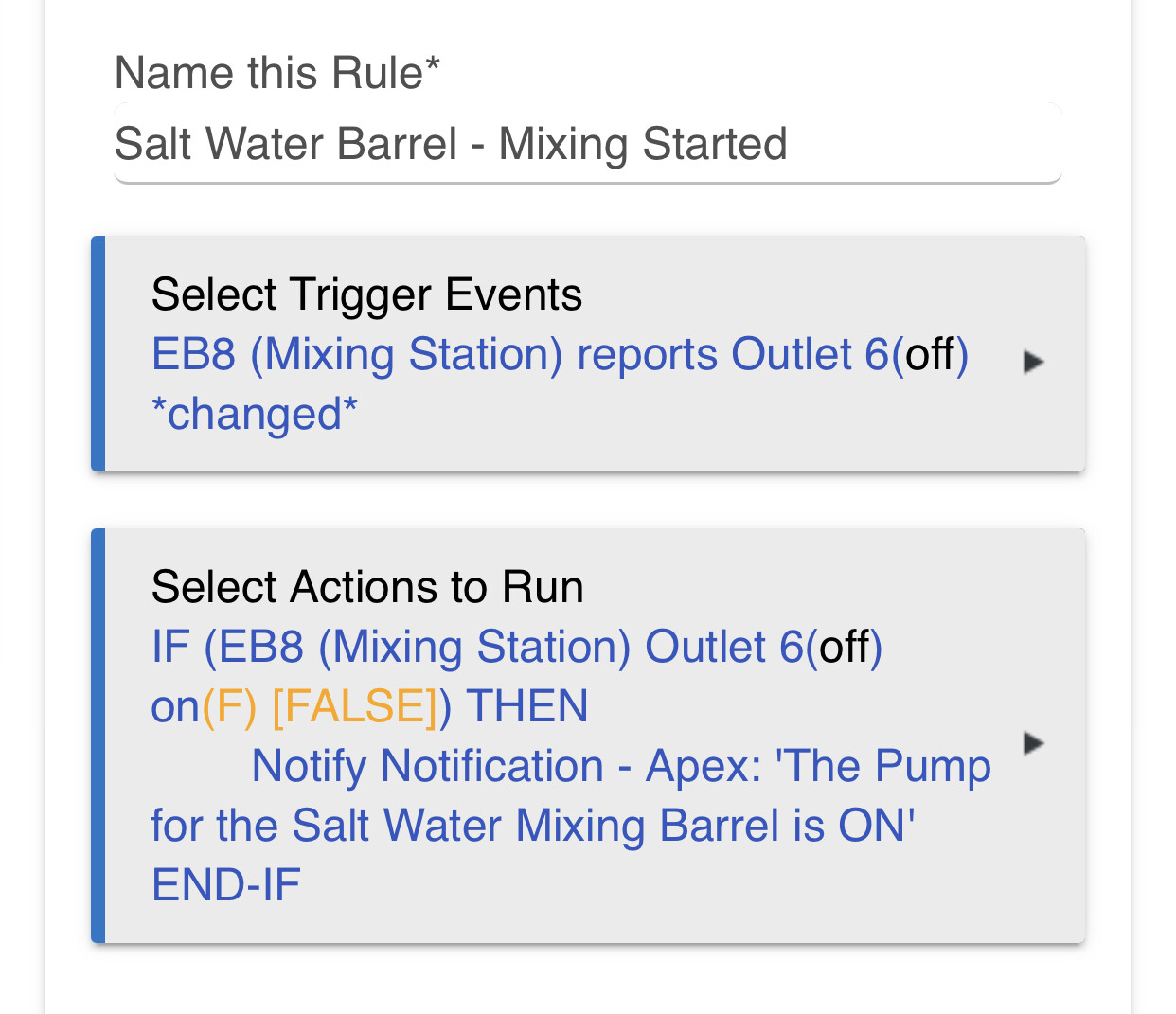
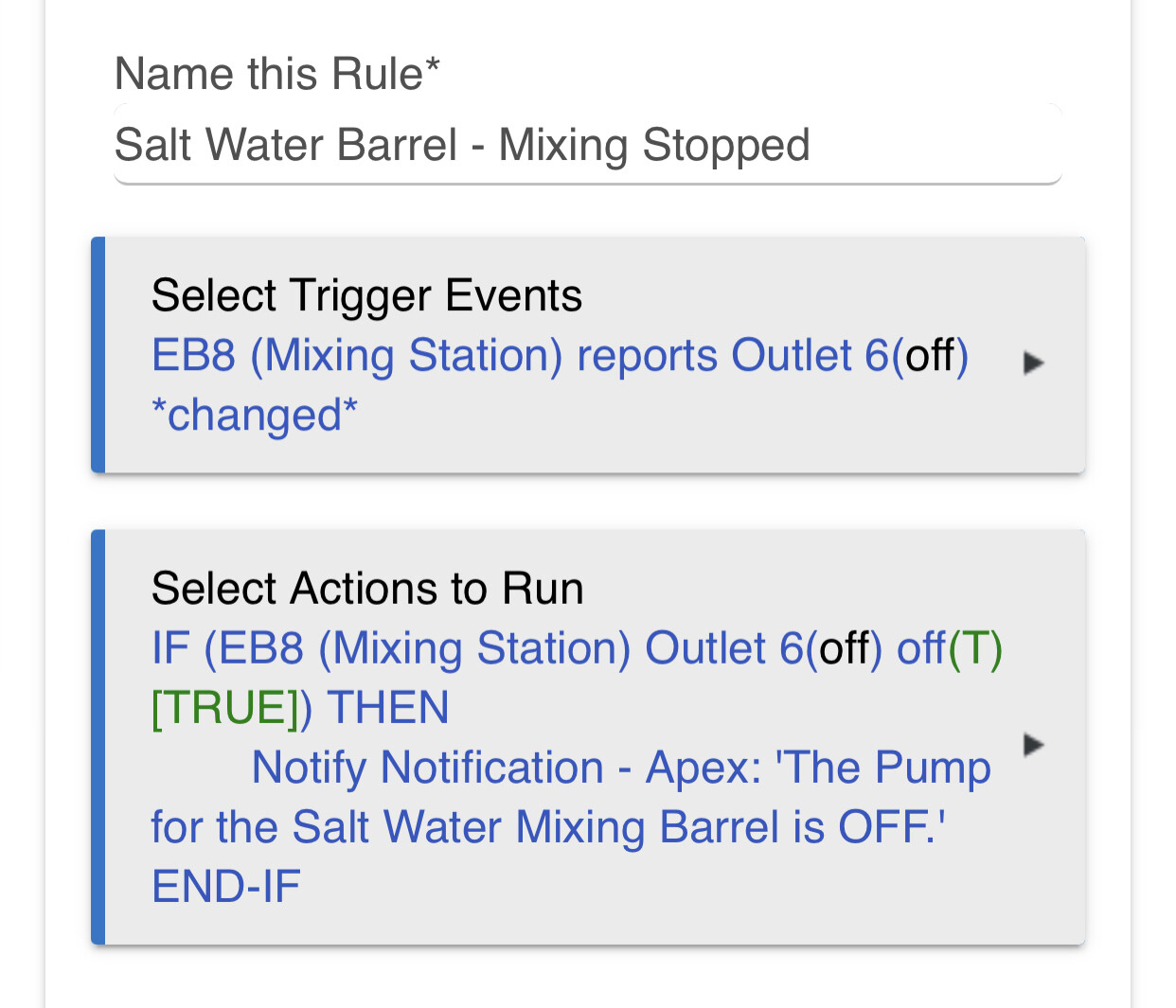
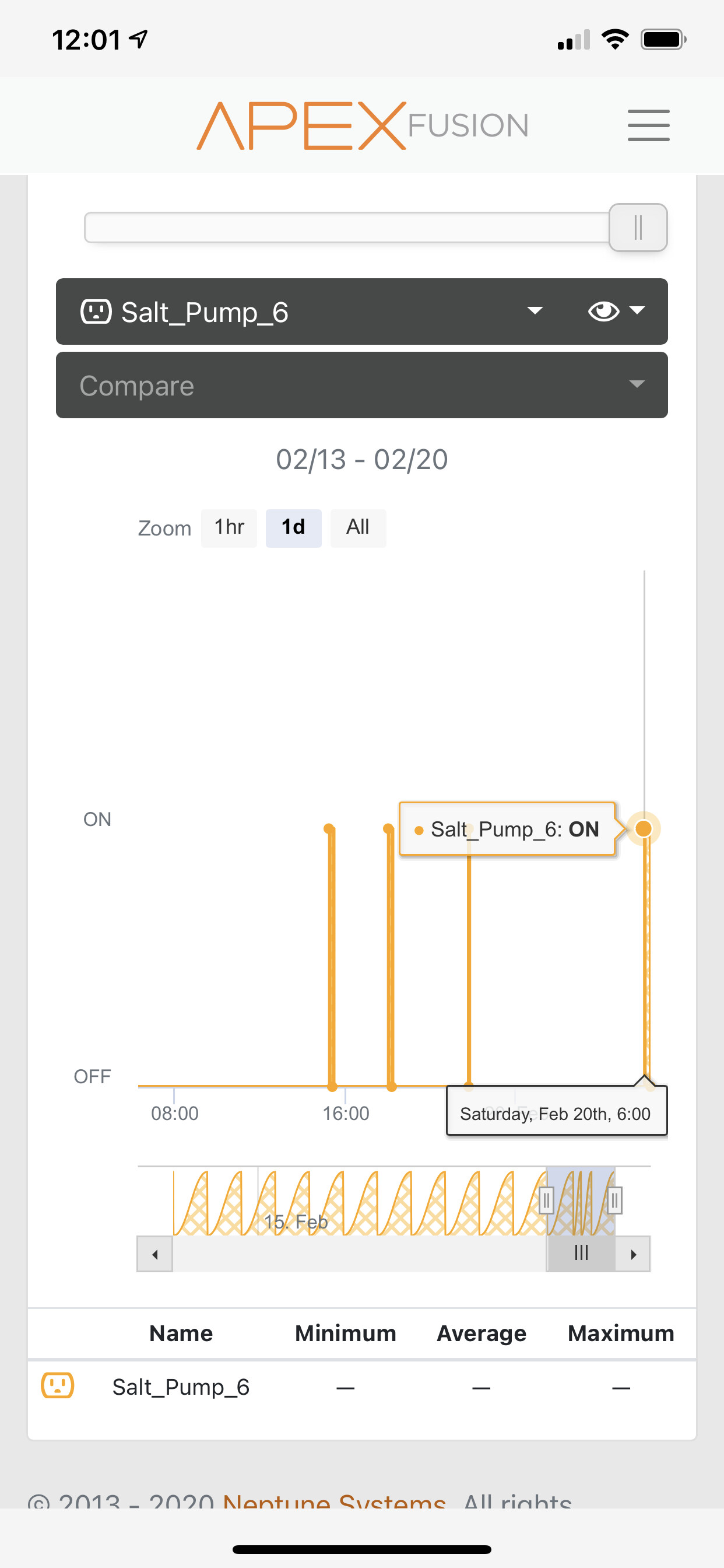
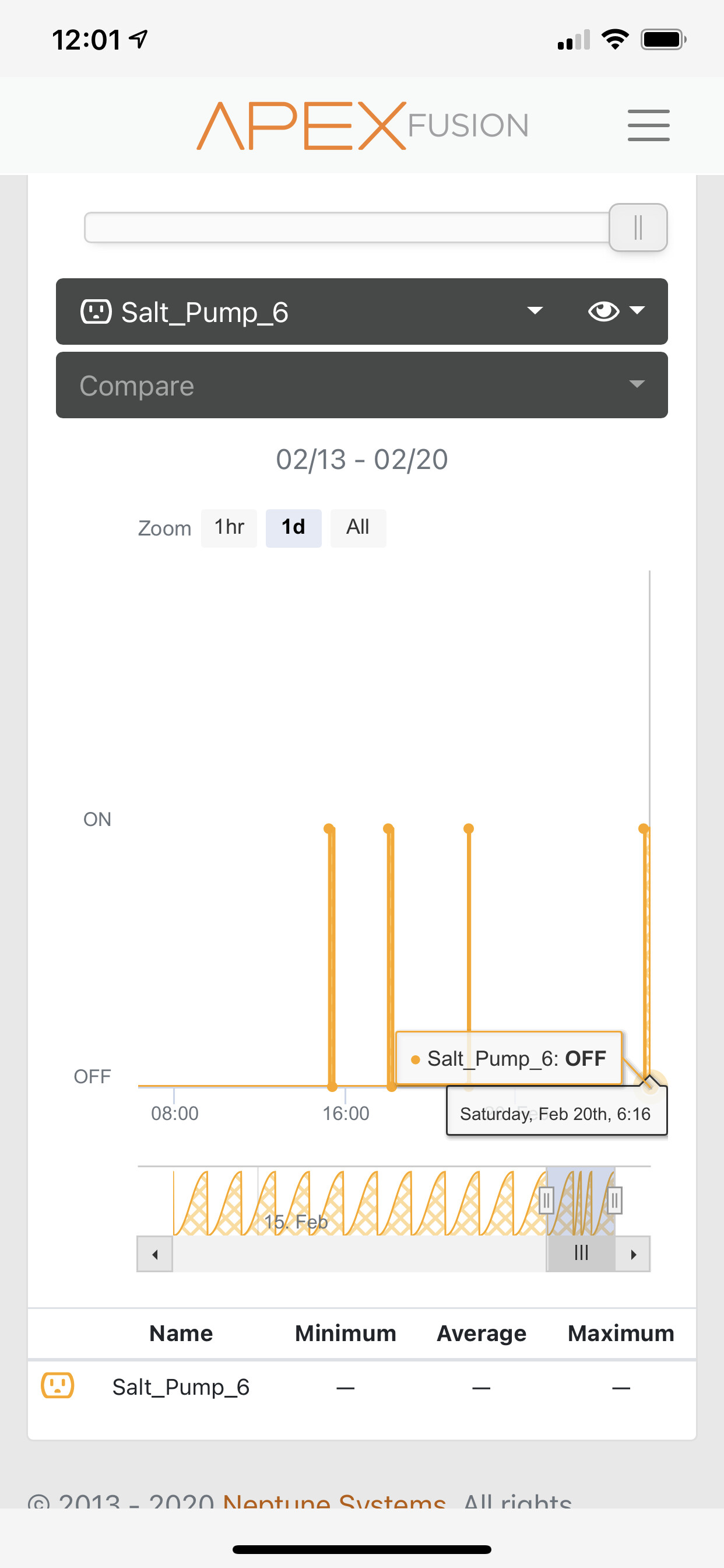
So prior to all the changes you recently made, I'd get daily pushover notifications twice a day when my saltwater mixing pump would come on and then shut off. It runs for 15 minutes twice a day, once at 6am and another at 6pm. Over the last few weeks I'm not getting the pushover notifications anymore and I have the script to poll once ever 5 minutes. Here's the funny part. I can, manually turn the pump on in Apex and 5 minutes later, I get a pushover notification from Hubitat, I'm just not getting any notification at 6am and 6pm when the pump is on and off based on the apex automation. I can see in the apex logs for the pump that it's turning on and turning off, so I know it's working properly. Any idea? Would turning the logging to "off" contribute to this?
Logging should not affect any state or event values, just whether I toss them to the log also (and what level of logging they are flagged as).
I am assuming you have a rule or something to trigger the notifications when the event is shown by the driver? Do you have it as one of the Custom attributes, or are you using the Child devices?
Like I said, the rule works when I manually turn the pump on in the Apex from Auto to ON and then back to Auto to shut it off. But when it sits on Auto and kicks on it’s not sending notifications out.
My apex logs are showing the pump turning on and off successfully.
Thanks! That gives me more info to work on. I wonder if I made a goof with the AON/AOF it does (it only does an actual ON/OFF in manual mode which you said works). Going to take a look right away.
Ok... I checked them all over and did not find any obvious bugs with the parent or child drivers (darnit, one of those good/bad things). So I am having to check over in more detail.
Can you enable logging on those rules to show if/when they trigger? I set a virtual outlet to act like a powerhead with a 10min on/10min off cycle. It is showing on the child device and in the logs every time. I even created a rule to trigger every time it detects a change for it and that is showing correctly as well. So I am not sure what the problem could be at this point.
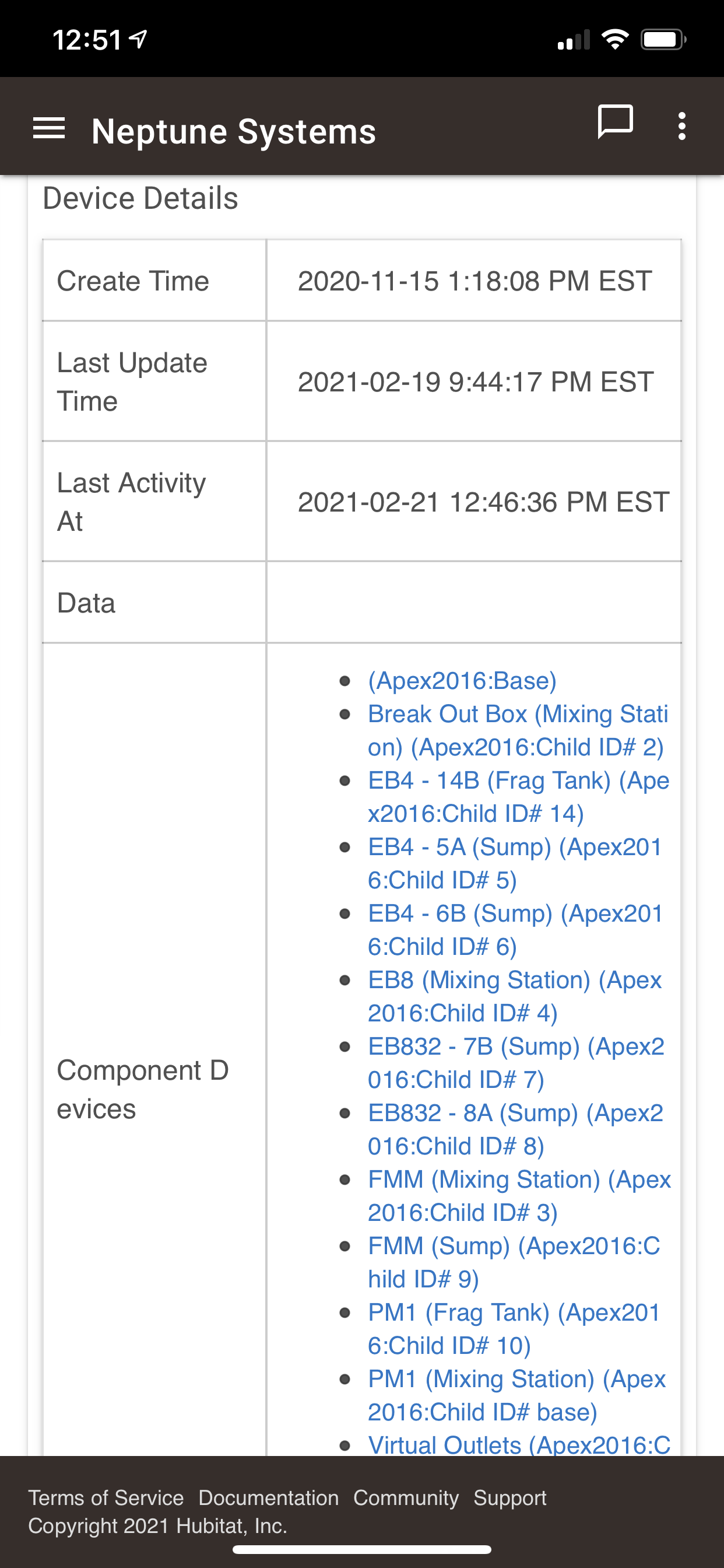
One last thing to check... at the bottom of the parent device, is the refresh showing the correct expected times to run? You can Save Preferences to reset that to make sure.
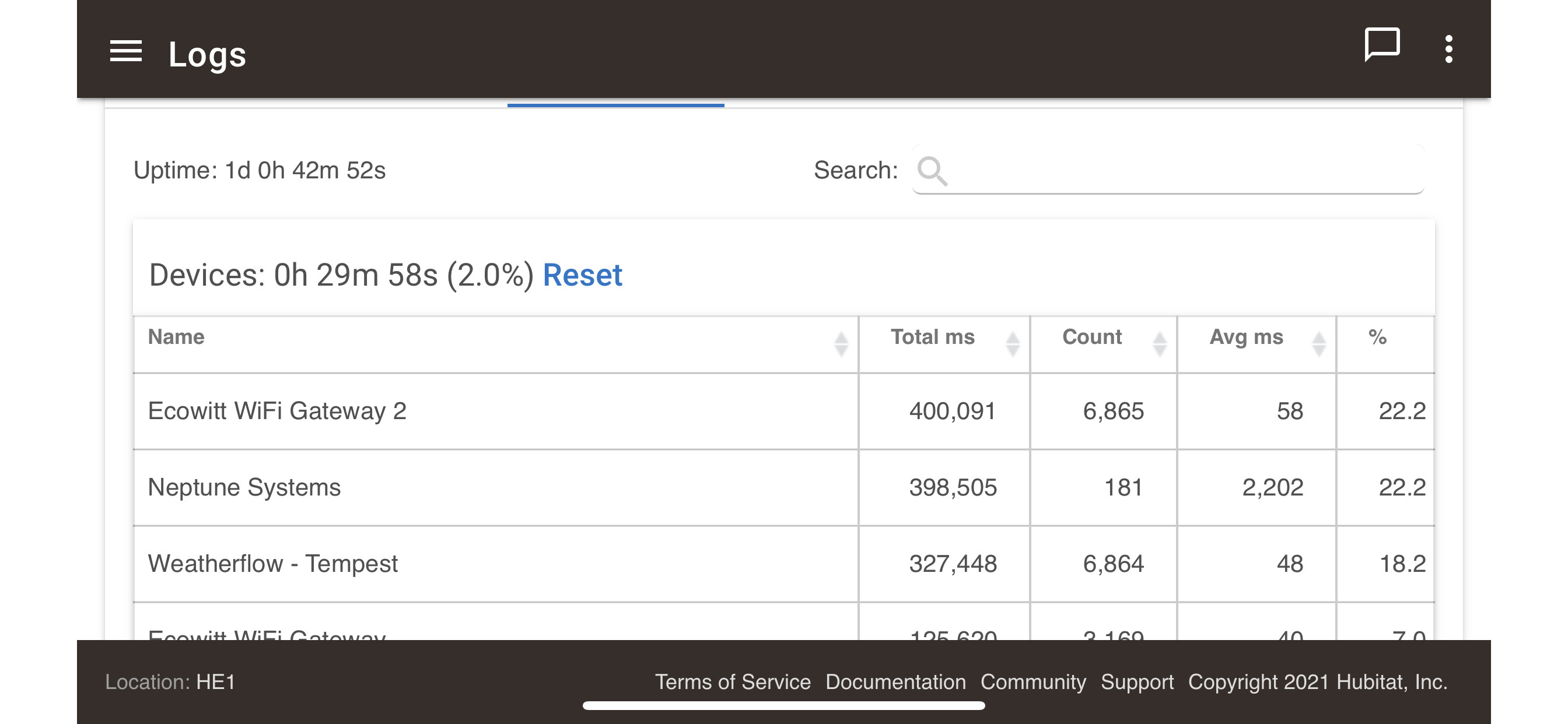
Mine is at the top of my list with 915K, although it has done it over 600 times and my avg is only 1,400ms. Is yours connected by WiFi or wired to your network? Just curious, nothing I can do about that. Looking at your system though, you have more children than I do so it could just be that it has more to do.
The time looks good, Next Run is 5 minutes after the Prev Run... so that does not look to have gotten out of sorts.