My hue bulbs seem to function fine after the 2.4.0 upgrade but when I go into the integrated hue app, it never progresses beyond this:
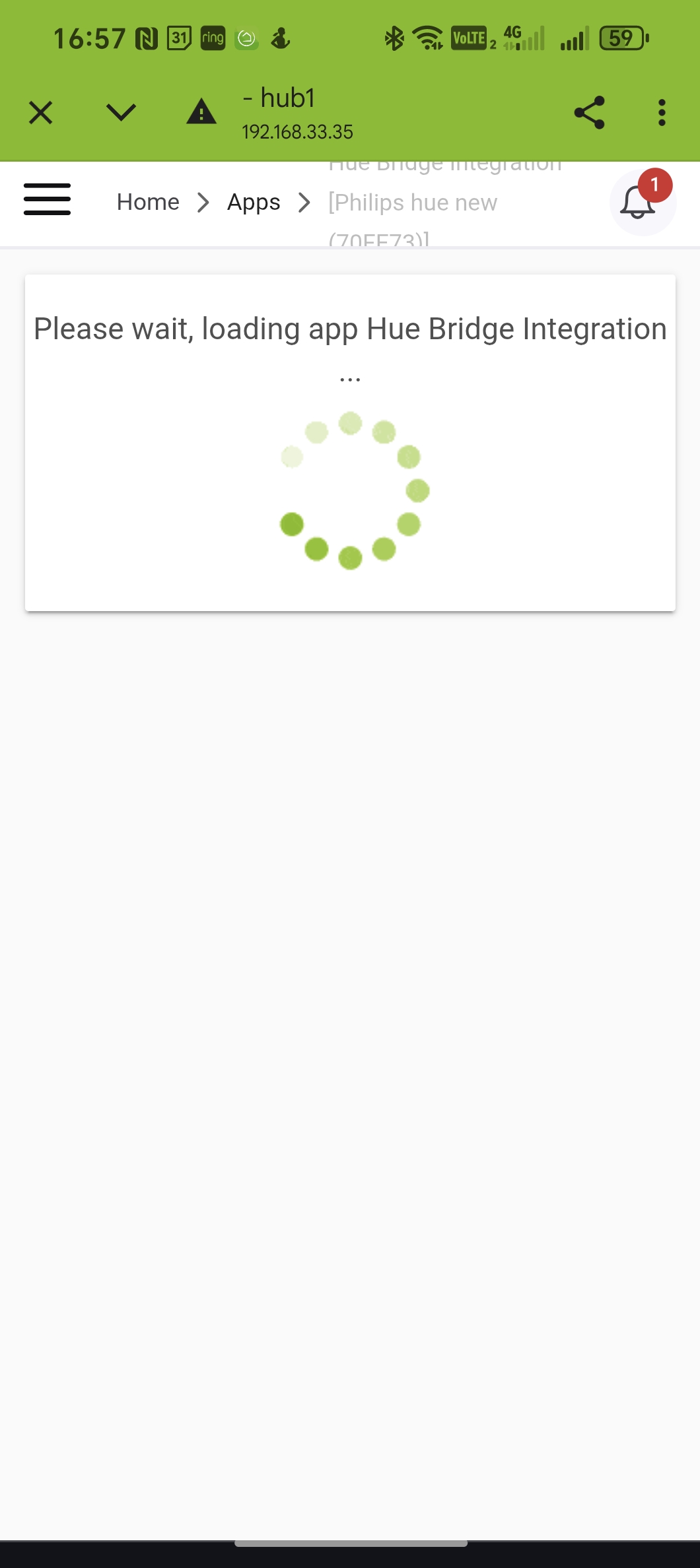
I was hoping to see if any of my hue buttons would now appear.
Any suggestions?
My hue bulbs seem to function fine after the 2.4.0 upgrade but when I go into the integrated hue app, it never progresses beyond this:
One thing that may help: run the "Initialize" command on the Bridge device driver, wait a minute or so, then open the app again. Just waiting (with or without the app page open) without doing that may help, too, as could another hub reboot and waiting a couple minutes after that before trying again if nothing else.
Possible fix for this coming in a future hotfix...but most users have eventually been able to get in.
Sadly this didn't fix my issue. Looking at the logs I get this error happening constantly for the bridge device:
There is a fix for that particular error coming in the next build. Avoiding use of the app and bridge at the same time will likely avoid it in at least some cases, or eventually the deadlock should stop on its own...
EDIT: Fixed in .145.
Last update fixed the cpu issues with cocohue. Both app and device log/stats were previously at the top of the list .. now way down...not sure if it was hub firmware or the app itself... i updated both.
If you were using the custom integration, CoCoHue (which I assume various typos above may refer to), the app and driver updates for that integration, alone, would have fixed the problem.
If you were using the built-in integration, the app and driver changes as part of build .145 would similarly have addressed the issues there.
This topic was automatically closed 365 days after the last reply. New replies are no longer allowed.
Download the Hubitat app