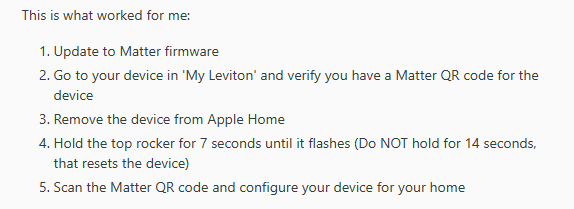
I installed my new C8 hub, connected via ethernet to my router (T-Mobile wireless router Nokia 5G21 Gateway). All good in set up and connecting a pair of zigbee roller shades. In trying to connect my existing leviton wireless dimmers, model D26HD, i am having problems connecting. Leviton has upgraded these dimmers to matter capable and that process installed correctly apparently. However, when i go through the connection process, with the matter code and the switch in sync mode, the switch loses its wifi connection to the network (with the flashing amber light on the switch). The hubitat connection stalls and eventually times out.
This happens on two separate switches. It appears that once the hubitat connects to the switch, the switch shuts down and requires a reboot to reconnect to the network, done by an air break on the switch.
This may likely be a levitonissue but wanted to start here. I know the hubitat instructions say to connect throughthe 2.4g network but there is no way, that i can see to force that connection or a means to turn off the 5g network. The C8 is connected via ethernet cable.
Thanks in advance for any help or guidance. Dan