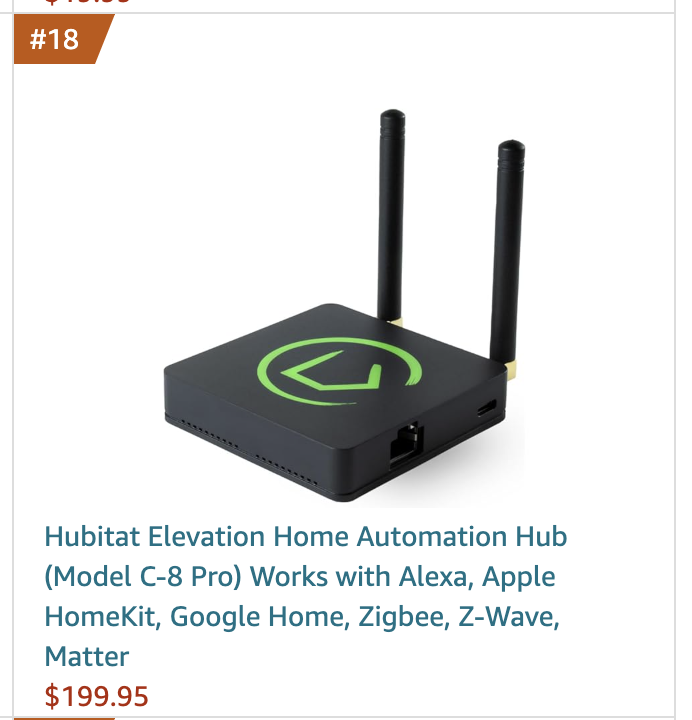
Looks like the new C-8 Pro hub has reached the top spot in new Hubs & Controllers at Amazon!
Always nice to see!
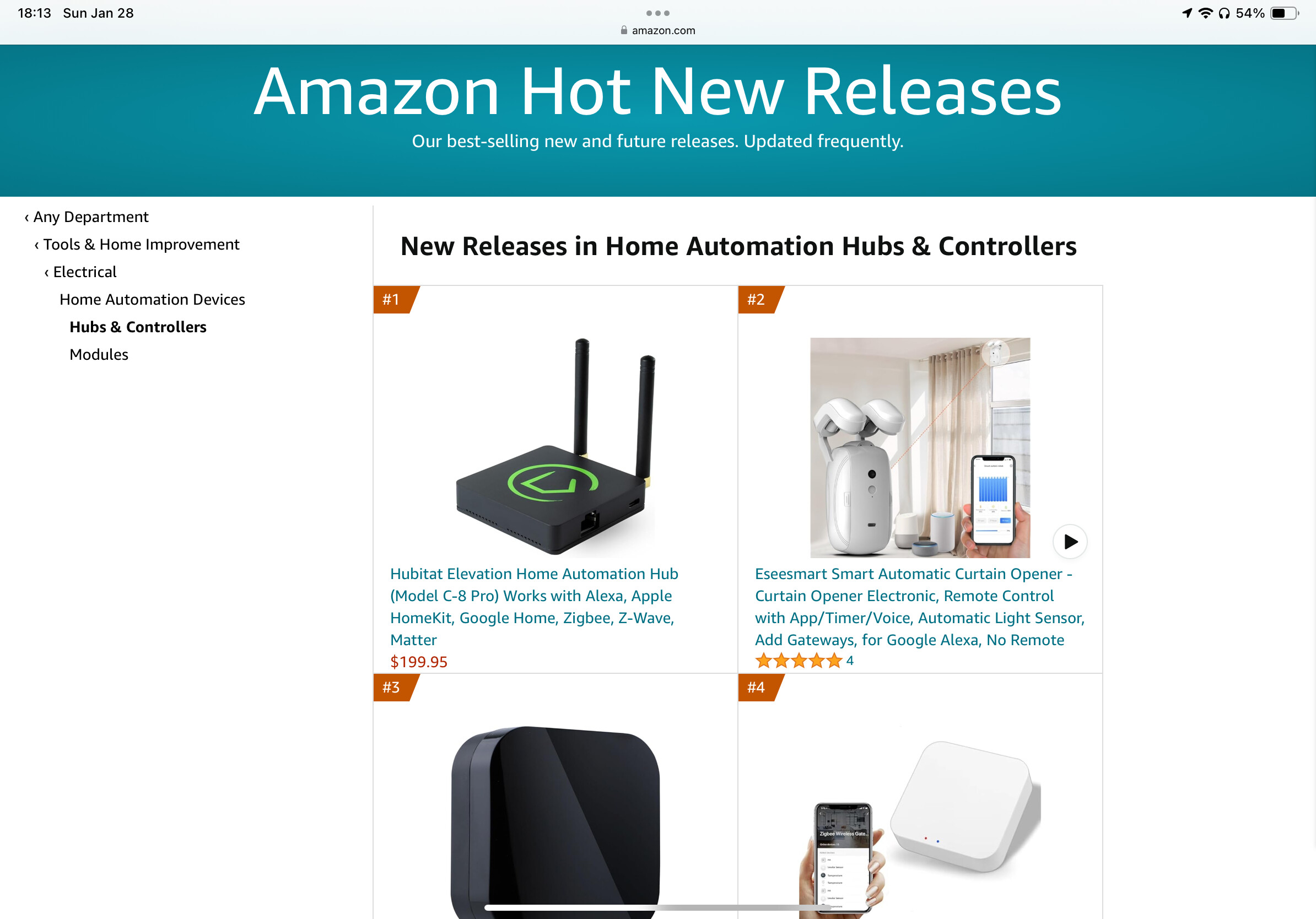
https://www.amazon.com/gp/new-releases/hi/6478740011/ref=zg_bs_tab_t_hi_bsnr
Looks like the new C-8 Pro hub has reached the top spot in new Hubs & Controllers at Amazon!
Always nice to see!
https://www.amazon.com/gp/new-releases/hi/6478740011/ref=zg_bs_tab_t_hi_bsnr
Woot! That's a kicka** kickoff! Well done HE team.
Currently ranked #18 on the best seller list too. 
Awww...so proud, doesn't it look nice w/those perky antennas? 
To be frank, I think the logo is now in the wrong orientation. I've felt that way since the C8 was introduced. The original reasoning I'm sure was that the indicator light denoted the front of the hub, with the Ethernet port and power port at the rear. But with the antennas being such a prominent feature, they should really be the rear of the hub just as pictured, with the Ethernet port and USB-C denoting the right side of the hub and the indicator light on the left.
If I were setting the hub on a shelf, I would place it just as shown above, with antennas at the back. When mounting it vertically, I would have the antennas on the top. In both cases, the logo would be turned 90 degrees clockwise.
SImple fix. Change the silk screen process so the logo is rotated 90 degrees counter clockwise.
They do use this orientation as one of the views on Amazon for the C8. That looks better than the one above, at least. And for a desk mount that makes sense w/the LEDs in front and ports on the back.
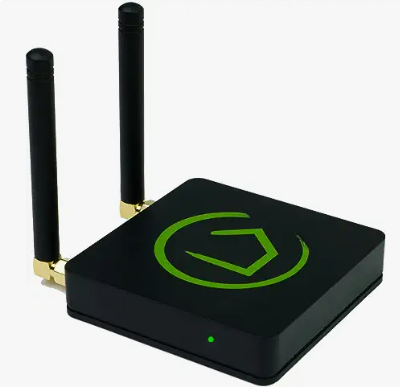
There, fixed it for ya. Feel free to print and tape onto your hub.
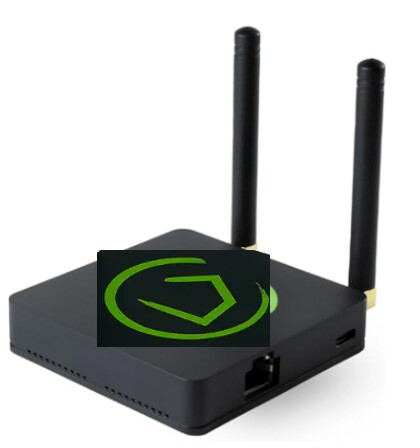
Come on now, we've all seen thousands of devices with dual antennas. How many of them have the antennas on the left when you're looking at the front of the device? Correct. Not a single one.
As for needing to see the light constantly, I cannot agree. It's a diagnostic tool at most. My C7s are mounted vertically in a wall cabinet with the Ethernet and power port at the bottom (and the Hubitat logo upside down  ).
).
I cannot see the light at all. If I want to see if they're online using the light, I need to hold my finger above them and look for the green reflection. But that's a rare occurrence that I look for the light anyway. I know they're online when they're online
That doesn't work well if you are a Vulcan or Romulan.

This topic was automatically closed 365 days after the last reply. New replies are no longer allowed.
Download the Hubitat app