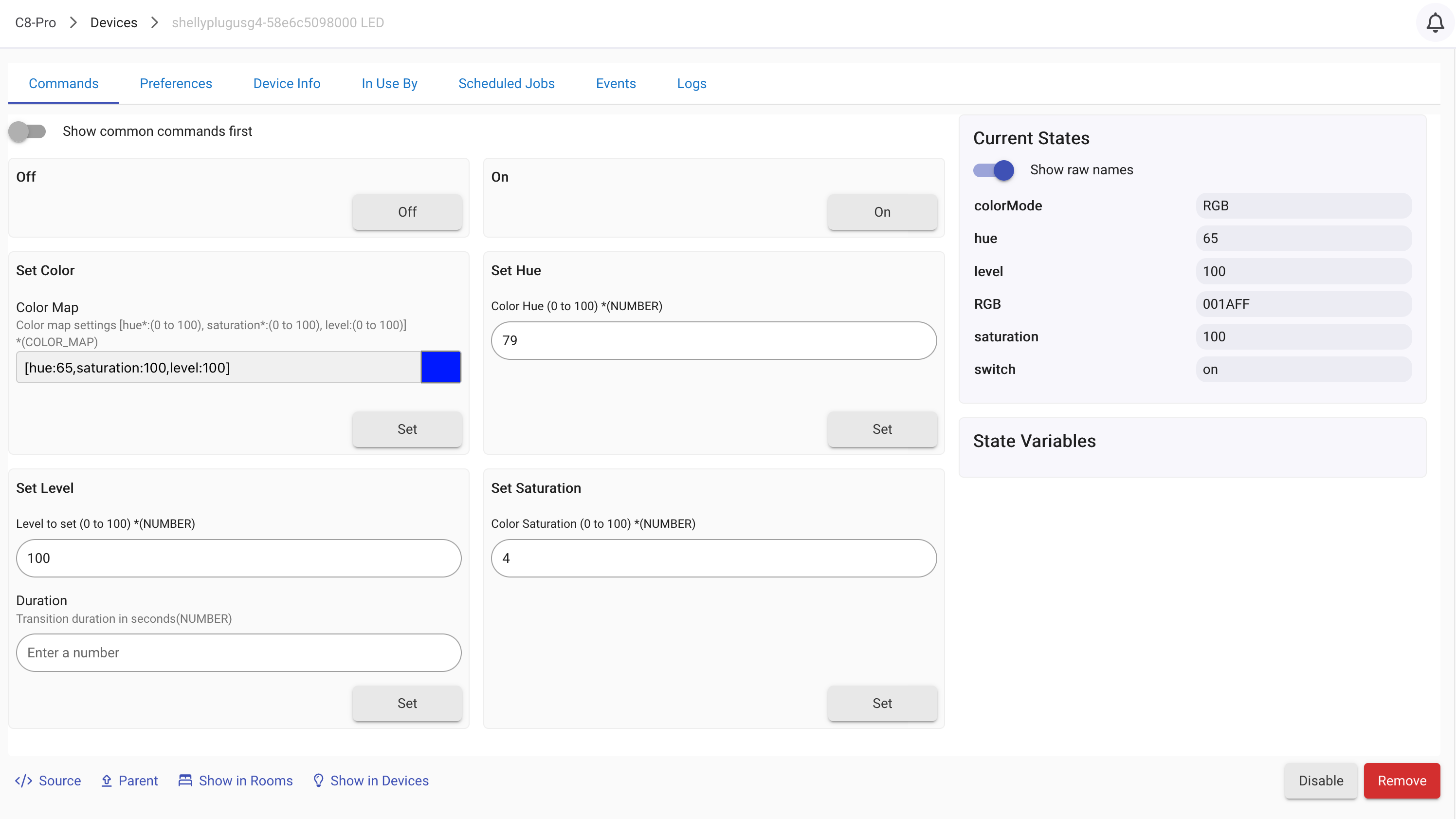
Finally got my hands on one of these new Gen 4 Plugs, so I could iron out some issues and get it working. Has a preference toggle to enable/disable the creation of a child RGB device. When enabled, the child device works in Hubitat like any other RGB device does.
There's no point to the "night mode" stuff with this, since all that does is set a time range for the LED to dim. If you want that, Hubitat already provides a million ways to dim a light on a schedule. It would need 3 preferences to implement it in setting to enable the Shelly Night mode thing, one pref for start time, one for stop time, and one to enable/disable it. That's a lot of clutter on the preferences page for something you can already do in Hubitat natively.
I just have what I get shipped for testing, and it's in black. It's a nice plug, for sure. Quite easily the best smart plug I've ever used. Then again, pretty much all of Shelly's line is top-notch hardware.
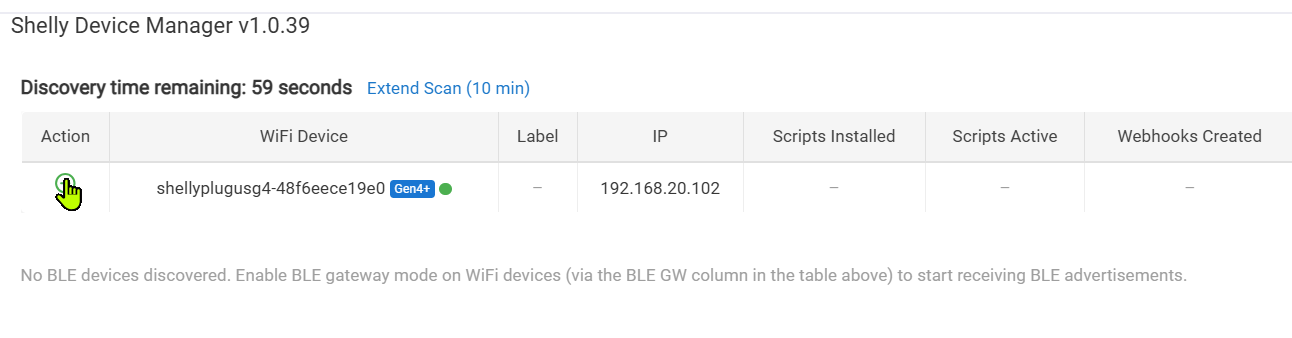
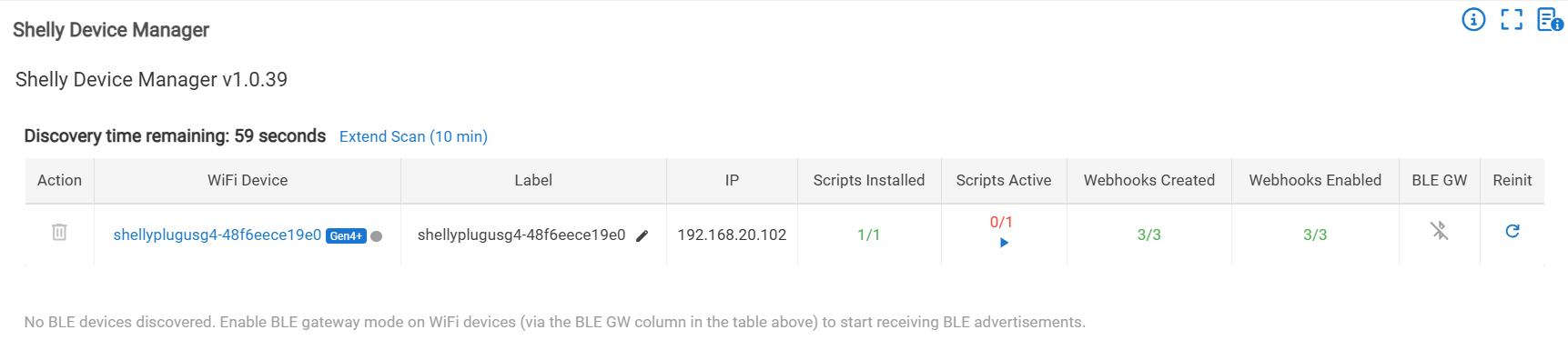
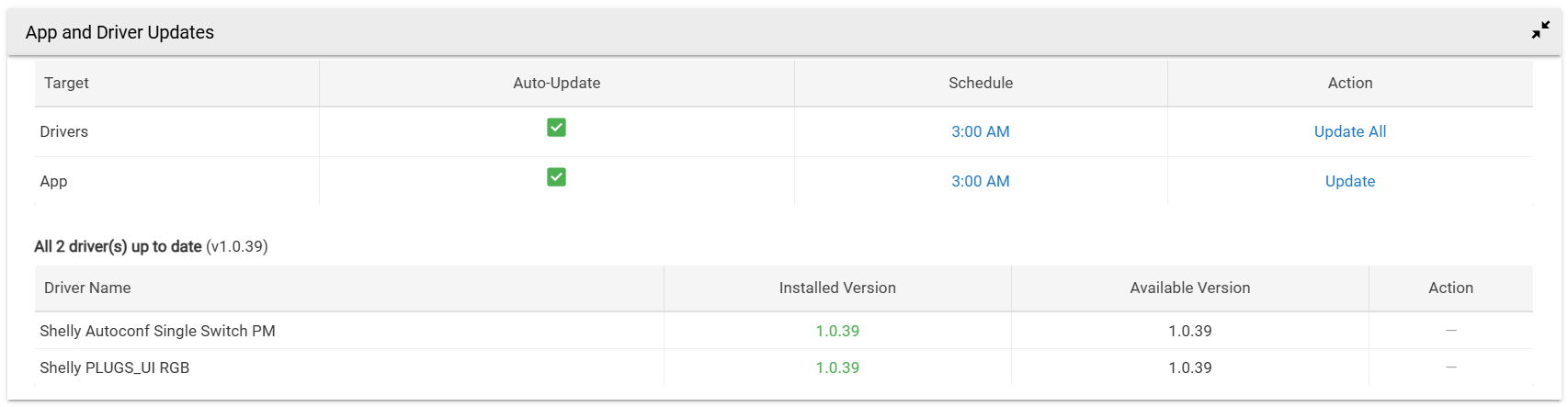
Plug discovery worked when I tried it again this morning! App & driver updates process wasn't completely smooth, but once done Shelly plug device was created.
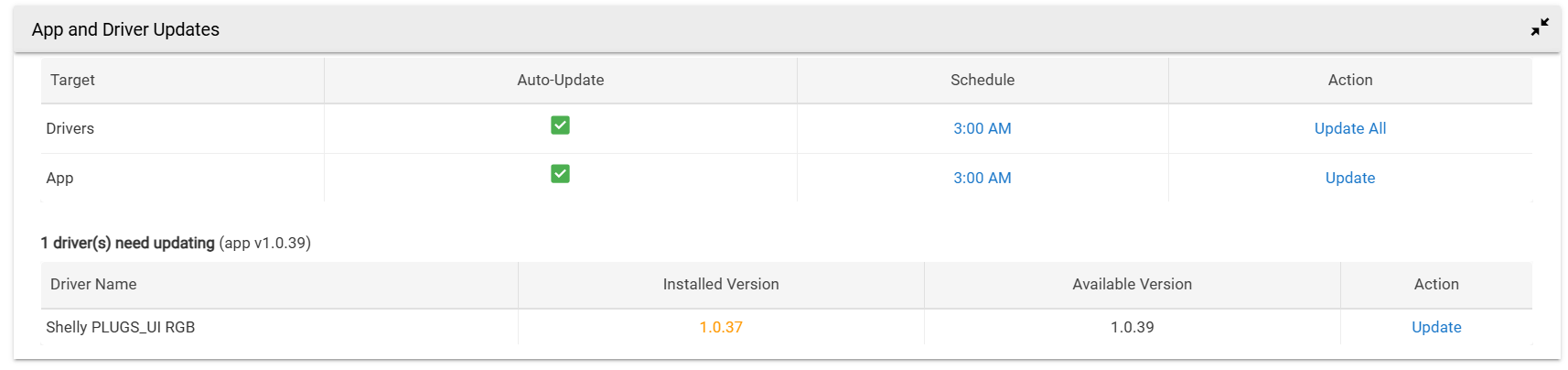
Both app and driver were set to auto-update in the app, but the driver part didn't auto-update for some reason. Clicked "Update All" on Drivers line and driver did not update. Clicked Update in the Driver section below and that did update the device driver.
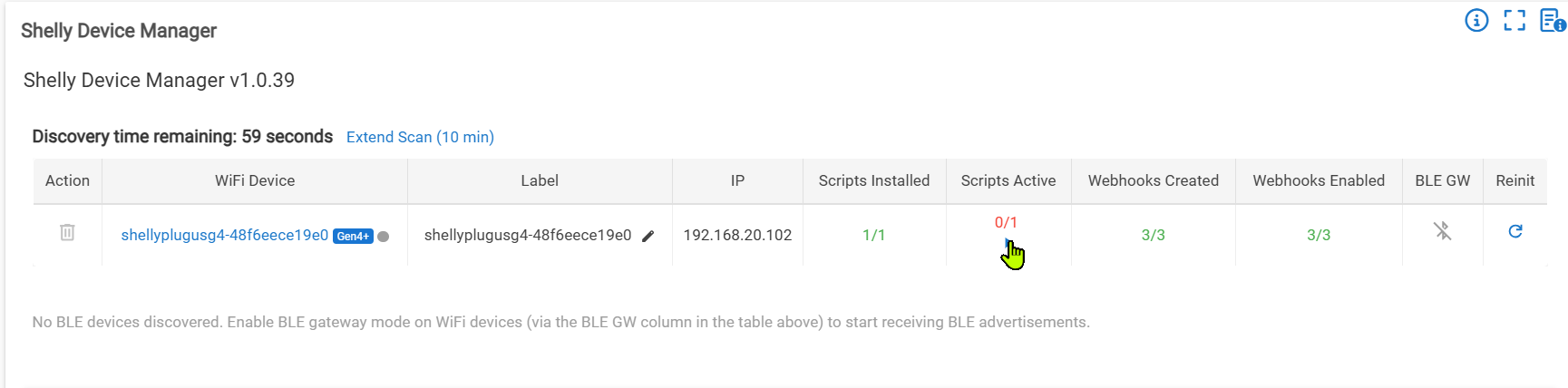
Then clicked on + symbol in Discovery section, and the plug was added along w/additional Autoconf driver. The "Update All" action is still showing under the Action column in the App and Driver Updates section:
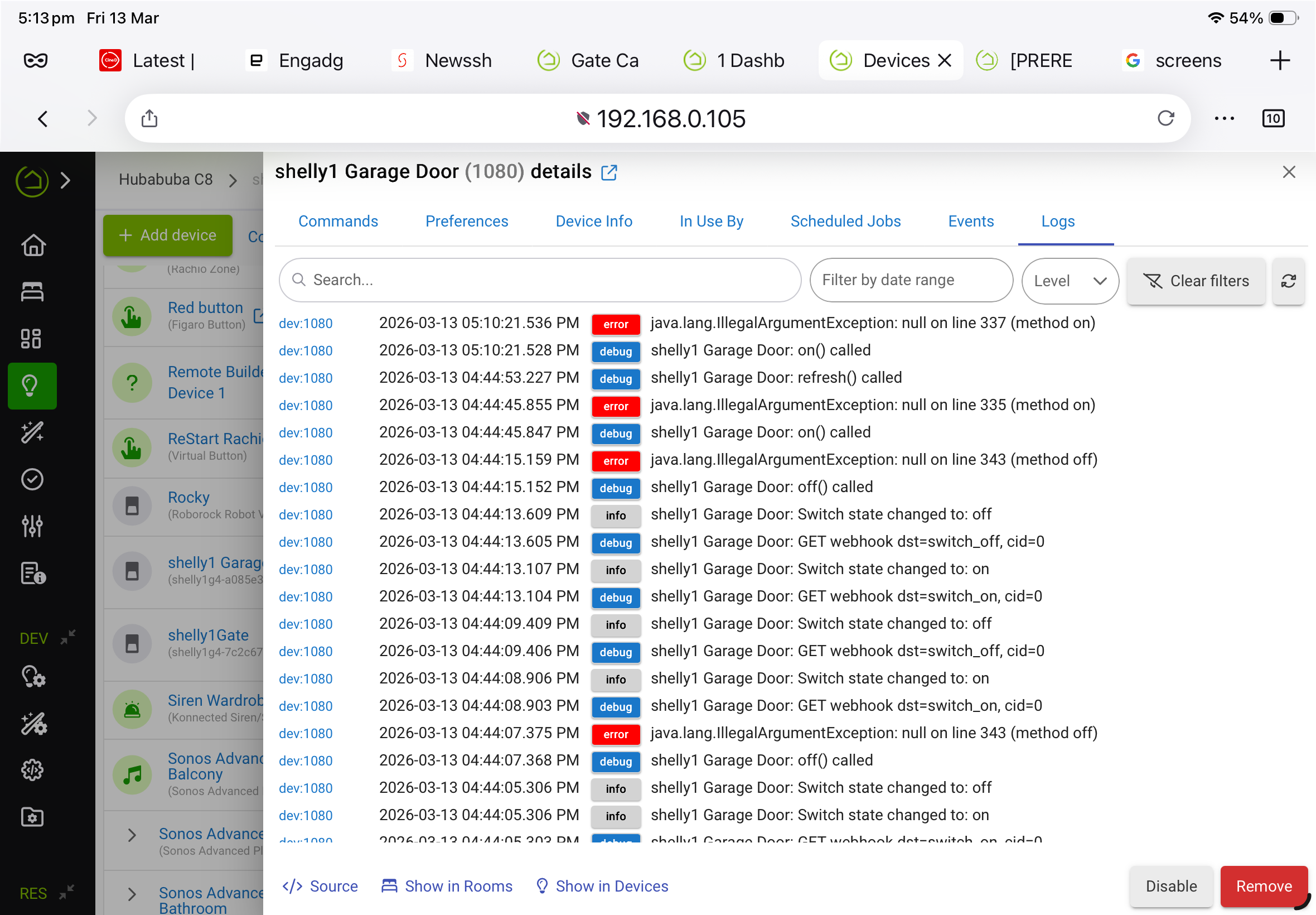
@daniel.winks I have loaded your app and get errors when I try to turn a Shelly device on. It’s a Shelly 1 gen4 connected to my garage door. Thanks for any help. Cheers, Tim