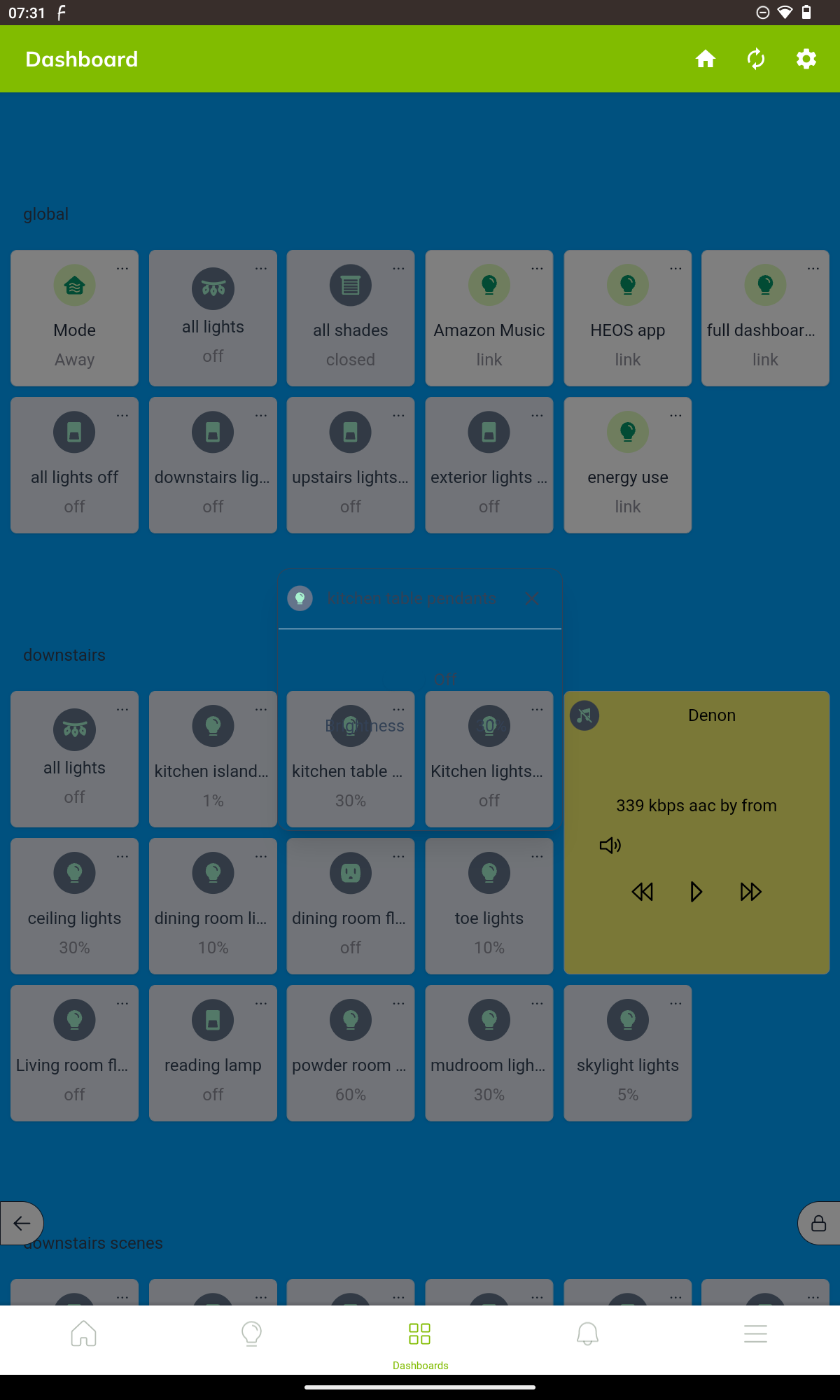
I'm using the Android app version 2.1.2. When I click on the three-dot menu for a button, the pop-up menu is displaying as translucent, and isn't readable.
When I open the dashboard in Firefox, the popup is [correctly] opaque:
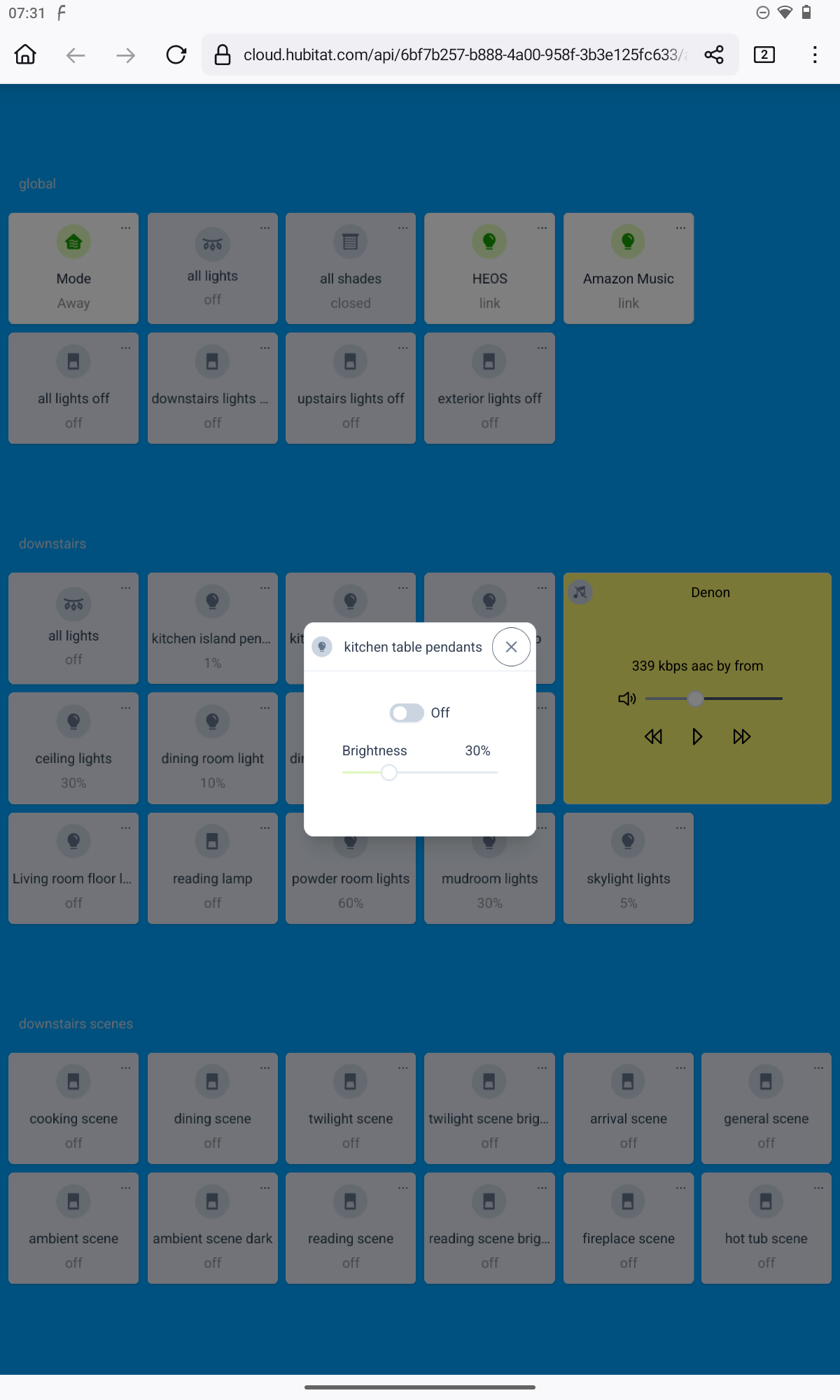
It's the same when the dashboard is set up as light, dark, or legacy theme. FWIW, the popup is also transparent in Fully Kiosk. Also, it's device dependent--I'm seeing the issue on a tablet (an onn tablet pro 10.4" running Android 13), but not on my phone (Samsung S22 Ultra)
Is there any way around this?