C8-Pro
Release 2.5.0.126 and prior versions on 2.5.0.x
Not getting the UI alerts that a platform update is available. Pushing the bell icon doesn't do anything.
Logged in today and no notification. Hit check for update and it found .135 from 2 days ago.
Used to work great, now I find myself checking manually.
My experience over a long time is that each update isn't flagged. I don't know why.
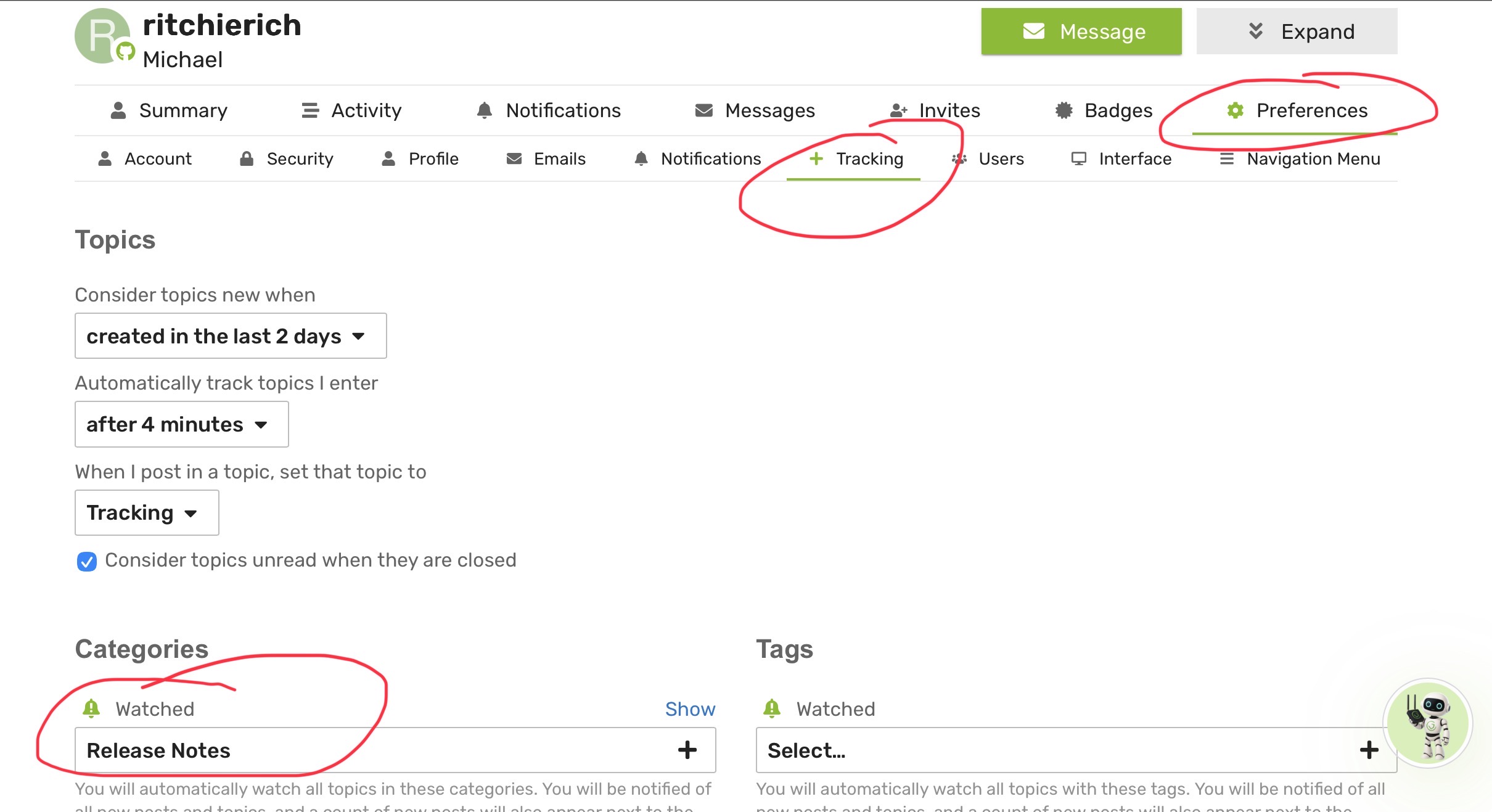
Best way to get notified is to watch the release notes category in this community. Then the discourse community platform will email you when a new version is released
I get that there are other ways to get notified, but what's the point of a bell icon in the app if I can't configure it to notifiy when a new release exists?
Still doesn't explain the issue that when I click on it, nothing happens. Before it would open a page where it at least would say no new alerts.
I have three active hubs. When new releases are available, I typically see the little red alarm bell go active on all three hubs. Sometimes, one of them will not show the new release immediately. Since all three hubs are part of the Beta program, I see lots of release notifications in this manner.
I believe the HE hub periodically reaches out to the Hubitat cloud to see if new releases are available. So, this is not instantaneous and simultaneous on all three of my active hubs. This explains why sometimes I will see a new release available alarm bell notification on some hubs, but not another. If I wait long enough, the notification bell goes active on all three hubs.
So, it might just be a timing thing... Or, your hub might be having a hard time reaching out to the HE cloud server. This is sometimes seen with users who have complex home network setups, with multiple VLANS and lots of restrictive firewall rules.
The bell icon is designed to inform you of existing notifications/issues that the hub has logged. If the hub isn't aware of an update notification yet, there's nothing for the bell to show. 
I have def found variability across my four hubs w/regard to platform update notifications. Sometimes one or another of my hubs will lag behind the others.  Some of that might be due to load balancing on HE's side...
Just sharing my experience. Clicking the bell icon in the past opened up a new page that listed the alerts or showed a message that there are no new alerts. This has changed in the 2.5 builds.
Two days since release and the hub didn't alert to the new release. That's not load balancing, or at least, that wasn't perceived as such before the 2.5 build.
Furthermore, there are no changes in the network and I don't see the hub getting blocked or rejected packets from my router logs. The fact that a manual update check works points that there is no connectivity issue with Hubitat servers.
Again, this is an unexplained issue that I haven't seen addressed in the release logs and posting here for some clarification from the developers.
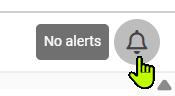
Don't know about when/if things changed w/clicking on the icon...I never click on it unless I see it has an alert. There is a clear message if you hover on the icon:
Don't remember seeing any posts recently about delays getting update notifications...be interesting to see if others chime in noting this issue as well.
Hovering works on a PC. Doesn't apply to touch screen navigating though, so that's another reason why it really should open up another page with info.
Very good point...  Though folks might just learn that no response means no notifications, and saves creating/displaying another screen/pop-up. Might just be a toss-up.
Do any of the deveopers monitor these threads to address potential bugs?
Most developers, myself included, are active Hubitat Elevation Hub users. We routinely update our hubs and many participate in the Beta Program. Thus, we do address items that arise based on Hubitat's Platform updates.
Does that answer your question? 
After further re-reading this thread, it appears the developers you would like to have the attention of are the Hubitat employees who are responsible for the changes to the overall platform. That would be folks like @gopher.ny, @bobbyD, @bcopeland, and @mike.maxwell. By tagging them, as I just did, they will receive a notification to take a look at this thread. Hopefully, one of them will respond (it's the weekend, so maybe next week?  ) and see if there is anything they can do to address the mobile website issue you highlighted.
Hope this helps!
Can you PM me the hub id(s) for the hub(s) where it's happening? There may be something in the engineering logs.
Thanks for responding, I sent over a PM with the hub ID.