network.target has very little meaning during start-up. It only indicates that the network management stack is up after it has been reached. Whether any network interfaces are already configured when it is reached is undefined.
network-online.target is a target that actively waits until the nework is "up", where the definition of "up" is defined by the network management software. Usually it indicates a configured, routable IP address of some kind.
Redhat documentation also states to use "After=network-online.target"
I am using 64 bit Ubuntu on an RPi 4 and that is the only reference to network in the config. Interesting differences but I think your setup seems a little safer.
I'm running linux mint, a debian/ubuntu derivative on an dell 4th gen i5 usff desktop.
The NR setup for is the same as the RPi as I originally was running NR on the 3B. I just migrated away from the Pi as by the time I bought the Pi, power adapter, sd card & case, I was real close to the cost of the 4th gen I5s on ebay.
In addition I want to start logging HE data to NR/Influx/Grafana so from what I read I would need an ssd for the Pi so I just decided a usff desktop was a better value/performance proposition.
For my headless PI4 I have an Argon M1 case w/SSD (via USB). Works great but a little setup is required. Wonder if the new Raspbian 64 Bit would make it even easier. Also have an Odroid N2 using for testing/dev - got the idea from @aaiyar. That too is a nice low power box. The N2 uses EMMC which is fine for the purpose and has a bit longer lifespan and maybe reliability than an SD card.
I have an upcoming project that may use Blue Iris.. if that pans out then def looking at older I5 or I7's with a bunch of RAM and an SSD of course.
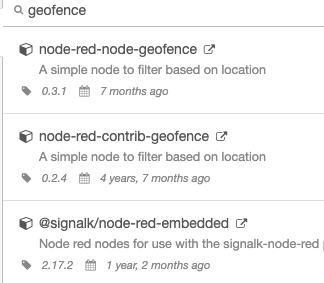
All of the above fail when I try to install. This seems to be a common error for a lot of the nodes mentioned in the threads about Node-Red within the Community. Is this a compatibility issue with current version of Node-Red?
Here is the error message.
npm
2022-04-15T21:44:26.202Z [err] ERR!
2022-04-15T21:44:26.202Z [err] Invalid tag name ""~"3.1.6": Tags may not have any characters that encodeURIComponent encodes.
This pallet did not show up when searched for on the Install tab in Node-Red.
I did not check the Utilities. I got a bit frustrated and gave up.
Is there something wrong with my HomeBridge and Node-Red install (I used your current version, but upgraded Node-Red) or is it something else?
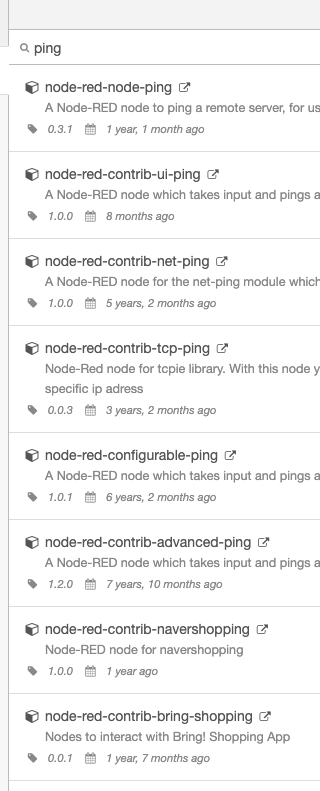
Node-RED provides a "ping" node (non-contrib version). That's the one on top of @csteele 's list and the one I have been using. Works with v1.3.x and v2.x