I honestly haven't had this integration running for a very long time. It stopped working for me and I was never able to get it functioning again. It's a really tough setup.
Our Bosch 300, which is pushing 4 years old now, has all the settings available on the front panel so we do not have that issue. I actually wanted the 800 series but they didn't make it in 24" white. Anyway, I have found the home-connect app itself to be pretty intuitive. Notifications are sent to our phones when cycles are complete and when it needs more jet-dry. It also keeps track of when it's time to run the machine care cycle and when it's time to re-order the dishwasher pods.
The only thing I was using this integration for was to monitor if the dishwasher was running a cycle for in home announcements and to make sure the water valve stayed open for the duration of the cycle when we left the house while the dishwasher was running. I ended up accomplishing these tasks with an energy monitoring plug.
We do love the Bosch. It's hands down the very best dishwasher we have ever owned. I think I can count on one hand the number of items that needed a rewash and all we do is scrape and load. I'm hoping we get the 20+ years that you did.
It's my understanding that this integration is currently abandoned so there is that too.
Thanks...I'm currently struggling w/getting the connection from HE to Home Connect enabled (same that others reported) so yes - the initial setup is challenging.
I noticed there is a Home Assistant integration and I have that running on a Pi so I enabled that in about 5 min, and didn't have to wait 30m for the web site to complete the app registration as noted here...so not sure why that 30m wait is required here but not w/the HA integration. The HA integration is officially supported - Home Connect lists it on their web site and links to the setup info directly.
So I may go HA > HE if my setup of this integration continues to be stymied. Just failed again w/a new application created on Home COnnect site, waiting 30m, pasting the connect URL into a different browser (Edge) and get error:
{
"error": "unauthorized_client",
"error_description": "client or redirection URI not authorized",
"state": "90927a34-c0f8-4272-9994-9ba5aaaf7b71"
}
I do prefer an HE only integration for simplicity if I can get it going. Dishwasher will be installed on Friday, so we'll se how it goes...at this point HA>HE is "winning."
And don't see Home Connect in my apps list in Chrome. Refreshing apps list or adding it again doesn't open it in "connected" mode, takes me back to initial setup screen where the client ID and secret are entered.
Do I click on the "Connect to Home Connect" again?
Do I need to undo the changes I made to the code (commenting out the lines noted above) before doing anything else?
Thanks...I had read your stuff and didn't seem to mirror my experience as you note.
I think I'm going to just hit next on the screen showing the "Connect to Home Connect" and see what happens. If I have to start all over again it won't be a huge deal...
Trying to get this to connect is harder than winning the frickin' lottery... Got it to work early in the integrations development, but then I got disconnected. Tried now a year or so later. 10-15 tries without luck. It would have been smooth to get Google Nest to speak when the dishwasher was done, but I guess I have to stick with the HC app..
I just ordered a Bosch 500 series dishwasher which will be getting installed as part of our kitchen renovation that start December 1st. Since Big Brother/Google knew I had been shopping for it, a video popped up in my YouTube feed that mentioned this project: GitHub - hcpy2-0/hcpy: Python tool to talk to Home Connect appliances over the local network (no cloud required). I haven't absorbed all the details from that page yet, but it sounds like it might be an option for completely local control of Home Connect appliances.
All below done in Chrome and Edge browsers as noted
I use Chrome to manage Hubitat, it's my main browser. Rarely use Edge except when troubleshooting issues.
Chrome: Removed Home Connect registered app I had created on the Home Connect developer site, and created a new one (third time). Wanted to start fresh w/a new registered app after my initial failures.
Chrome: Re-confirmed I had modified code of the Home Connect Integration to hide the several lines recommended here
--No idea if this is necessary, as didn't test the process I used both w/the mod and w/out
Chrome: Removed and re-installed the Home Connect Integration app on my hub, and installed/opened to the first screen of the app. Then went to the Home Connect developer site.
Chrome: On the Home Connect developer site created/registered a new app using the settings from the Home Connect Ingegration app
-- Waited 30m after saving the new registered app as recommended by the Home Connect Integration. Not sure if this is really required as the Home Assistant integration has no required wait period.
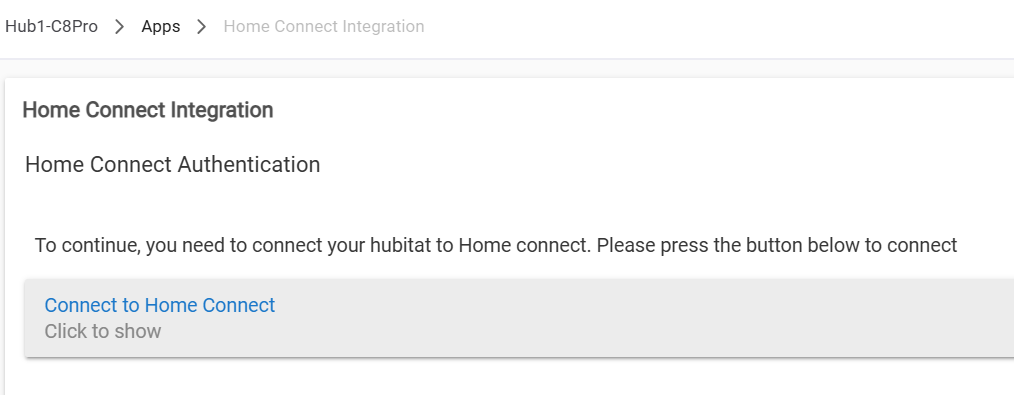
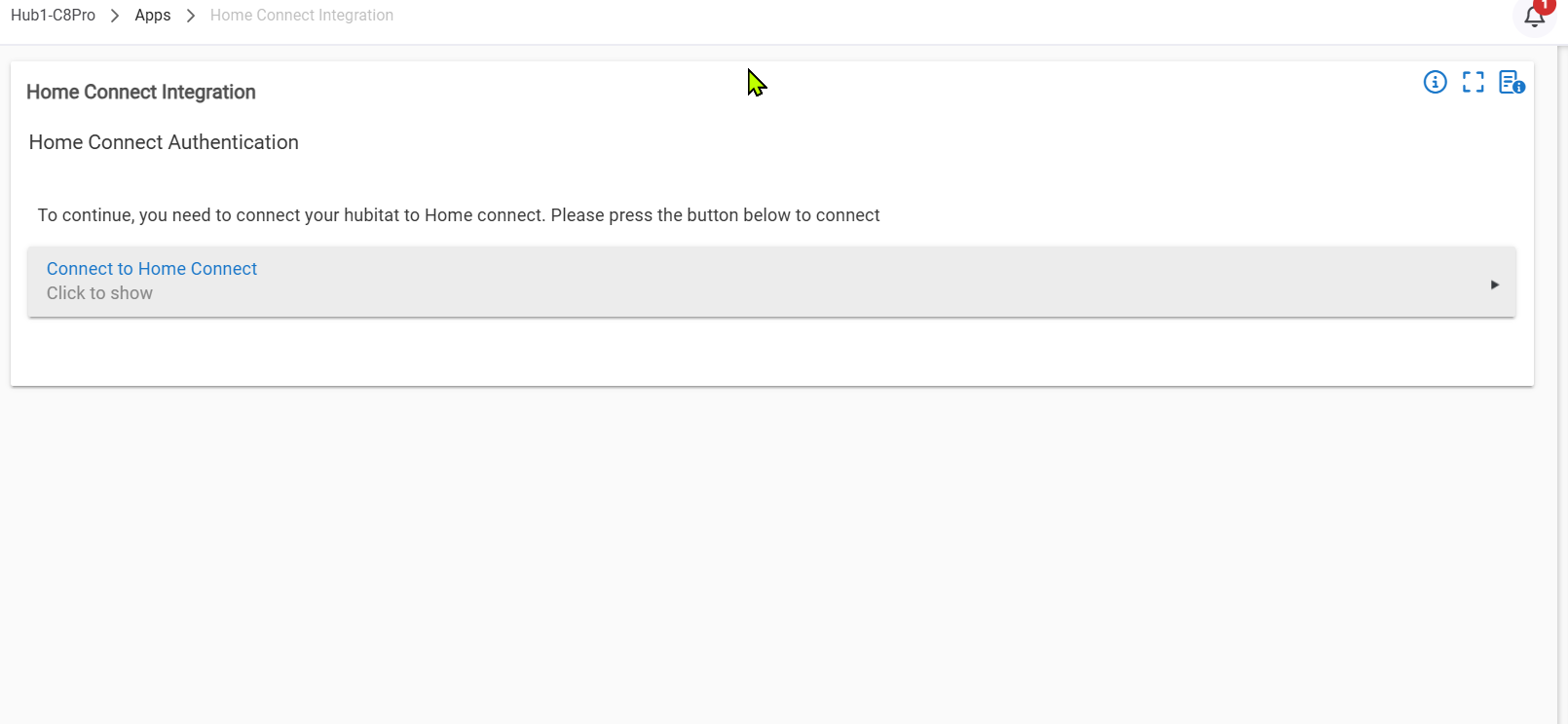
Chrome: Hit Next in the Home Connect Integration app which takes you to the page w/the big "Connect to Home Connect" button
Chrome: Copied the URL of that page (the whole page, not the URL of the button on the page)
Edge: Opened Edge browser and pasted in URL to open the page
Edge: clicked on the "Connect to Home Connect" button
Edge: Home Connect sign-in process initiated, completed the sign in and clicked button to approve connection and connection was successful.
-- Success message:
Followed directions on success screen to close the window which returned me to the previous screen...BUT - there is no "Next" button, I was stranded.
-- Stalled - no way to move forward
Chrome: Tried clicking the Connect button in Chrome on the "Connect to Home Connect" screen there, got a failure message as I had before when trying everything in Chrome
Edge: Returned to Edge browser and hit the "Connect to Home Connect" button again and the Home Connect sign-in process I had just successfully completed in Edge started again. Completed it again, and this time when I closed the window after the Success message, the "Connect to Home Connect" screen had a "Next" button at the bottom. (Sorry - forgot to screen-cap it.) I hit "Next."
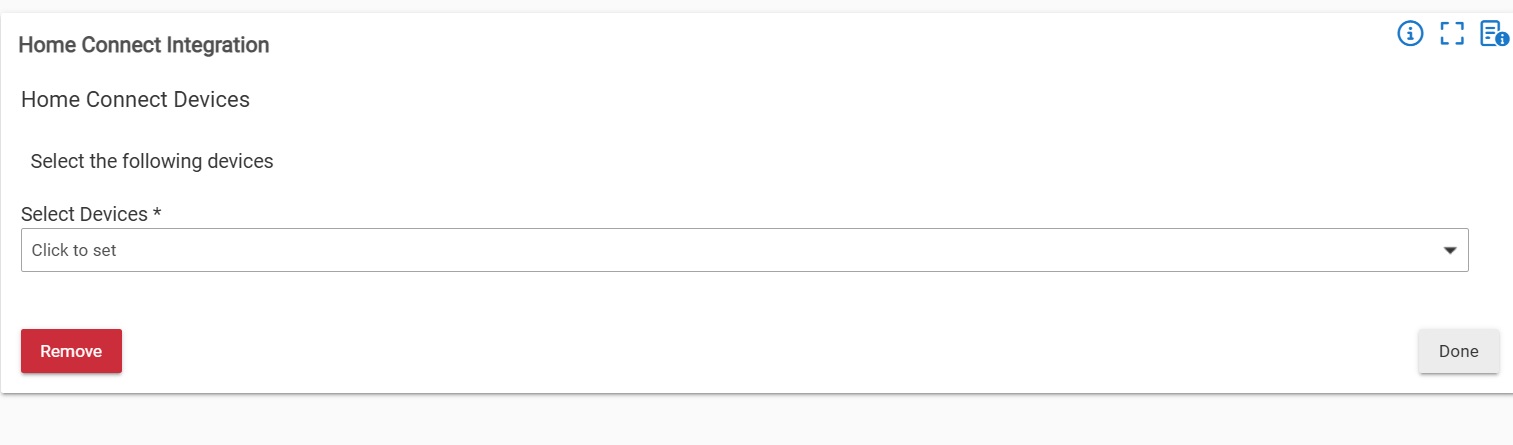
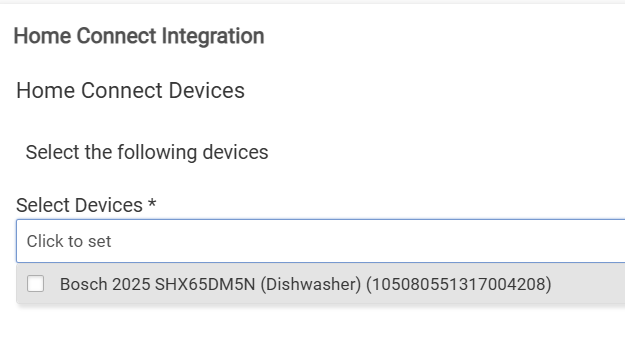
Edge: Home Connect Integration "Select Devices" screen appeared. Now I just have to wait for my dishwasher to be installed on Friday.
-- Select Devices screen
I'm not going to do anything back in Chrome until I use the Select Devices screen in the Edge browser to select my dishwasher and complete initial setup (do this on Friday when the DW is installed), and then I'll go back to Chrome to manage the Home Connect Integration app from there.
I haven't uncommented the lines in the app yet, will do that after I add my dishwasher to the Home Connect Integration.
So I tried your approach, back and forth, up and down, but didn't get it to work. Re-did the adding of the app and had to input new "return-address" and wait another 30 minutes.
Got back to the PC to finalize, but ended up with the pesky message that I was unable to connect. Then realized I had forgot to hide those lines of code. Changed the code in the Chrome-window and then retried in the Edge one. I got a rather troublesome error message in the main Edge window as I did the change "live" in the Chrome window, but the pop-up window for logging into Home Connect still came up. This did the trick, but as the screen in Edge had this error message I ended up in going back to Chrome and hitting F5 to refresh. This actually worked and I got to add my dishwasher!
Thanks for the guidelines! Maybe my mad tinkering helps the next guy some, but I'd say to go with @danabw 's guide to begin with! Cheers!
So dishwasher arrived and installed. Added dishwasher to to network & Home Connect via Home Connect mobile app. Completed "onboarding" process and enabled "Permanent Remote Start" as recommended in the mobile app. Verified could control dishwasher/see status. "Just in case" set app settings (this is on Android) to allow full background operation/removed battery limits.
Adding the dishwasher to Home Connect was actually easy:
First six steps in Chrome (where I normally manage HE):
Removed existing registered app I had created previously to test the process from Home Connect Developer site to "start fresh"
Remove and re-add Home Connect Integration app on HE (also a start-fresh precaution)
-- Confirmed I still had the four lines commented out in Home Connect Integration app
I have to do more reading but I think the ON command errors may be related to having to re-authorize remote start every time you open the dishwasher door? I think I saw something about that when I was reading a ton of stuff. Even w/"Permant Remote Start" enabled in the mobile app you had to tell the dishwasher to allow remote start each time before you close the door. Have I got that right?
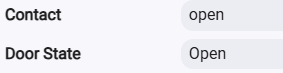
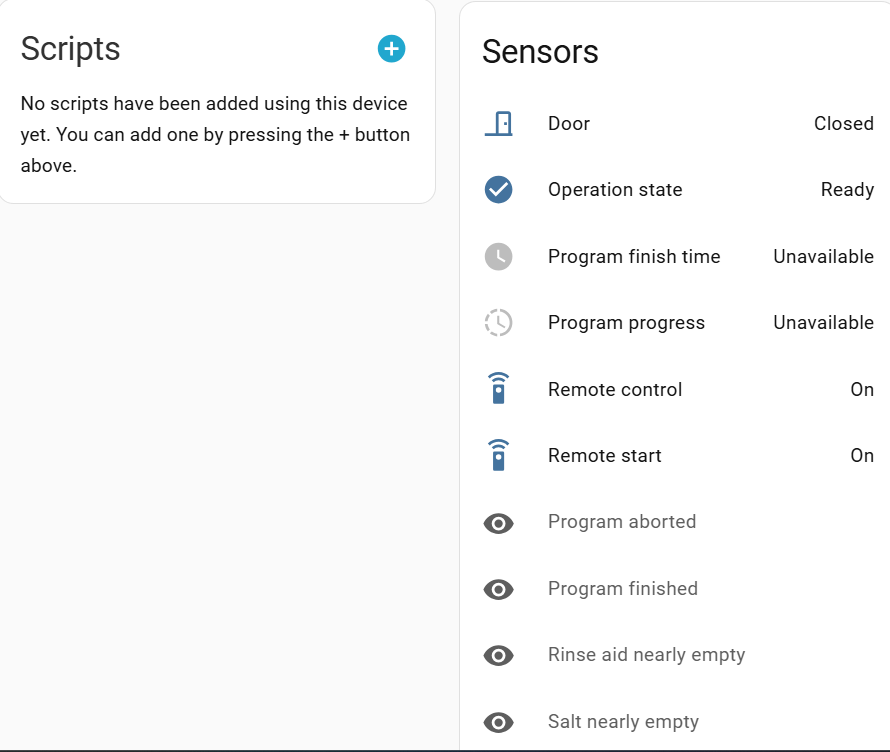
I do get accurate status updates when I open/close the dishwasher drawer:
Too bad Home Connect isn't HomeKit enabled (at least I haven't found anything that says it is, and it doesn't show up in the HE HomeKit app) The new HomeKit capability in HE could have been an easy path.
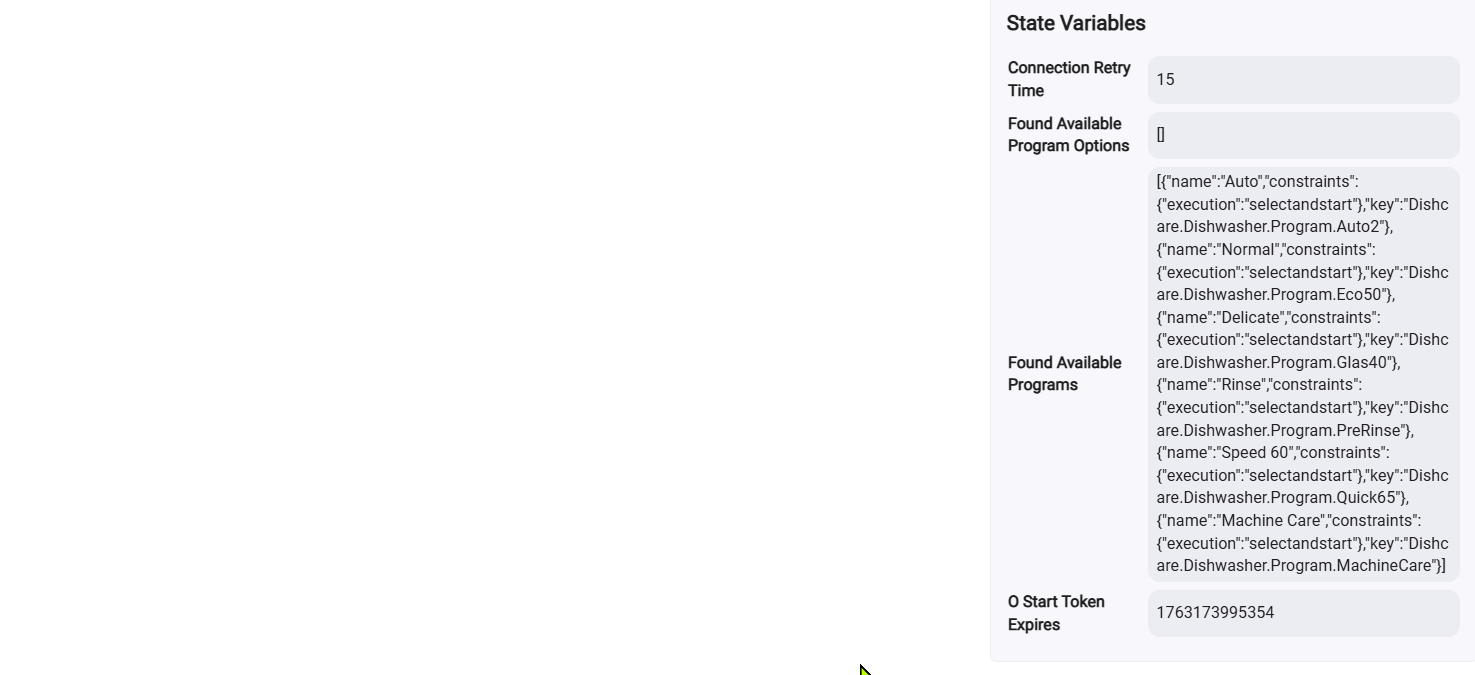
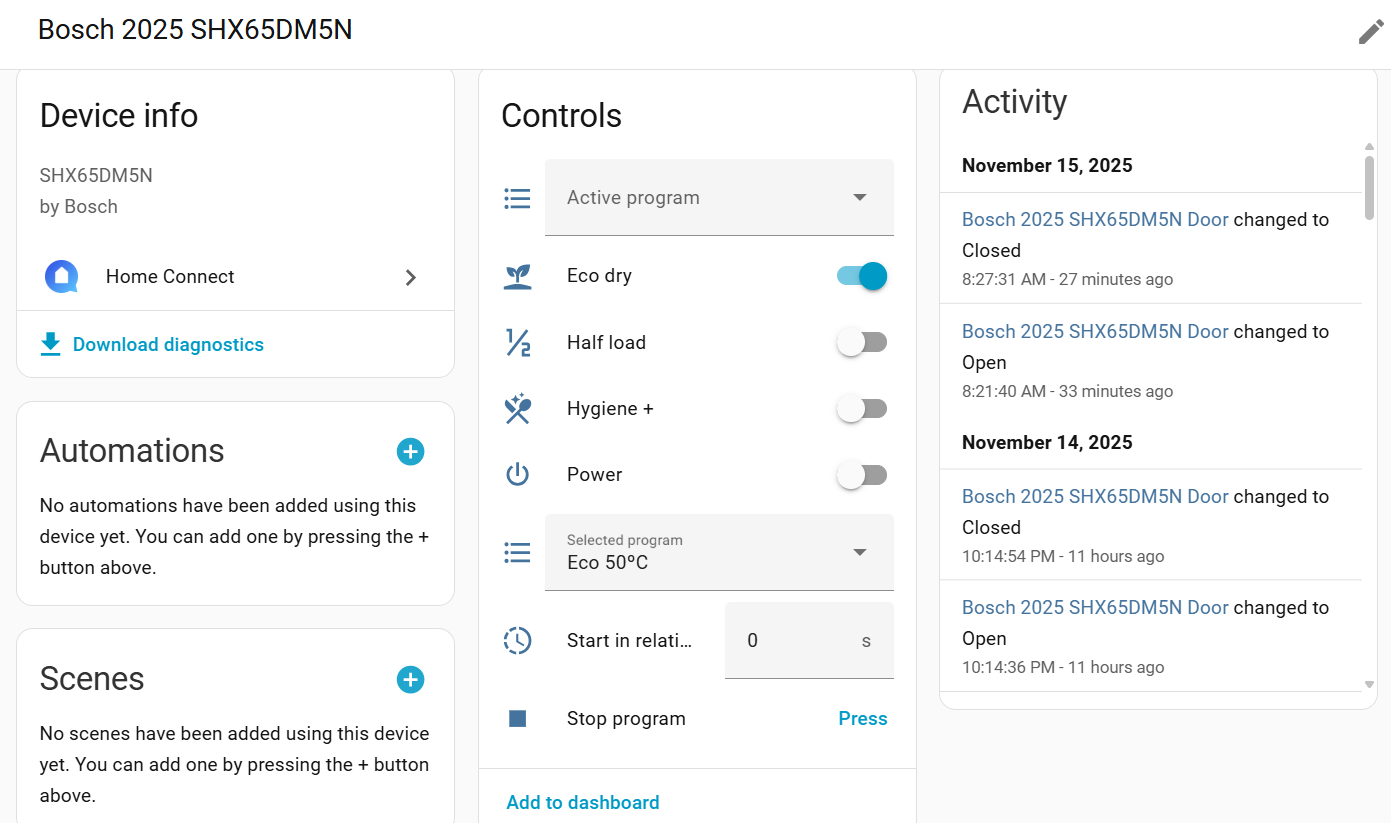
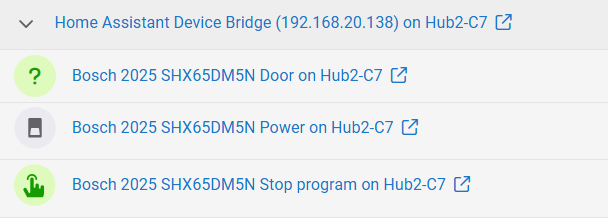
I brought the dishwasher into HE via HADB, and a power device (switch) was created in HE/HADB, but only after I used HA to turn the washer on/off. (I did re-intialize HADB in HE, but that didn't add the dishwasher power switch.) No other HADB devices were created. Since the dishwasher doesn't come in as a device (or any of its programs) there's no way I can see using HADB to start the dishwasher programs.
Update on HADB devices for the dishwasher. It seems like more devices will appear in HADB>HE as I use them on the dishwasher or in HA. E.g., the door status appeared in HE (as a contact sensor) after I opened and closed the door on the dishwasher, and the Stop Program option (as a button) appeared after I used the "Stop Program" button on the Bosch Dishwasher device on Home Assistant.
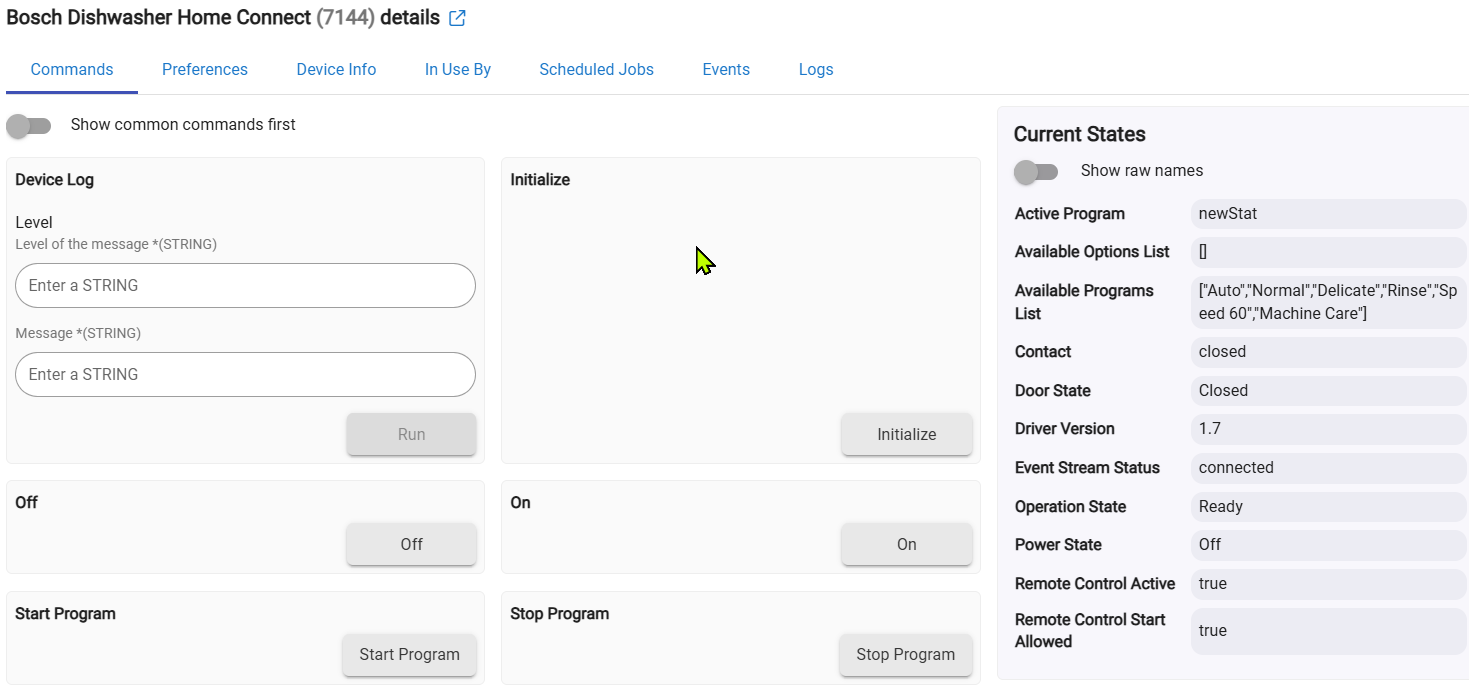
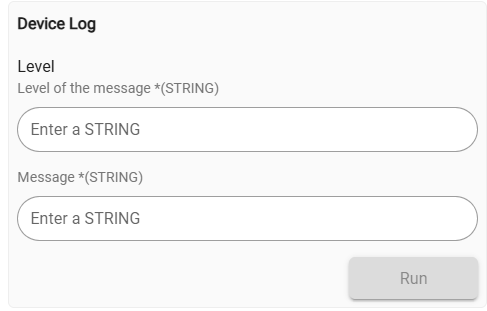
Not sure about the use of this command...what does it do? Enter info into logs?
Is this there for rules/automations to add entries to the logs when device events are reported? Don't remember seeing anything like this in a device Commands section before. Anyone using this?
For fun I tried connecting again, using the two browser trick and Edge said it connected after logging in with Single Key but the app isn't in HE. I'll try again later when I'm sitting doing nothing.
I assume you completed the steps in Edge browser to add the dishwasher to the Home Connect integration? Confirmed the device appeared in Edge at that point?
Then went back to Chrome and refreshed pages and the dishwasher didn't appear in Devices? I think my device was named "Home Connect" or similar so I didn't find it at first looking for it as "Bosch" or "Dishwasher," don't remember 100%.
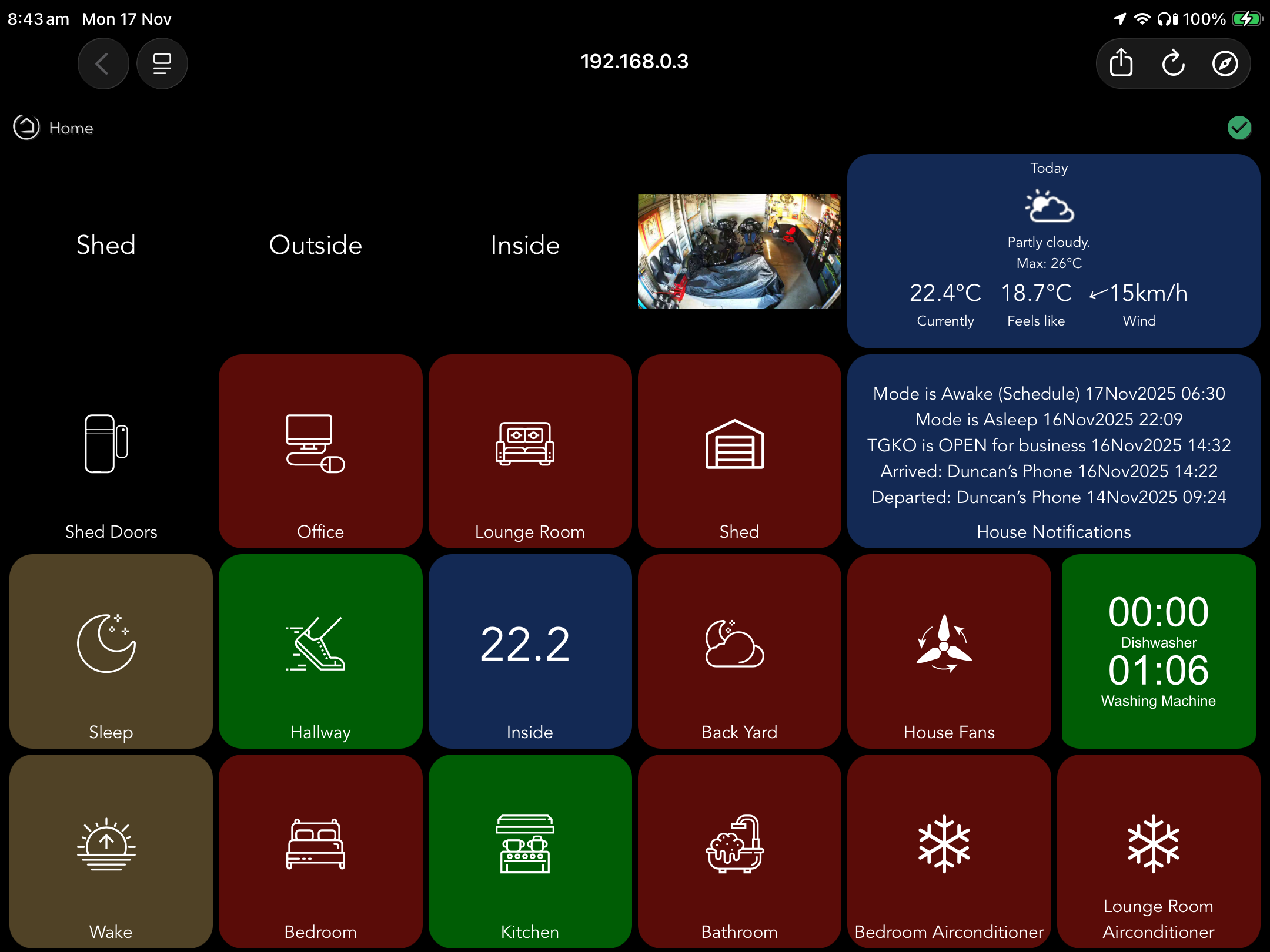
I use node-red to build a custom svg showing the remaining run times for both my LG washing machine and Bosch Dishwasher. This goes green when either runtime is active and returns to a blue state when they are at zero. I also run a rule that speaks through the Sonos when either is finished its cycle. The last thing I have is another rule monitoring the rinse aid that will post once a day on my notification tile until I refill it. Oh and I’ve also got a hub variable that counts up hourly while the rinse aid is healthy and sets back to zero when it’s not (I store this value in my long term storage to help predict / know how much rinse aid I use and when to make sure I have it available)
I did not do those final steps. It's been a long time and I forgot to do that and did not re-read the installation instructions. LOL
I just used your double browser trick with Chrome and Firefox and was able to get everything up and running. I'm still going to use the power monitoring plug to determine if the dishwasher is running but I'll probably add cycle time remaining and maybe a couple of other attributes on a dashboard.
Thanks for the detailed instructions. It never dawned on me to use two browsers. The local beta integration that runs on a Pi was really interesting but I think it's a bit more than I need for the dishwasher.
Your two browser instructions should be included with the install instructions. There is obviously something odd going on when using only a single browser.