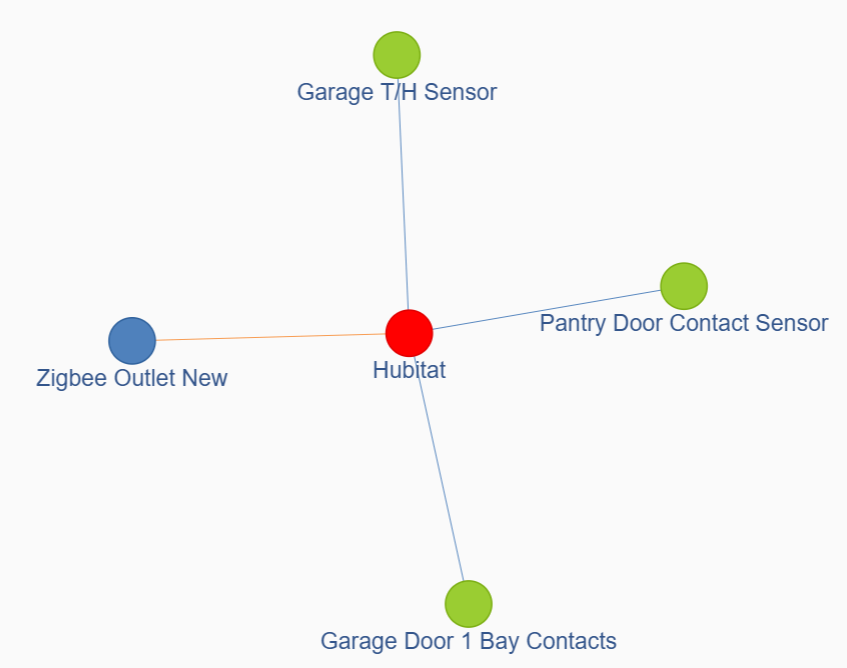
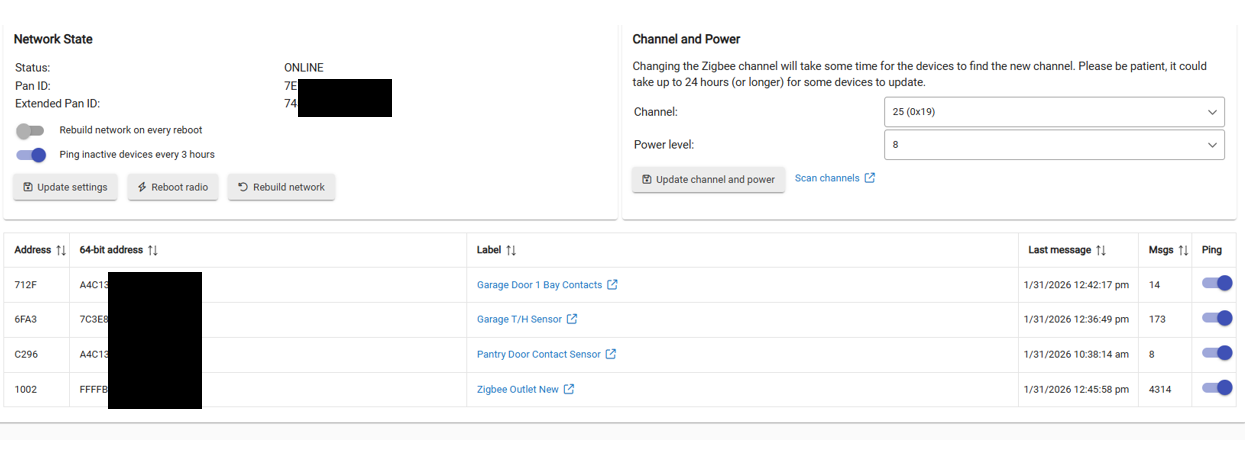
Had a few Zigbee devices but one contact sensor (357) has been intermittent I think due to poor signal strength.
I bought a Zigbee smart plug (388) to use as a repeater. I paired the smart plug and it is working fine. I installed it in a location roughly 1/2 way between the hub and the contact sensor.
I notice the contact sensor (357) is still a weak signal, what will cause that sensor to route via the repeater (smart plug)?
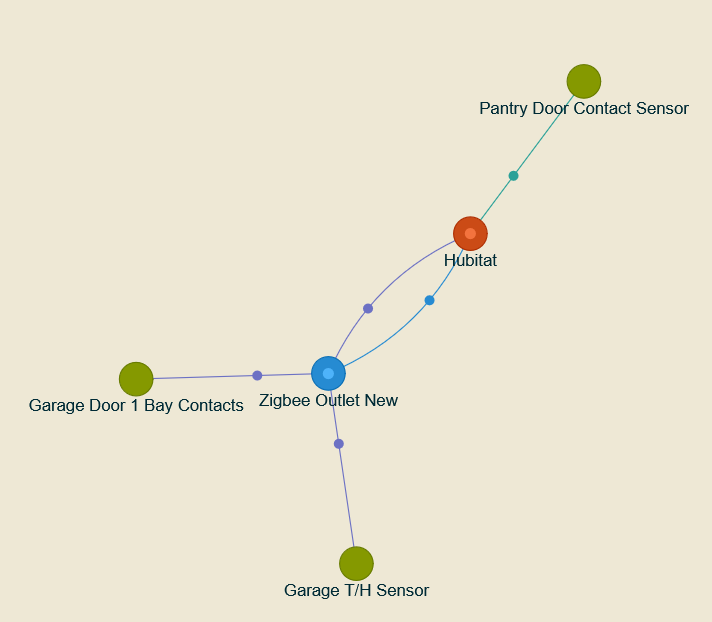
How will I know if 357 routes through a repeater? Will it show in the log?
Can you trigger the network to reform via a command? Rebuild network button?
I've been very ZWave focused so Zigbee is a little foreign to me still.
Sometimes it's just easier. To shut down this whole system. And wait approximately 10 to 15 minutes. This will sometimes make. The Zigbee devices reroute themselves. You give it a try. And see what happens.
The signal on all your sensors looks fine, however that plug has a poor signal(red line), so it has potential to make things worse.
These old iris plugs are both zig&z-wave, excellent Zigbee repeater
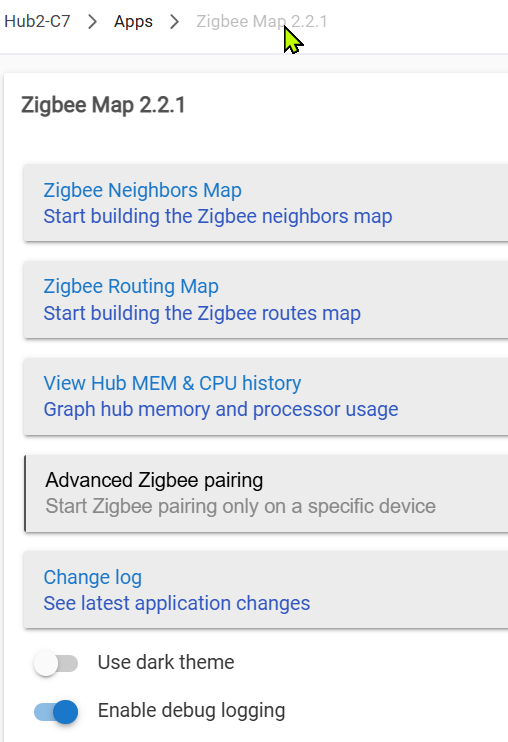
I loaded the Zigbee Map app and it seems to work fine. Nice bonus is the CPU/memory tracker.
In the end I unplugged Hubitat for 25 minutes and then went and triggered all the battery powered devices a couple times. The two that should have reconnected via the repeater did so, so now they are a much stronger connection (I think, log only shows last hop so not sure device-to-repeater signal strength/quality).
Anyway sorted now. The intermittent contact sensor seems to be behaving better with the repeater in the path.