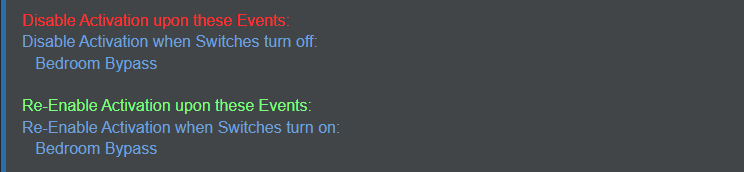
I have a few virtual switches that I use to bypass motion rules. When the switch is off, the motion wont trigger, when its on it works as intended. Here is an example of one of them
I'm working through cleaning some of my rules and things up. consolidating them etc. I've noticed in some rules, there is an option to toggle a switch. I know this may not be applicable to the way I do this now, but what is the difference between Toggling and actually turning on an off?
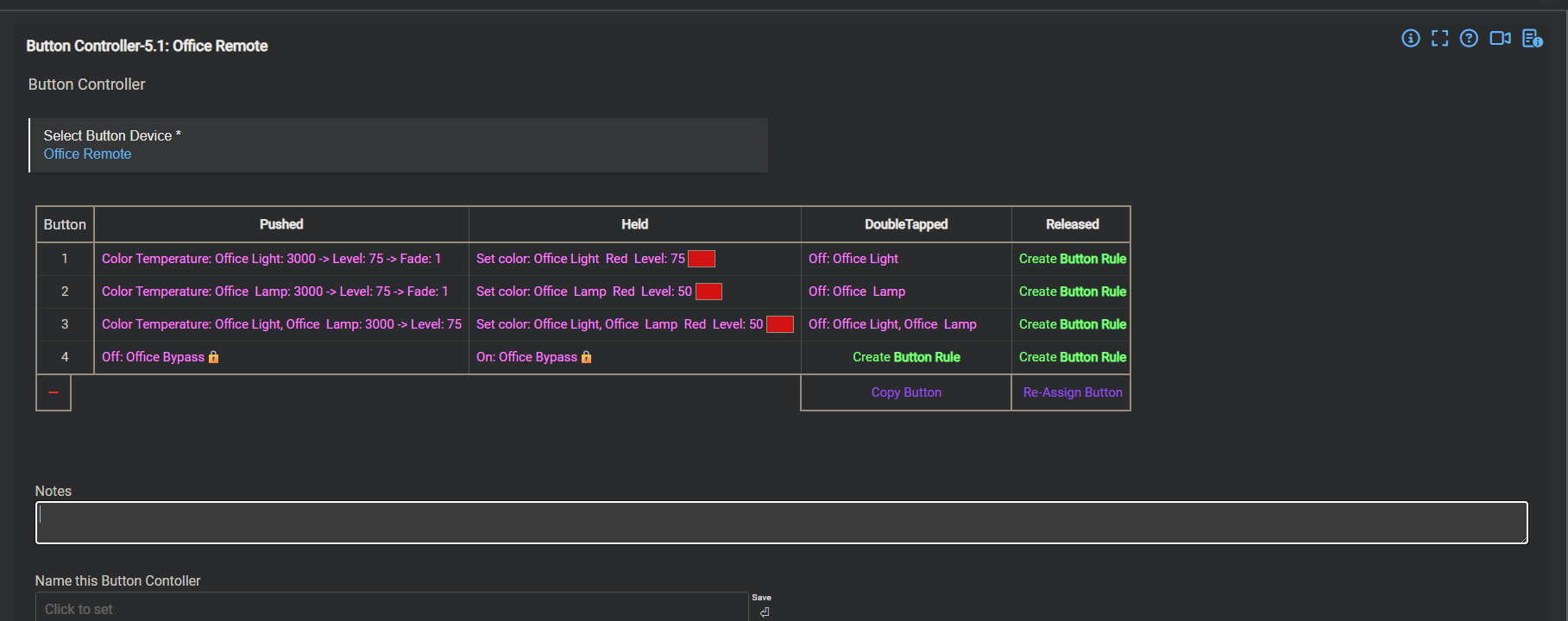
What I am contemplating a button on a zooz wall remote to act as a by pass in my Room Lighting rule from my office. I'm thinking something like Holding disables activation, taping re-enables it. T
I would appreciate any clarification or suggestions of better ways to do this .
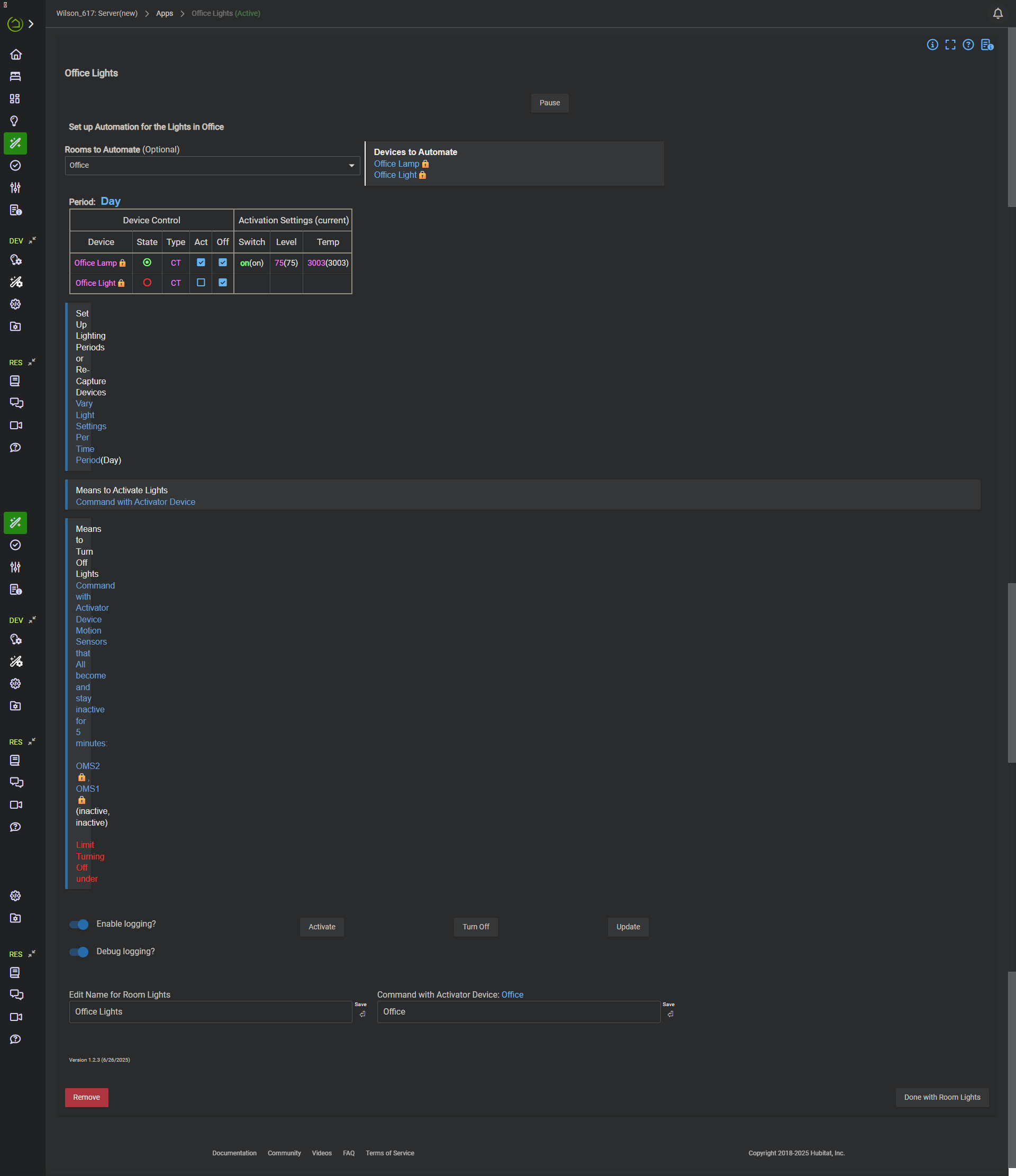
Here is the current rule if anyone want to take a peek
Toggling = making the switch change to the opposite of what it currently is. If it is currenty on, it will turn off. If it is currently off, it will turn on.
Turn on = Specifically turn on a switch (even if it is already on)
Turn off = Specifically turn off a switch (even if it is already off)
Specific use cases where I would not use a toggle are where there is a possibility that it may be turned on or off by other means and then would get out of sync with your logic. For example a switch that has a physical switch that you want to turn on/off at specific times or at specific intervals. If someone physically turns it on, and you were expecting a rule or other action to toggle it on, it would possibly then do the opposite of what you expected.
Ahh , that makes a lot of sense. So in this case, that is definitely NOT what I want to do, as these bypass virtual switches can be use by dashboard or Apple Home.. Thank you for the clarification!