Can someone please help me learn how to delete a HPM integration so I can start fresh?
After numerous issues trying to update from the original Abode integration, to the 2024 HPM integration (with an in between manually installed 2024 version prior to the 2024 version being put on HPM) I decided to delete the Abode integration and start over.
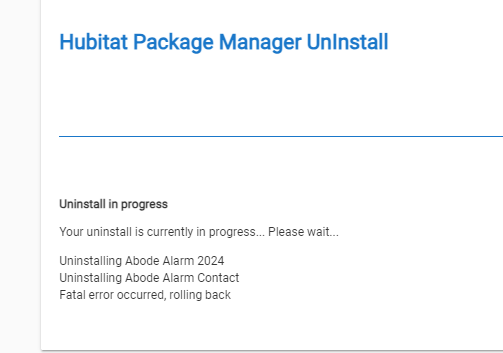
I created temp virtual drivers and replaced all the Abode child devices in RM rules with the virtual devices, as well as replacing the parent. I tried to delete the child devices, but the delete key is grayed out, so I deleted the parent device from devices, which removed the parent and all the child devices from the device page. Then went to HPM to delete the integration. The first time I tried to delete, I got the following:
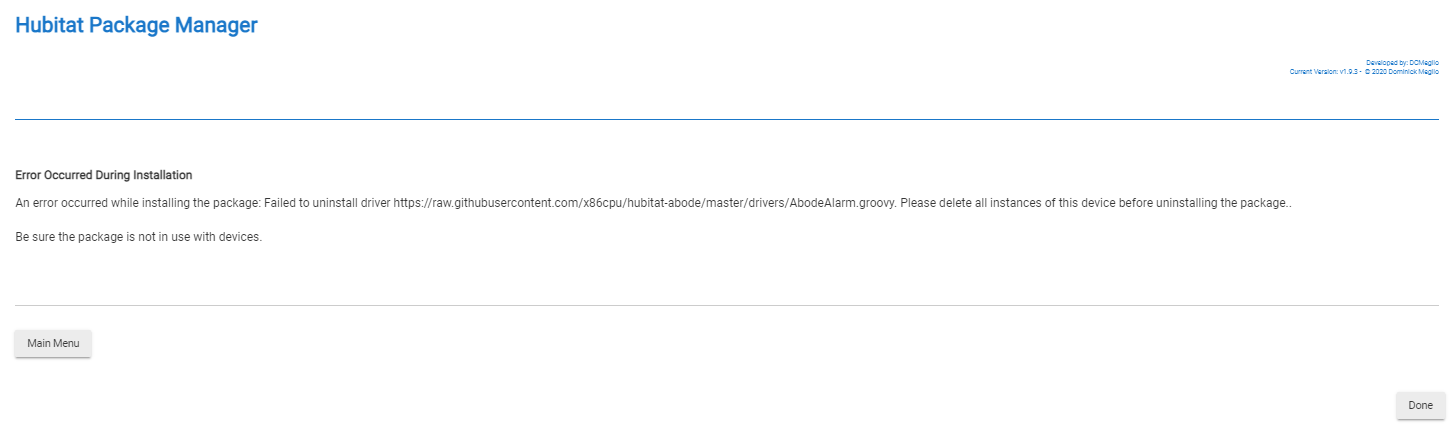
Then I tried again and got this:
So I then went to drivers and tried to delete them manually. However the child devices won't delete. I get this (or a similar message) for every child device driver:
On the Drivers Code page in HE, in the table there is now a column for Used By, with links to the devices that are using the driver. Is there anything displayed there for the drivers you are wanting to delete?
Thank you for responding!!! Yes, the child devices are all listed there even though they are no longer listed on the device page.
If I click on one of the child devices from the Drivers code page, it takes me to what looks like a child device page that has the same issue as the ones that showed up via the Device page: The "Remove Device" button is grayed out so the device cannot be removed.
One other thing if you have the Abode 2024 installed still, uncheck the create child devices, it will then clean them up.... not sure if that's still available or not.
The child devices should have been deleted. You might need to put the 2024 driver back without hpm... Then uncheck create child and see if it cleans up. The child devices are component so they cannot be deleted normally. However the ye uninstall should have deleted all the childs as well. If the old driver was in use it would have only deleted the isArmed child ... So perhaps things were getting confused. Make sure neither driver is installed.
Reinstalled, unchecked, and deleted and now the child devices are finally deleted. Whew.
Now having issues reconnecting after reinstall, but that is a different issue...
ETA: Thank you everyone for the help; much appreciated. @x86cpu - I posted the reconnecting issue over on the Abode 2024 thread...
It's important to understand that HPM is performing a function that built-in drivers don't need to do and therefore is invisible.
Built-in drivers are.. well.. built in. They already exist in the List of Apps or are already available when adding a Device.
Community Apps and Drivers need to be sent to the Hub just to get on the Lists. Conversely, to remove them, they need to be unused. Built-in Apps and Drivers code can't be removed.
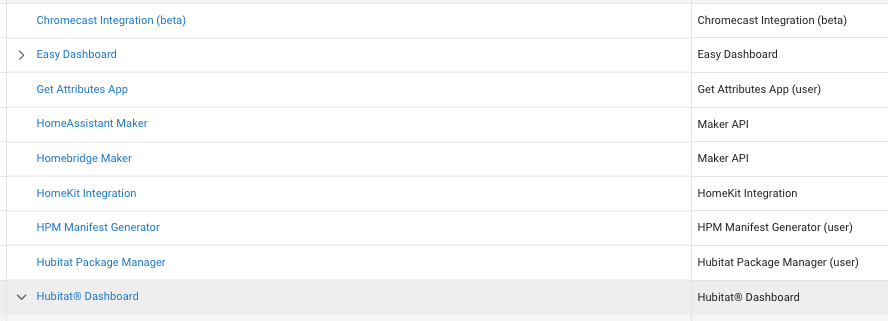
Only Chromecast, Easy Dashboards, Homekit Integration and Dashboards are Built-in. MakerAPI is built-in too, but they get renamed usually. You won't find the Code in the Apps Code folder. All the rest would be there. If HPM is run to remove Code (and Code is all HPM manages) then it will fail in exactly the same was as if you tried to delete an App. If there's an underlying in-use, the Hub won't let you delete it. HPM sees the same error and displays it. But the critical difference is that HPM is there just to manage the CODE not the usage of that code.