Rule 5.1 documentation indicates I should be able to set multiple "stays" triggers as of 2.4.1, but this isn't working for me.
My use case is simple:
"Alert me if the gate is left open after 2minutes, then again if it's still open after 5 minutes, then again after 10 minutes".
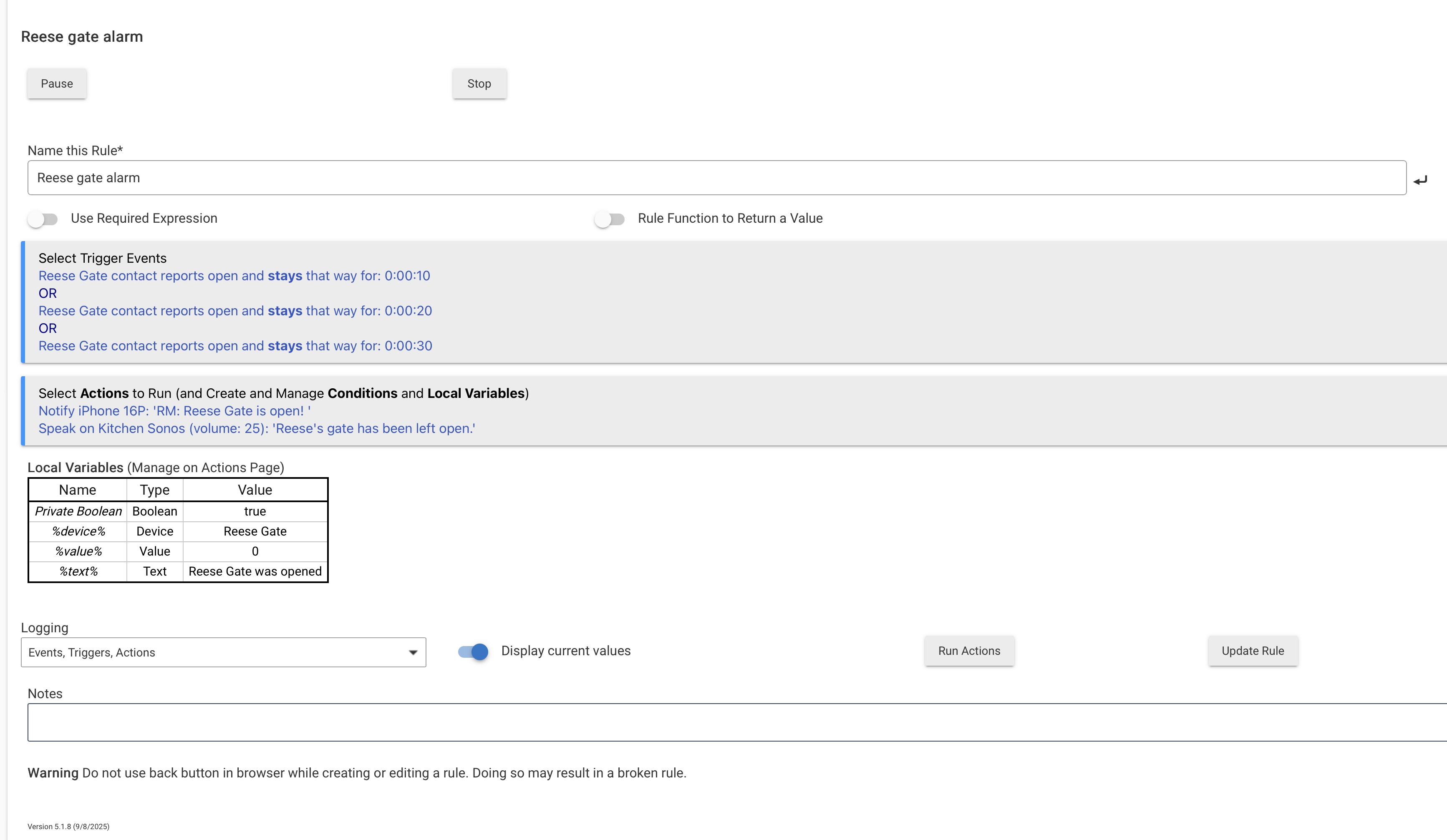
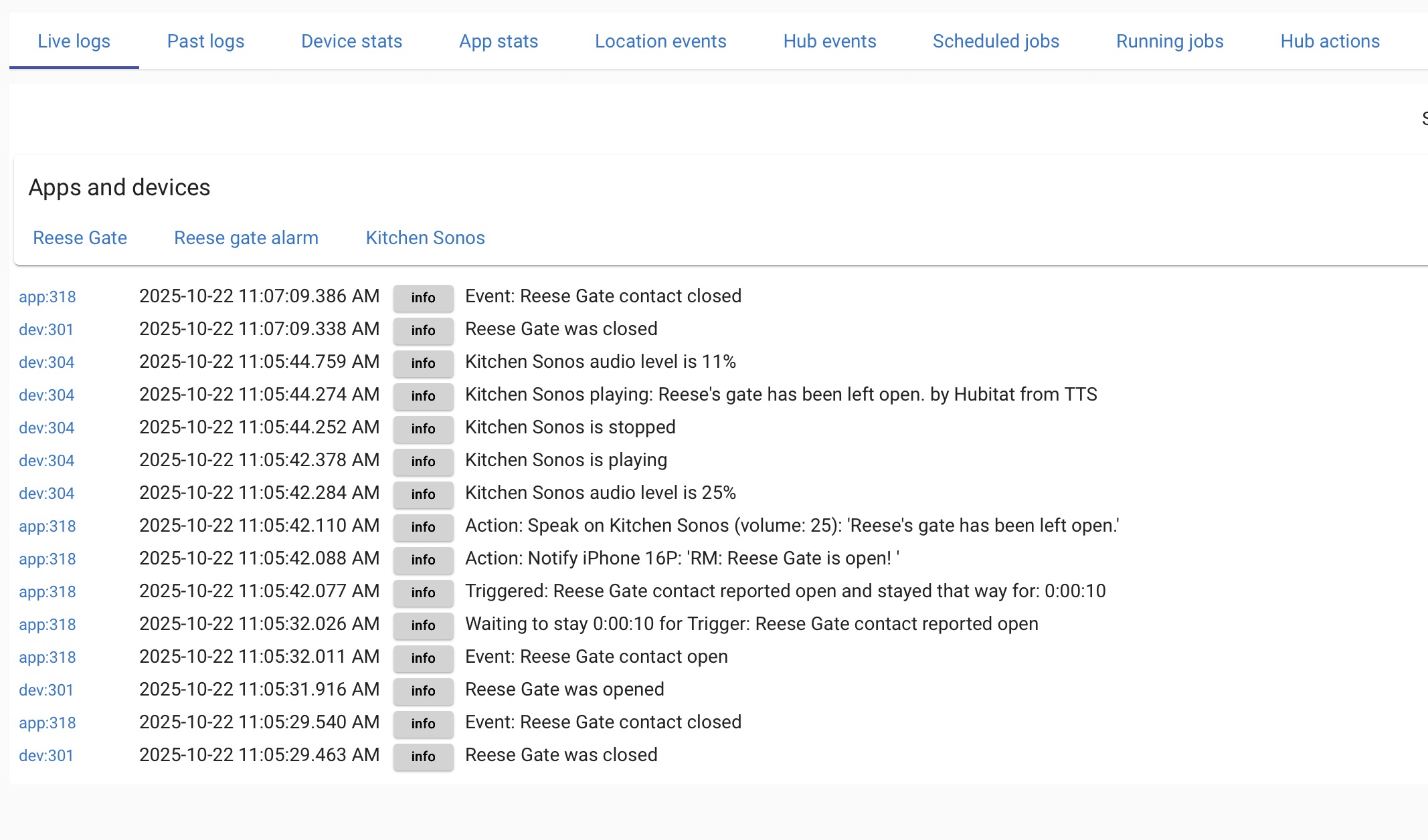
I've pasted a snapshot of my Rule and Live logs, showing that the trigger only fired once (the 10 second trigger). I'm using short delays here (10,20,30 seconds) for testing but there is no difference with longer delays.
Screenshots below. Please let me know if I've made an error here of if I should be using some other method to achieve this.
EDIT: I know I can use the notifications app to do what I show here, but once this is working I need to be able to run additional actions (that I can't in the notifications app).
I'm not sure that multiple sticky triggers for the same event (attribute) value are supposed to be supported, still. You're testing for "open" in all, so that is different from the documented example. (And in this case, you really don't need this kind of trigger, as there are ways to get similar outcomes with "Wait for event: elapsed time" in your actions, a Repeat While, or other possibilities depending on your rule.)
Hi, thanks! I appreciate the help. What I read was:
As of platform 2.4.1, multiple "stays" triggers for the same attribute are supported, e.g., "contact open and stays open for 0:05:00" and "contact closed and stays closed for 0:01:00" on the same device.
I acknowledge the given example is different, but it is not obvious to me that what I'm trying to do isn't supported -- it says multiple triggers "for the same attribute are supported", without describing any limitations.
(And in this case, you really don't need this kind of trigger, as there are ways to get similar outcomes with "Wait for event: elapsed time" in your actions, a Repeat While, or other possibilities depending on your rule.)
OK, I'm willing to try -- do you have any pointers to relevant examples?
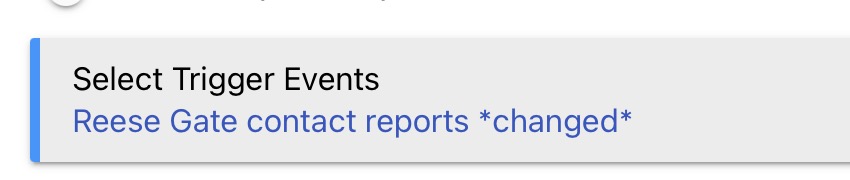
OK, after a little help from ChatGPT and some limited testing, the following appears to do what I want . I'm using "Wait for expression" with "Duration", and I'm triggering on any change from the contact sensor (because I need the "closed" events to cancel the Waits).
If anyone sees any issues with this or has a better way, please do let me know.
Sorry, I'm not quite following this. Can you describe what "problem" this will cause, perhaps with an example sequence of events that shows the problem.
For now the sensor is sitting on my desk, and I'm manipulating it manually, and so far I cannot get this to "break" -- it always notifies me correctly (open for 10s or 20s). I've tried closing-and-reopening between 0-10s, 10-20s, and after 20s, and it seems to work correctly in all cases.
Here is one that checks the door to our freezer. It does not increment the time but will send out a message every 2 minutes after the initial 2 minutes...
 and some limited testing, the following appears to do what I want . I'm using "Wait for expression" with "Duration", and I'm triggering on any change from the contact sensor (because I need the "closed" events to cancel the Waits).