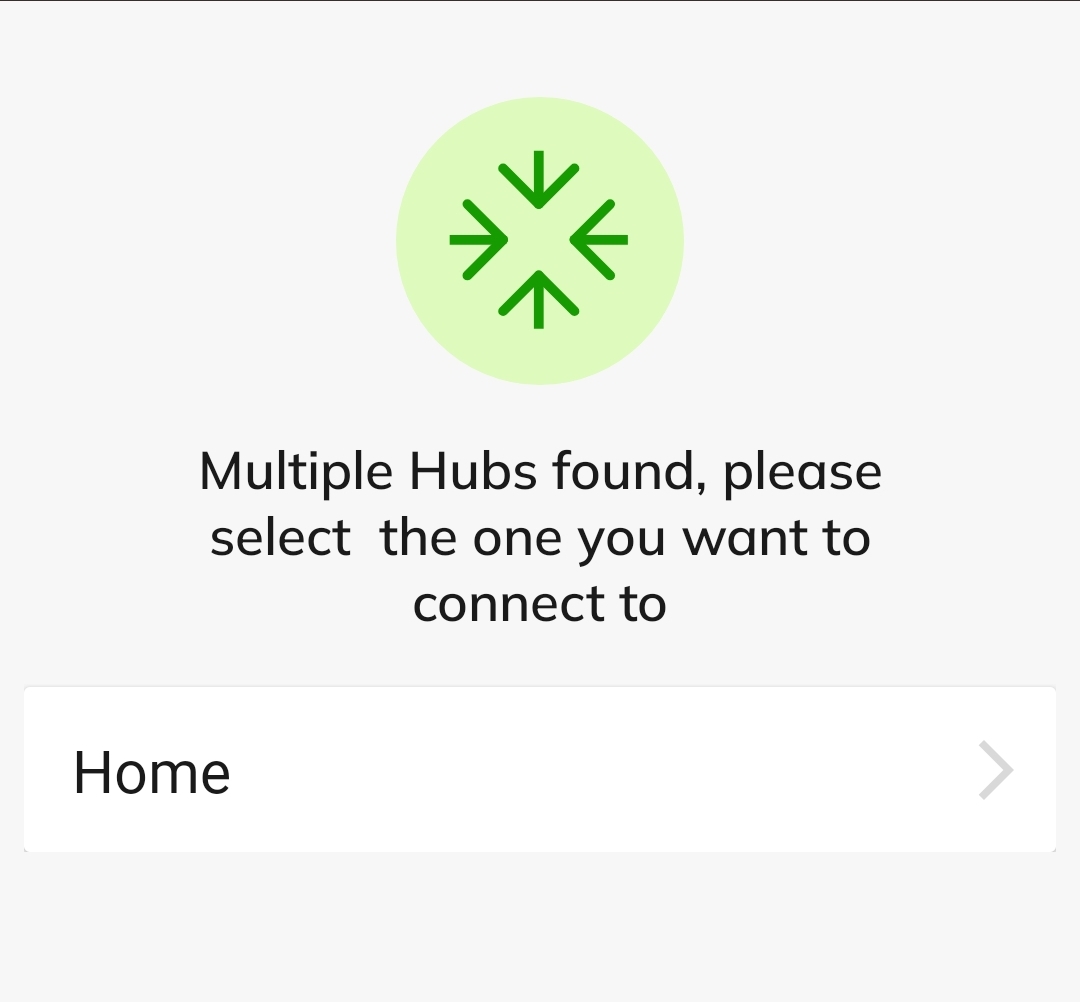
I get a message saying multiple hubs found choose which one but only my hub is listed. I do not have more than one. Im wondering if its part of the reason i cant get notifications to work. Doesnt seem like it should be telling me that in the app.
What happens if you select one that isn't yours?
Only my hub is displayed. Thats the weird thing. It doesnt show me the otger hub it thinks i have. I do not own 2 hubs. Wondering if a hacker could have setup a hidden hub on my account?
That seems very unlikely.
Well thats good to know. Something must be wrong somewhere though with it telling me it found multiple hubs? Seems like they would have to have different mac addresses and be registered to my account to qualify as having multiple hubs. I only have this 1 hub so I cannot understand how it found more than 1. Only 1 hub shows up on the administration page listing registered hubs. Maybe its just a software bug. I think both apps gave me the message if i remember correctly. Ive installed uninstalled both apps so many times trying to get notifications to work.
What does my.hubitat.com show you?
Have you shared your Hubitat portal password with anyone? Or reused a password that was compromised in the breach of another service?
Mine did the same thing when I logged into the new app the first time. I get all my notifications and the presence is still rock solid for me. I assumed that the "multiple hubs found" was just a standard thing everyone had to do when they started out with the new app.
It says, multiple hubs and choose. But, it only shows one hub to select from. I have only EVER had one hubitat hub and as you can see, there is only one on the list.

With the logoff issue caused by using multiple devices with the same log in e-mail(even though they had their own device names in HE), I had to log in multiple times until I figured out that I just needed to create a separate e-mail login for each device. But, everytime I had to log back in, it showed the "multiple hubs" selection screen.
Edited to add - Noone has my password and it is a random 15 character string generated by my password manager, since that was mentioned as a potential thought.

I was just highlighting its exceedingly unlikely that the explanation for what the OP’s seeing is a hacked Hubitat portal account.
Unless a user makes it easy by giving their account password to a hacker  .
.
Just adding the info to exclude that as a likelihood in my case.
I really just assumed it was just a normal thing for the new app. Just a quirk in the page verbiage.
Similar to how HE wouldn't connect in the old app remotely if you had VPN unless you went through the "connected hubs" page or had Wifi connected whereever you were. Using the main "connect to hub" would bring up the remote admin page if you were connected over cellular, even if you were connected via VPN to your home network, But, if Wifi was on, it would work.
I get the same and have also only ever had one hub. I presumed it was poor wording in the app and it should instead say something like "Select the hub to which you want to connect" and for those with one there would only be one option and those with more than one would select the one they want to connect to.
I experienced this too while using remote hub access while away from my home. This is apparently a known limitation. Are you doing this from home or while away using remote connect?
Never shared login. Not compromised as far as I'm aware. Others are seeing the same message, so it looks like its just a badly worded setup screen. Still have not got notifications to work. I've tried different devices triggering, different apps sending notification. The apps do show that they sent the notification in the logs, but I am not receiving them.
both I believe. I might try again to verify later, but If my memory is correct it said multiple hubs found on remote and local.
Just my hub. I did a find hub as well and it pulls up only my 1 hub. Probably just a badly worded setup page. Still trying to get notifications to come through. App logs show they are being sent, but phone is not displaying them. Checking over all phone settings. I cannot find anything limiting hubitat notifications, but there are a lot of settings in these android phones that I have no clue they even exist. phone, hub, app are all updated.
Thanks for clearing that up. Good to know it's not a true statement where you have hubs on your account that are not yours. Likely is just a misleadingly worded setup page. My.hubitat.com only shows 1 registered to me and when i do findmy hub it only locates the 1 I have. I still cannot receive notifications from it though. Apps are telling me in the logs they do in fact send a notification, but something is keeping them from displaying on my phone apparently.
Log out from your phone and any other mobile devices. From a PC go to yourhuip>>devices and delete your phone and any other notification devices. Log back in with your phone and create a device when prompted. Update any notifications with the new device.
it eventually worked....
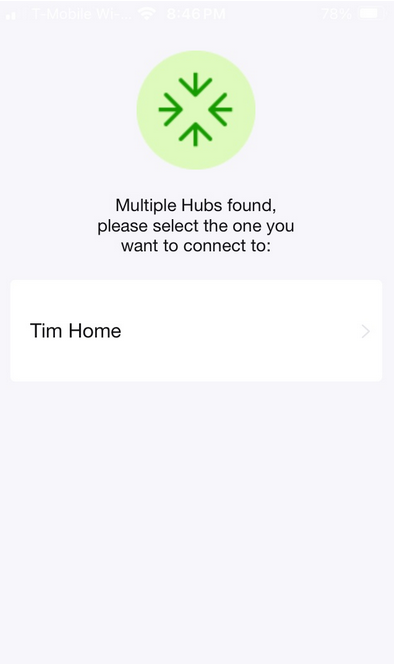
I have just installed my new hub and when opening app on my phone am asked to choose from multiple hubs but only one shows up. Might be dhcp logging so will wait to see if it resolves itself.