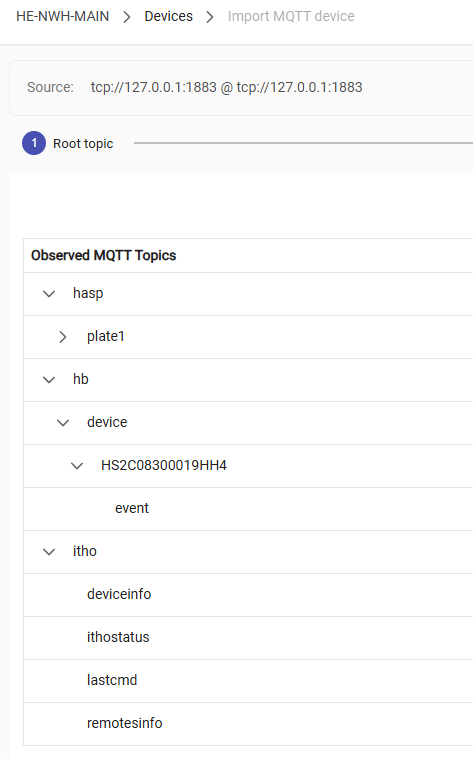
I'm using the integrated (in beta) MQTT instance to importdevices into hubitat.
This seems to work, but for one device not so much.
This week I got a new powerwaal from Jackery.
Seeing it has an integrated MQTT push functionality (primarely for HA) I wanted to connect it to Hubitat to be able to read the battery state and the current load.
So I entered the Hubitat MQTT adress and credentials in the Jackery, but it shows up strange in Hubitat.
I agree with @nckepa MQTT Explorer is really the best too to see what is going on with the topics. I use it all the time for my weather observations and I am currently testing the MQTT function to allow Meshtastic LoRa messages to be sent to my Hub.
There is always seems to be some type of blocking condition, some products want login credentials for MQTT others you have to provide a key. Yes very frustrating. i have been lucky with the topics I am working with both are local, and the ones from the internet I proxy with some code I wrote python and I let the Mosquito MQTT handle the client connection and I republish internally. One shouldn't have to jump though so many hoops.