Replaced a C8 with a C8Pro. I did a cloud backup and restore to new hub. Hub mesh showed no connections on sending and receiving hub. Did a Reconnect, and both showed a connection to the other. Devices on receiving hub still show Disabled. I then tried to force it using [//hubs.ip.address.here/hub/advanced/setInitialHubMeshPeers?192.168.1.2,192.168.1.3]
changing the address as necessary. Still no devices on receiving hub that are not disabled. I'm rebooting them now as I type this.
Now trying another migration. Fingers crossed.
Put original hub back and it works. @bobbyD - any ideas?
Tried another cloud backup/restore. Same result. Going back to original hub.
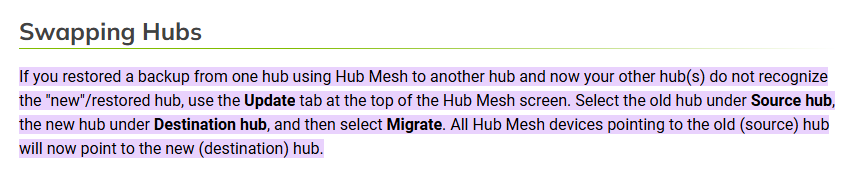
Hub mesh devices leverage the source hub’s unique ID in the device network ID. When you migrate hubs all existing devices will be disabled/broken and you use the Update tab within the Hub Mesh settings to change them.
3 Likes
DOH! I forgot about this! Thanks!
1 Like
This topic was automatically closed 365 days after the last reply. New replies are no longer allowed.