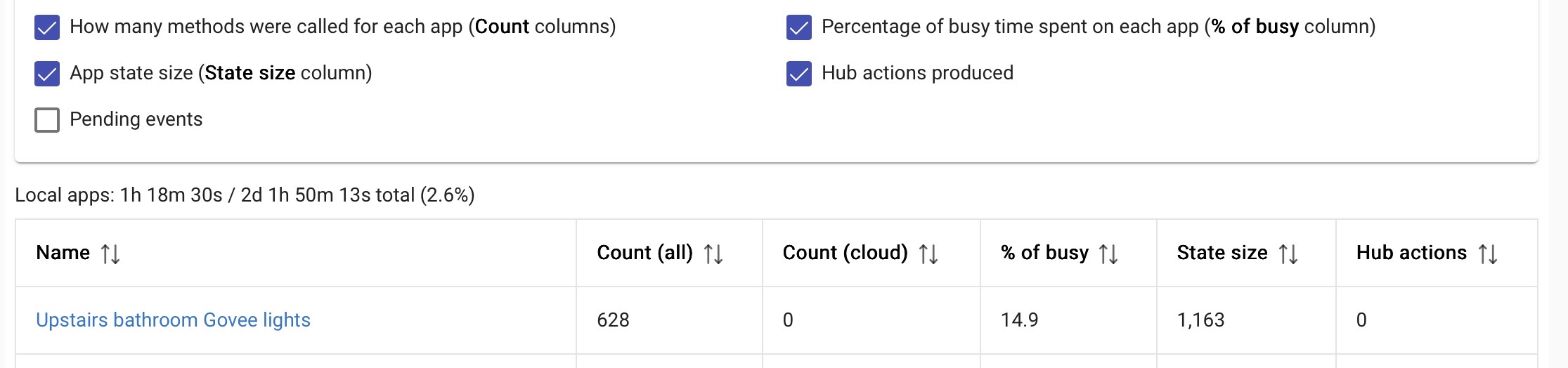
How do I limit how often a device is giving Hubitat information? My washer smart plug I don’t need to updating the watts every second. How do I make it chill out? If it sent the watts to Hubitat every 60 seconds that would be fine.

What specific device is this (brand/model)? Power-reporting capabilities are managed at the driver preference/parameter level.
It's always recommended to purposefully prune every power-reporting device you have to only the minimum reporting to meet your needs -- excessive power reports can be a wrecking ball to both the respective mesh and potentially your hub's processor.
1 Like
Thanks for the reply. This is a third reality zigbee plug with power reading. Is this where I would go move the 1 watt to a higher number ?
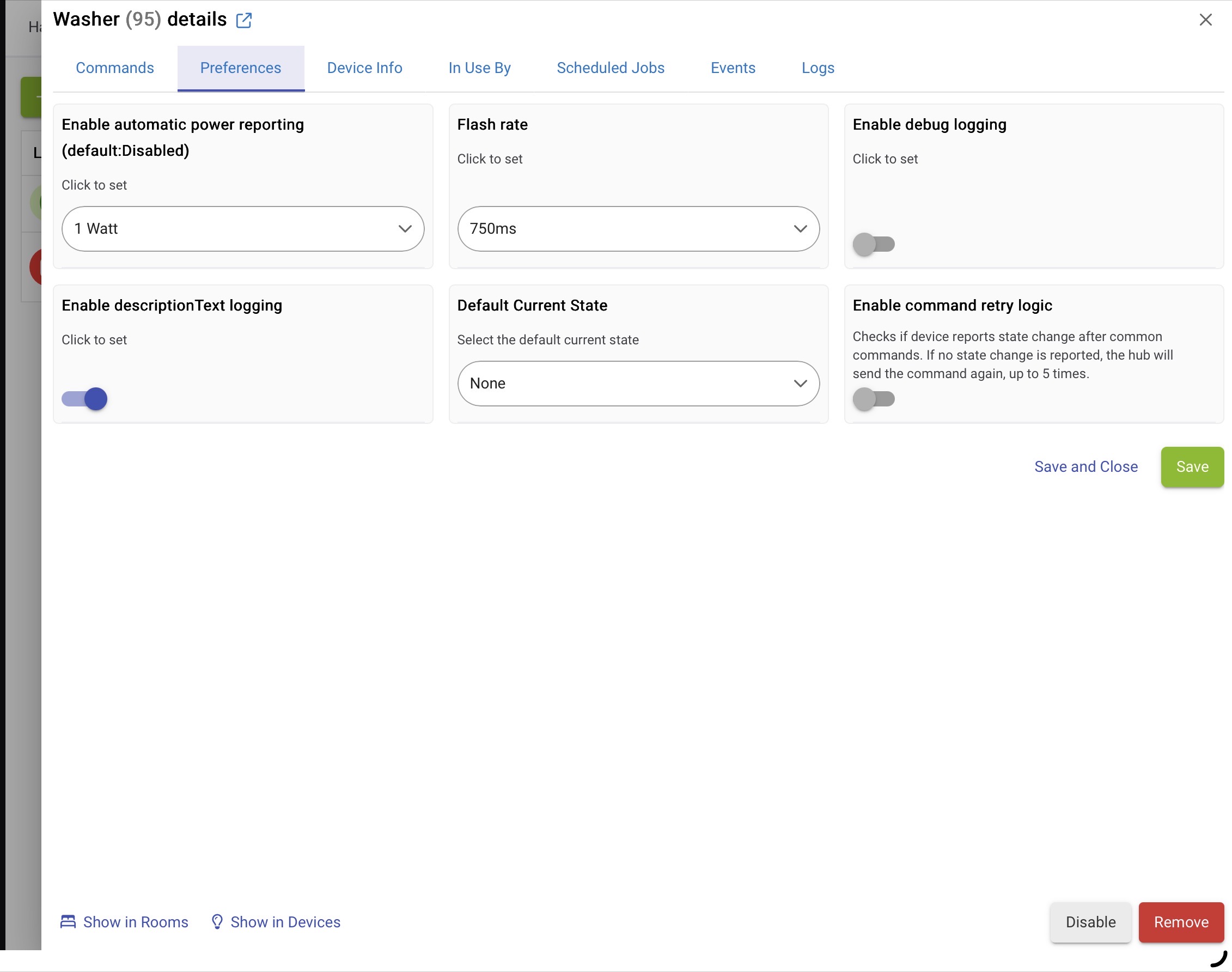
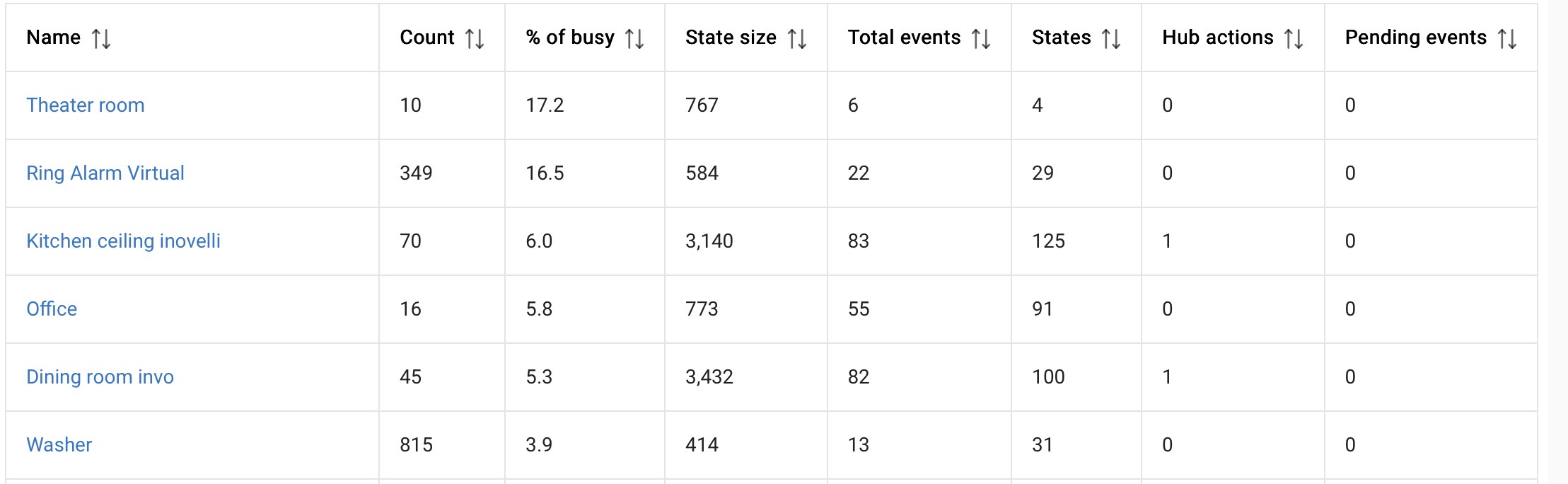
1 W resolution is still probably way more than you need to tell whether a washing machine is running.  So, I'd probably increase that a bit -- can't hurt to have less chatter on your network and maybe a bit less work for the hub (and your rule or whatever app you're probably going to use this in?). The best values will depend on your actual appliance and the characteristics of this reporting -- and what you look for in your app, again assuming that's your goal -- so you may have to play around a little.
But yes, certainly good to see that it's not as bad as it might look from just the filtered logs!
2 Likes
You Might want to try this driver instead:
I'm using it with my Third Reality Metering Plugs. It gives many more preferences.

1 Like
I second that you try the Tuya Zigbee Metering Plug driver. I'm using it on a third reality socket that powers my dishwasher. The driver works well to control the flow of information.
So do i just increase the watts ? From say 1 to 100 or even 200. That would limit somewhat of the chatter correct?
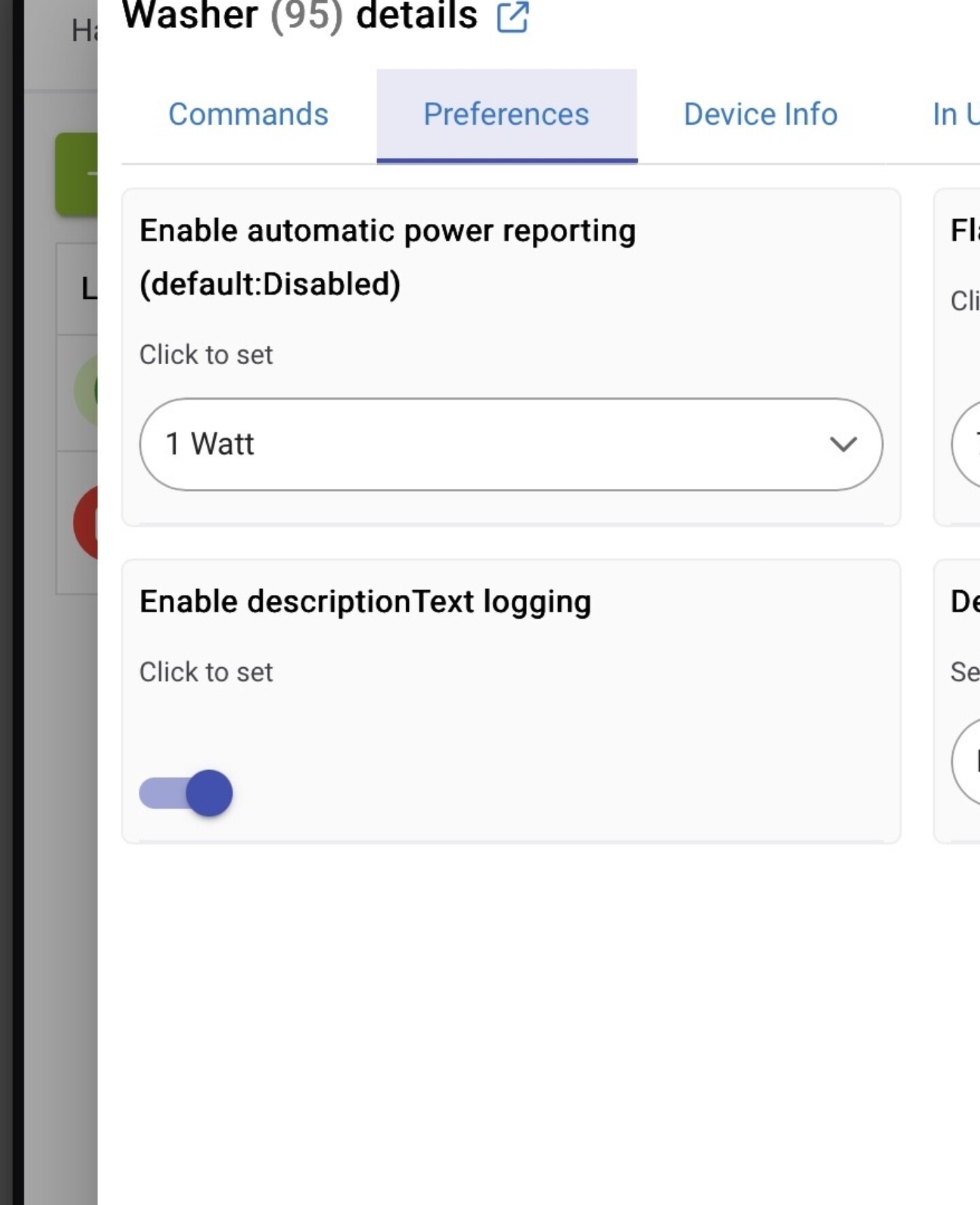
What you set it to depends on the device's power consumption (does it vary a lot or is it steady) and the level of detail you really need to track -- maybe 100-200 will work fine, or maybe you need something lower like 10 or so.
I don't track my washing machine, but I do track my dishwasher -- when it's running it swings a lot between higher and lower power during a wash cycle, so I've found 50W is a good threshold -- that gives me enough reported data to let me estimate its finish time, but not so much data that it's hammering the hub.
OTOH, to track my fireplace's status, a 10W threshold works good since it's power doesn't fluctuate much when it's on.
1 Like
And another data point is that I actually need 1 watt reporting or I am unable sense the dishwasher starting and ending correctly, It just depends on your needs.