max3
December 28, 2025, 6:20am
1
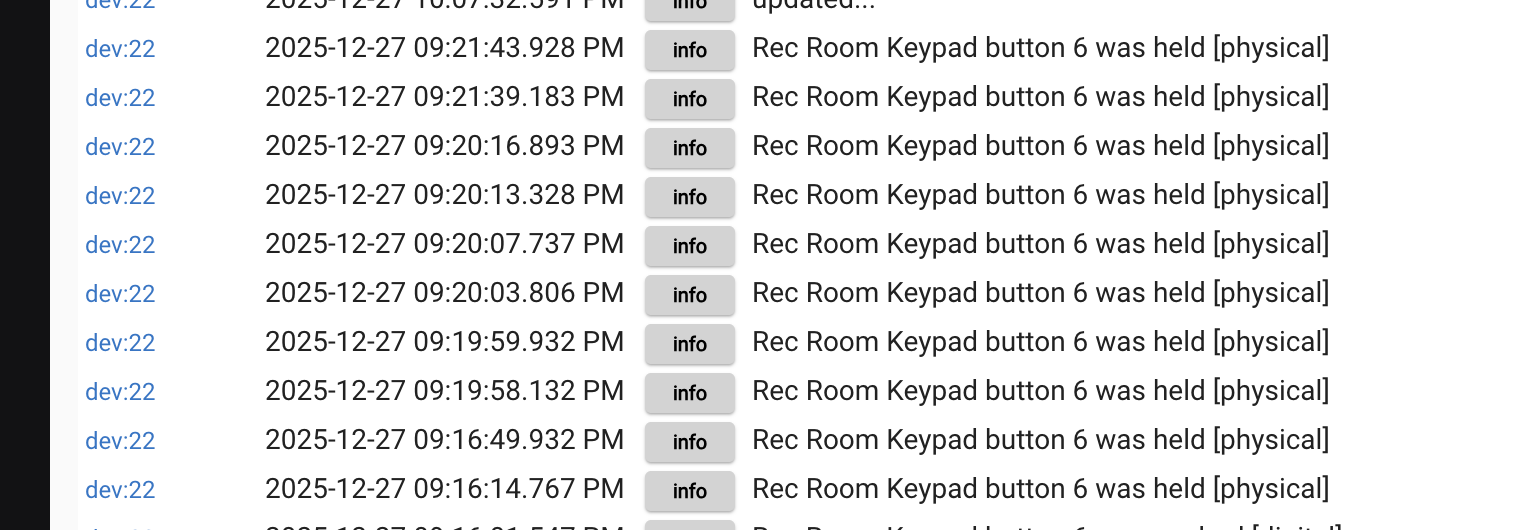
I can't get the keypad to produce a Push, Release, or Double Tap - everything is just a Hold, no matter how quickly I press the button.
Platform: 2.4.3.173
This is me very quickly tapping the button:
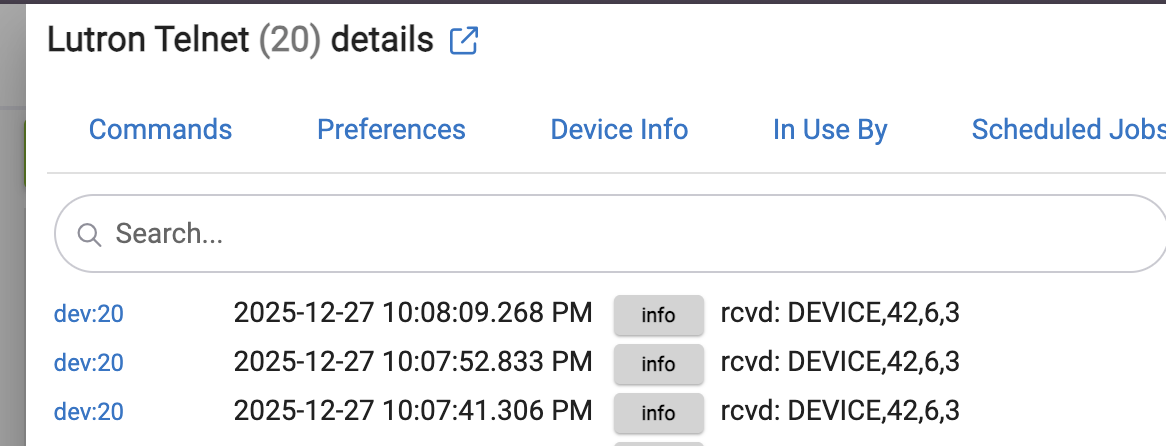
Telnet log:
I've tried multiple values for "Set delay for hold", no change there.
Any ideas? My programming options are limited if I can only Hold. Thanks!
bill.d
December 28, 2025, 1:43pm
3
Check to see if scene saver is set in your Lutron system.
I ran a test. It is the scene saver setting ("Save changes on button hold" in the software) that is causing the press event to be 4 instead of 3.
max3
December 28, 2025, 7:29pm
4
Seems like that would do it! But "Save changes on button hold" was already disabled:
bill.d
December 28, 2025, 9:04pm
5
Hmmm, I don't have any good ideas.
Maybe try recreating the device?
Try these steps:
Remove the Hubitat device for the keypad. Open the Lutron Integration and verify the Lutron ID for this keypad is correct, and then hit Done. That will recreate the device. Recreate one of these apps from scratch and try again.
Try the basic Lutron Keypad device driver, not the Lutron SeeTouch Keypad driver.
Force a full transfer in Lutron - Ctrl+F9 on the transfer tab
Restart the main repeater
max3
December 28, 2025, 10:20pm
6
Ah ha! Switching to the Lutron Keypad device driver, not the Lutron SeeTouch Keypad driver seems to have fixed it. I now have more event types and got my Hue app to work. Thanks!
1 Like