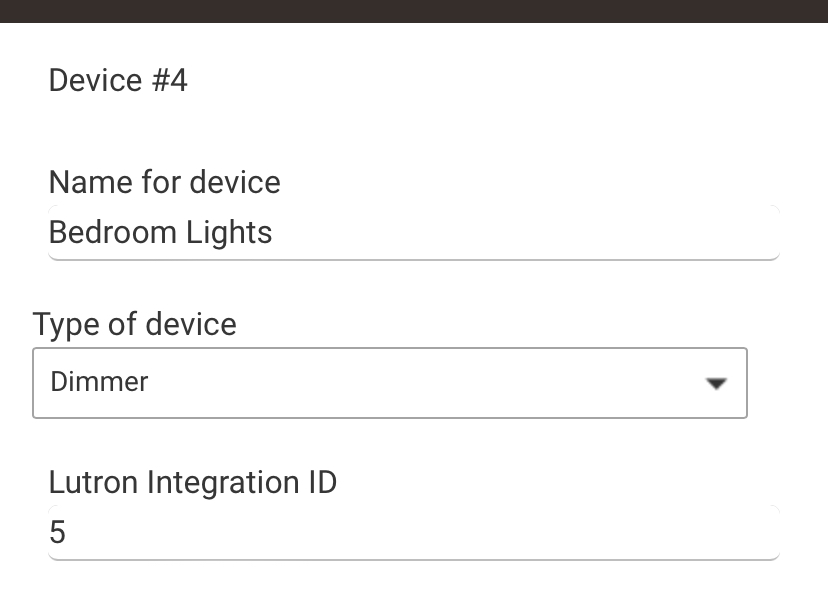
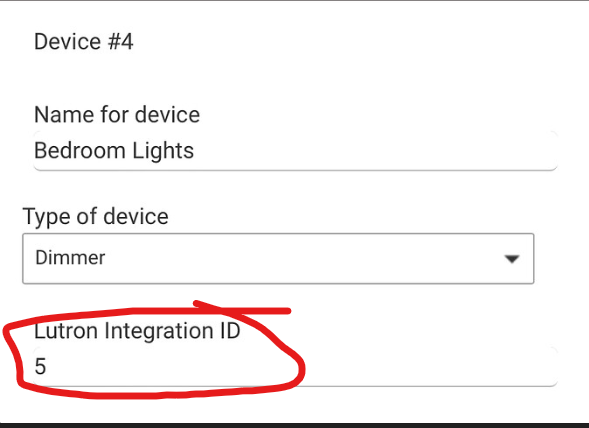
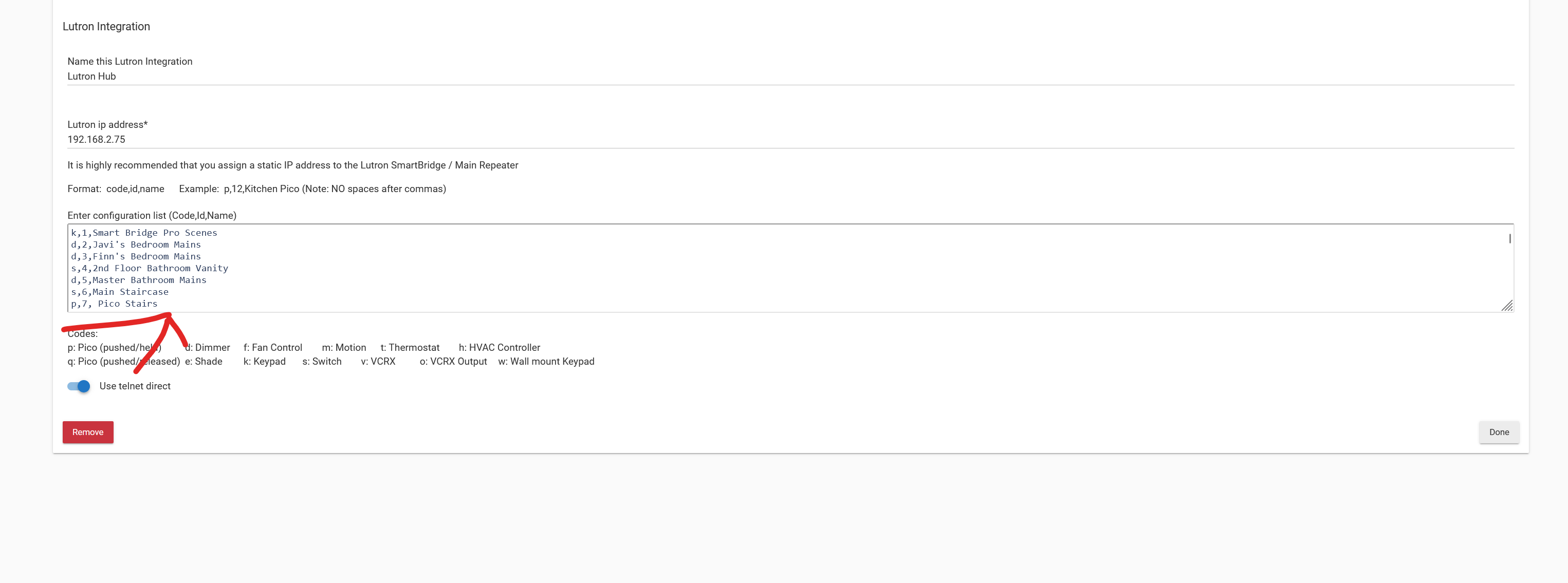
You’ll have to add a device to your Lutron integrator app with the new dimmer’s integration ID #. Same as you did when you added the dimmer the first time.
See the hub documentation page if you need a refresher on adding devices within the Lutron integrator app:
Have you tried simply changing the Lutron Integration ID of the existing device and seeing if that takes care of everything? (I have not tried this, so it is just a guess.)
BEFORE DOING SO - Please download a backup of your Hubitat hub. This way, if anything goes wrong, you can simply restore the backup and be right back where you are now.
You can add a new dimmer device in the Lutron integrator app with your updated integration ID # for the new dimmer (what I suggested).
Or you can replace the old dimmer in the Lutron integrator app with your updated integration ID # for the new dimmer (what @ogiewon suggested).
Either will work because all the Hubitat Lutron integrator app cares about is the integration ID # of the new dimmer, and you’re not using the old dimmer anymore.
In either case, a new Hubitat Lutron dimmer device will be created by the Lutron integrator app.
Once you have a new Lutron dimmer device that the integrator app created for you, you’ll need to update your automations to use the new device.
I am also uncertain if you’ll need to manually update your automations with the new dimmer device, or if you can use the device swap app (as @rlithgow1 suggested) to simplify that process.
First of all, to put this idea to bed, you can't use Swap Devices. It won't work for child devices, and Lutron devices are child devices (children of the Lutron Integration app).
Second, the shortcut suggested by @ogiewon will not work either, as the device has internal state that includes its integration ID (assigned by Lutron).
So the only way to do this is to update the Lutron Integration app. Remove the old device there and add the new (or edit the old device with the new Integration ID if you want to keep the name). This is going to create a new device. So every reference to the old device in apps is going to have to be changed to use this new device. I would suggest that to reduce confusion, as a temporary measure, give the new device a new name, so you don't confuse old and new. You can always change the name later. When you hit Done in the Lutron Integration app that will create the new device.
Use the In Use By section of the old device to track down all app references to it, and change them to the new device. When this is done, the old device can be removed using its device page. It doesn't work as the real device no longer exists anyway.
By deleting the old device first in the Lutron app, and then adding the new device, the old device id was assigned to the new device by the Lutron app.
My old rules seem to be working, without me making any changes to the rules.