Probaly worth calling out the OS variant and HE App version... The same is true of earlier reports , if it wasn't already included.
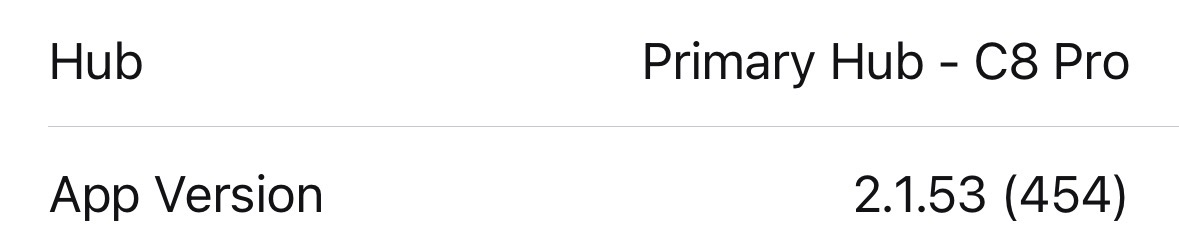
Ok, that’s really strange; for sh!ts and giggles, I forced my local iPhone traffic through my Tailscale VPN exit node (I don’t normally have this enabled), and the dashboards started working again.
Then I turned off my VPN, and it’s still working over my home wifi! 
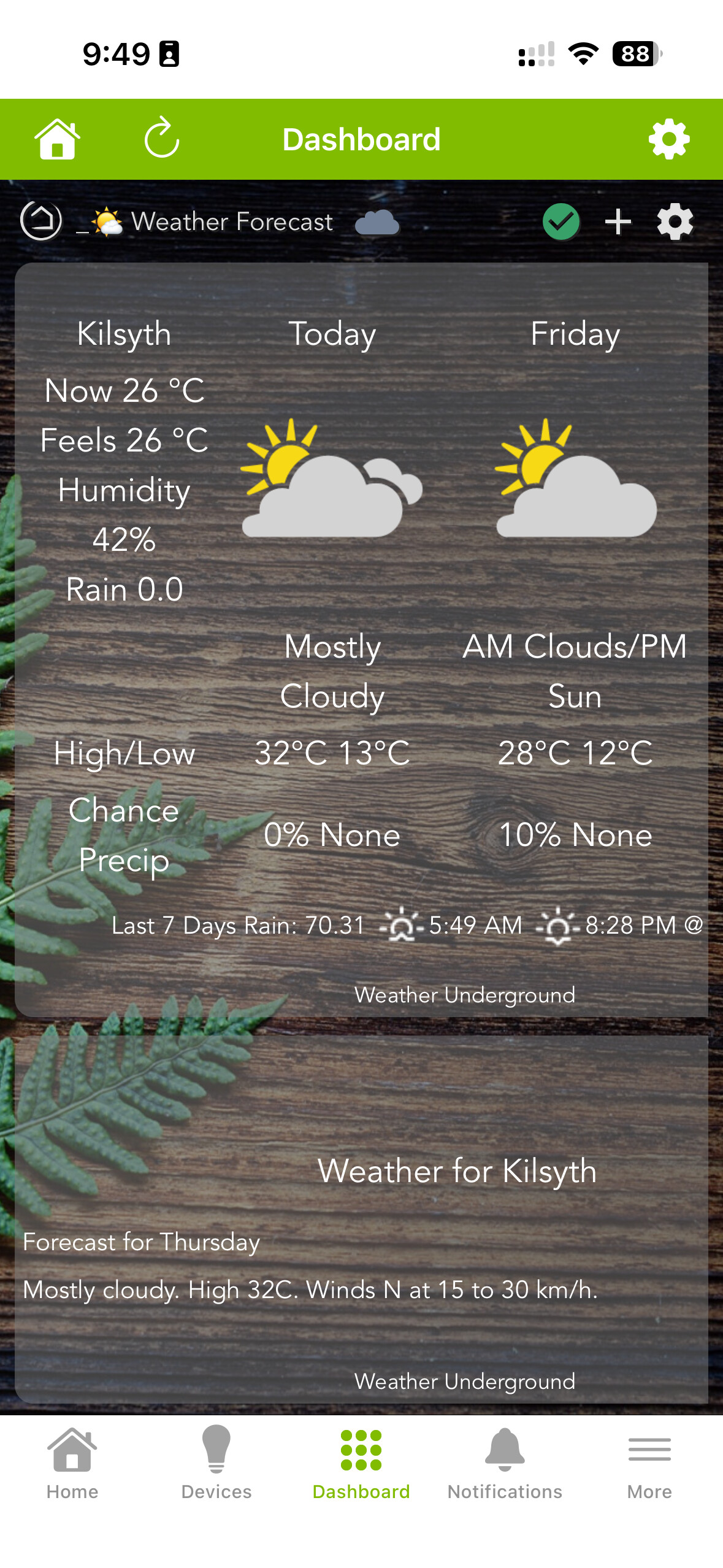
And yes, the hot weather has finally arrived down under! 
And it’s back. If the app reloads from scratch, the issue reoccurs.

Everything else in the app works normally.
@bobbyD
Mine does this as well (iOS 26.2) and clicking on the home icon in the top left corner fixes it. Does that make any difference for you?
I’ve tried it, and it has no effect. I’m still on iOS 26.1 as I think 26.2 is still in beta.
I just updated to iOS 26.2 release candidate, and this didn’t make a difference for me.
This fixes it for me after force closing the app, or if it’s just been a while since I opened it. This didn’t start real recently for me, but it wasn’t a big enough issue to complain (because it was an easy fix in my case).
The only thing that works for me is turning off wifi.
This is still broken in app version 2.1.60 with iOS 26.2.
UPDATE: I think The Hubitat app (or app cache?) on my phone was corrupted in some way, as out of frustration, I deleted the Hubitat app completely, and reinstalled it.
Now it works perfectly and local vs cloud detection works too - it’s so much faster than it ever was before.
I think I'll try that to see if it starts working correctly. Weird that you need to do that!
Agreed, but at least there’s a solution I guess.
I have still found that it does need me to tap the House symbol sometimes if the app hasn’t been opened for some time.
I guess that I will hold off on deleting and reinstalling the app. That is the only problem that I have with the app. I also have to tap the house symbol if I force close the app. Just a slight inconvenience.
Hi everyone,
I have an app for iOS that handles location much better than HE App. It’s nearly ready for release but I want to get some more validation.
DM me your email address and I can add you to my TestFlight.