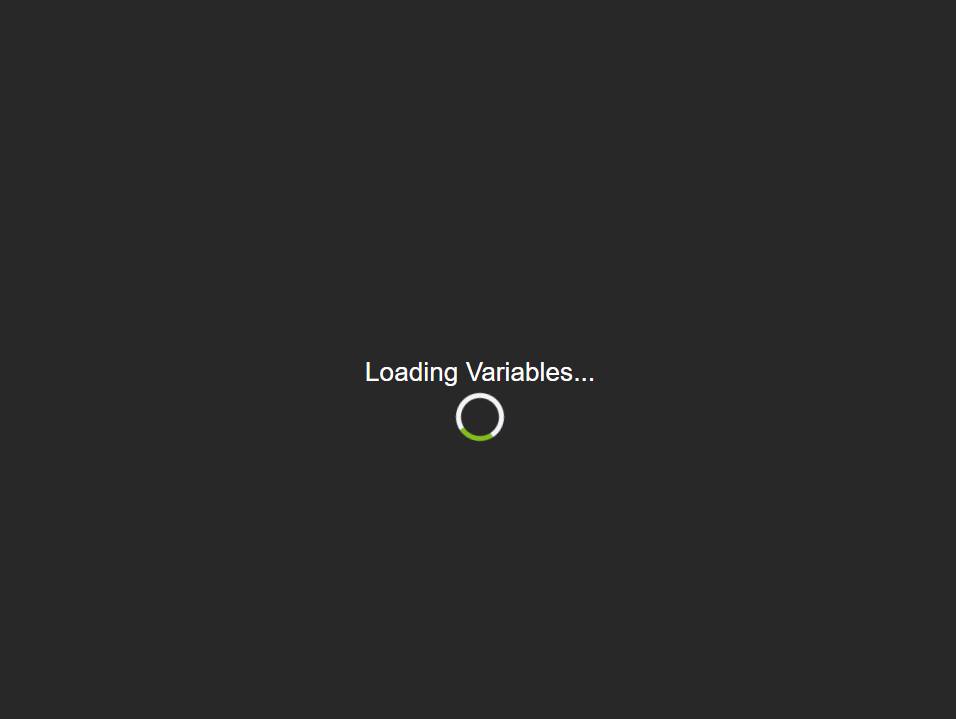
Cloud dashboard stuck on "Loading variables".
Local is fine.
any suggestion on how to fix it?
TIA
Anyone? 
I am not familiar with variables on a dashboard, so I doubt I will be much help.
But I guess the obvious question is, do you use variables on the dashboard? For what?
Can you screenshot the variable itself, and how you placed it on the dashboard (which type of tile, etc) so others have some context to this error?
I have no idea what and how to create a variable.
I found what it was screwing it
this app/device: [RELEASE] smartly 2.1.0 featuring smartly-inject - Smartly Project - Oh-La LABS Community
I am not sure what the status of that project is. I know I haven't seen any activity or mention of it in a long while now.
I would suggest looking at other alternative dashboards, (there are quite a few). I would also look into working with CSS modifications for the stock dashboard which shouldn't break due to code changes or hub updates.
That's the drag and drop feature of smartly. I might be able to take a look in the next week or so, but not sure what the issue is likely to be.
@peter.sa - when you say that was the issue, are you saying that if you remove that device from the dashboard it started working?
I had to remove from the devices list to choose. Simply removing from the dashboard was still giving me the error.
When I click on the device, it gives me this screen and I can't do anything other than go back.
This topic was automatically closed 365 days after the last reply. New replies are no longer allowed.
Download the Hubitat app