I have a 3 switch circuit controlling some ceiling lights in a hallway that we honestly RARELY turn on. Last night I turned them on, walked through the hallway, turned them off.
Then at about 3:40AM they turned on mysteriously and woke us up. My wife turned it off from the physical switch. It happened again a couple times in the 4 o'clock hour and I turned it off from the physical switch again, and just shut the door because I was not about to troubleshoot in the middle of the night. I used my phone to turn it off a couple times as well.
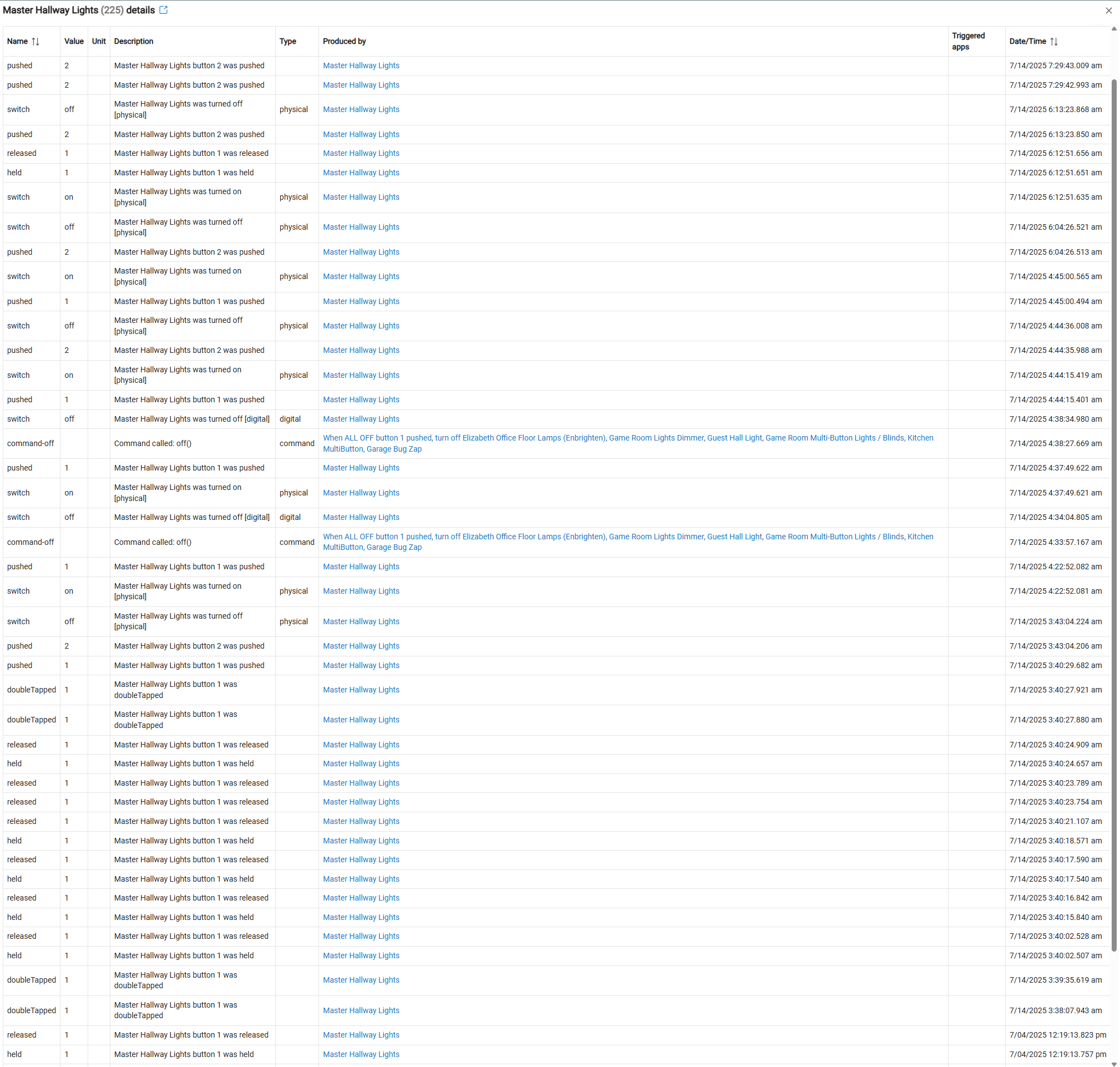
Checking the logs this morning, Hubitat logged that the button 1, the ON button, was pressed a LOT. My first guess is that the button is failing. But is there something else going on here?
The "physical" button id in events isn't always indicative of an actual physical event. I hvave switches (also GE Enbrighten) that HE reports as both digital or physical, for purely digital events.
I've never bothered to troubleshoot this as it doesn't cause me any issues, but see below events from a GE Enbrighten switch that's used in a motion lighting automation. Set Level commands are reported as digital, and Off commands are reported as physical. They are all digitial.
Long way of saying I doubt your switch is failing, most likely some automation is running amuck, or maybe you have an Alexa device and "Hunches" are enabled? Your symptoms are a common effect of Alexa Hunches.
Wow interesting. Well we don't have Alex here, and the only non-physical controls for these lights are part of my "ALL ON" and "ALL OFF" functions. I'll review to make sure it didn't get accidently included in something else.
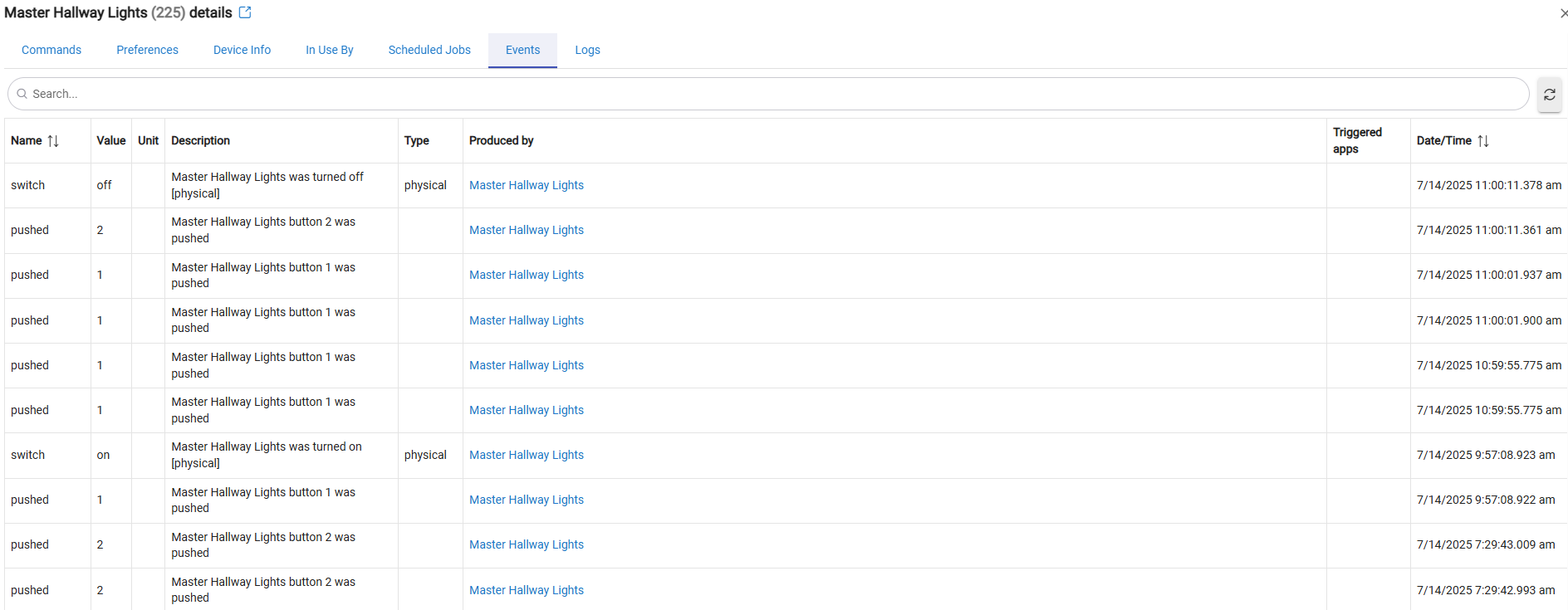
About two and a half hours went by before it did it again, but it's definitely done it again. I switched it off and on several times but only one Button 2 Off instance is showing in the logs.
This is a group of three switches - one primary and two remotes. Last night and this morning we were using the remote positions to switch the lights on and off. This most recent time I had to remind myself which one had the physical relay in it by pressing and listening, then went to that one and pressed it a couple times. I guess I'll "wait and see" if that makes a difference now. Possibly will flip the breaker to power cycle it later.
The fact that a button that is rarely pressed was pressed, and then it kept pressing on its own, sound to me like the physical button my be sticking.
You can pry the toggle switch off the front, and you will see there are just two momentary buttons there. Maybe clean around the top button with IPA and a cotton swab? Try pressing it and see if it feels the same as the lower button.
Looks like you also got some held commands from it. That could also happen if the button is stuck depressed in just enough it randomly makes contact. If it "on the edge" of making contact, the smallest things could trigger a press or a held.
How old is the switch, @LoudMusic? There were a batch of Enbrighten switches from years back that had a capacitor issue and could fail. I don't remember this type of behavior in that case.
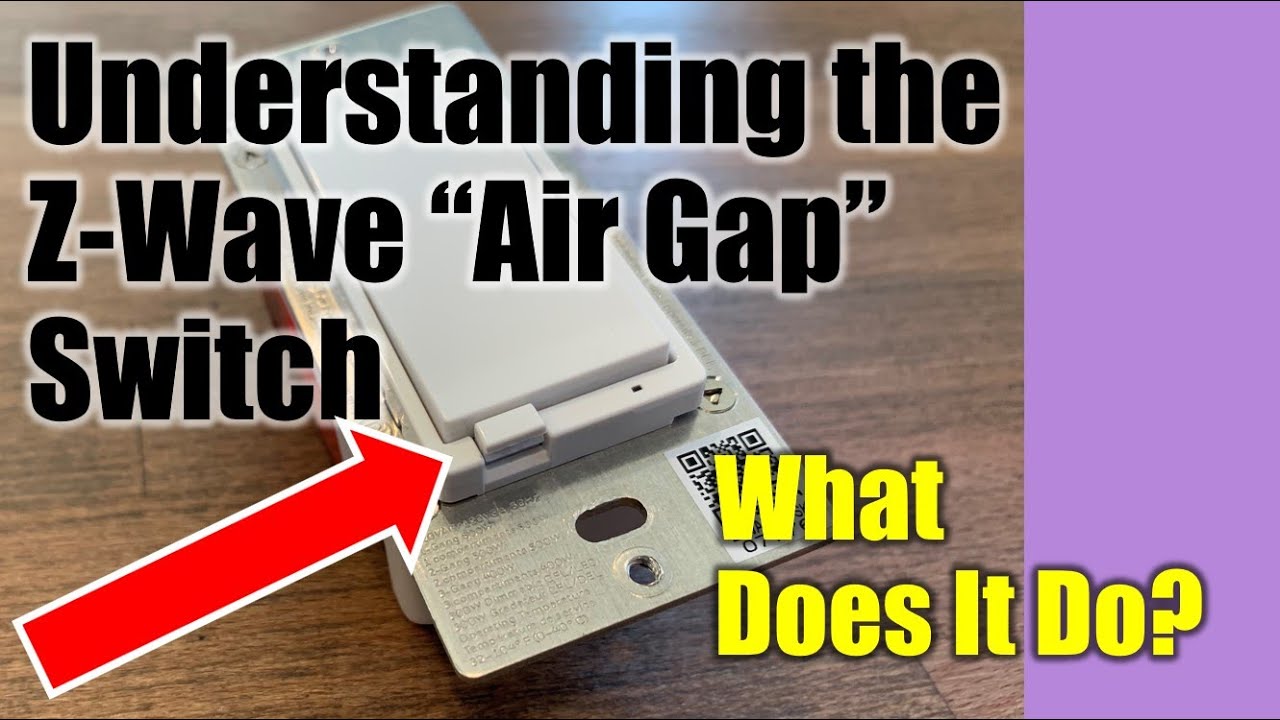
You should also try pulling the air gap on the switch, wait a bit, and then push it back in. Rebooting the switch might have an effect.
@chrisbvt, that's a good point. I'll look into cleaning it today.
@danabw, they're about 3 years old I think? At least, that's when they were purchased and installed. They could be much older than that depending on how long they were in the warehouse. Rebooting from the breaker should be simple. But I have to wait until after office hours or my wife will murder me
GE/Enbrighten/Jasco typically have a white sticker on the face with a date code, it will be a 4 digit number. The ones that are known to fail have that sticker. I seem to remember that the 15xx to 17xx were the worst of these devices.
I think the newer ones may have a QR code instead of that 4 digit code, and I don't think they are as prone to failure.