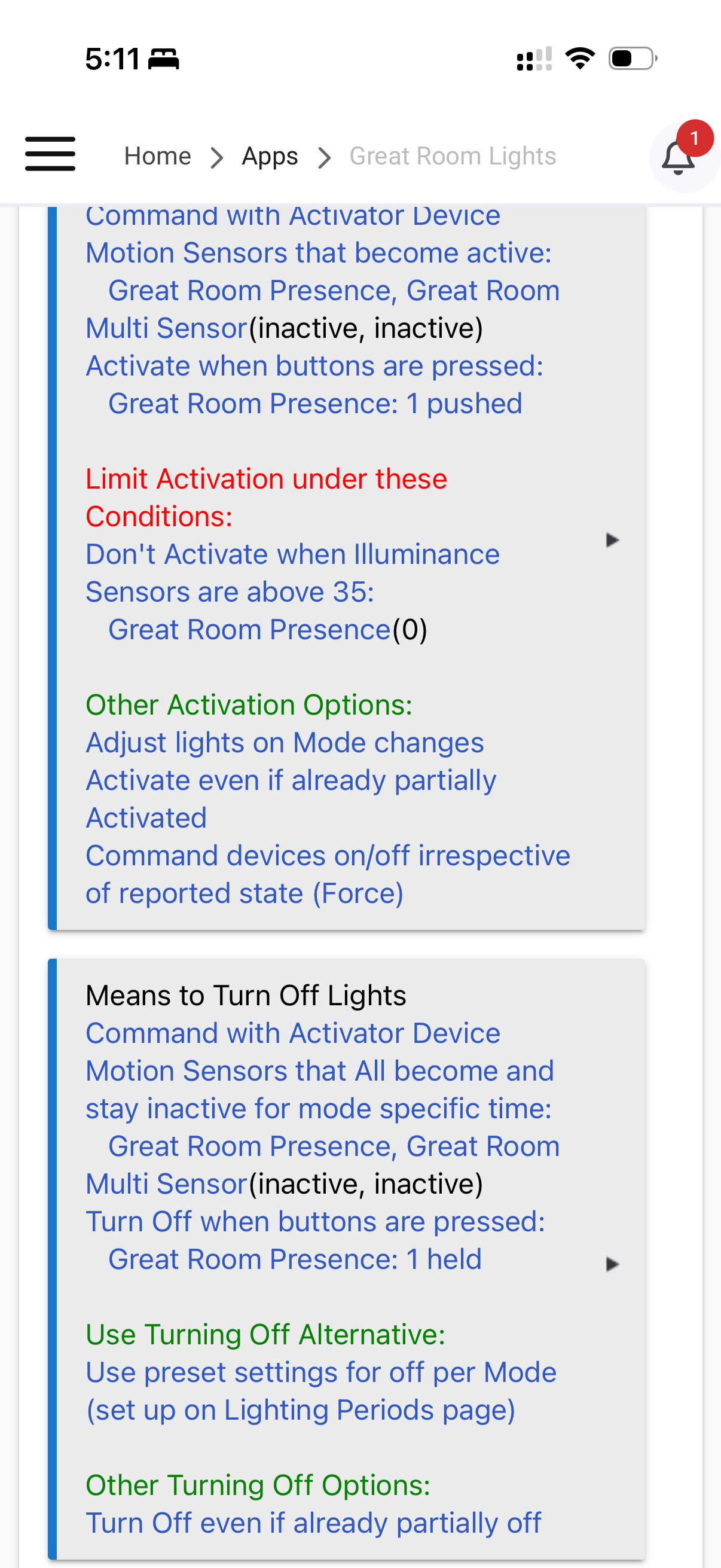
I have lamps and light strips that are on dim during the Evening mode when the main room lights are off. When my mode changes to Night, I want these lights to turn off. I also have these same lights set to off during the Day mode. When the room lights are on and the mode changes, the lights properly adjust. However, it seems that with the room off, mode changes are ignored.
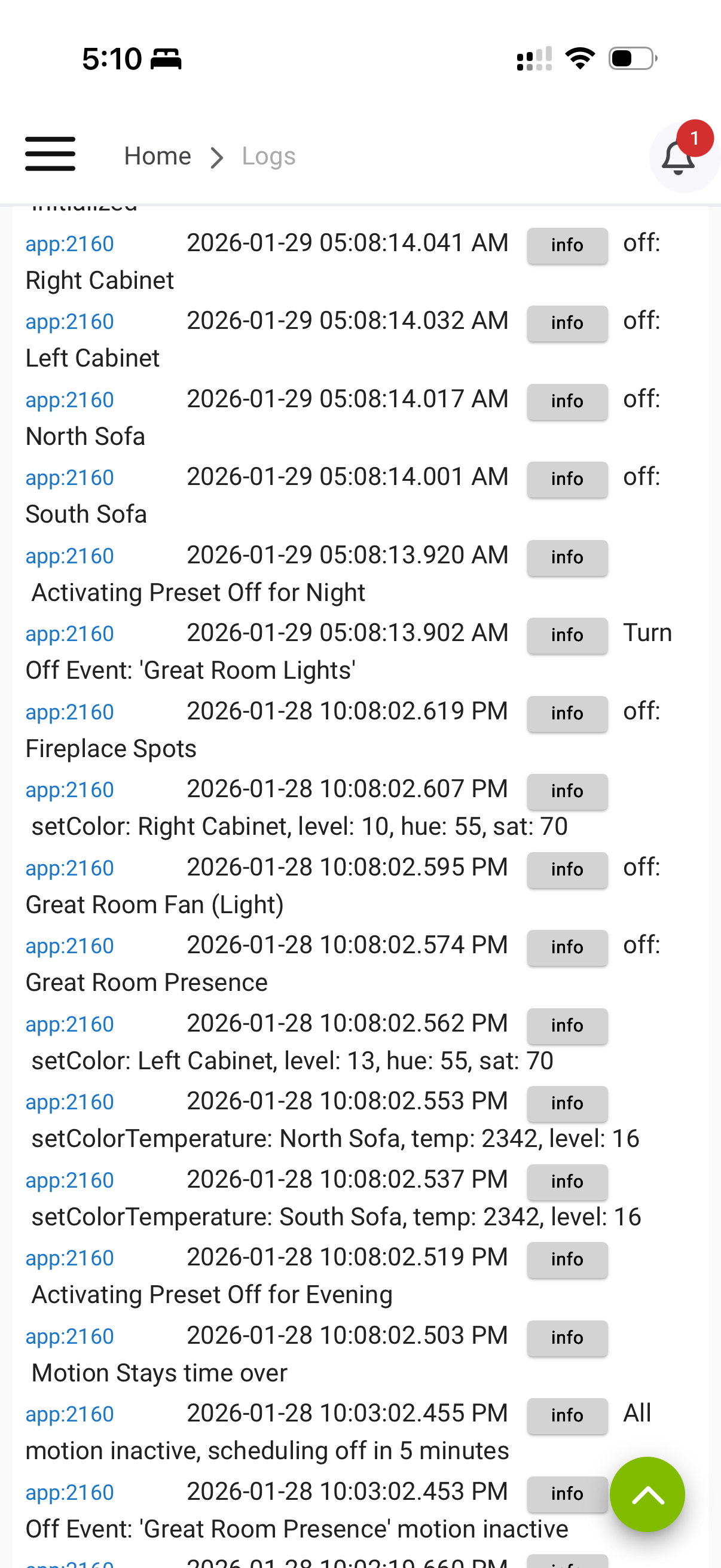
When I look at the logs, the changing of the mode while the room lights are “off”, does not trigger a change. If I manually select the Turn Off button after the mode has changed, the lights properly adjust.
Is this a bug, or do I not have a setting selected for the lights to change with mode changes when the lights are off?
My mode changes to night at 10:30 pm. The logs for my room lighting app shows no trigger at 10:30 pm. However, when I selected the Turn Off command manually in the morning, it did what it should have done.
I used to use rule machine for this lighting behavior but hoped I could just use room lighting.
I don't think it's a bug. I have a few room lighting setups where this is exactly the behavior I want... Adapt the lights per the mode table if they're on, but don't turn them on if they're off.
Have you tried adding Activate When Mode Changes in the means to activate?
That’s a good idea, I’ll try adding that to the activation. I thought the “Adjust lights on mode changes” would have applied to both with the lights on and off, but it doesn’t seem that’s the case.
It's hard to see what's going on in the phone screenshots. Captures from a PC screen might be clearer.
If I understand correctly, you have a room lighting app that controls multiple lights in this room, including the ones you want to turn on when the mode changes, but also including some you don't want to turn on when the mode changes.
There's always more than one way to achieve a result in Hubitat, but I think if I have that right, I would just create a Rule Machine rule to turn on those specific lights when the mode changes. This could also be done with a separate Room Lighting app, but that might be overkill for a simple 'turn on when a single trigger happens' automation.
It does, but only if the Room Lighting instance is active. If Room Lighting is off (not the lights but Room Lighting itself), then nothing happens. If Room Lighting is active due to motion, button press, or the activator being turned on, then your lights would change due to “adjust lights with mode change” option being selected.
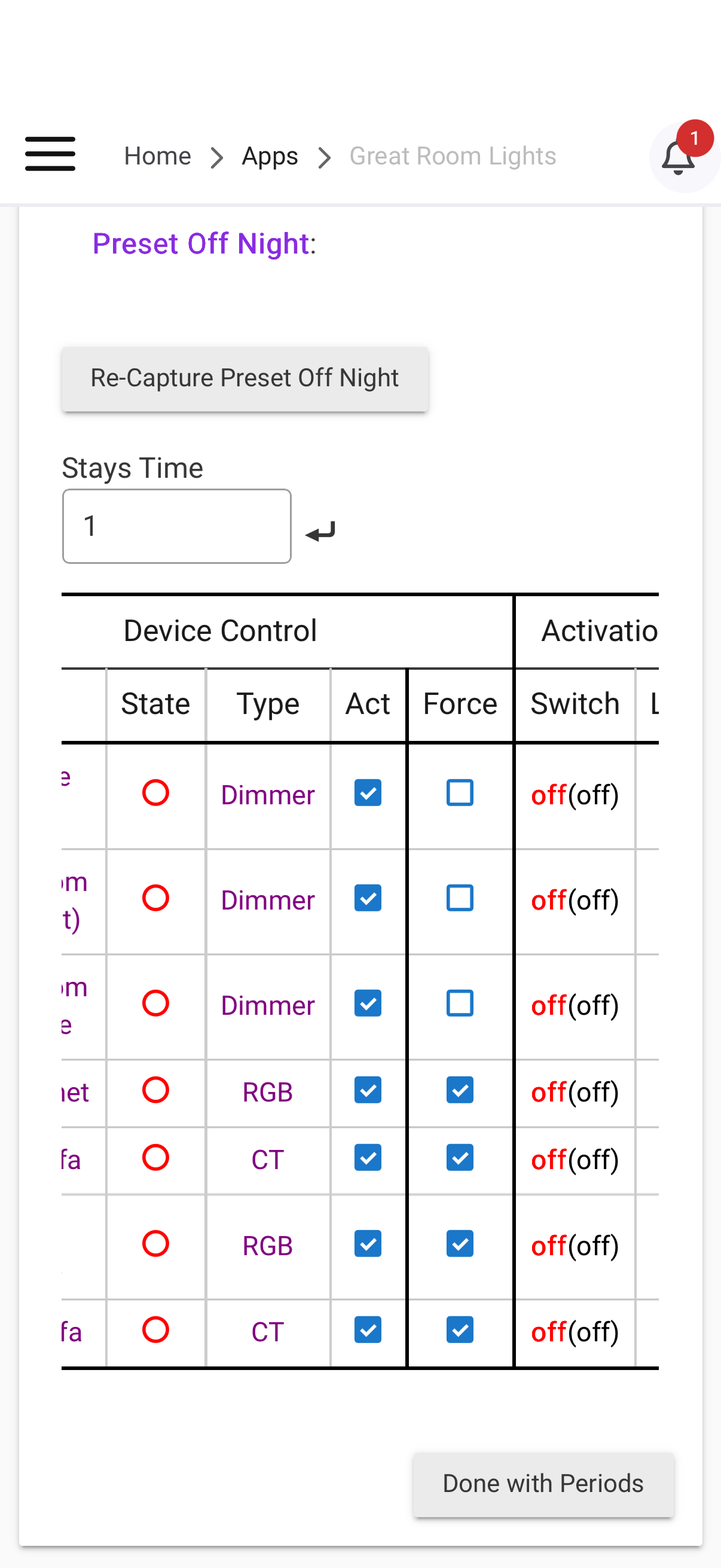
So this may not work for me. During evening mode, I have definitions with lights on to different degrees for On and Off by using the Preset Off per mode settings.
Is there any way to trigger the different Preset Off modes when the mode changes?
I recently added a motion sensor to this room, and Room Lighting is great for triggering the room lighting. I might have to go back to my Rule Machine just for handling my lamps and cabinet lighting.
Not really. The options are not graceful and will counteract if Room Lighting is already active. It also depends on how you are using the Activator device.
Depending on your setup, do all of these lights need to be controlled via Motion? If not, I would create two Room Lighting instances. One for the motion controlled lights. The other for the ambiance.
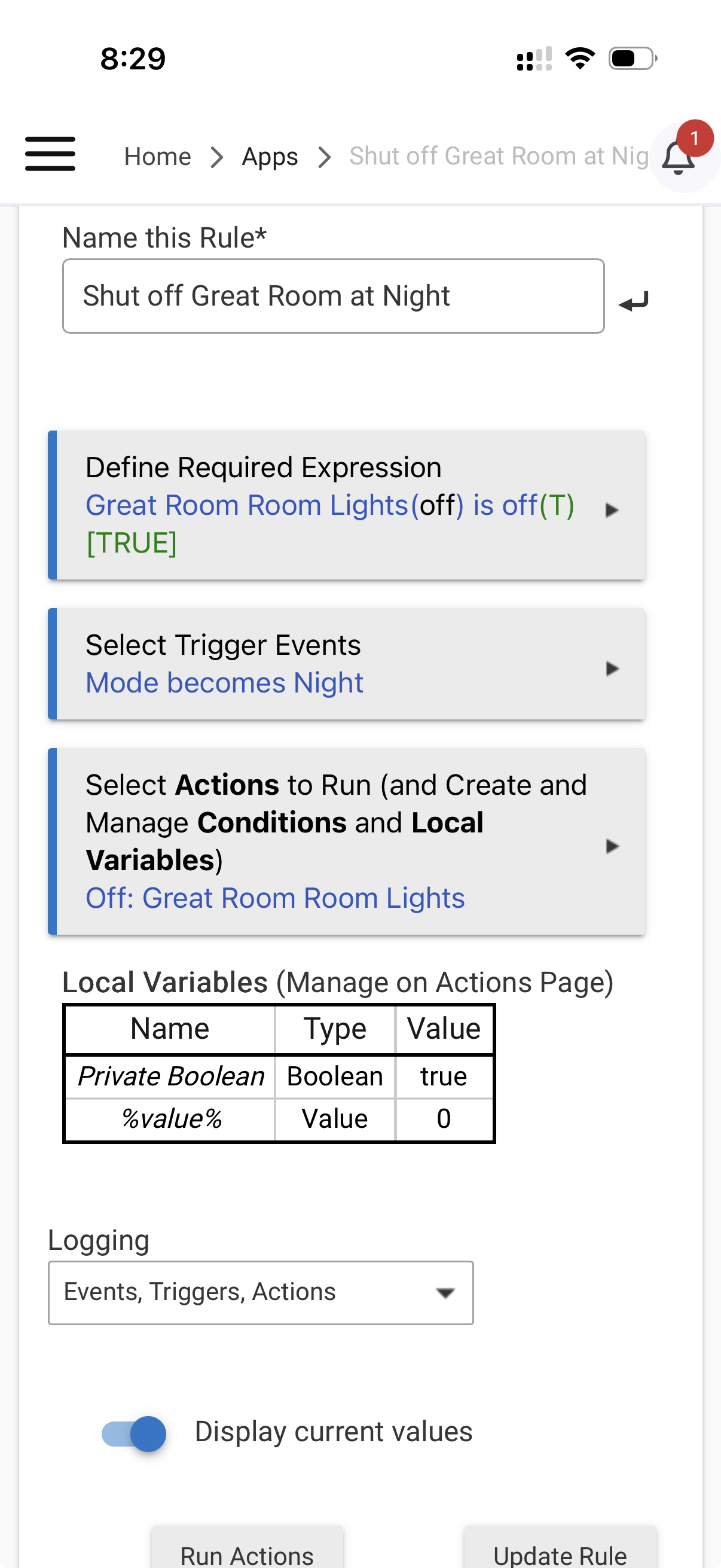
The last thing to consider is moving the motion rules into Rule Machine but have them just control the Activator Device. This way the activator device can serve as a “scene” state too. Then, you can have a rule of when the mode changes, if the activator device is off, turn off the activator device. Room Lighting activator devices are unique in that they can be “turned on or off” even if already on or off. This would allow for the lights to move to their preset off with the mode change even if Room Lighting is off.
It's an odd way of doing things, but would potentially meet the OP's goals. Basically, they are trying to hack Room Lighting's Preset OFF functions even if Room Lighting is not currently active to move the lights into a different Preset OFF when the mode changes. It's a little confusing but the general idea is:
1.) Room Lighting is not currently active. So, lights are in a Preset OFF state for the current Mode.
2.) Mode changes to Night. Now, the lights are in their Preset OFF state for the wrong Mode (evening or whatever the OP is calling it).
3.) With the Rule above, the OP can shift the lights to the new Preset OFF for Mode = Night because of the uniqueness of the Activator Device and the "Turn off even if Partially Off" option in Room Lighting. Basically, a RL's Activator Device can be "turned on" even if already on and "turned off" even if already off. So, with the Rule in place, it would shift the Preset OFF to the new Mode based on how it is written.
@cody, one thing you will need to be aware of is that this will turn off your lights if Room Lighting is Active but the Activator Device is Off. Say you have motion that turned on the RL instance, if the Activator Device is not in sync (i.e. Activator is OFF but RL is Active), your rule will trigger with the Mode changing to Night. You might want to think about adding a guard for the motion sensors into the rule as well too. In the actions you could write:
IF Motion sensors are active
Exit Rule
Else
Turn Off Activator Device
End-If
Basically, this would check for motion. If the sensors are active, it would stop the rule from running since RL would be able to move the lights into the correct Preset OFF for Night Mode.