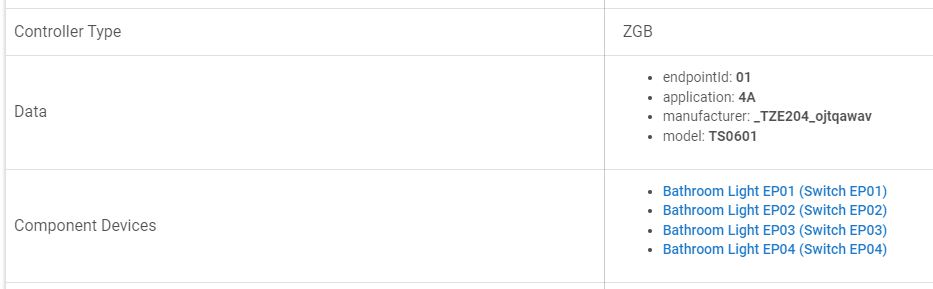
Hi - very new to Hubitat.
I've just started installing some single gang light switches. I have one 2-gang, but the rest are all single. I'm yet to fit the 2-gang so if that has a driver issue I'll sort that later. For now it's all about the 1-gang.
I've used this driver and the switch works manually and with HE.
However I'm having a couple of issues that someone might be able to assist with.
-
In the preferences section it offers OFF / ON / POSITION
If I choose ON or POSITION there is no change, backlight remains off.
-
In the devices section it shows the Parent and then the 4 child switches - whilst not a big deal I'd like to clean up the layout by not having #'s 2 3 and 4.
I've not yet taught myself how to modify drivers, but I'm hoping it's an easy fix and someone can guide me through it?
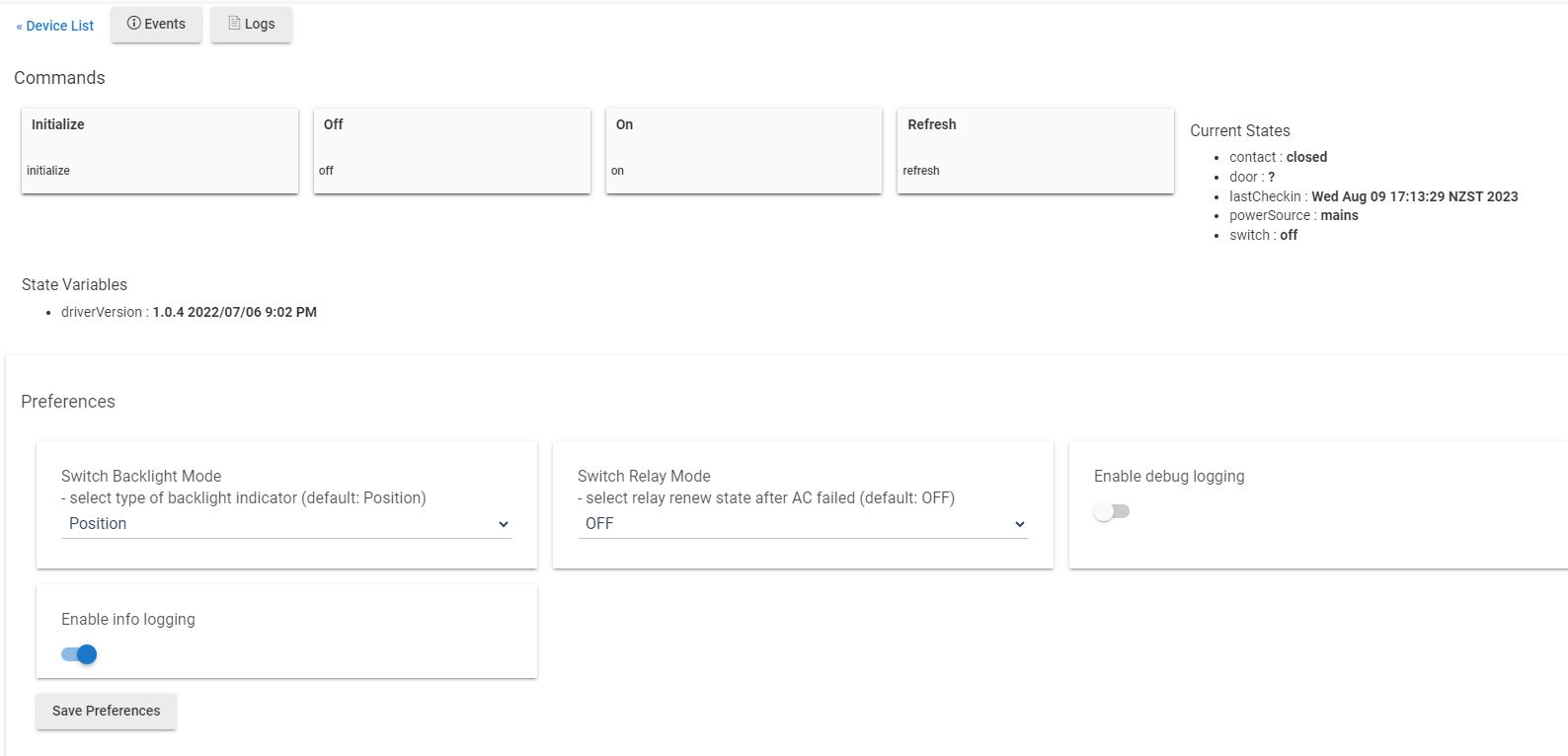

That's it, backlight, and menu tidy up.
Can anyone assist?