Love it - sexy LED strip, makes a huge difference! It's like night and day.  Is it on the whole time the printer is on, or can you set it up so it's only on when printing, or ?
Make him pay for it, @djw1191. 
Love it - sexy LED strip, makes a huge difference! It's like night and day. Is it on the whole time the printer is on, or can you set it up so it's only on when printing, or ?
Make him pay for it, @djw1191.
Right now it's just hooked up to the power supply. The plan is to use a little Hubitat magic to control the light with prints.
Just as a note, I read that the LIDAR might have issues if the enclosure is too bright. Not sure it's 100% confirmed or just a theory, but you might want to disable them at the beginning of a print.
So first link is the original HA thread, it's pretty long, but there is a dude in there that created a node red flow to bring in and format the data using MQTT (the printer publishes to its own MQTT server. He created the belong website as a configurator for both the node red flow and the dashboard.
Kind of a pain if you don't have node red and an MQTT server already running (which I didn't), but it's what exists right now. The HA thread also had someone who was creating a native integration for HA, but I didn't look too deep into that to see how far along it was and if there was data parity between both methods (the node red guy was more active).
Bambu Lab X1 X1C MQTT - Configuration - Home Assistant Community
There is also a 3rd post from this guy that has some more advanced node red flows, that FTPs into the print to grab the print files. But I haven't looked into that yet.
I read the same, but I've had the LED strip stuck to the top glass since I got the printer with no issues so far. I'll comment back if it causes any problems with the way I have it now. I'm wondering if the issue is a particular color/brightness level.
Glad to know I found the same thing you used. I'll hang tight for a simpler integration as I'm not that motivated to set it up. I'm with you in that I don't have node red or MQTT set up.
I don’t think I realized how quickly you can go through 1kg of filament. Originally I figured it would last me a while, but now I’m more than halfway through the first roll of PLA and I haven’t even printed that much.
Absolutely! I know what you mean...at first I thought I had a life-time supply w/just having two spools around. Then I used up 90% of one PETG and 50% of a PLA. I'm on my second PETG spool and have added grey, white, and red PETG spools awaiting use. Looking forward to starting to do prints in those colors, incuding multi-color prints.
Impressive customer support! Doing more than they had to for you, that's pretty sweet.
Welcome to the fray - is this your first printer, or one of many like certain people around here?
For any Prusa users who venture down the rabbit hole - I finally figured out what was blocking my speed changes, even w/both print speed and acceleration values adjusted...in addition to the volumetric speed setting in Print Settings>Speed, there is another volumetric setting in Filament Settings>Advanced. The one in Filament settings was defaulted to 8 by the generic settings and it took me a while to find it there.
Print Settings>Speed
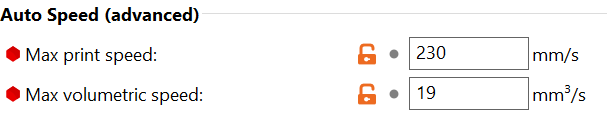
Filament Settings>Advanced

As soon as I updated the second volumetric setting in Filament Settings to my results from the Teaching Tech volumetric tests things changed immediately and I have been able to print using the speedier settings. Victory (so far, we'll see what blows up) is mine!
That is a nice neutral but still interesting/good looking color! I got red and white to cover when I want something brighter and grey for general use similar to the Stone Blue, but like the stone blue very much.
Good luck w/your unspooled filament. That's one DOH moment I havent' had yet, and hope I'm not jinxing myself by saying that... 
#overrated
Overall so true.
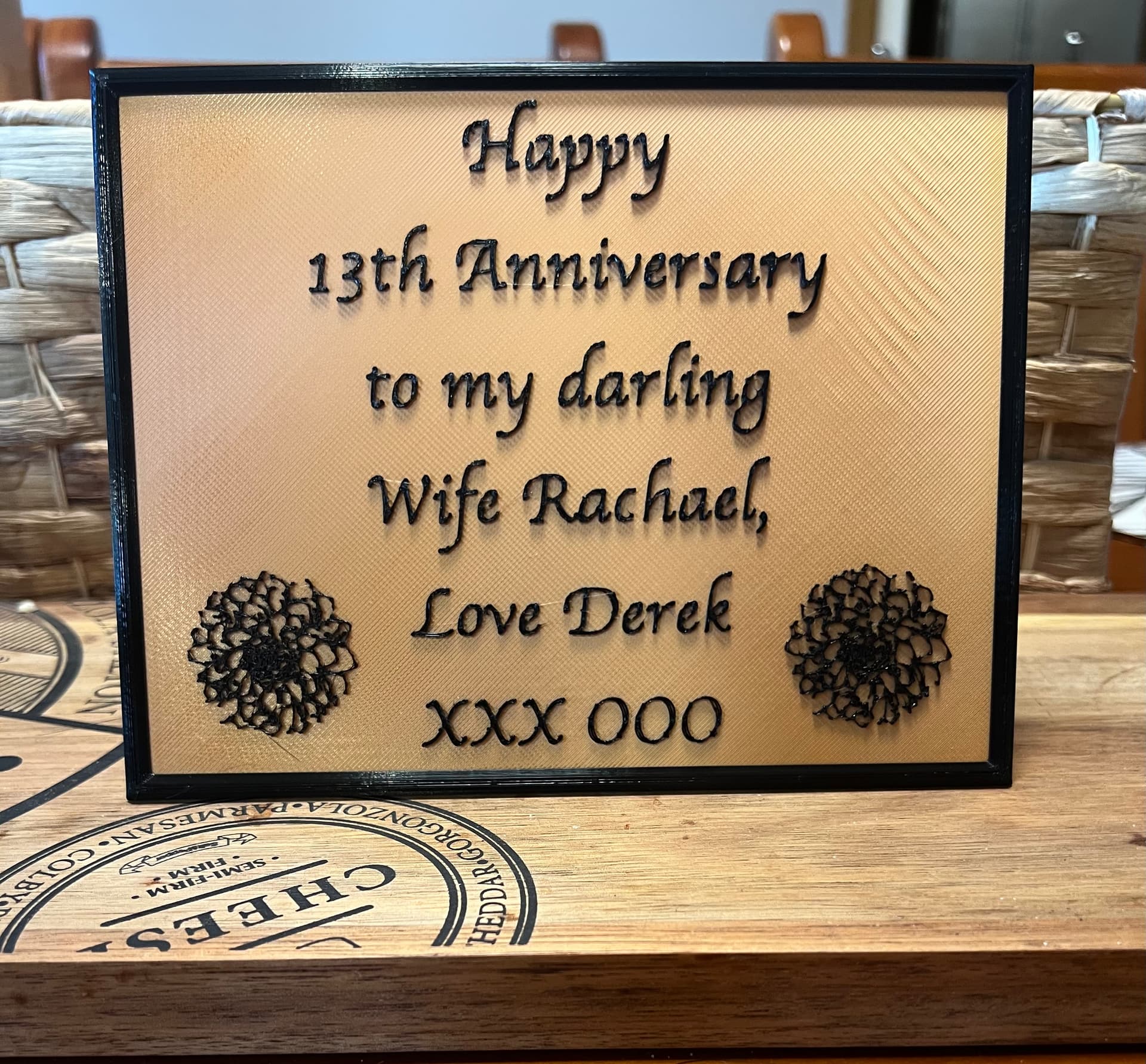
But...our second date was on Valentine's Day, and later we found out that that date was when we both knew the other was "the one." So it remains an important day.
Flowers are not desired/required (lucky for me she hates the waste of getting flowers that die), but we always do some sort of special dinner - either home cooked or out on the town at a favorite casual hole-in-the-wall place where there won't be a Valentine's rush.
Printing the 3D flower is really more about me that her. 
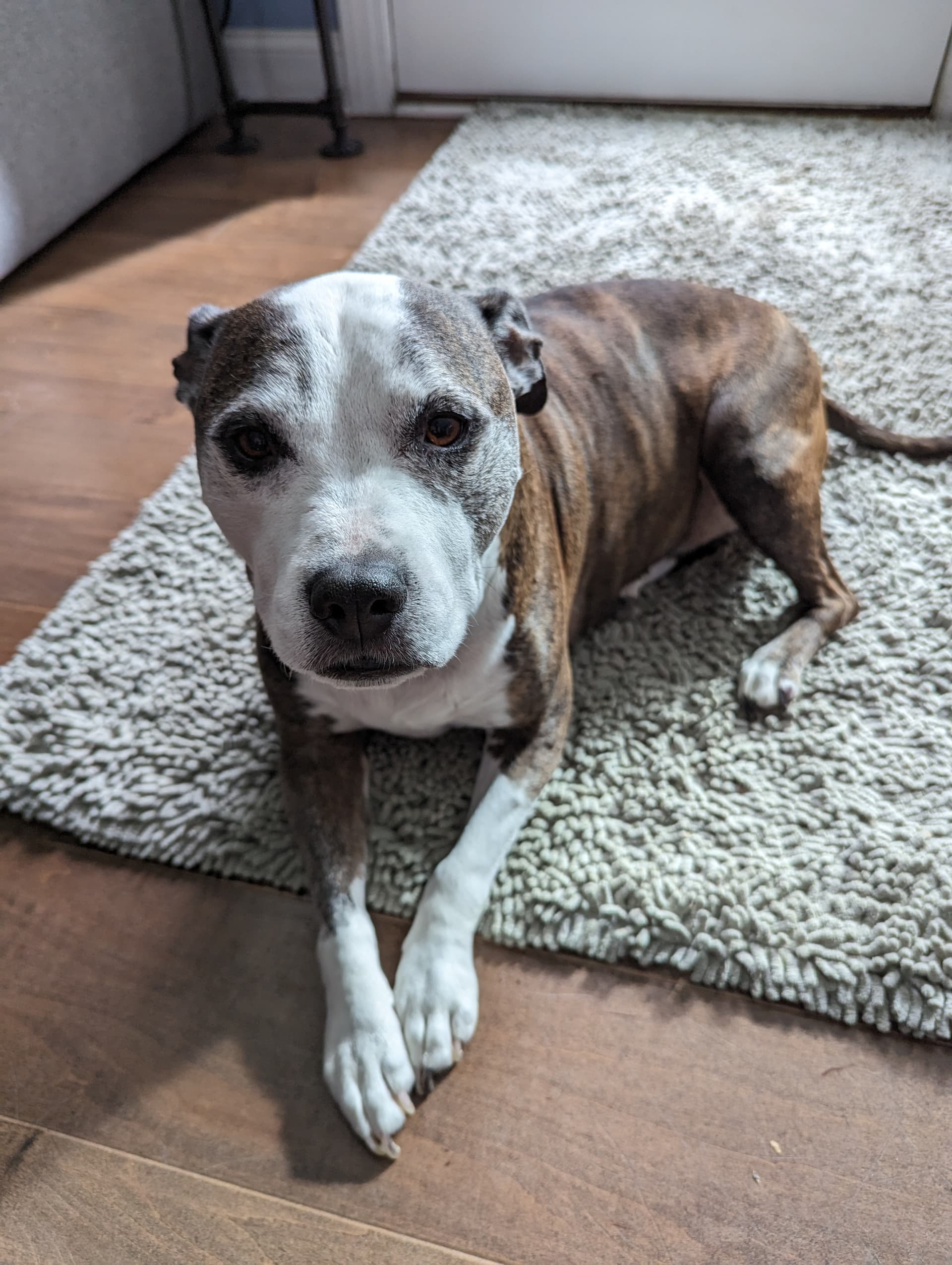
Awww...cutie. You made me remember - one of our first dogs our family got when I was in 2nd grade was named "Vali" for the date we got her - also Valentine's Day. Twins!
Technically second but the other one, a Labists SX1 from a couple years ago, is still in the box, in the corner, under the dust... 
So I'm counting the 4Max Pro 2.0 as my real first.
Agreed, but happy wife = happy life, and I’ve forgotten “important” days too many times. 
Thankfully, mine nor I get wrapped up about it. According to my wife (who is standing next to me) it should be "happy spouse = happy house".