Nah, Im not really into miniatures.
1 Like
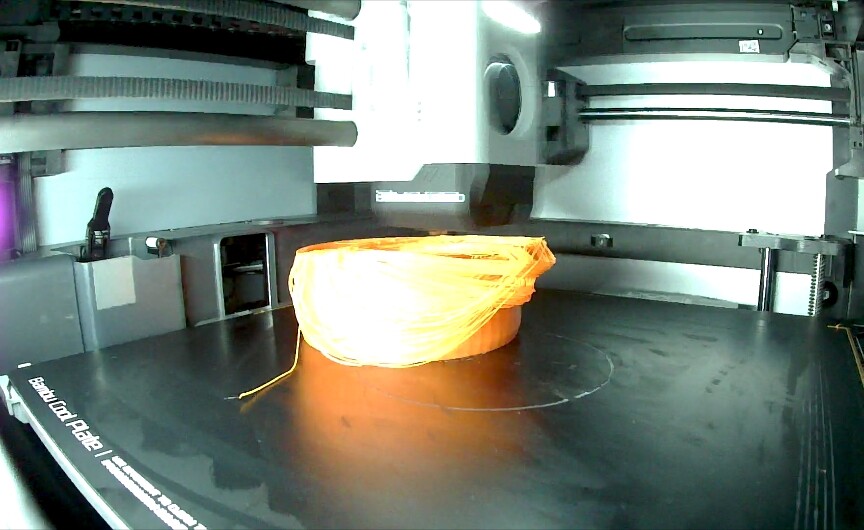
Oops.
2 Likes
Your adhesion issue is another museums modern art! Pretty sure I saw one of those at the Guggenheim. Contact the local MOMA and you'll be rich, man, rich!! So were you trying a new filament type, or dorking w/settings (which can be dangerous, see below)?
My favorite "oops" was when I found my printer printing above the bed. Lah-dee-dah just rolling along spewing my expensive filament into a fuzzy floating mess. Damn you, you printer! But, wait...I had been playing around w/the Z offset setting in the slicer, and discovered I had set it to 3mm instead of intended .3mm. 

1 Like
This guy just seems like the tinkerer's tinkerer, on the micro side. Are you sure you don't have secret meetings w/him and others in the WTT (Worldwide Tinkers' Team)? 
There is a fantastic local museum here that specializes in miniature engineering...really tiny stuff that all really works. Pretty amazing.
1 Like
Nope wasn’t doing anything, was just the default settings from Bambu. I think it was either not reapplying glue stick after the previous couple of print.. or the printer has a aux fan that blows directly on the print (separate from the part fan) that I’ve read is excessive for PLA prints but defaults to on.
I cleaned and reapplied the glue and turned off the aux fan the second time and it came out fine.
1 Like
How many prints since your last glue stick application? I haven't had any issues with the AUX fan. Default settings as well with both Bambu Labs and Sunlu PLA.
Only 2, that was my 3rd print.
Are you using the Bambu stick? I haven't tried pushing it past 4 between applications.
This Overture PETG is kicking my rear. I've had one successful print out of four attempts with it.
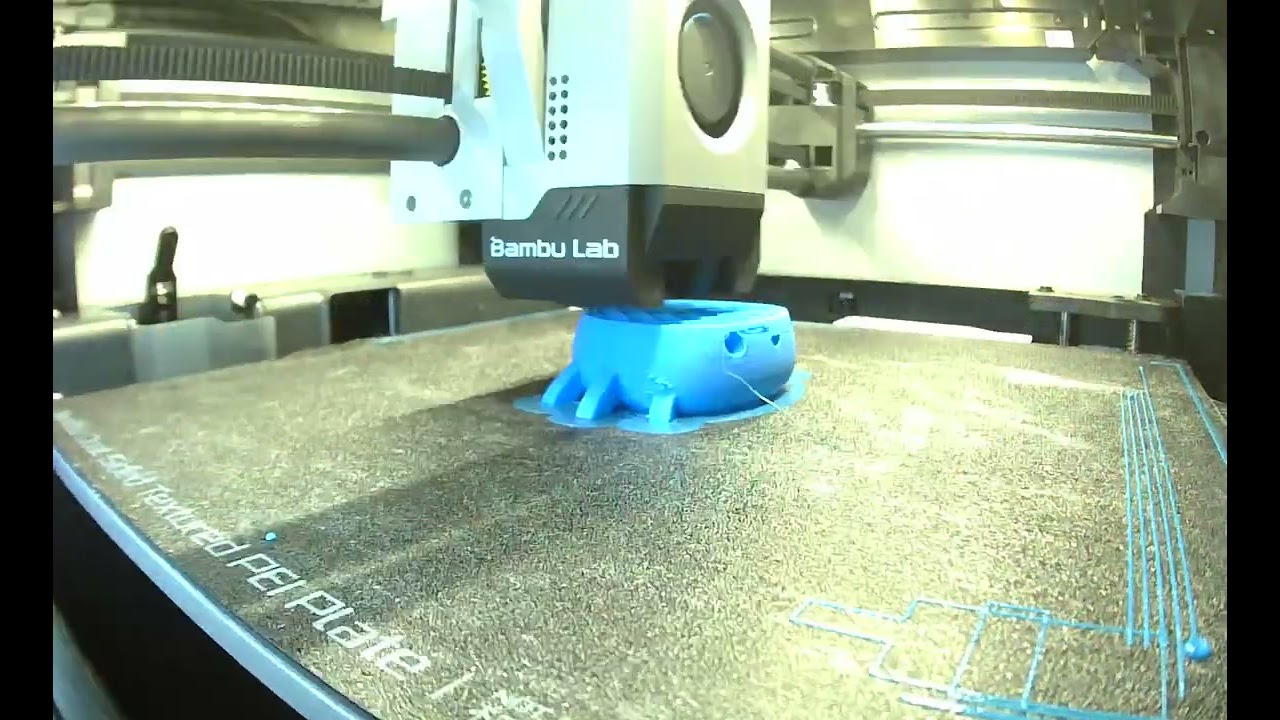
1 Like
Yeah bambu stick on the cool plate.
1 Like
Stringing can be from too much moisture in the filament or it could be some other cause. I noticed on one of my recent PET-G prints that I had a lot of stringing. I think the shape of the object coupled with the fan being set a little too high was contributing toward that stringing. OTOH, I just completed several ABS items with no stringing at all. Of course, with ABS, the cooling fan is off.
1 Like
Can confirm that the 40x10 Noctua fits. The Noctua has a third wire for speed. Just leave that one disconnected. Red to red. Black to black. The Noctua does have anti-vibration pads that need to be removed and then it'll squeeze where the old fan was. 10 minute job and the dryer is dead silent now.
Thanks for the update! I'll have one on the way today. The fan noise is the only negative for me overall, glad that the upgrade is effective.
Shoot - did you get the 5v or 12v version?
The 12V version.
1 Like
Just wanted to note for Octoprint users...when I first started using Octoprint the Print Time Left estimages were way off, much longer than the actual. I added a plugin called the Ocotprint PrintTimeGenius plugin and on my first print with it today the time left estimates appear to be spot-on. Worth a look.
2 Likes
Clarification in case anyone gets the wrong idea: All computer type fans are PWM controllable as they are DC powered. The third wire is for the speed sensor to report rpm back to the computer motherboard.
Chaps, I just realised I've given you all bad advice - Changing the "First Layer Height" in Prusa Slicer / Super Slicer doesn't change the Z height starting point.
After some googling plus experimentation, I've found that in Prusa Slicer / Super Slicer you need to modify the Start / End G-code for the filament types that require more or less squish than PLA. eg My ABS profile:
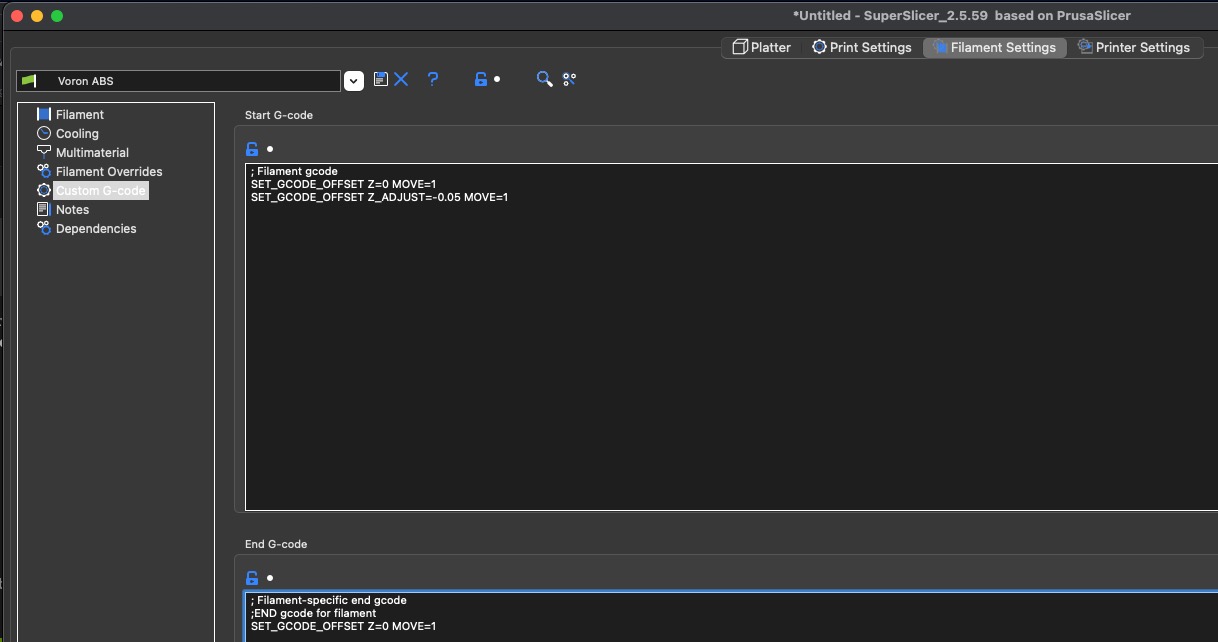
For Klipper, I've added:
SET_GCODE_OFFSET Z=0 MOVE=1
SET_GCODE_OFFSET Z_ADJUST=-0.05 MOVE=1
The first Line resets the Z Offset to the printers default, and the second line lowers the Z Offset to 0.05 mm closer to the bed (ABS needs a bit more squish).
If you wanted to go up by 0.025 for say PETG, it would look like this:
SET_GCODE_OFFSET Z=0 MOVE=1
SET_GCODE_OFFSET Z_ADJUST=0.025 MOVE=1
To do the same in Marlin for PETG, you only need to add the folowwing to the Start Gcode for PETG filament:
G92 Z0.025
Every time the printer Homes (G28) Marlin will revert to the stored Z Offset, so there is no need to reset it in your gcode.
First PETG print underway, everyone wish me luck.
3 Likes
Good luck...this ish is kicking my rear.
2 Likes