Hi,
No secret I'm a big fan of konnected. Used this for years. Haven't added anything new for quite some time.
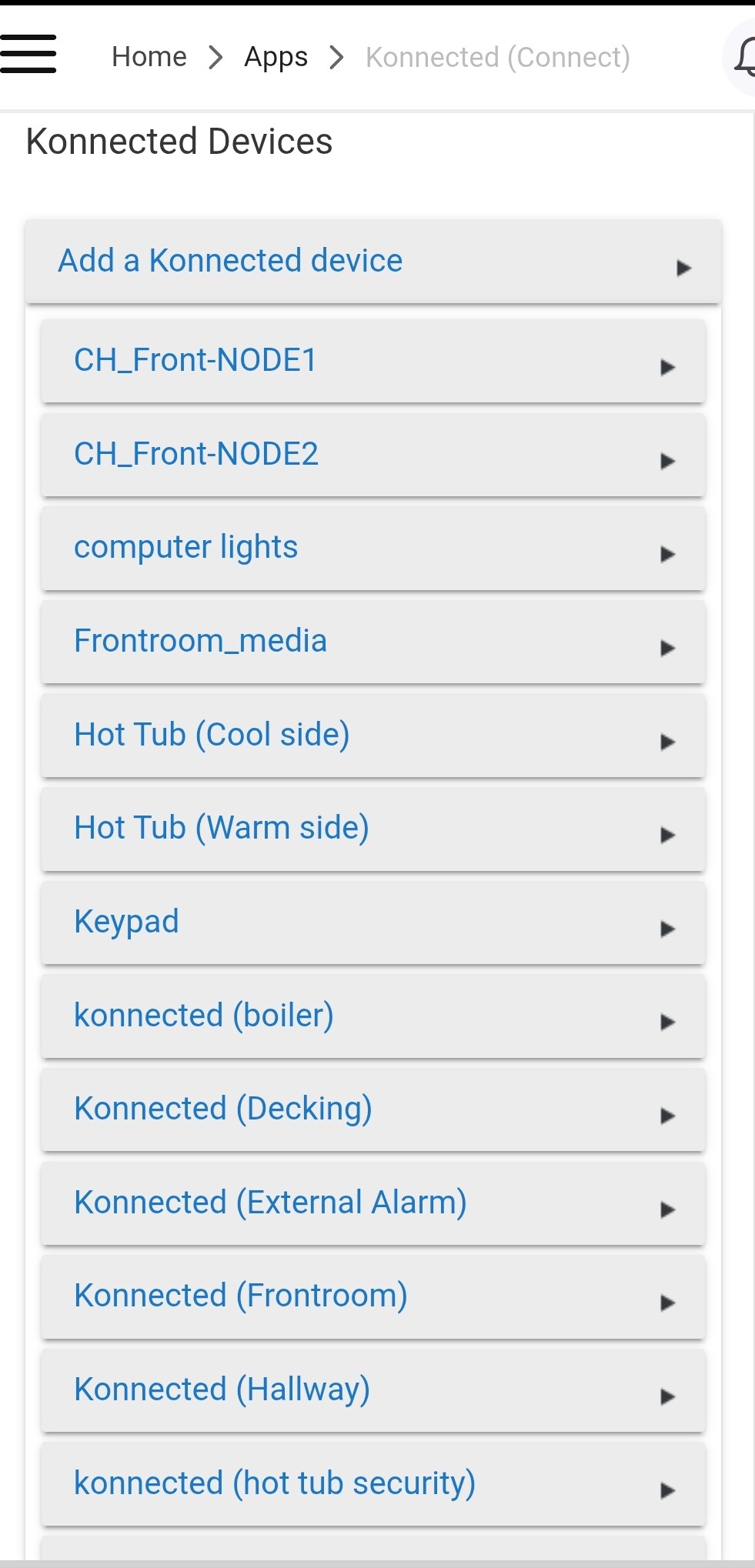
Attempted to add a new nodemcu board, and it's sticking here...
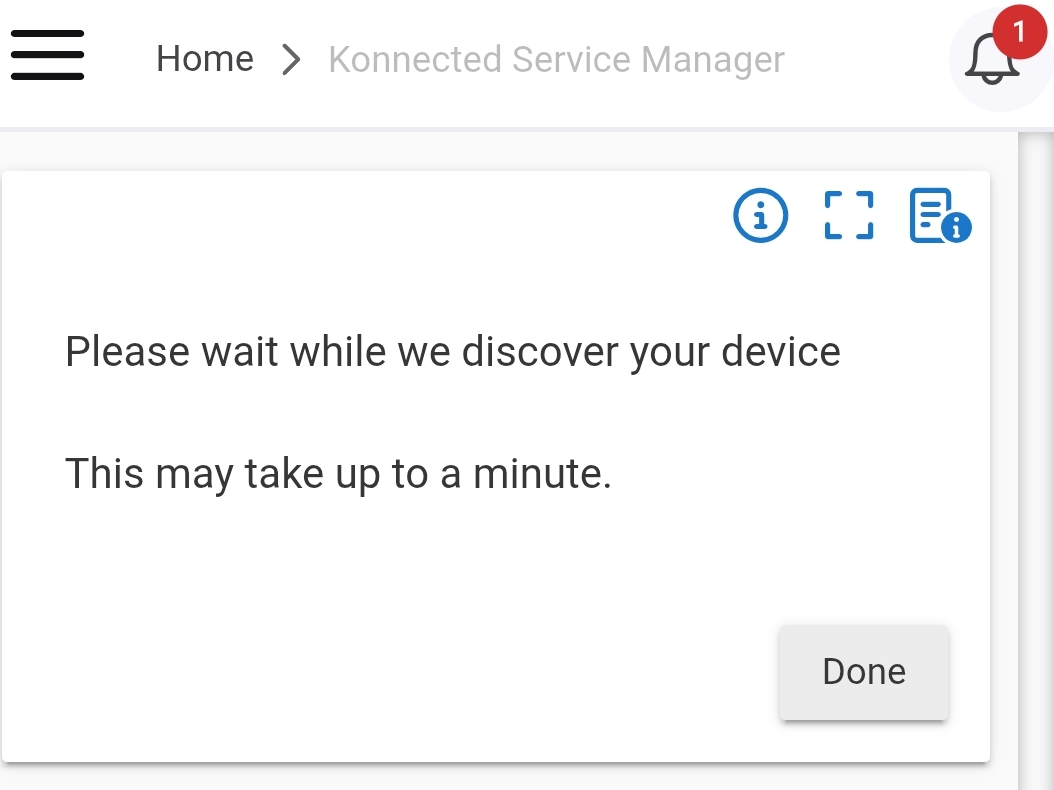
Any ideas where to start? Ta.
I have loads of these. No issues.
Hi,
No secret I'm a big fan of konnected. Used this for years. Haven't added anything new for quite some time.
Attempted to add a new nodemcu board, and it's sticking here...
Any ideas where to start? Ta.
I have loads of these. No issues.
The architecture has completely changed with our new firmware platform. I highly recommend using the new ESPHome firmware and Alarm Panel Universal driver for any new installations:
I had a dodgy nodemcu. Tried a fresh one, all good.
The new esphome software seems to require fixed ips. I have a stack of old WiFi nodes which definitely do not have fixed ips. Haven't a clue what they are. The older software doesn't require that I set the ip addresses for each of my (many!) boards anywhere.
Also, my cheap-■■■ router only allows for a small number of address reservations.
If I understand it correctly, in my case, I don't see any reason to switch up to the esphome.
Is my understanding flawed? Ta!
This is only because (at least the last time I visited this) Hubitat does not support mDNS/Zeroconf discovery protocol which is used by ESPHome. If/when that changes, we will be able to add discovery to the Hubitat drivers.
You can set a manual IP address in the Konnected device firmware settings (via Konnected app) if your router isn't cuttin it.
The original firmware and integration still works and isn't going away, but we're not adding any new features or capabilities to it. ESPHome is "better" in many ways, but functionally for 90% of use cases, the original platform works just as well.
Here's a brief overview of the evolution of our firmware and some of the benefits of the new architecture:
Try something like this if you haven't:
Thanks.
I gave it a quick shot. No dice.
ESPHome devices are not automatically discovered in Hubitat. To add the parent Alarm Panel device, follow these steps to create a virtual device:
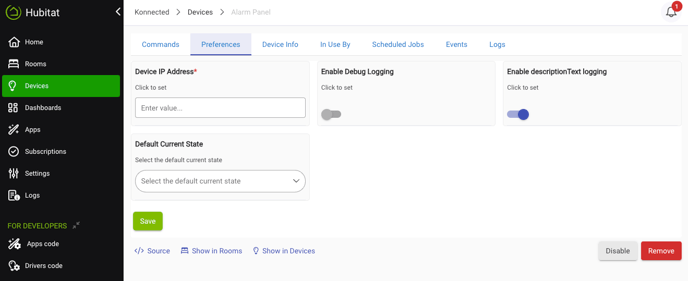
5. After saving the IP address, Hubitat will attempt to connect to the device. You can view the Logs tab in case there are any errors connecting, or click the Initialize command on the Commands tab to make it re-connect.
6. Child devices should automatically appear soon after Hubitat connects to the device. The child devices are defined by the zones and settings that are configured on the Alarm Panel. You can customize these using the Konnected app.
I got to step 5, verified the ip by checking my router, added this to the prefs for the virtual device. After that, haven't a clue. Discovery through the KSM shows nothing - I'm assuming this should pick up my board.
Full disclosure, there are no physical devices connected to the board at this point.
@bertabcd1234 Thanks. Looks like Hubitat does support mDNS now. I'll add this to my todo list.
@djh_wolf No, the Konnected Service Manager app discovery is only for the legacy NodeMCU firmware. It is not relevant for the new ESPHome architecture. Once you put in the IP address of the Konnected device running ESPHome, it will connect and on the Commands tab you should see current states and connection status of the device. Each zone that you set up will appear in Hubitat as child devices. Zones are set up via the Konnected mobile app and pushing a firmware. Make sure that you have flashed the ESPHome firmware on the device at install.konnected.io for it to initially connect.
Thanks nate.
Very polished. I like the update frequency of the temp probes can now be adjusted. The legacy was 3 mins - a bit frustrating, but I presumed it was down to limitations of the hardware.
Brilliant !
Well, I added a dht22, but it's showing as -10 degrees or thereabouts.
Installed the classic konnected s/w and it immediately picked up @ 23 degs (correct)
No idea what's going on.
edit
added a pullup and wipe/reload. all good.
odd that it functioned fine without pullup with legacy.
odd
This doesn't seem to work. Manual IP address set to 192.168.1.101. Can't get this to budge from 192.168.1.27
I've finally given up on this I'm afraid.
I did put a decent amount of time into it. It's human nature to prefer the familiar.
I'll be sticking with the legacy. The esphome version may be technically better, allowing shared access with multiple HA platforms (but I don't need this). I was excited about the pote trial of flashing an esp32 for the increased inputs.
However.
Altering a setting requires a time consuming new build/reflash. Legacy is a quick point, click reset.
The virtual drivers require a fixed ip address. Despite the option within the konnected app to set a fixed ip address, I found this had no effect. Boards retain original ip addy. The only way to fix this was to use the routers address reservation.
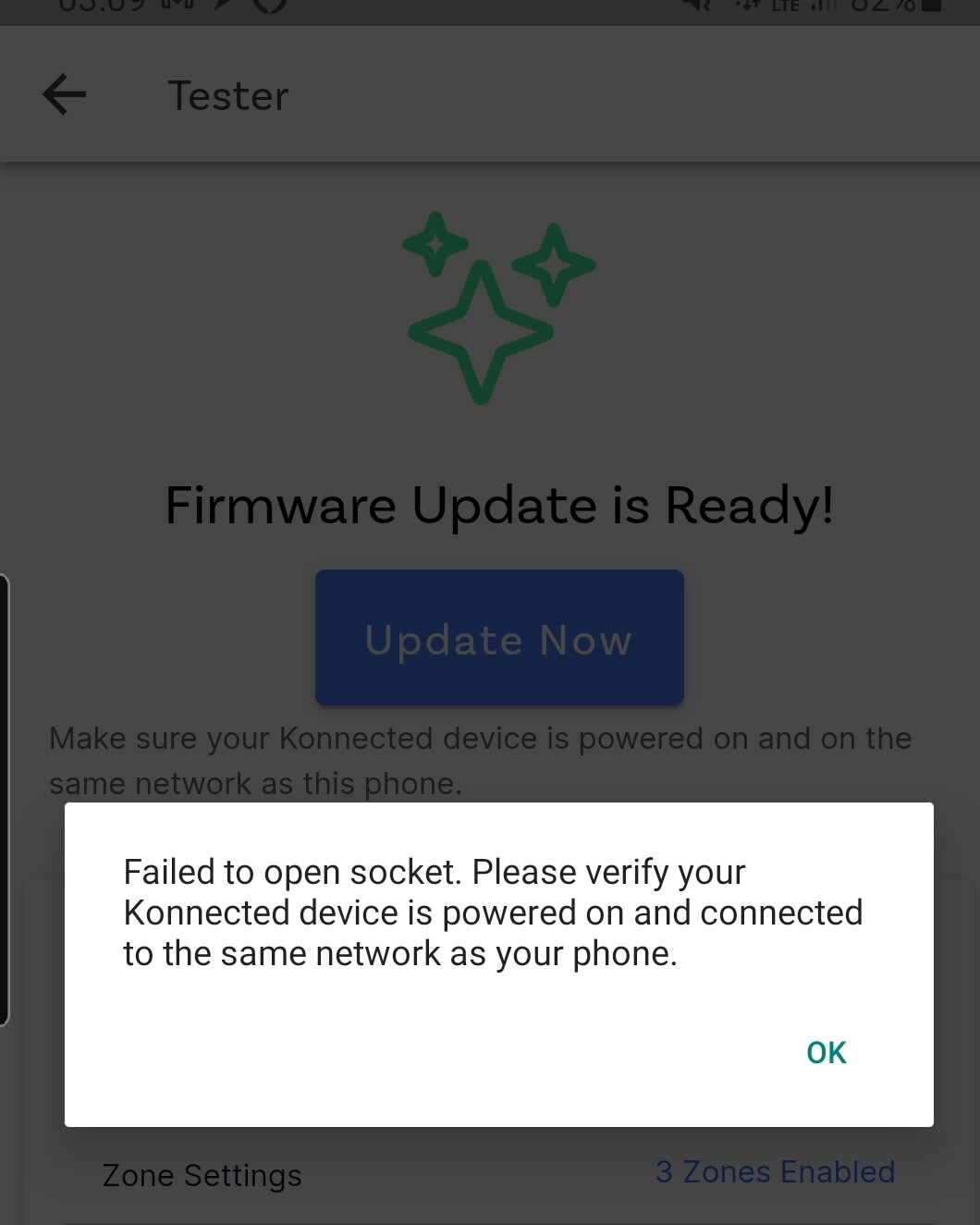
I received this message when attempting to reflash after applying a fixed ip.
Ymmv, but I didn't find this to be as positive as I'd hoped.
Thank you for your support and best of luck =)
Thanks for the feedback. I understand the frustration, and I think things will improve over time for sure. To respond to a few of the points:
This is because ESPHome configuration is done at compile time, whereas the legacy firmware is configured at build time. The legacy firmware has far fewer capabilities so the build time config works but we were bumping up against the limitations of the tiny flash memory on the device. ESPHome's architecture is far more efficient.
Now that I know that Hubitat finally does support mDNS/Zeroconf I can write a Hubitat app to discover the devices automatically and simplify this. It's on my to-do list.
Looks like the app lost track of the IP address if it changed by the router. Usually exiting and relaunching the app will fix.
I'd suggest giving it another try after I get that discovery app done.
That would be great. The legacy hubitat Konnected app happily finds a new board, and doesn't need to have an Ip added to the config for it to continue working. Some of mine have been in place for years without any manual intervention, through different routers etc. Would be great to see the newer esphome being able to do the same.
Maybe, I didn't get the chance to check. I'd kinda had enough by then.
Also, I remembered someone had taken a crack at adapting the legacy driver for dht22/ds18b20 drivers to allow poling frequency. Happy to see that actually works, so the main advantage of esp (for me) was going to be able to have faster polling.
But after the driver tweak, under legacy...
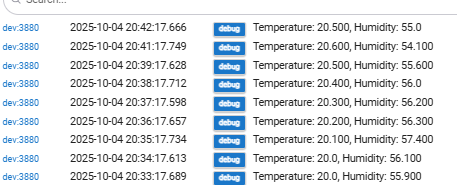
... woo!
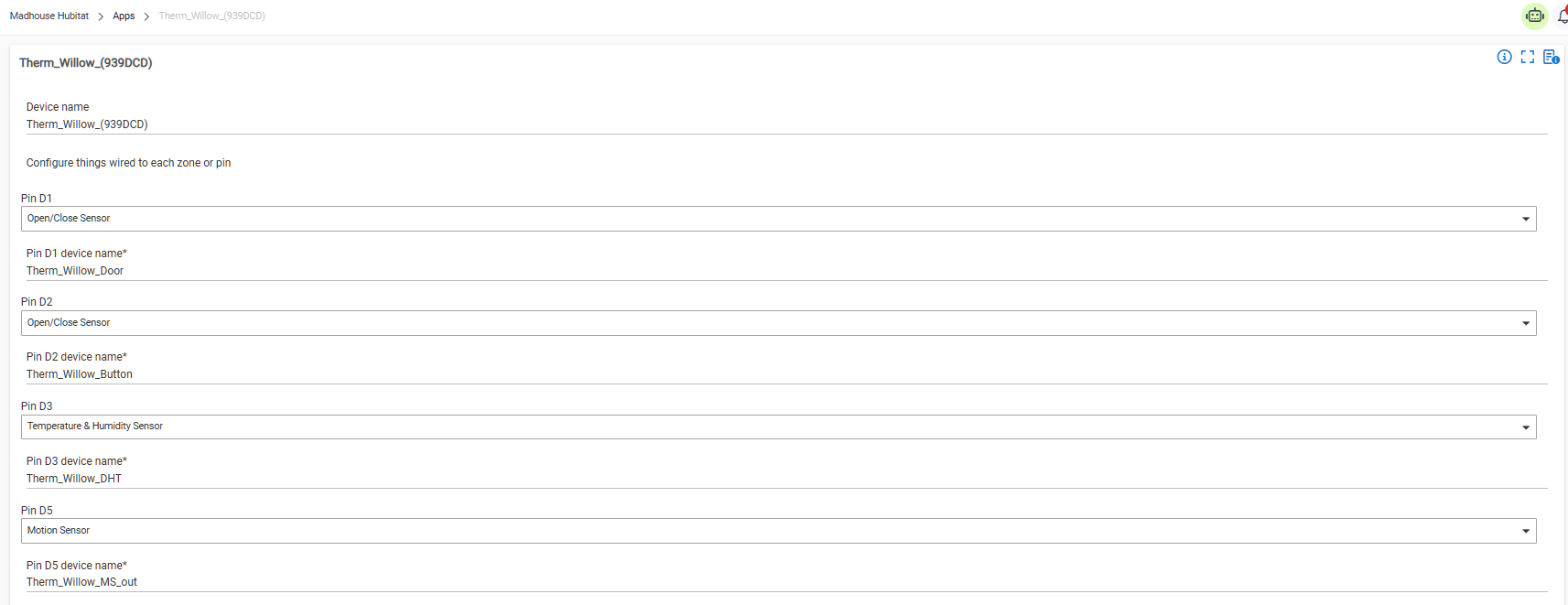
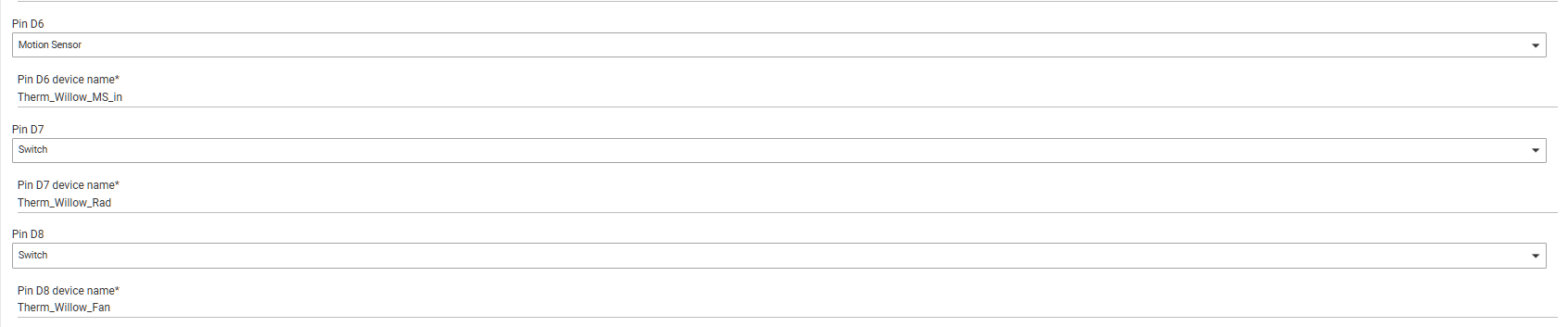
I'm making some improvements to my zoned heating setup, powered by legacy konnected, dht22's, 2-wire thermal actuators for the rads, 12v fans, 3v relays and wleds. All mounted in a back-box with a push-button to control schedules and temporary boosts.
I'll just find it difficult to drag myself away from the simplicity and reliability of legacy.
...But...
I'll be happy to. I'll probably even give it another crack purely for the esp32 support so I can simplify the main heating controls. Those multiple buttons require more than one esp8266.
But a single esp32? Woo!
Hey guys, I’m wondering if I’m experiencing a related problem. For several reasons, we wanted to transition our Konnected panels to ESPHome. I started with our 3 Pro’s and just can’t get it to work.
I reflashed using install.konnected.io, then I used the Konnected mobile app to create all my zone configurations and build/update the firmware. So far so good.
Then I went to Hubitat, used HPM to install “Alarm Panel (Universal)” and then created a virtual device. Still good.
I put in the IP address under preferences, hit save, and then Initialize. After a browser refresh, the child devices show up as expected. Still good.
Here’s the problem: when I produce events (walk by a motion sensor or open and close a door), nothing events show up in the corresponding child device.
When I pull up the board’s IP and look at the log on the right hand side, all the events are there. When I look at Hubitat logs of the parent device, all the events are there too. But they don’t show up at the child device level.
I have been going back and forth with Andy Wulf @ Konnected for days (bless his heart for over the top patience), but we haven’t cracked it and I think he’s feeling like it’s a Hubitat problem.
Out of desperation, I went to chatgpt and it’s telling me I need to add an ESPHome driver before the Alarm Panel package (which I tried, but it didn’t change the behavior).
Anyone have any experience or suggestions? @nate
EDIT: Two other factoids: I have a static IP address on the board and the board reports having ESPHome firmware version 2025.9.3
EDIT 2: Also, I am getting the exact same error message as @djh_wolf from post 11 above. It's almost as if somehow Konnected forgets the network connection (as I'm using ethernet, so...)
Hey @mluck,
The events should be showing up on the child device. Are the open/closed or motion/no-motion states updating correctly on the child device, or not at all?
Are you getting any error messages in the logs? Can you post a screenshot of the Current States and State Variables from the parent device on the Preferences tab, and the Device Data section on the Device Info tab?
@nate, really appreciate the reply, but ugh I finally gave up last night and reflashed legacy onto all of my Boards and set it up the old way.
But just for problem solving/troubleshooting purposes, I'll happily take one of the Boards and go through the process again with ESPHome if you think it'd be helpful. In full transparency, I do have one constraint: I'm leaving town for a week on a work trip so while I can VPN in, anything that requires physical presence will have to wait until next week.
Again, thanks in advance.
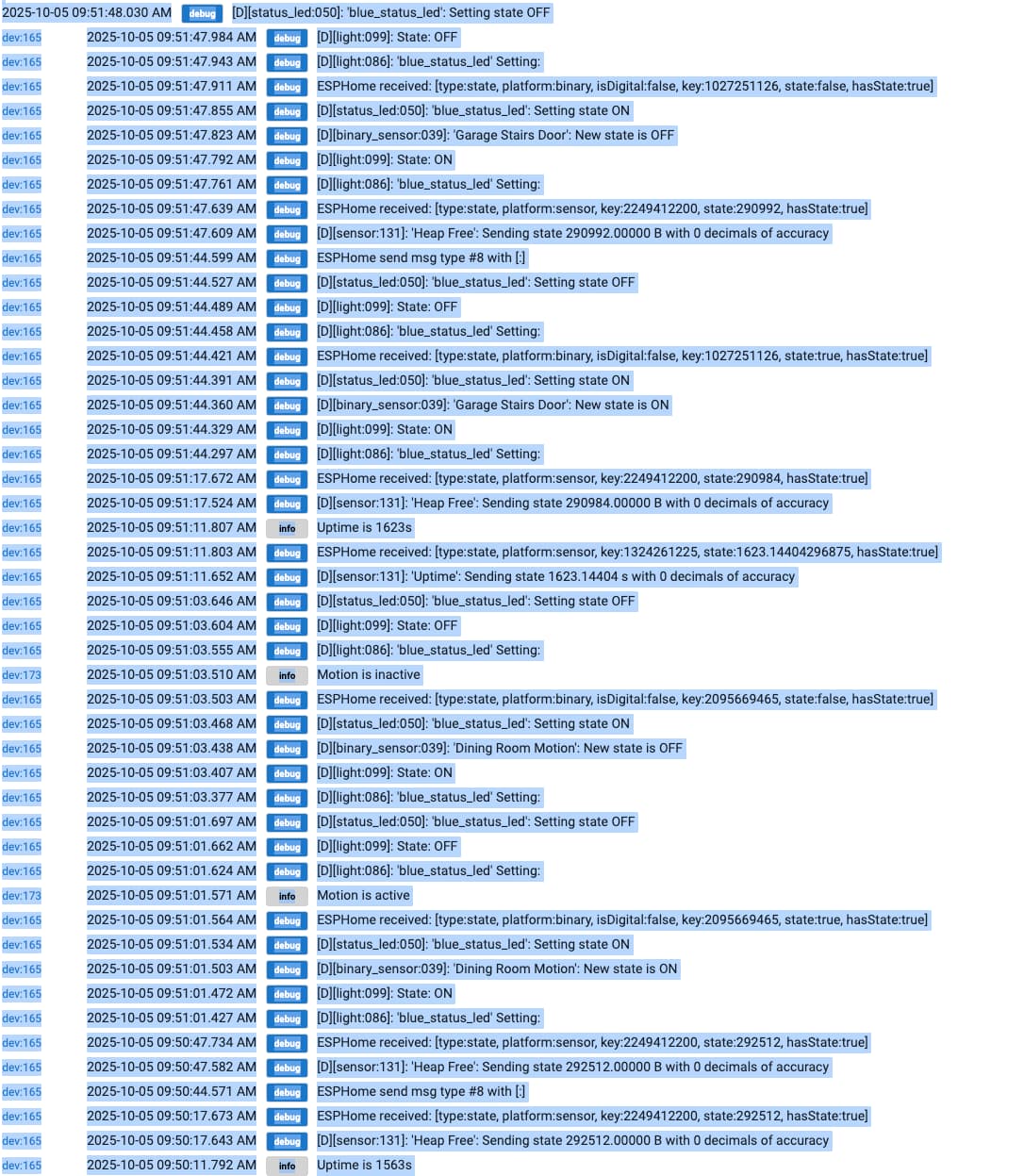
EDIT: Also, no there are NO events showing up at the child level (other than a single event at the time of child device creation)j. The logs at the parent level show events. I've pasted below the same logs I shared with Andy W. in case it helps. No errors in HE logs.
@mluck Logs are different from events. Logs are just logging messages that are emitted, and events are actual state changes that are processed by Hubitat.
I haven't heard or seen this problem before, so I'm not sure what's going on. Just tested it myself and events are working just fine on the child devices.
Lmk when you're ready to start troubleshooting again. Please open a new thread on community.konnected.io when you are ready.
Lol yeah sorry I wasn’t clear. I totally get the distinction between events and logs but wasn’t very precise in my language. The child devices aren’t showing any events. Meaning, if I open a closed door, the state on the device details UI remains closed (even after a browser refresh). And the events tab never shows any events, other than the one at the time the virtual device was originally created.
Will follow-up next week on the Konnected forum when I’m back. Thanks.