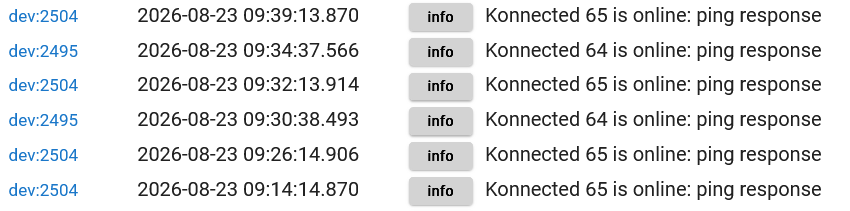
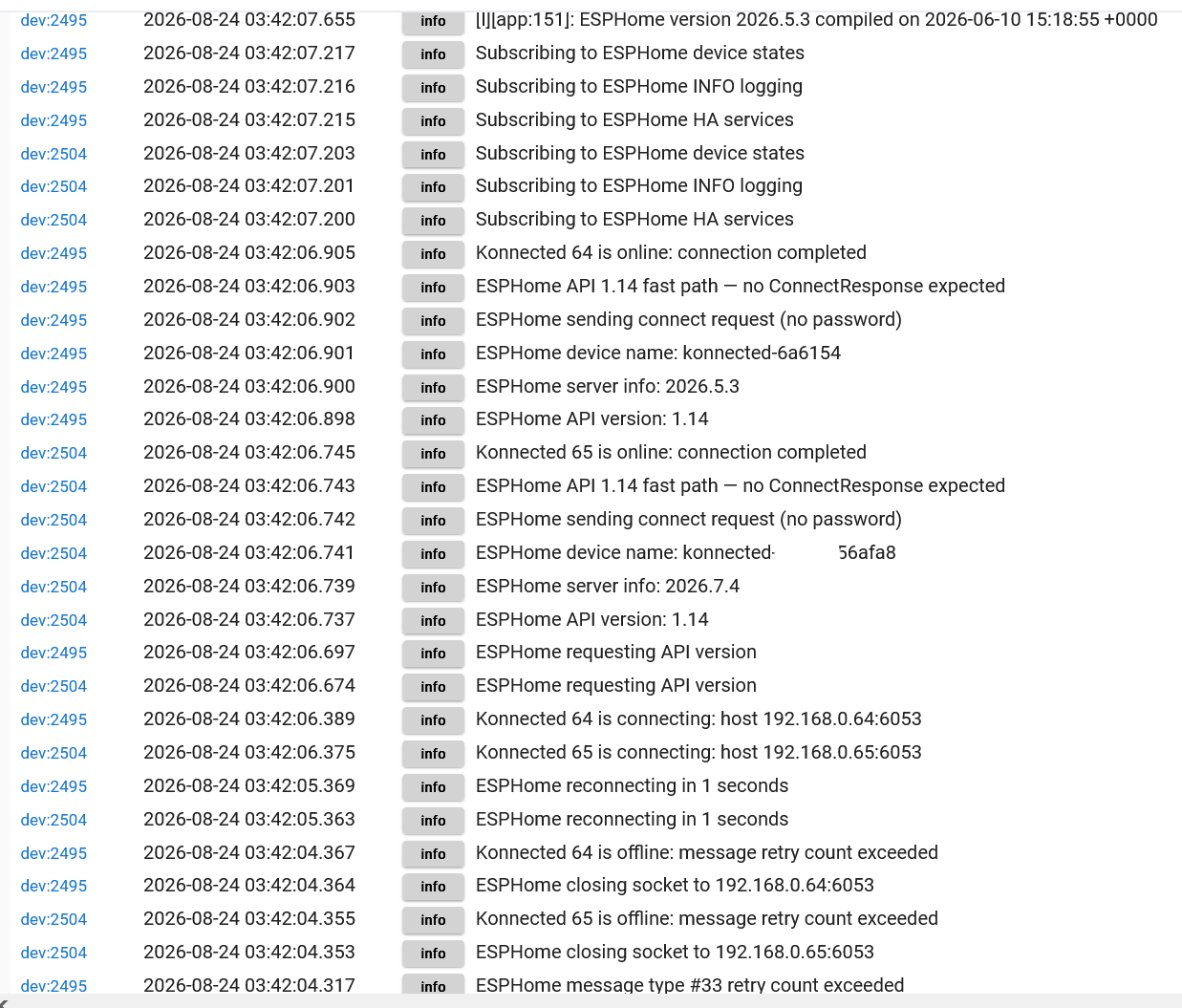
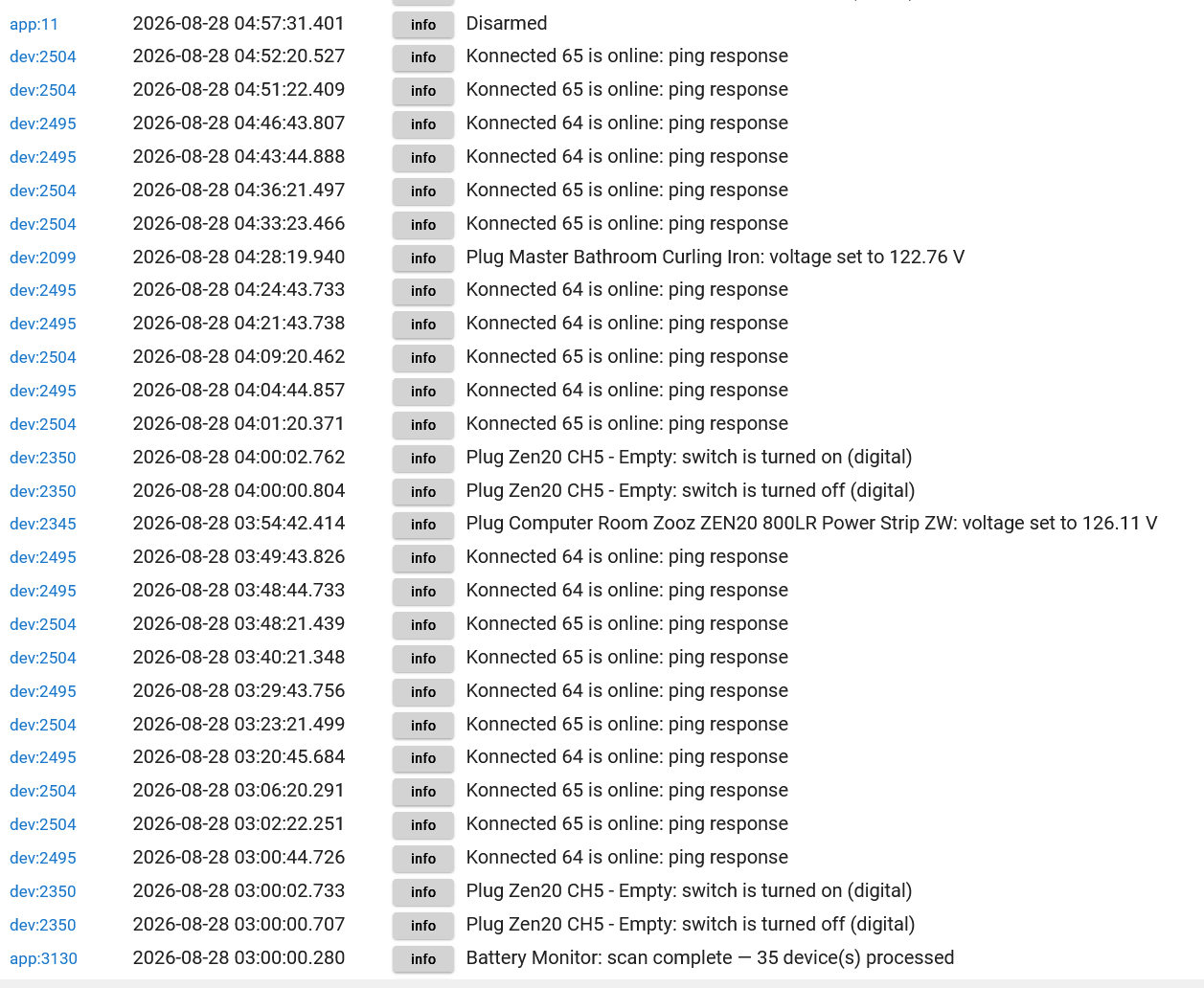
I have been struggling with log flooding from my Konnected Alarm boards (not Pro). I have been reading, trying to solve this on my own. But I struggle. I found this Konnected page that addresses Hubitat logs. I am just not sure how to implement the changes. Any help would be appreciated. See Hubitat driver info page . Thanks.
EDIT : I have attempted to update the Konnected board drivers as detailed in the above link. I continue to get pings in the logs.
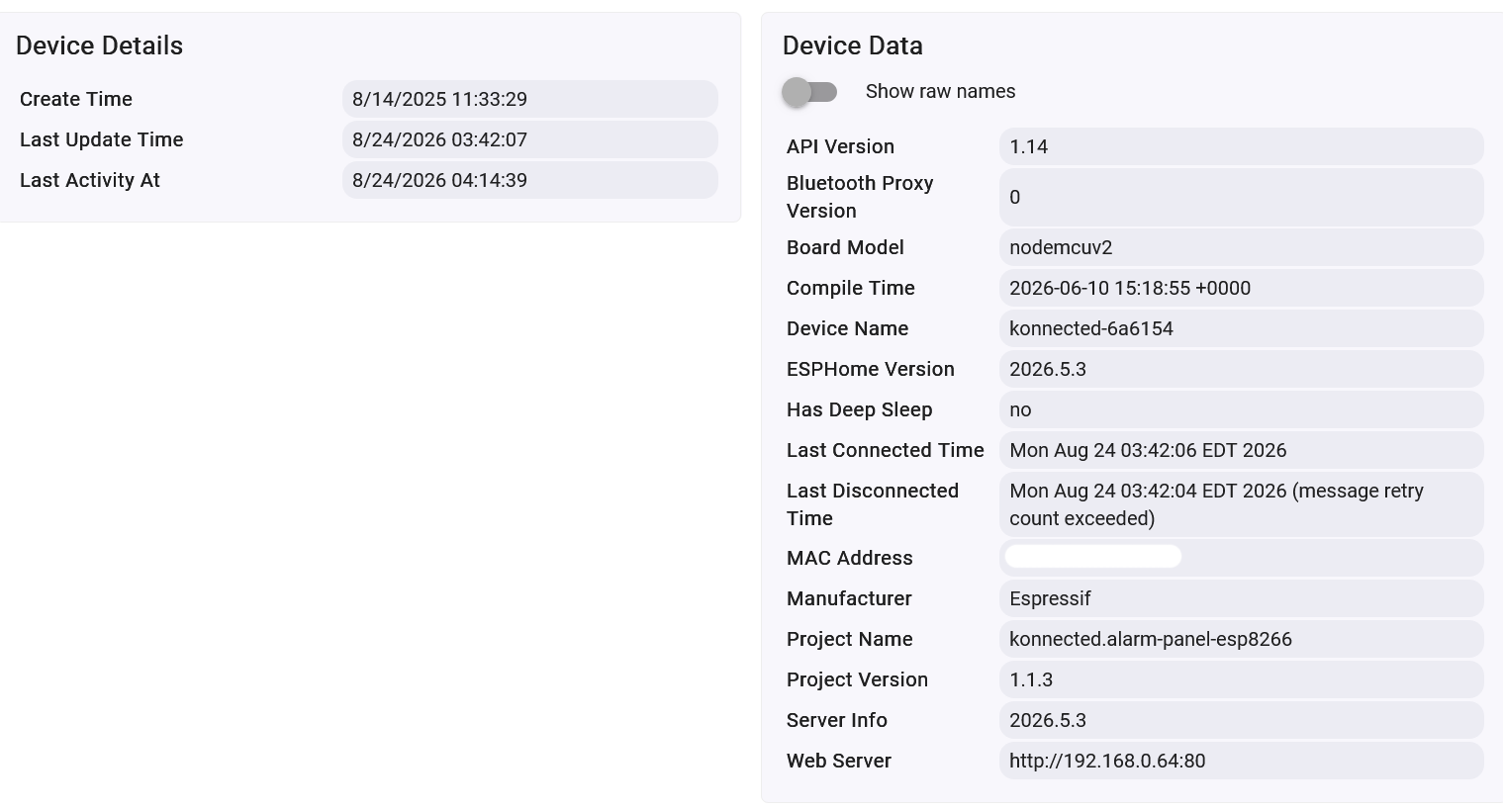
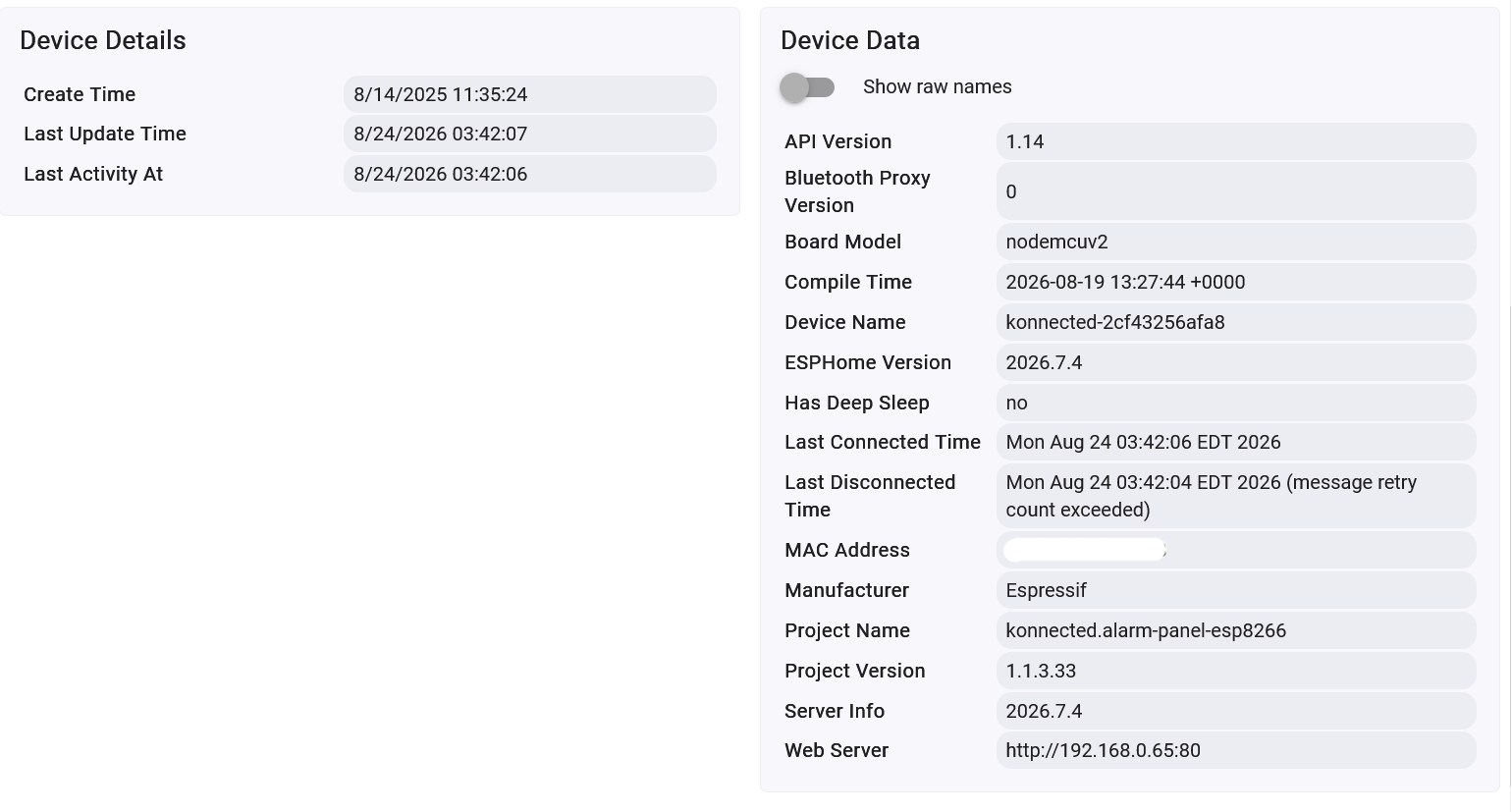
I think part of my confusion is that I do not completely understand bundles. I think I installed the Konnected bundle referenced above. Just not sure. The version numbers do not seem correct.
I had the same issue after an update in HPM i contacted Nate from konnected and he had to update the drivers several times before it fixed the issue double check you have the latest. Not sure if thats any help for you.
I know he had to redo the driver several time and finally resolved the issue the update were in HPM mabey try a repair in HPM to make sure the latest shows if not you might want to contact Nate all my cards where flooded in the log until he fixed the driver.
As much as I hate to say that is the exact reason I retired my konnected pro and replaced it with a fibaro smart implant. I have all the functions except the zones being monitored and not all that logging. Same thing with the small boards. I will give them credit for getting me started with Hubitat.
This was fixed last month in ESPHomeAPILibrary 1.3.3:
The noisy ping logging was added by an open-source contributor @enishoca in #42. Don't blame the Konnected boards. That's rude. All logging emanating from the device is controllable by a firmware setting.
@Field@Field@Field static final String API_HELPER_VERSION = '1.3.3'
#2 : I have re-flashed my 6-zone board at install.konnected.io
No problems so far.
#3 : I attempted to update my firmware. I edited the firmware page on the Konnected app. I changed the logging to : Error, and built the firmware. I attempted the OTA update of that firmware once it was built. The firmware SEEMS to update but my board will not reconnect. I cannot load the device page (in the app) or get Hubitat to recognize the board.
#4 : So I re-flashed my board again, built the firmware to logging : Error as above.
#5 : Then I go to the firmware site recommended by the emailed firmware update install.konnected/device/my device name and connect my board to my computer with a USB cable. But when I click CONNECT, the board does not connect and I get an error message : Failed to download manifest
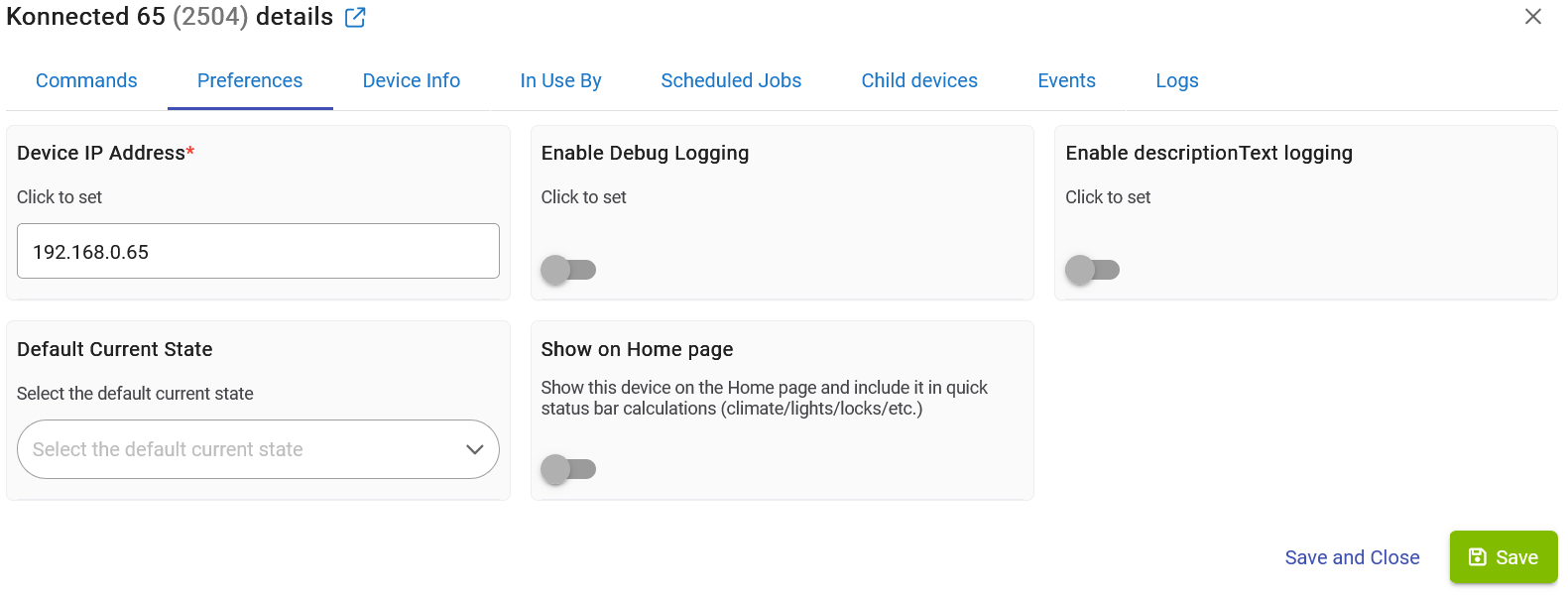
Ok, I deleted the Alarm Panel driver and ESPHome/ESPHome-API-Library.groovy and re-installed them from the most recent from hubitat-public/ESPHome/ESPHome-API-Library.groovy at main · bradsjm/hubitat-public · GitHub and Release 2026.8.0 · konnected-io/konnected-hubitat · GitHub. I have turned off all of the log switches on both board devices that I can find. And I am still getting a flood of log entries. @Johnnyvaneddie I am beginning to think you were not rude at all. I am getting well over 200 ping log entries a day. It does not matter if this is a hardware or software issue, or both. This has to stop. I am sure that @nate can check my boards and settings from his end. What next?