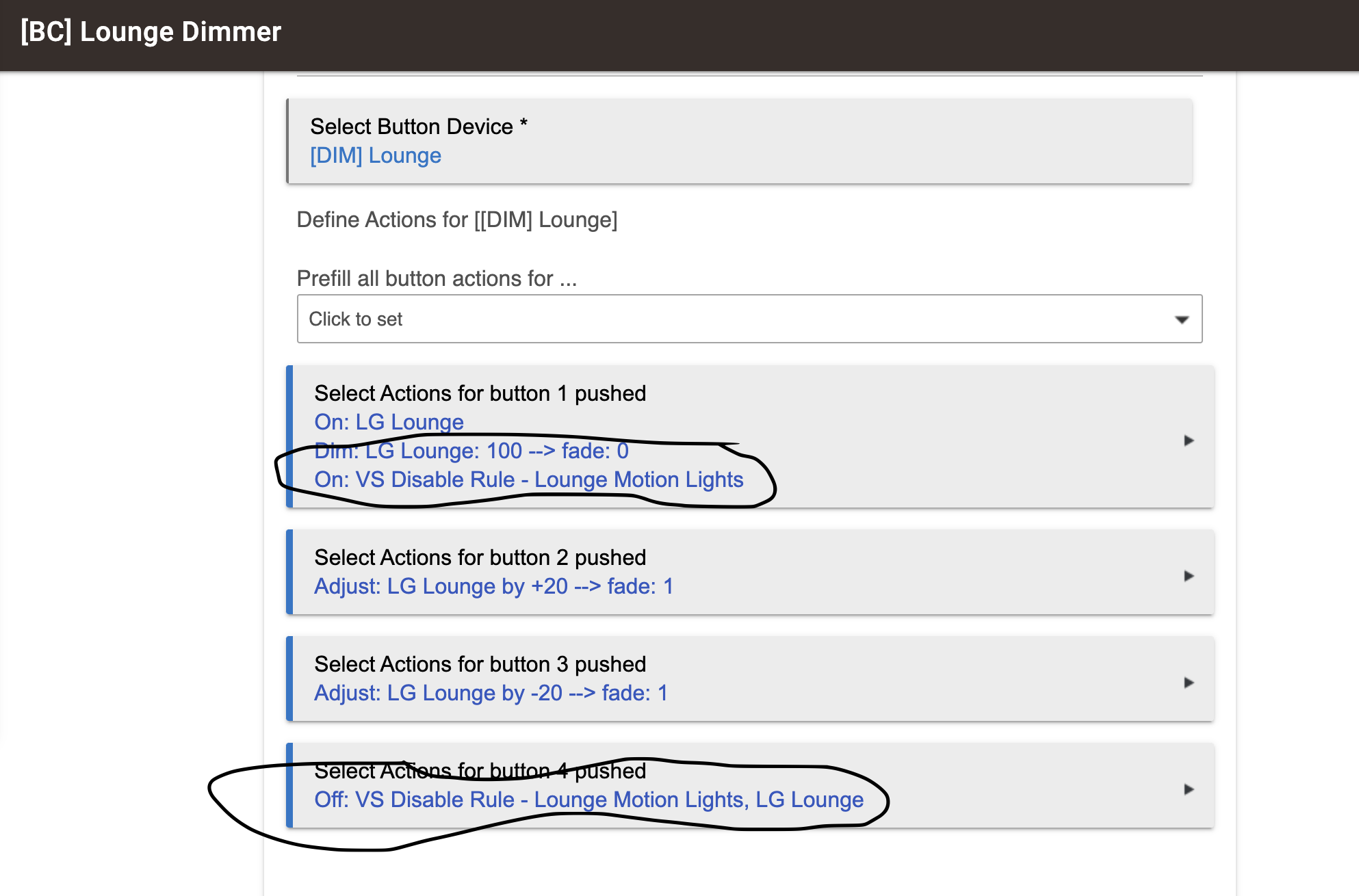
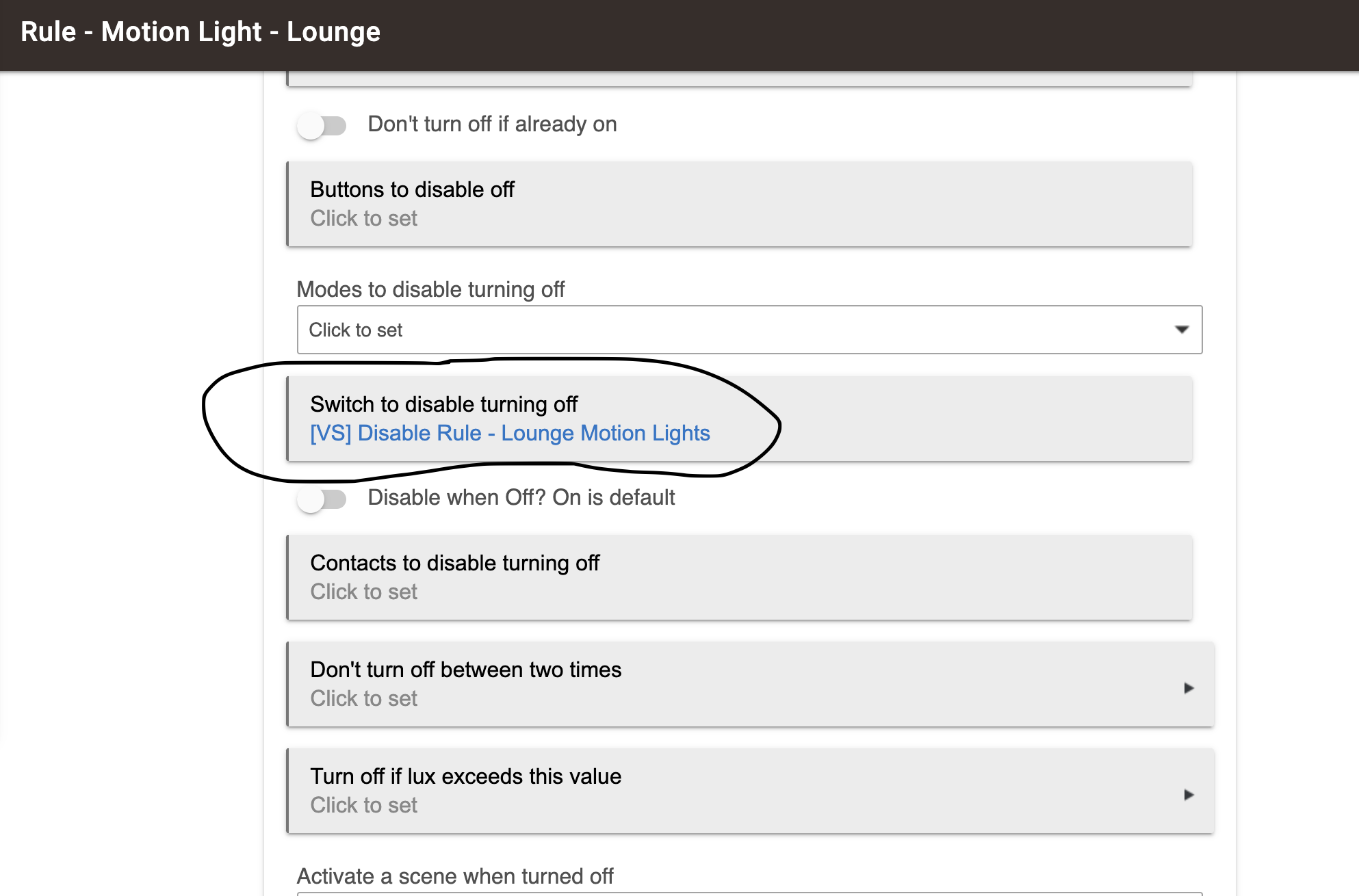
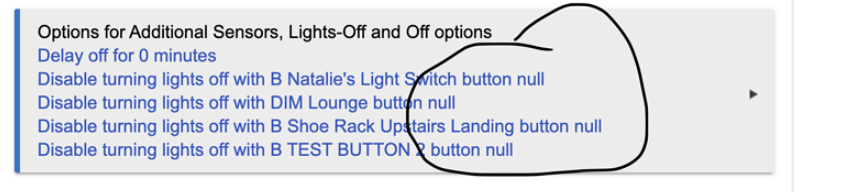
In case anyone is interested I've applied a workaround that works for me. I created a virtual switch and linked on/of buttons from my Hue dimmer to the virtual switch.
Then I was able to add that virtual switch to the Motion Lighting App routine -- so instead of using the Hue button directly, I picked the virtual switch and it is now working as expected. I still have no idea why I am unable to type button number on the free text field...
I see you have found a workaround, and that is great. However I am curious what the root cause of the issue issue preventing you from using your Hue device as a button controller in Motion Lighting.
This is really just a wild guess... I see that you've changed the label on that Hue 'Button Controller' device to "[DIM] Lounge". I wonder if the two brackets "[ ]" are somehow messing up the Motion Lighting App? Again, just a guess. Perhaps temporarily try changing the Label field to "DIM Lounge" and see if that device can then be properly added to the Motion Lighting automation?
Please ignore this if you have already discussed this or tried it, I haven't read this entire thread.... But have you tried using the Alexa option in one of the motion lighting screens? I was able to get this to work and have been meaning to post my setup.
Intriguing suggestion. He did try several other buttons (earlier in this thread) and they all had the same issue. I don't think all of them had brackets in the name.
@ogiewon, @danabw - that's it! All of my devices are indeed prefixed with [...], which is my way of introducing a bit of taxonomy to my devices. So [B] is for buttons, [L] is for lights, etc. And indeed when I removed the brackets, it's working as expected! Who would have thought. So I will now need to change my taxonomy from '[B]' to 'B -' unless you guys have neater way of introducing some sort of order to your growing list of devices...?
Perfect. That's why @ogiewon is in the guru status around here.
I use the full name for motion and contact sensors (e.g., Motion Living Room, Door Front Door) so I'm not very sophisticated. All other devices that you can act on w/voice commands are named for what they are (e.g., Entry lights). So any system you have would automatically be more sophisticated than mine.
OK, good, just wanted to make sure I'm not missing a trick. It bothers me that it's just a long list of stuff ordered by whatever first letter of the name is. So every device is prefixed for me so at least when I'm looking for lights / buttons / contact sensors / etc I know they are all grouped together. Saves me a few seconds and a bit of frustrations.
@bravenel - Bruce - it appears that using brackets ( ) in the Label field of a Button Device within Motion Lighting causes issues as reported above. Can this be added to the list of things to look into for a future release, to prevent other users from stumbling into the same trap? Thanks!