I have tried for 6 hours and can't get anything to work again
No devices showing at all
The system has been running fine for 5 years with a platform from 5 years ago
A Z-wave wall switch had a flashing green light
Tried to exclude
Then tried to include
Then kept trying - no results
Then changed platform to 2.4.3.173
All rules and devices are gone
Tried to include original 3 Devices:
2 each GE/Jasco wall switches #14291 (1 switch remained with solid green and remains with ability to turn on manually) ...
... and 1 tilt switch for garage door to open at after sunset and turn on fluorescent lights; then turn off at sunrise
None of those devices showing
Tried resetting radios
Nothing showing in app except basic rules, Hubitat Dashboards, and Visual Rules Builder
I've worked the system over so much that I have screwed it all up probably. Therefore all of this is MY FAULT
1'm lost and from here on out everything is over my head
PLEASE someone tell me what to do. I have had no luck at getting devices to even show up. I have scoured the internet trying everything under the sun and still no luck
You don't indicate that you power cycled the Hub. The Z-Radios do NOT reset without a power cycle. Do a shutdown from the Settings menu, then pull the power to the hub, wait 10 seconds, power it back up.
Yes, you may have messed the configuration, but you should be able to restore your "yesterday" backup, to undo all those changes you've attempted.
Devices exist in two Databases. One is displayed on the Devices page, the other is shown on Settings: Zwave Details and Zigbee Details. The devices on either of the Details pages show the DB that exists out on the Z-Radio chips. Ideally, the two DB are matching in count. Restoring your saved backup (local not cloud) will restore the Devices page list of devices but does NOT restore the Z-Radio data. A Cloud backup is needed to restore both sides of the DB. Because the Z-Radio DB are isolated they don't get corrupted as often.
All of my C-3, C-4, C-5 and C-7 Hubs are packed away and I don't have one running to be able to support my memory. I'm all C-8 Pro now. I've narrowed my "expertise" as a result
Yes, if you were successful at resetting the radio, you are never going to see any devices in the ZWave Details page. You'll have to reset and re-join every device and then substitute the new device into the old Rules. Zigbee is a fraction easier in that a re-pair will put the device back into all the rules automagically.
It's possible, probable even, that the internal DB has changed, adding Rooms as an example. Moving forward to 2.4.x will certainly have migrated your old DB into the new schema. BUT, going back that distance will not know a path to create the OLD DB structure.
Should I do a [full reset} first as in the Diagnostic Toll before moving on. I don't know what to do first from the advice on this thread. However am greatly pleased for everyone helping.
The path to roll back to your original Platform will be to Soft Reset, then go back to your old Platform, THEN restore a backup that is from that vintage.
If you're just doing an Upgrade (or roll back) in-place then the DB structure probably is too different from the old Platform and starting the rool back without any DB is going to be smoother, I predict.
That's used when you're selling the Hub to someone else and you want your personalization removed. The most obvious example is, after a full reset, you have to register the hub again. It's easy enough but is overkill. A Soft Reset will do most of what you need to get going again.
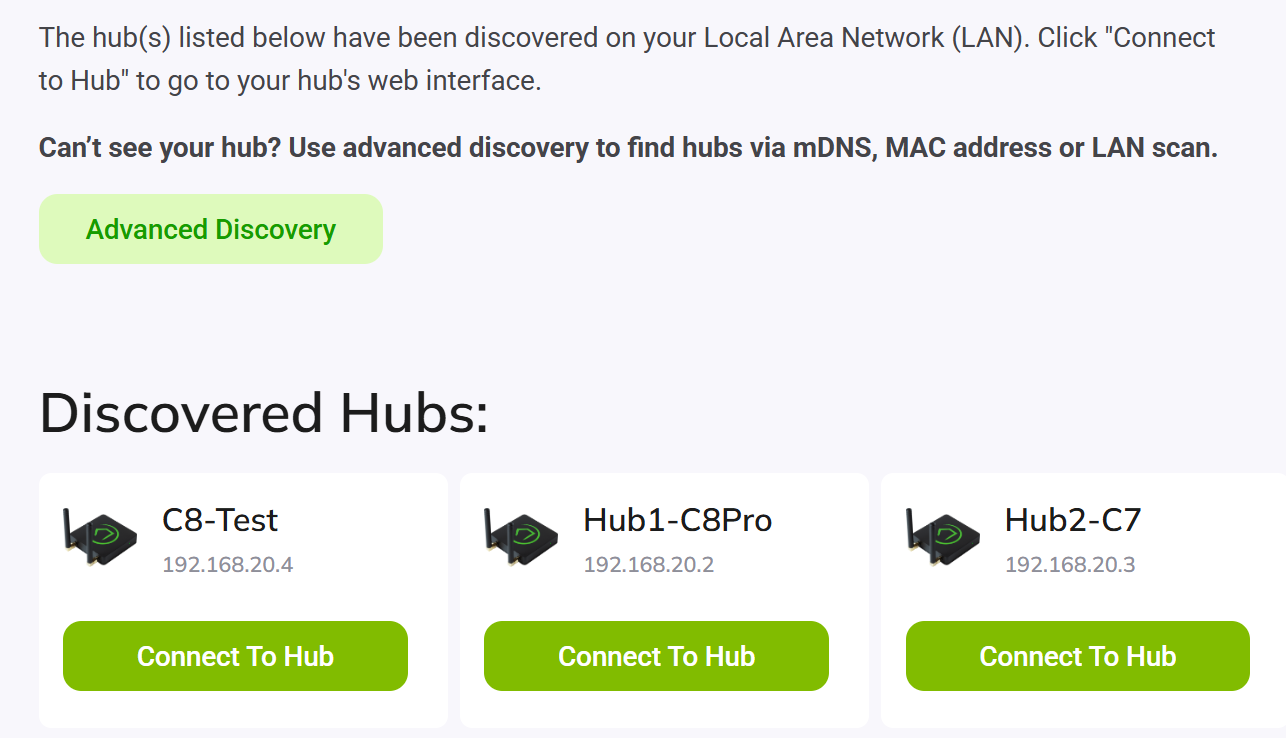
It seems like the hub got a new IP if you can't see it any more. The Platform may be corrupted enough that you cannot use it.. but the Diagnostic Menu should ALWAYS be available... at whatever IP address it's using.
It looks like a Soft Reset has accomplished something and I'm going to now go through the introduction/documentation and see where it leads me. I might be okay to start all over. The only thing I'm concerned about is my abilities to re-pair devices which is where I think I got myself to this point in the first place. I'll post as i go forward in this project.