First time I have seen this on the community pages. I blocked it this time, but is this intended to give the the browser local access to the hub to pull support info or something? It seems odd to have just popped up for no reason.
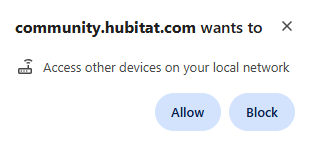
First time I have seen this on the community pages. I blocked it this time, but is this intended to give the the browser local access to the hub to pull support info or something? It seems odd to have just popped up for no reason.
Nothing changed on our side, nor do we have any plans to change anything. That's odd.
In light of that I'll chime in and point out that mine popped up on Chrome.
Mine also was on Chrome.
If it comes up again, can you bring up the console (F12) and see where is coming from? Now I am curious. I am using Chrome and never seen that before.
I also got that on Chrome.
I use Edge, and sometimes notice that request when browsing to websites that have no plausible reason to literally access other devices on my local network (although not from this site, IIRC).
Not really sure what the feature was intended for vs. how it ends up being called by various sites out in the wild.
I don't usually see it as a deliberate attempt to hop onto my LAN, though, whatever it is. I usually just block (or ignore completely) and continue browsing.
I use both Edge and Chrome. Never seen that for the community, and I don't have any warnings in the console.
Interesting. I had never seen that on any site until this morning, so I asked AI. So it is not clear what in the community pages triggered it.
That popup is a new security feature from Chrome, part of a broad effort to protect you and your devices. It appears when a website tries to communicate with other devices on your home or office network and asks for your permission to do so.
 Why Is Chrome Asking for Permission?
In the past, any website could attempt to interact with your router, printer, smart TV, or other devices connected to your local network without your knowledge. This was a security risk, as malicious websites could potentially use these connections to launch attacks (like CSRF) against your devices or track your online activity for malicious purposes.
To prevent this, Chrome now requires websites to ask for your permission before they can make any of these "local network" requests.
 What Triggers This Popup?
The popup is triggered when you visit a website that is coded to try and connect to a private IP address (like 192.168.x.x or 10.x.x.x ), a localhost address (127.0.0.1 ), or a .local domain on your network.
This happens in many legitimate scenarios, for example:
localhost for testing, which will trigger the prompt.If you see this popup, the website is likely trying to perform a specific, legitimate function. In fact, it's common to see this prompt only once for a trusted site, as Chrome will remember your choice afterwards.
 How to Manage These Permissions
If you accidentally block access for a trusted website or want to manage your choices, you can do so in Chrome's settings:
chrome://settings/content/localNetworkAccess and press Enter. Alternatively, go to Settings -> Privacy and security -> Site Settings -> View permissions and data stored across sites -> Additional permissions -> Local network access .If you are a developer or are troubleshooting a specific app, you can also look at the chrome://flags/#local-network-access-check page. However, changing flags can alter your browser's core behavior, so it's recommended only for advanced users.
What do you see at that chrome flags page?
Just this:
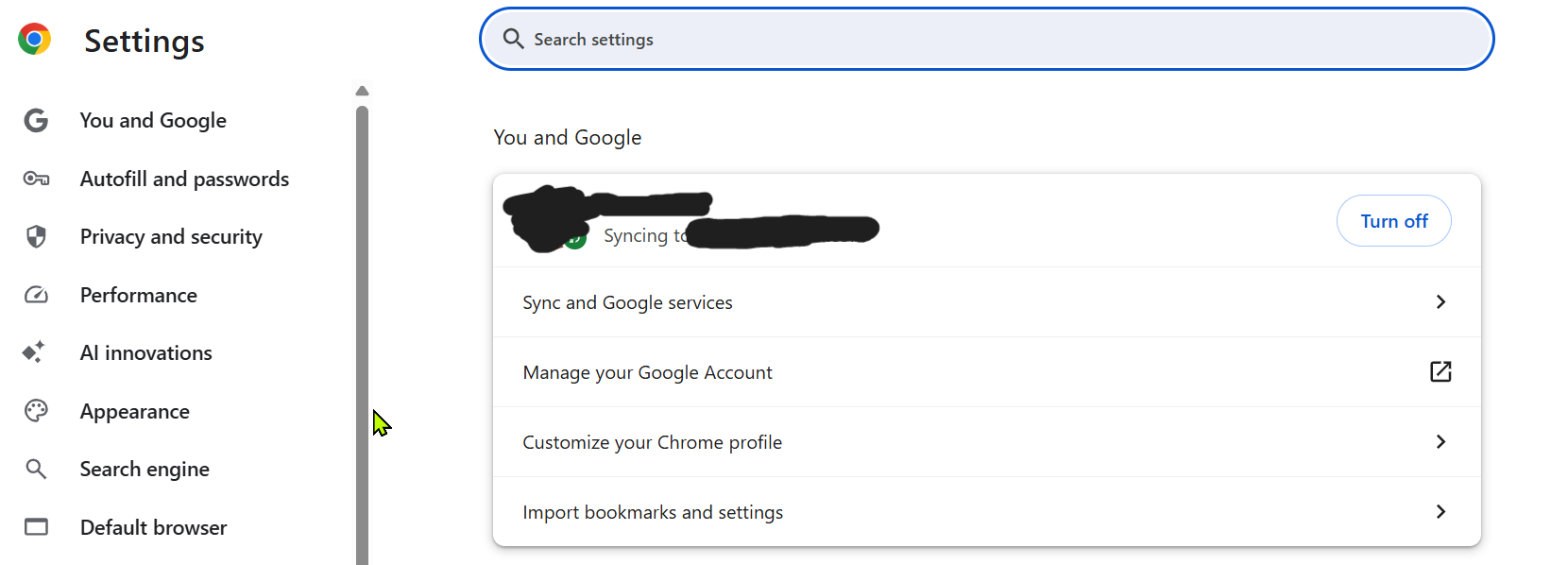
When i go to "view permissions and data stored across sites," I have no "Additional permissions -> Local network access options."
In the sites listed, there is hubitat.com.
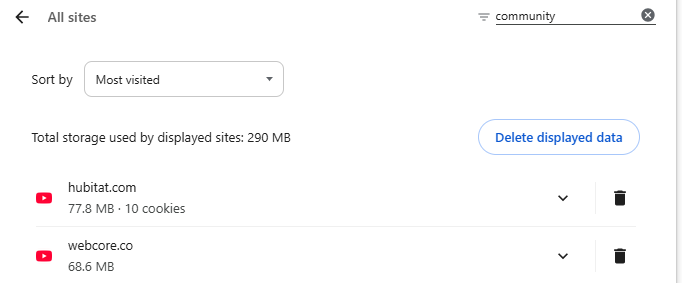
Expanding that shows community pages listed:
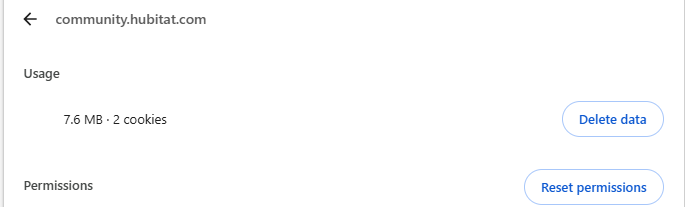
And it shows I blocked the local network access this morning:

I changed it back to "ask" to see when it pops up again.
Ah, this could be it. We use SSO.
Ha, just did that earlier, and couldn't find the community!
Mine was set to "Ask (default)". I changed it block to see what happens.
Update: still no pop-up. Were you on a specific page when you received the notification?
Interesting - I haven't seen that pop-up at all. Feeling left out... 
Updated Chrome to latest just now:
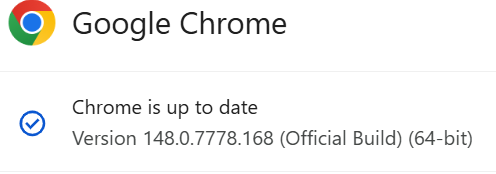
This: chrome://settings/content/localNetworkAccess gets me below, as if it doesn't exist:
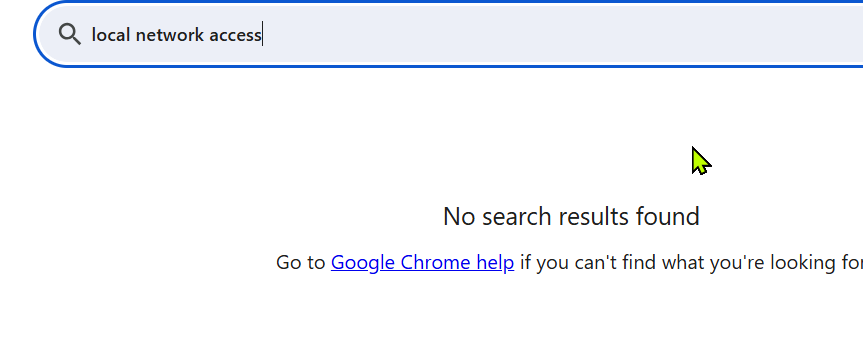
Searching Chrome Settings comes up empty:
This: chrome://flags/#local-network-access-check gets me to below, finally see the setting. It comes up at "Default" which is totally unclear, since there are "Enabled" and "Enabled (Blocking)" options and I'm not seeing the pop-up so Default = Disabled?
And looks like you guys didn't do anything to enable it. Wierd.
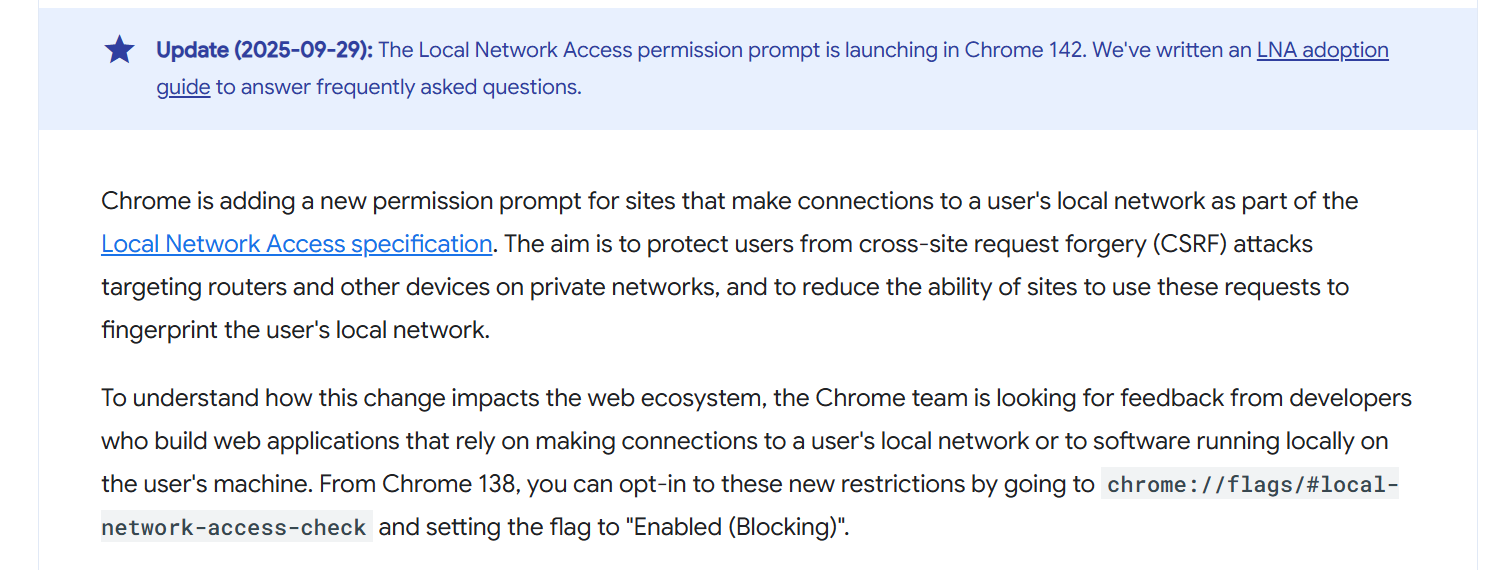
This feature appears to have debuted in in late 2025 from a Chrome for Developers article:
And an article dated from Feb 2026 noting that it's in all Chromium-based browsers:
https://www.technotes.me/2026/02/new-chrome-setting-which-blocks-local-network-access-for-web-apps
I enabled the setting (Enabled (Blocking), refreshed pages on my hub repeatedly, opened a new page w/my hub and am not seeing the popup. 
I blocked all 3rd parties, increased security level, blocked local access, and still nothing.  Not fair! lol
Google innately knows who is the smartest and doesn't need any help w/security. Clearly we are the way more smartest ones. 

I am certainly not smarter than a 6th grader, my son proves it every week. So I wouldn't be surprised if I am missing something obvious.