Home #1 has a server and a fixed public IP. I use UptimeRobot to ping my router and let me know if it goes down.
Home #2 has a server and Internet is provided by Skylink. Skylink router is set to bypass so it acts only as a modem. Skyline does CGNAT so there is no good way to ping my router. I want to use UptimeRobot, but I don’t see any way to ping my router.
Both homes use Tailscale so I can definitely set up a batch file for each home to check on the other home. But I was really wanting to use Uptimerobot and Pushover to monitor it automatically.
Does anyone have any ideas on how I might accomplish this? As far as I can tell, Tailscale does not allow an incoming ping from the Internet.
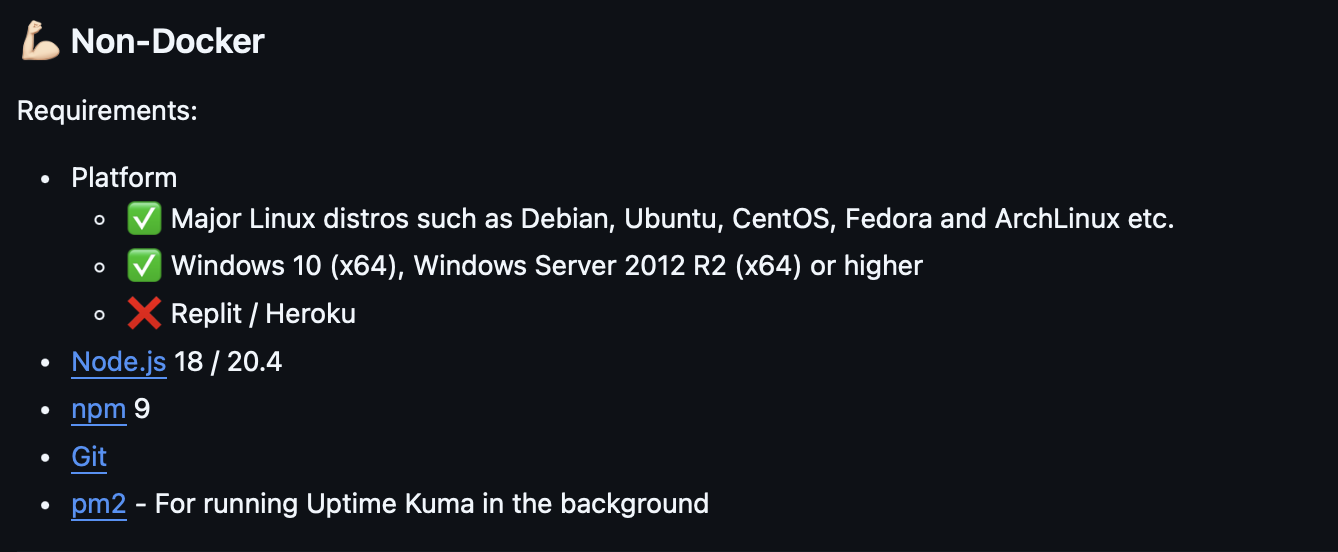
Can be configured to permit this. Also, if you use Uptime-Kuma on both your servers, you can do everything you want to do (using Tailscale). UptimeRobot is not within your Tailnet, since it is a third-party web service.
I’ve read everything I can think of on Tailscale and not been able to get it to to accept a ping. I’ll research it some more. I’ll also look into your suggestion on the other third-party app. Thank you very much.
I thought about it a little bit more and finally, I ended up using IPV6. Now I have no issues whatsoever with my CGnat. I put the prefix part of my IPv6 address into UptimeRobot and it stays steady.