The title says it all. I'm hesitant about switch to Long Range when there is only community support for this,
I'm not sure what you're referring to, but in any event, you are incorrect in this statement.
3 Likes
Sorry for the confusion. Z-Wave Long Range devices are fully supported. Do you mind sharing more details about what made you think otherwise?
4 Likes

3 Likes
If you are in the US. For other regions you do not support LR yet.
2 Likes
Z-wave is not handled by the community at all. Like Zigbee it is handled directly by Hubitat itself. I'm unclear as to why you would think any part of z-wave would be community based. Just curious.
I've read this thread which is about using this community app for LR:
Also, I now need a smartphone and another app to pair with LR, rather than use the built in web pages of my Hubitat like everything else I do with it. I'm aware that people use things like amazon integration and the like, Call me non technical, but I only use zigbee and z-wave devices and view my Hubitat as a stand alone piece of hardware for home automation, not dependent on other service or hardware.
I personally wish the Z-Wave cert would have allowed classic inclusion for LR.. They didn't.. The choice is to either manually typing in all the information in the web UI, which if you make a mistake it won't include, or scan the QR code using the camera on your phone that has all the info encoded in it..
5 Likes
I like to keep a record of smartstart keys in a spreadsheet.
So I:
Scan QR code with phone camera app
Copy the string, paste into spreadsheet
Trim the unneeded digits, leaving just the pairing key
Then I have it in a spreadsheet in the right format and can just copy/paste it into Hubitat, Zwave JS ui, whatever. No 3rd party app/service needed.
And I don't have to physically go look at the device to get the QR code ever again. 
2 Likes
I’m not sure how this relates to z-wave LR.
Are you thinking of Matter devices?
I'm not technical enough to do this on my own. If there was a walk through document on this it would solve my problem.
You use your phone's camera app, point it at the QR code, a bunch of text will pop up. touch it, copy it, paste it somewhere.
But with all due respect, if you aren't super technical you should likely just use the hubitat app and scan the QR code directly into the hub. Super easy.
It seems like you are fixing something that is not an actual problem by trying to go around it and make things much more complicated. And seriously - I'm not trying to be dismissive or snarky.
But each to their own!
6 Likes
Your use case is the perfect example of why the capacity to add LR devices was added to the Hubitat mobile app.
Scanning a QR code for device inclusion is far less error prone than typing a long strong number of numbers, or scanning + OCR, which is essentially what @JasonJoel does.
4 Likes
FWIW, scanning a QR code with a mobile phone is how other hubs manage smart start inclusion too. See below for a few examples.
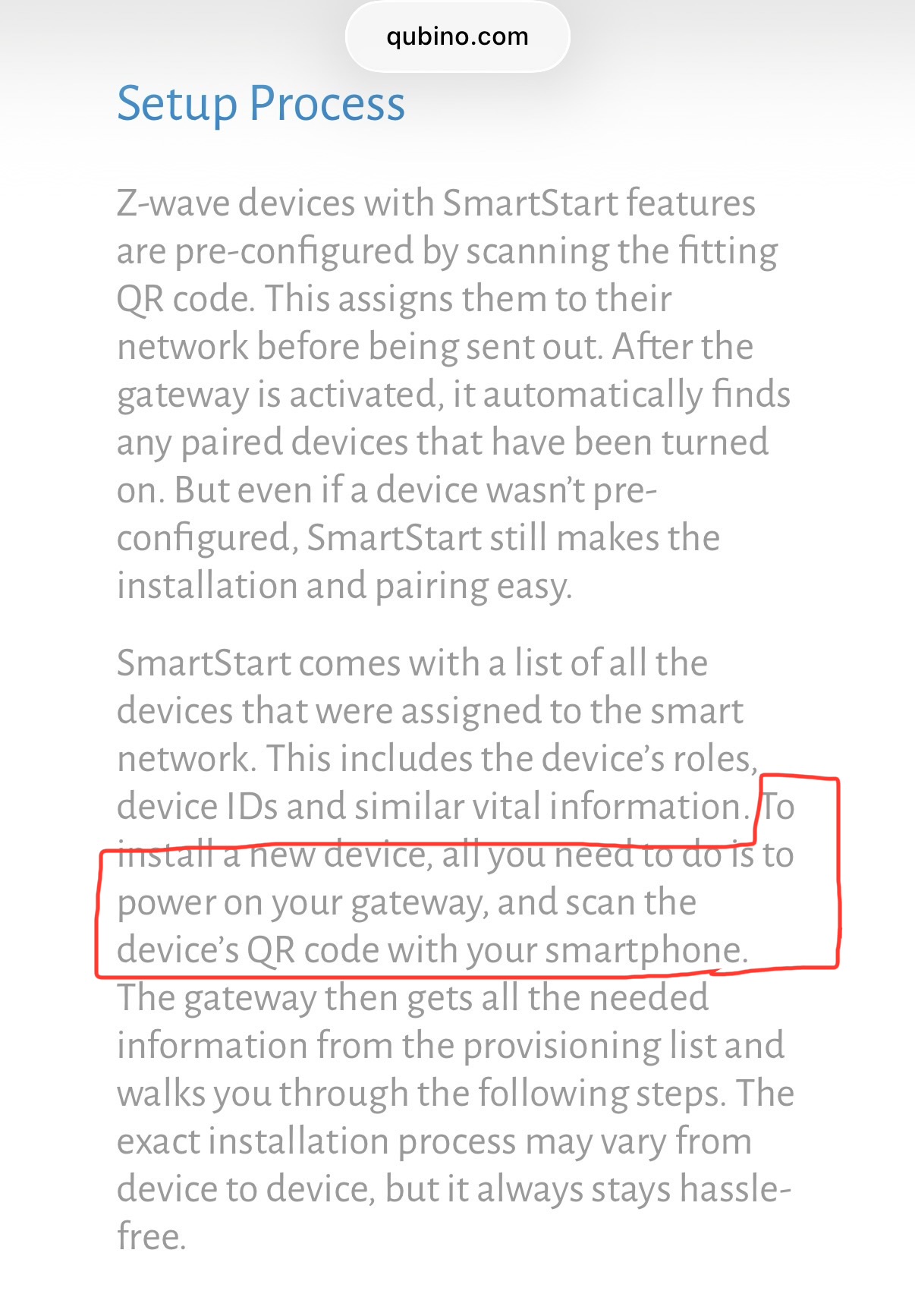
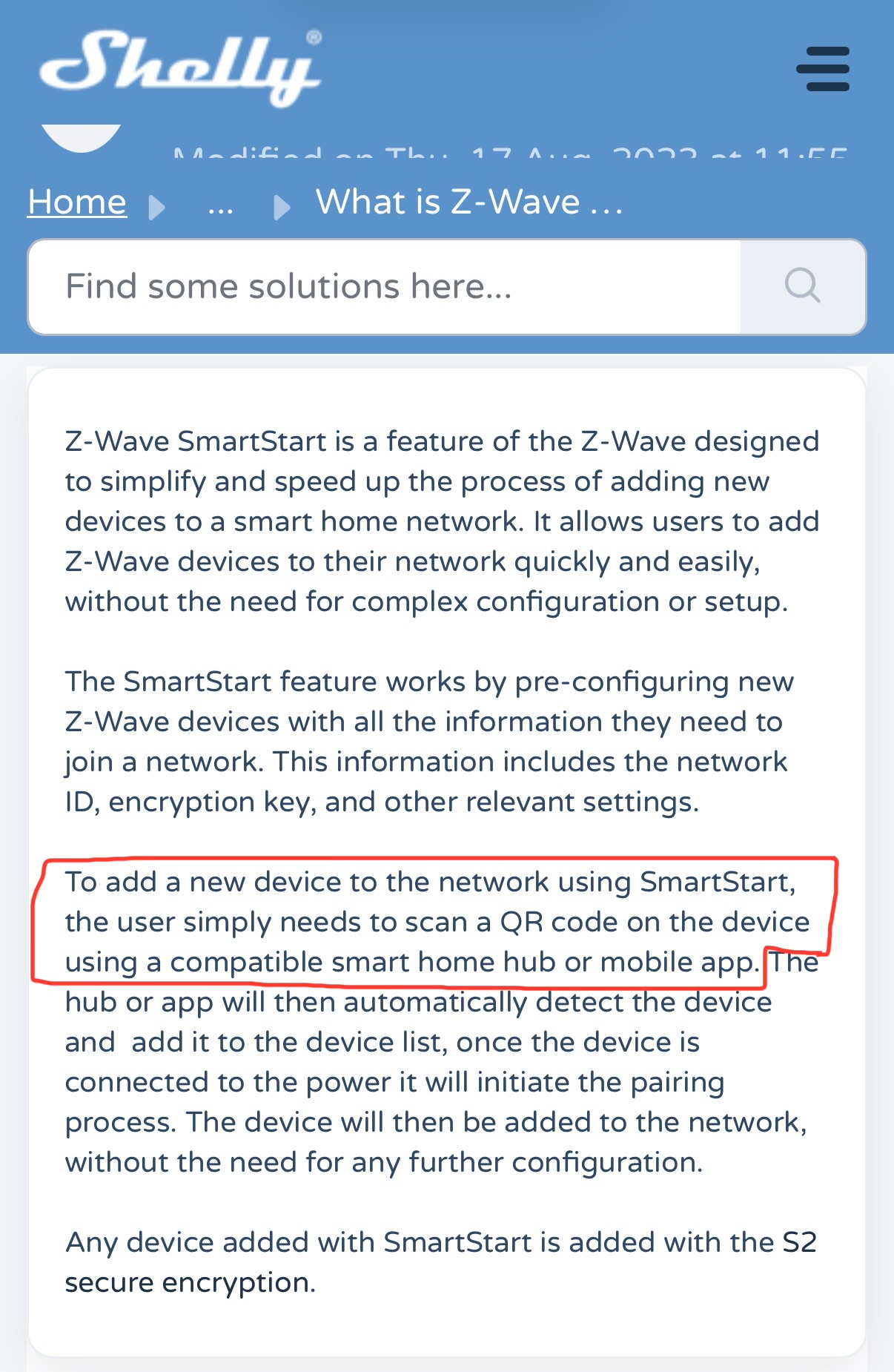
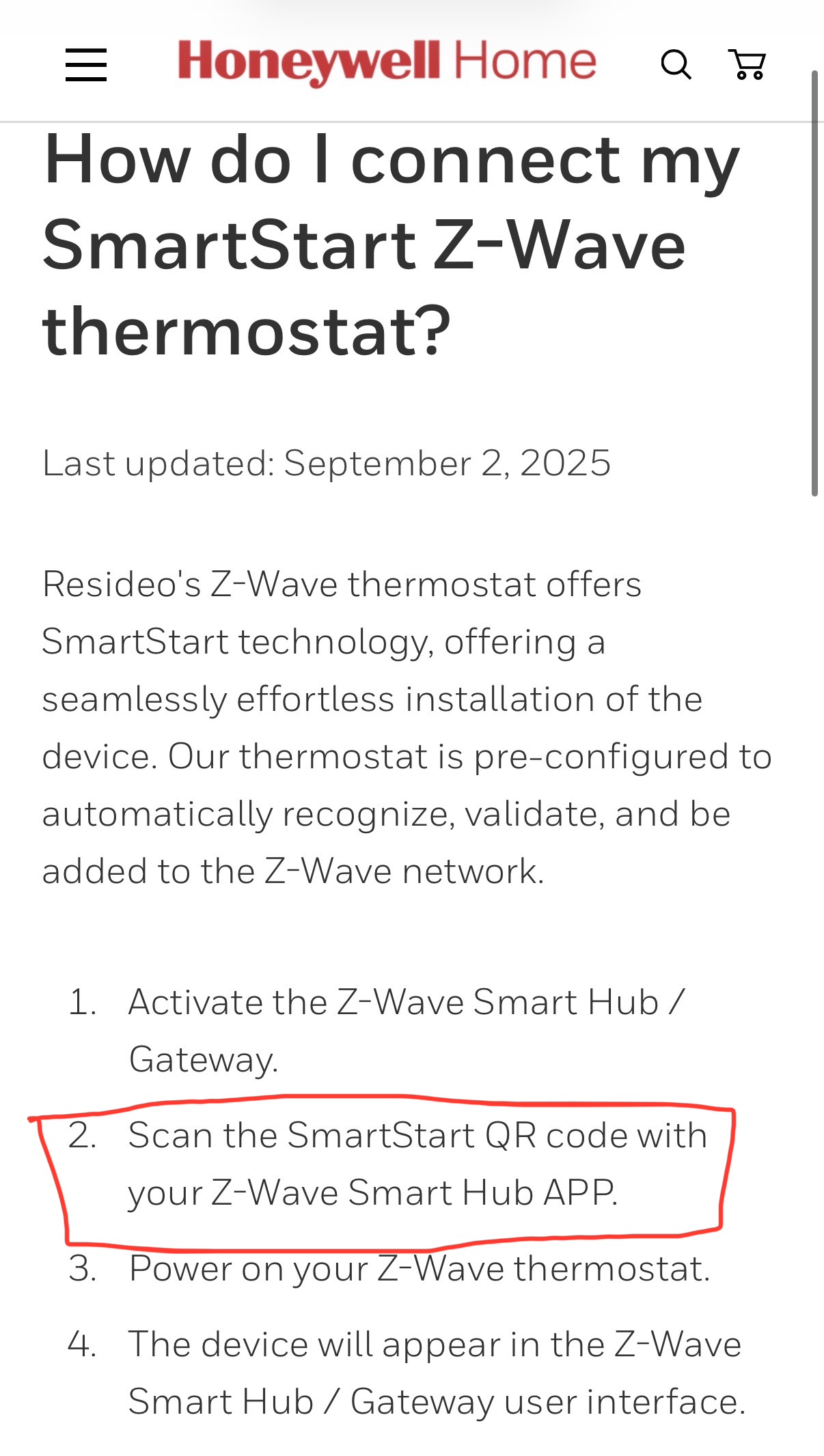
Presumably because that’s what the Z-wave LR spec calls for, as noted above.
6 Likes
That's to get information etc. Just use the Native hubitat app for smart start to add LR devices. If you have an LR device paired normally and want to change it to LR then you will have to exclude it then re pair through smart start. You'll just need the QR code for your device (usually on the device and/or the manual that came with the device). Takes about 5 seconds
I wonder part of the confusion is some manufacturers, at least Zooz that I can find, claiming that the custom SmartStart Manager app is necessary to add LR devices:
https://www.support.getzooz.com/kb/article/558-how-to-add-your-zen76-switch-to-hubitat/
Perhaps @agnes.zooz could look into modifying these instructions (and similar ones I can find on their site) to remove this unnecessary step. I don't even see it being used elsewhere in the instructions, so I think it's just confusion on their part and maybe causing the same for others. The rest of their instructions look correct from a quick glance, as should the instructions for LR in Hubitat's own Add Device page docs.
(To be clear, the app is quite handy for some things, but adding a device in the first place -- all you really need to do here -- is one where it's likely to be way more difficult, even if technically possible.  )
)
2 Likes
It does feel like OP might be confused about a few important details but I actually see this as possibly the biggest underlying issue.
If you want to use z-wave LR, you’ll either need to use the Hubitat mobile app to scan a QR code (as most people do) or manually enter the key in the hub’s web ui (requires no special technical knowledge but sounds like a huge PITA).
Alternatively you can consider not using z-wave LR devices, or pairing them in standard z-wave mesh mode, if neither of the above options is at all palatable for you.
4 Likes