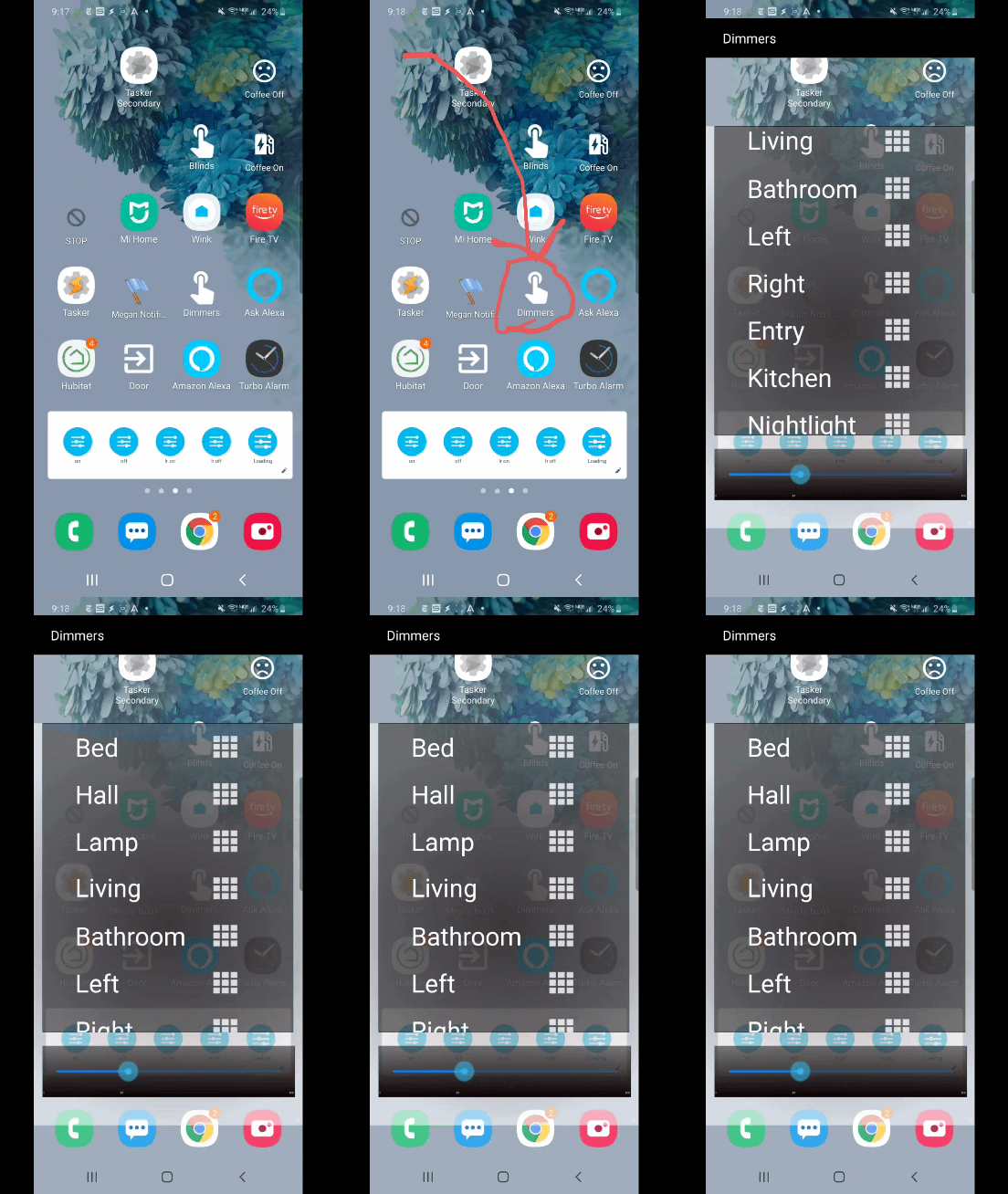
Would any Android users be interested in a tutorial for a home screen pop-up thing for controlling HE dimmers/devices? Requires tasker, which you really should already have if you're an Android user with HE. It's really fast (essentially instantaneous) and lightweight for quickly adjusting this or that without opening a whole dashboard or HE app.
I ask because it's not rocket science, just a tasker scene with a maker API link called when releasing the slider with variables for the dim percentage (set by the result of the slider) and the device number (set by tapping the device name), and a separate task that's the button on the home screen that pulls up the scene as a pop-over on the screen. In some ways it's inelegant in ways that don't bother me, but might bother you, for instance when loading or selecting a device, the slider doesn't reflect the current position of the dimmer. It's a very fast way of saying "make this dimmer level X" and nothing more. I feel like the overlap of Android HE users who would want to do this but couldn't figure out how to do it is probably tiny, and I'm really busy with work and wouldn't want to put time into a tutorial no one cares about, but I do use it all the time so figured I'd offer.