I used HPM to install the Rachio Community Package (RCP). It says it was successfully installed and I click through to the Apps menu but it's not there. If I go into HPM and click Repair, I see RCP in the list of apps and when I select it and hit Repair, it says it was repaired but it's still no in the App list. I also uninstalled it and reinstalled it, but it is not listed in the Apps list. What am I missing?
I'm running a C7 with v2.4.1.167. Thanks for any help anyone can offer.
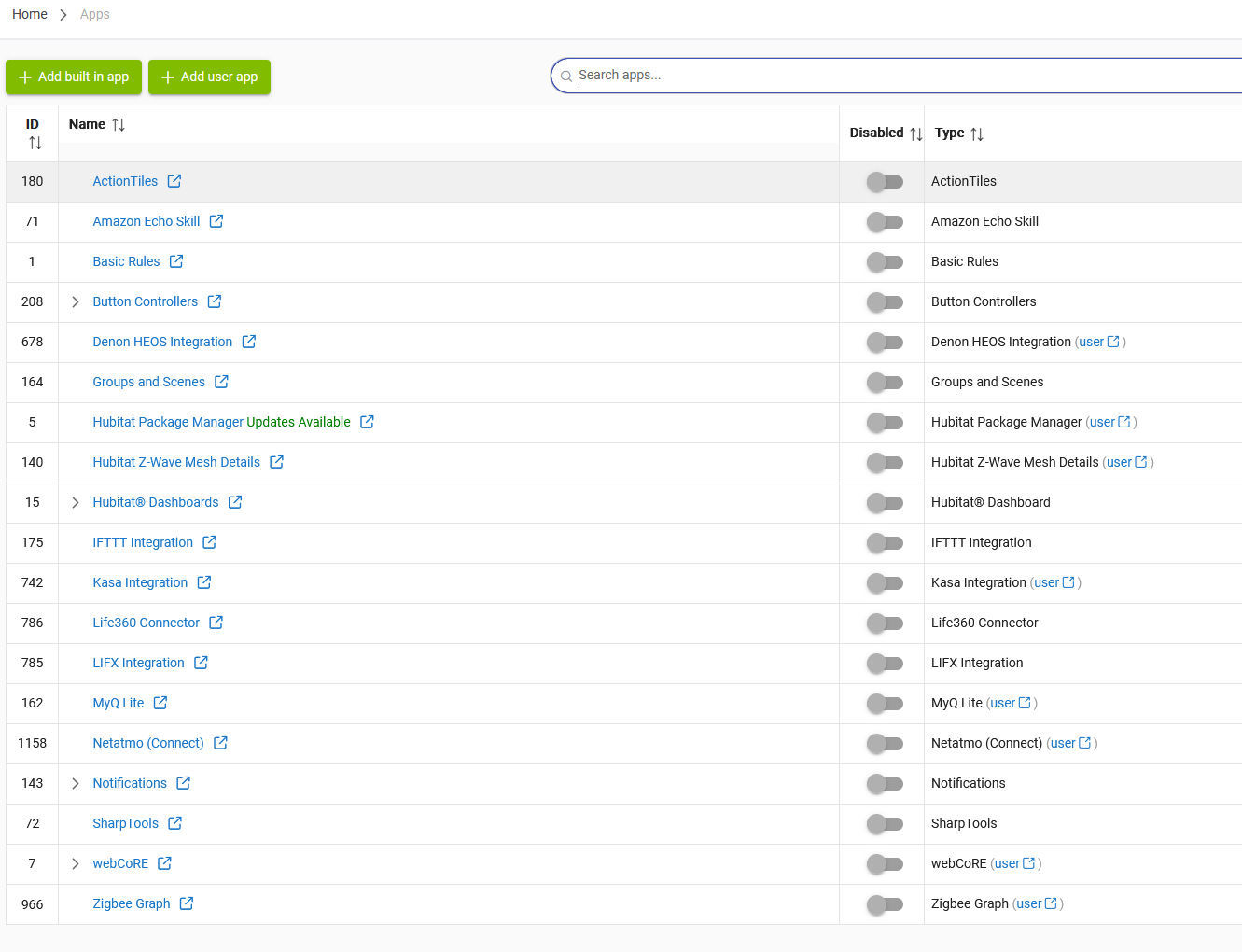
Are you selecting + Add user app to actually install it first? HPM just adds the code, the same as if you did it in Apps Code yourself. Like any built-in or custom app, you'll need to install an instance of it on your hub to actually have it appear in your (installed) apps list.
Just to fully close the loop here (in case you may get as myopic [for lack of a better term] as I can after being down a rabbit hole for a while), the "+ Add user app" selection Robert is referring to is one of the 2 green buttons in the upper left of your screenshot above.
And to triple down and potentially beat the dead horse , when you add the app via HPM, you are essentially downloading the code from the cloud to your local hub, but that action stops short of creating an instance of the app. Following the above instructions then adds an app instance as you wish.
Of course, all of this has nothing to do with Rachio. The above pattern is true for all user apps AFAIK.
 , when you add the app via HPM, you are essentially downloading the code from the cloud to your local hub, but that action stops short of creating an instance of the app. Following the above instructions then adds an app instance as you wish.
