I know making core changes can be challenging as people will have strong reactions to these, however I spent a lot of time thinking about these and think that this could really consolidate and to present the users with some efficient ways to finding and using devices while not changing how Rooms, Room Lighting, and Devices UIs work together. These features work together. Thanks for the consideration.
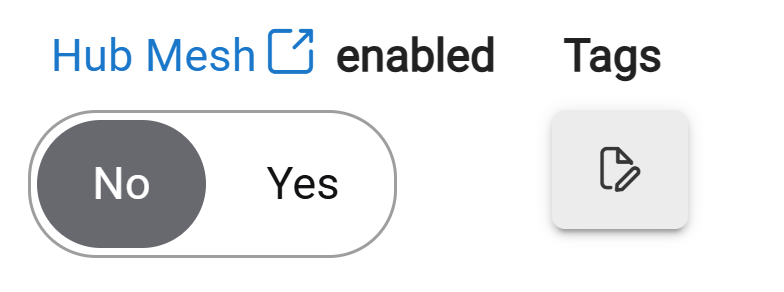
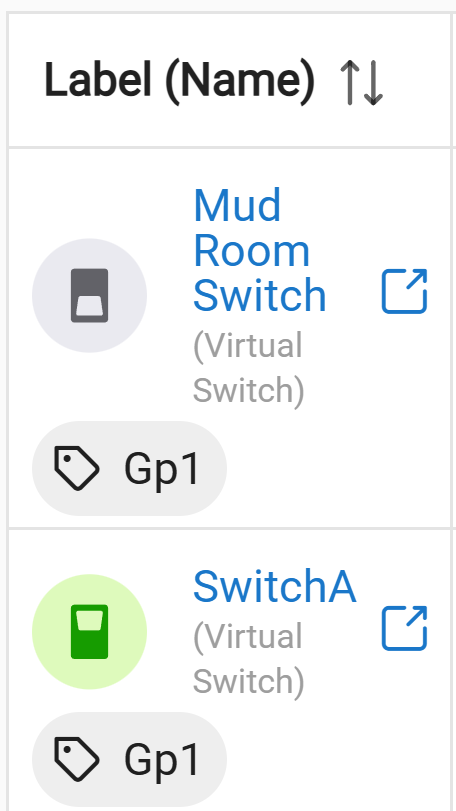
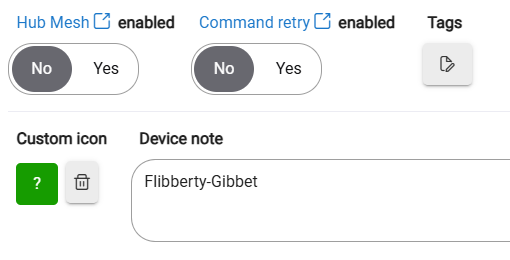
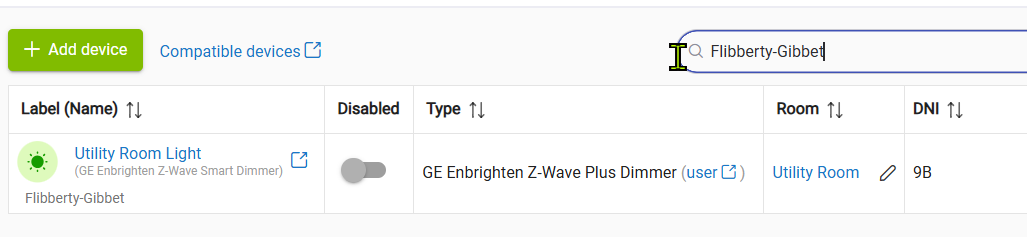
Feature 1 – Custom Device Tags Add a feature to apply custom tags to devices. These tags should be visible and searchable within the device list or tables.
Feature 2 – Advanced Grouping and Sorting Add an option for creating organized groupings where the user can specify the field for grouping and the field for sorting. This would effectively replace the need for the existing Rooms UI, as a similar view can be achieved by setting a "group by" on the room field. (This feature is dependent on Features 3 and 4.)
Feature 3 – Visual Grouping and Hiding for Group Controllers Add a setting for each "Groups & Scenes" device to visually group the devices under it. This setting should also hide the member devices from certain interfaces, such as the Room Lighting options, while still allowing the group controller to be assigned to a Room and organized in the Devices UI. For example, if a group dimmer controls two paired smart bulbs, only the Group Dimmer would be visible in the Room Lighting App or when creating an EzDashboard by room.
Feature 4 – Custom Device View Tabs Add tabs to the Devices interface where users can create custom views. The default tabs would be "All" and "Rooms." Users could then create additional tabs with custom "group by" fields, such as device type or tags (referencing Feature 1).