In the pre-AI era, I used to carefully read through the specifications … 
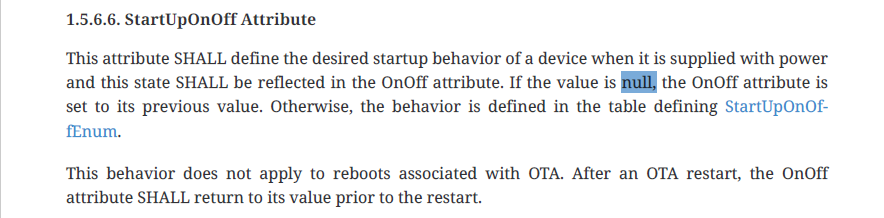
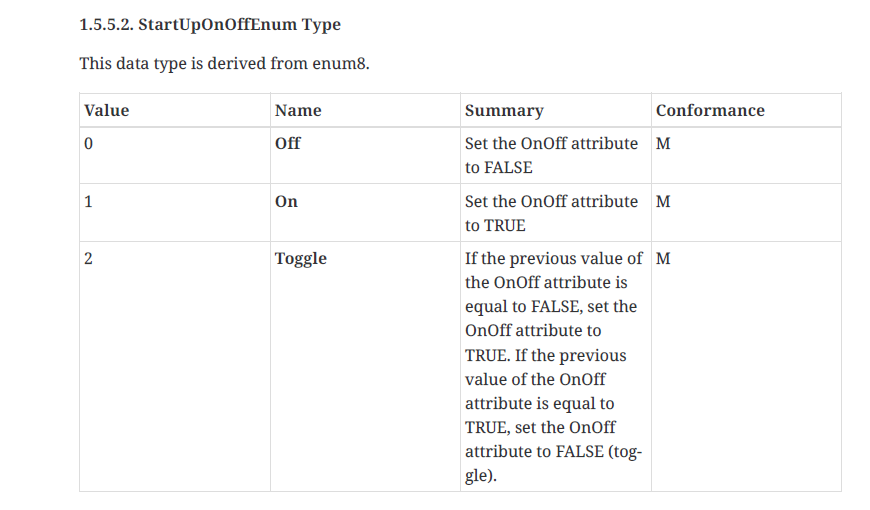
There is no 'Previous State' setting in the Matter specs.
In the pre-AI era, I used to carefully read through the specifications …
There is no 'Previous State' setting in the Matter specs.
Oh crap … I just noticed that the lamp I was using for testing was not the IKEA KAJPLATS at all, but a “Fancylink A19”. I had moved some bulbs around while testing previously. I am embarrassed and sincerely apologize.
It appears that the IKEA KAJPLATS and your driver works as expected configuring power fail restore as either on / off / previous state.
Lovely!...
Thanks for digging it out and posting…
Thanks for the driver!
I am trying to use my Kajplats bulbs in scenes, but I am not getting any options for level, colortemperature etc.
To be clear, I didn’t write the driver. Your thanks go to @kkossev .
There are several different KAJPLATS bulbs. The one I have is not RGBW but does white temperature.
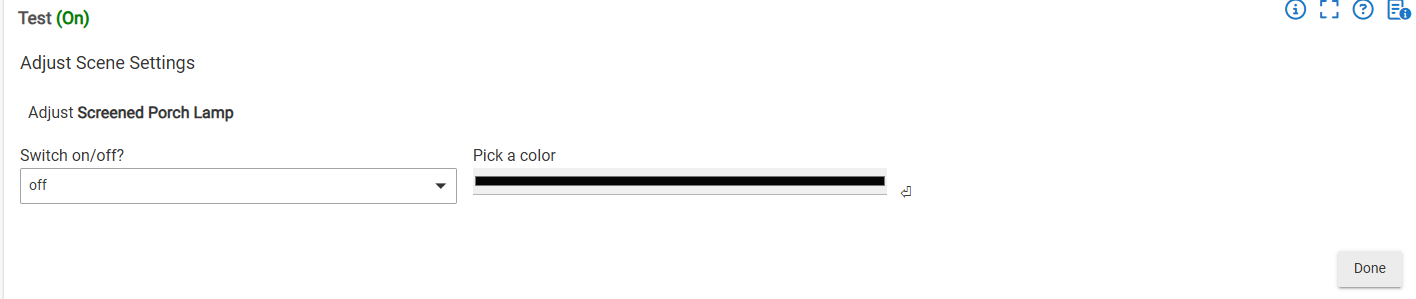
Which driver are you using? Also, the fact that your action says “Adjust ..” suggests you clicked on “Adjust shades” instead of “Set Dimmers/Bulbs”.
This bulb is a non RGBW. But it looks the same with a RGBW bulb. I use the driver from the first post in this thread.
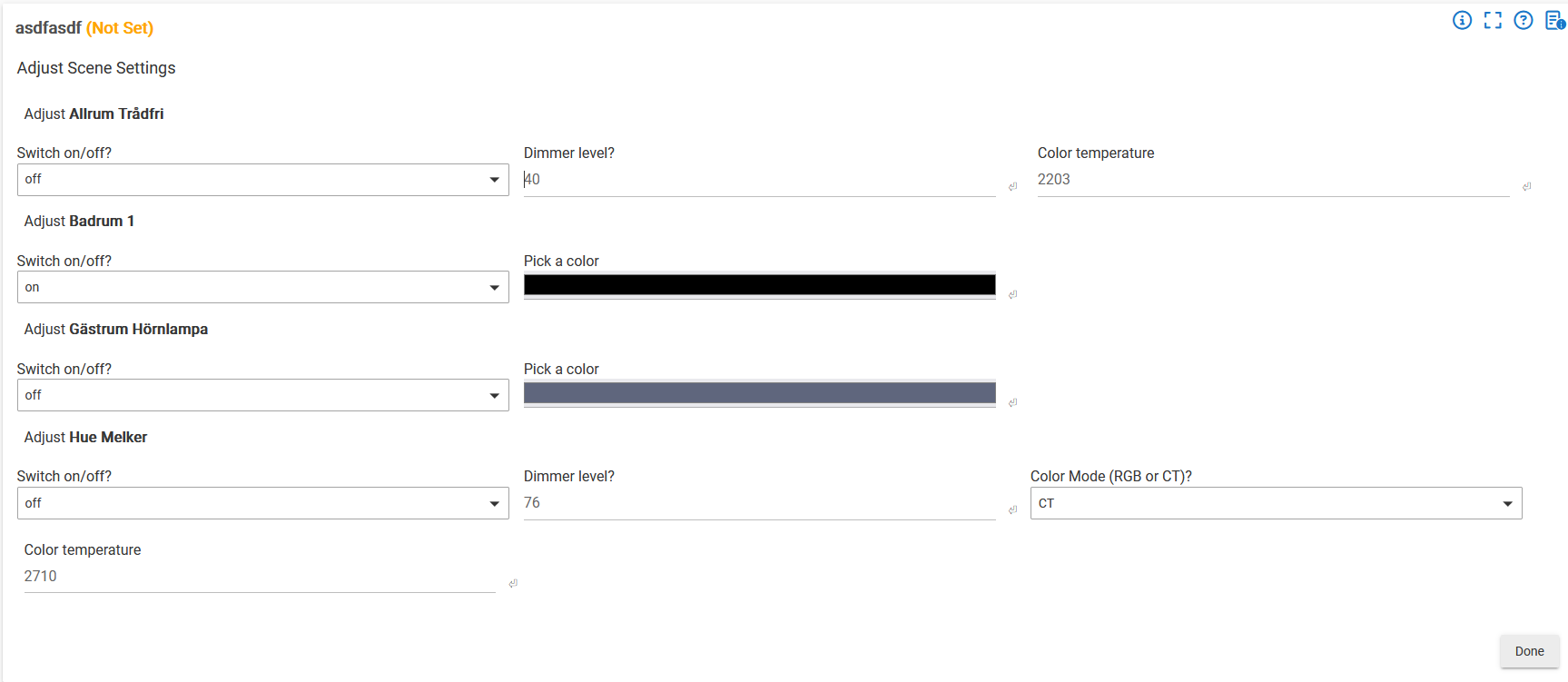
Here is a screenshot from the built in Groups and Scenes app:
Allrum trådfri = IKEA Trådfri CT bulb
Badrum 1 = IKEA Kajplats CT bulb
Gästrum Hörnlampa = IKEA Kajplats RGBW bulb
Hue Melker = Philips Hue RGBW bulb
As you can see there is no option for choosing level etc on the Kajplats bulbs. But maybe it is a Matter/Thread limitation? Because it was the same before I installed this driver..
OK, I see. I am unfamiliar with the Groups and Scenes app, but I think I see the same thing you do ..
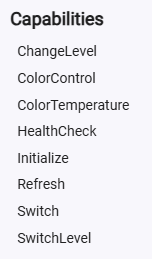
Not sure why that’s not working. It should. Maybe compare this with the Hue capabilities.
Found it! It is missing the capability ColorMode.
If anyone else runs in to the same problem that me:
add the following at row 28 in the driver code:
capability "ColorMode"
To get the bulbs to turn on when activating a scene, disable the setting “Enable color pre-staging” in device settings.