The GRILLPLATS can be added to another Matter controller and shared to any Hubitat hub supporting Matter over IP. In this scenario, the documentation presented here does NOT apply. Also, this only applies to the GRILLPLATS smart plug and not any other IKEA device.
However, if you have a C-8 Pro T and want to have the device participate in its Thread network (perhaps to get the benefit of a Thread repeater), this workaround is currently required to get the GRILLPLATS paired (see explanation here).
Workaround: Adding an IKEA GRILLPLATS to Hubitat Thread Network
The IKEA GRILLPLATS smart outlet is a Matter over Thread device. For all hubs except C-8 Pro T, which offers a Thread radio instead of Zigbee, the GRILLPLATS can be added as a Matter device to another system such as Apple Home using Thread and then shared as a Matter device with Hubitat over IP.
Only the C-8 Pro T can talk Thread to devices, so none of the following applies to you unless you have that model, and you are using GRILLPLATS to build a strong Thread network. Generally, only mains-powered Thread devices serve as repeaters.
At the time of this writing, the GRILLPLATS at firmware 1.4.6 cannot be paired with the C-8 Pro T using the mobile app or web interface for adding devices (see explanation here). On an iPhone, the mobile app makes it appear that it paired successfully but under the covers it actually adds it to the Apple Thread network and shares it over IP to Hubitat as a Matter device. So, this is not accomplishing the goal. Adding with the web interface results in a BLE PaseSession timeout:
[2673:2712] PASESession timed out while waiting for a response from the peer. Expected message type was 33
[2673:2712] SecureSession[0x7fa49b4680]: Released - Type:1 LSID:53834
[2673:2712] Ignoring SecurePairingFailed status for now; we are waiting to see if we discover more devices
[2673:2712] Closing all BLE connections
[2673:2712] Waiting to discover commissionees that match our filters
If you have an Alexa device with a Thread radio, there is a workaround (credit for discovery to @donkrell) since the Alexa app allows you to add a device to another Thread network provided you have its network key. Once this process is completed, the GRILLPLATS is on the Hubitat’s Thread network and talks directly to it, and it serves as a repeater. It will operate just as if it was originally commissioned there, and in fact, you can delete the device from Alexa if desired. You can also share it from Hubitat to another controller like Apple Home.
CAVEATS
The process of using Alexa to get the device onto the Hubitat Thread network is a little bit funky and shrouded in some mystery, but it was repeatably successful for me.
-
It still isn’t clear to me what Amazon device is required. I do have a house full but none more recent than an Echo Dot (5th gen) and Echo Show 8, both of 2022 vintage. I also have an Eero Pro 6 mesh. I observed during this process that it sometimes said the communication was through an Echo device (including an Echo Flex which I’m almost sure doesn’t have a Thread radio) and sometimes through an eero node. Full disclosure – I seemed to have better success when the Eero mesh had Thread enabled. I will be interested to hear success data points from someone who doesn’t even have Eero.
-
Proximity is crucial: Gather into close proximity the device to be paired, the Amazon device you think is most likely to participate, your phone, your C-8 Pro T hub, and perhaps a chicken to sacrifice.
-
The process is fragile. Everything must work perfectly and it often doesn’t. The approach of trying again from certain points may be necessary. It took me a day to get the first device paired, but once I got this process down after the second or third device, it became something I could do in five minutes or less. Hopefully my notes gets you there sooner.
-
Make sure the GRILLPLATS is at firmware 1.4.6 or better. This can be done by temporarily adding to Apple Home, allowing it to upgrade (this takes hours), and then removing it.
In the Alexa app, go to Devices and then click the + at the top right to add a device
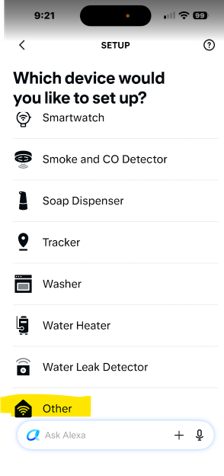
On the “Which device ..” page, do not search or choose IKEA or plug, and don’t connect to available devices if offered, but instead scroll to the bottom and select Other.
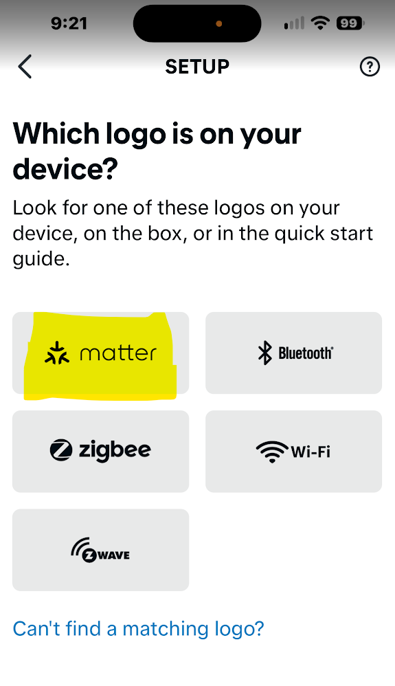
On the “Which logo” page, select Matter.
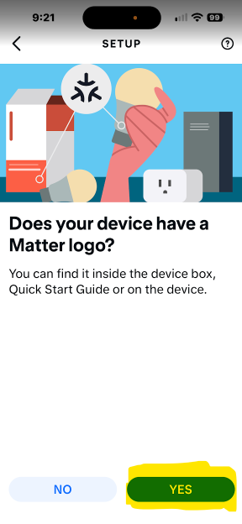
On the “Does your device have a Matter logo?” page, click Yes.
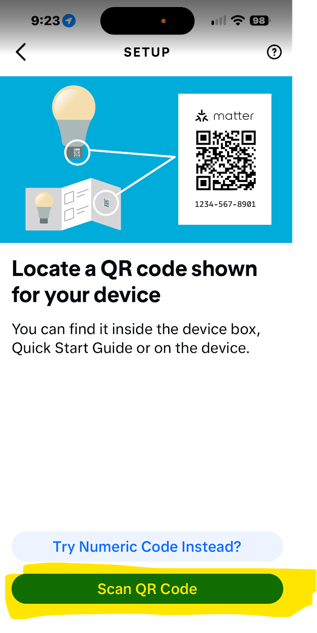
On the “Locate a QR code” page, Scan QR code located on the GRILLPLATS itself, or Try Numeric Code Instead? using the setup code on the instruction booklet that came with the device. The setup code does not appear in text on this device.
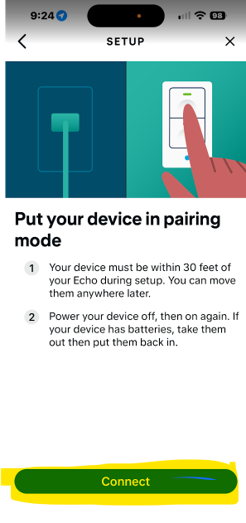
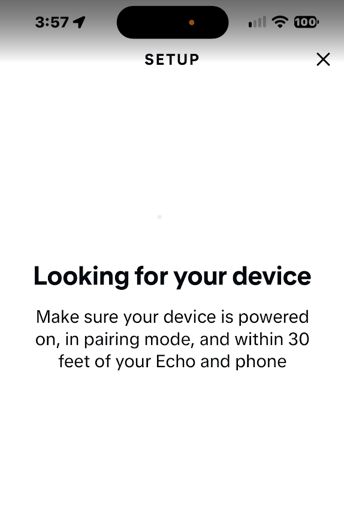
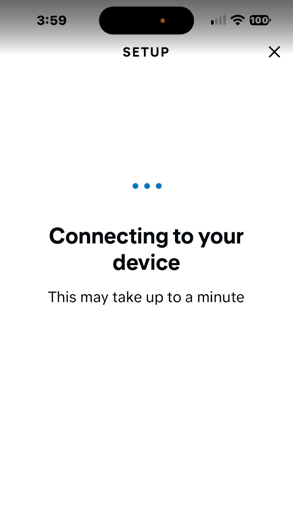
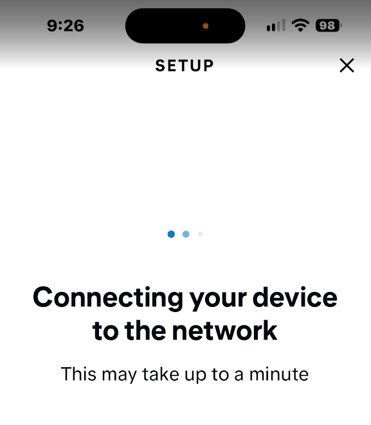
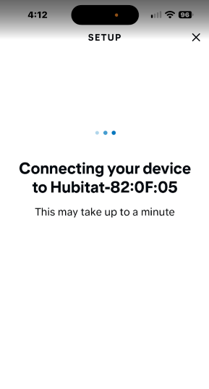
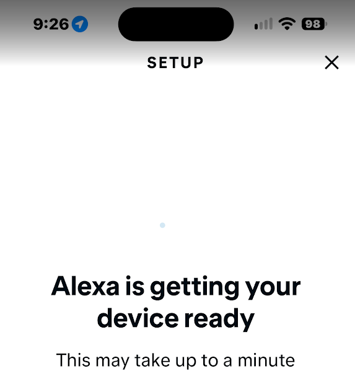
It will show a series of screens ..
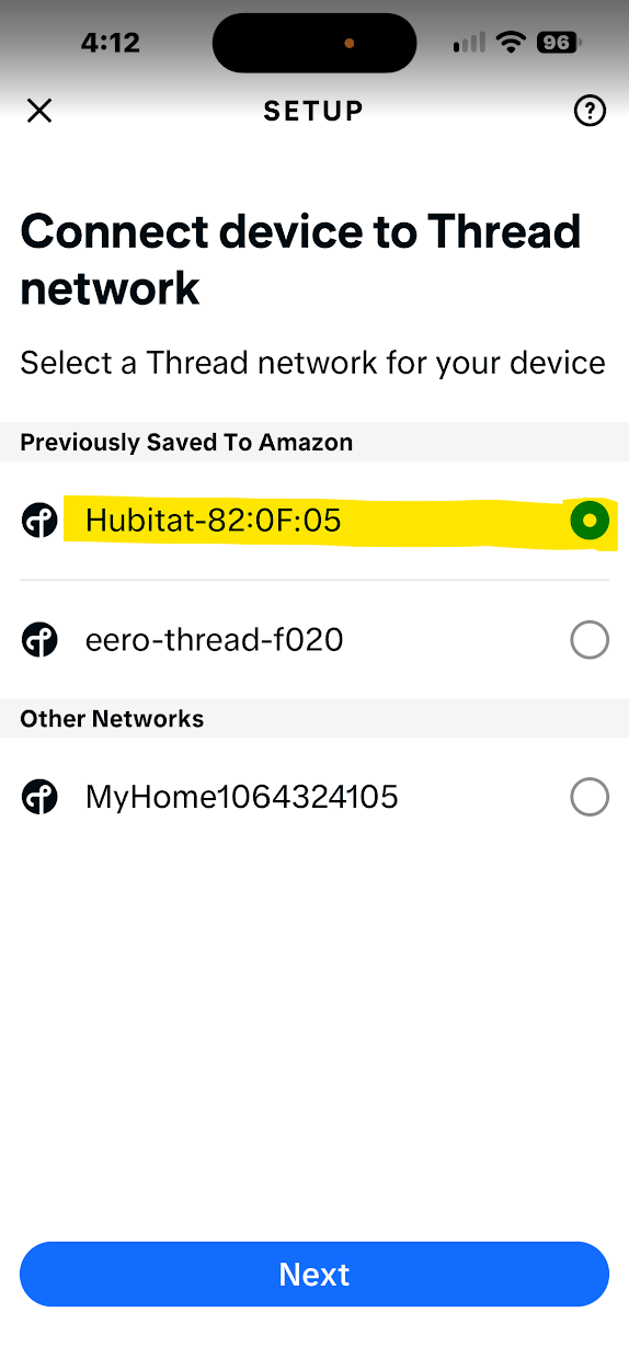
Alexa will look for Thread networks and offer you a choice of Thread networks to add to. Select the Hubitat Thread network.
Note: If this next screen is skipped, it may be because you have no other Thread networks to choose from. See next comment in this thread.
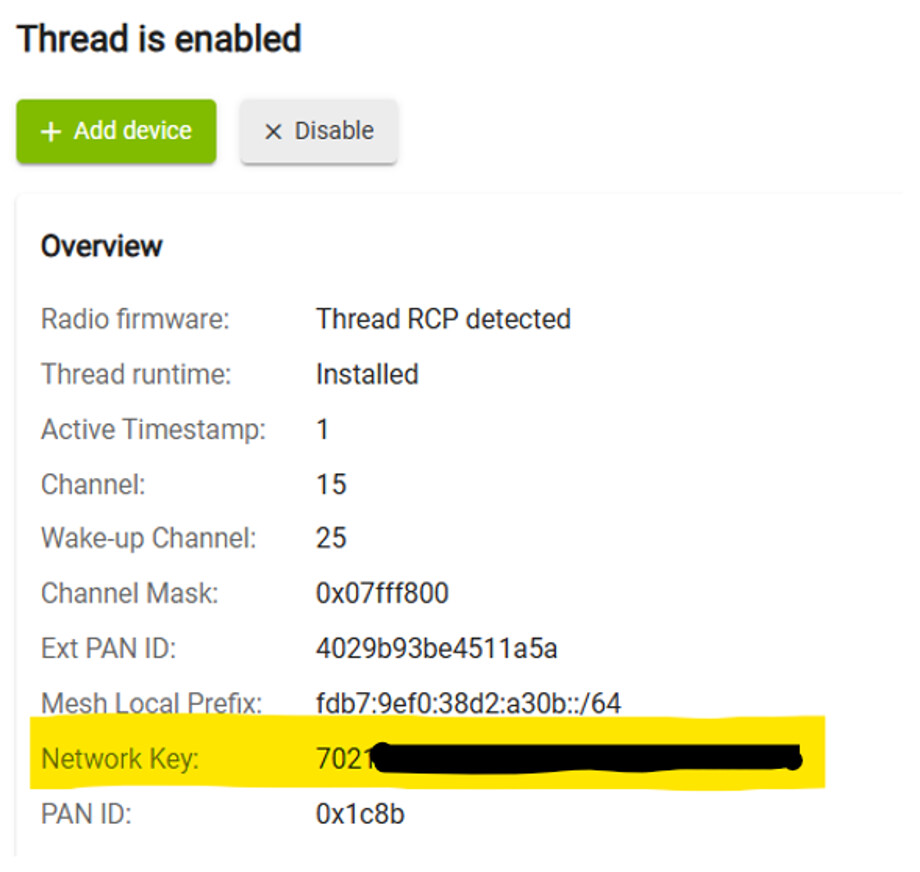
The first time you have Alexa put a device on Hubitat’s Thread network, you should be prompted for Hubitat’s network key, which is found here and can be cut and paste.
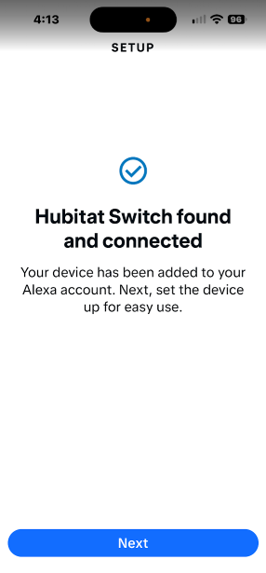
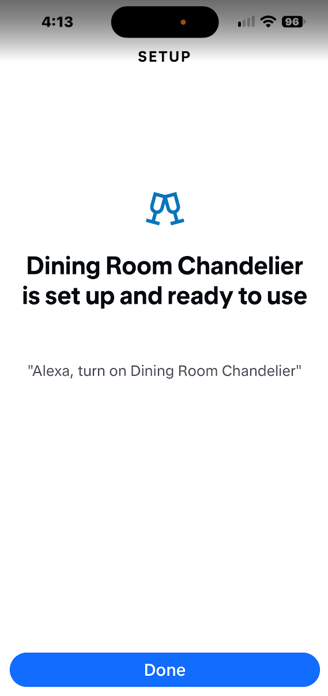
This is where it gets weird. When it works, it finds two devices. One screen says
but then it says it found another device which seemingly is a random device (could be Z-Wave+ or whatever) likely found in the already shared devices. Ignore this for now and press on with Done.
At this point, the plug belongs to the Hubitat Thread network but isn’t a known device in Hubitat. You need to add it to Hubitat the controller just as if it were running on the Alexa network, but it isn’t.
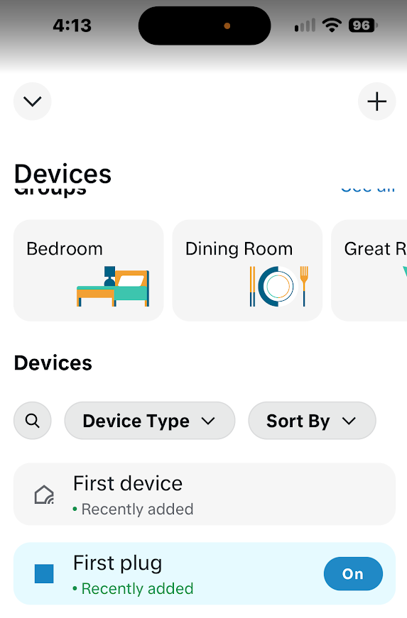
Returning to the Devices page in the Alexa app, find two devices listed there (sort by Newest first).
Click on First device and not the actual plug.
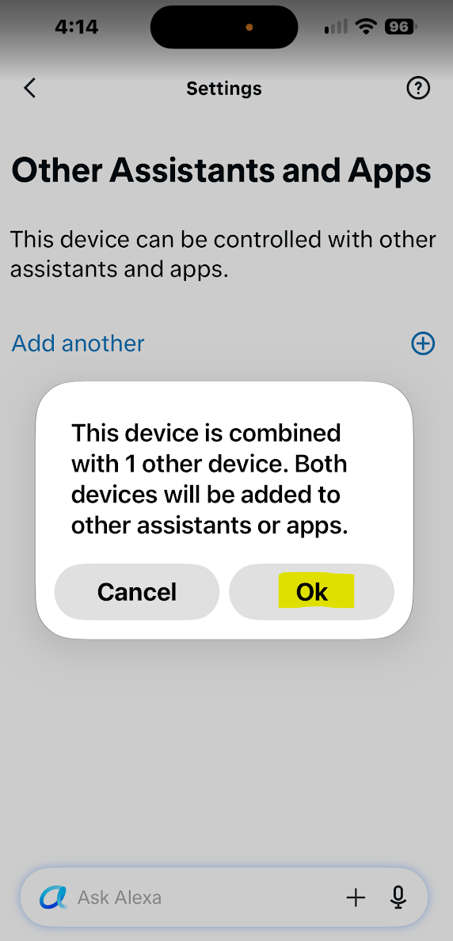
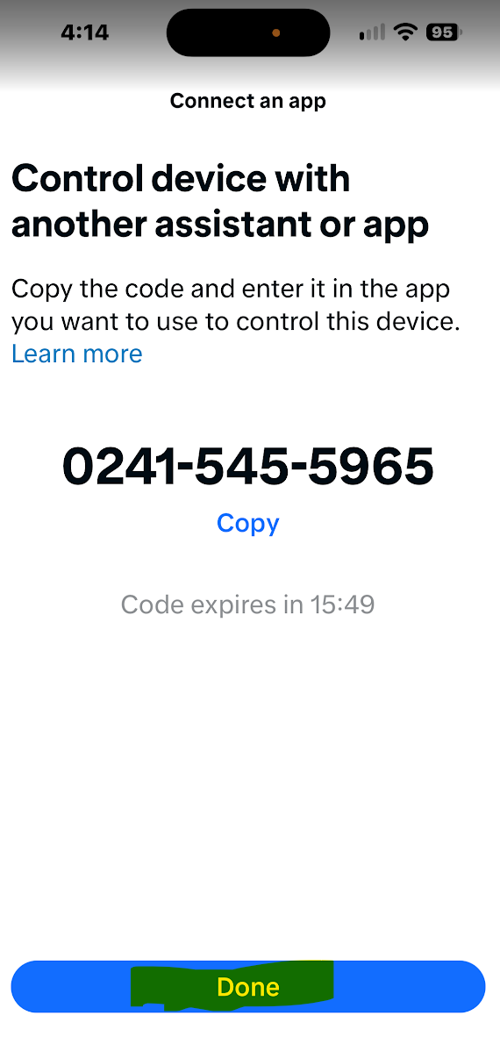
On this page, click Other Assistants and Apps.
After it thinks a minute, it will show this screen. Click OK.
Get the Setup code and then add the Matter device in Hubitat.
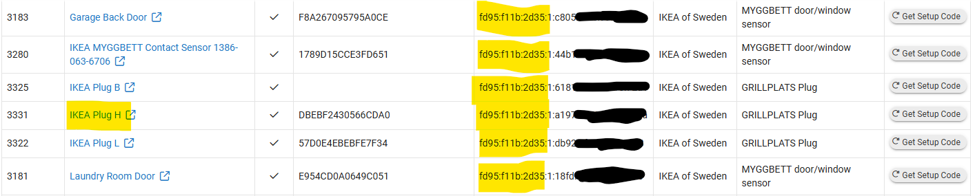
Once the Matter device is added to Hubitat, test from the device page. Also, you can see on the Settings / Matter details page that the new plug is on the same Thread network as other Matter over Thread devices you’ve already joined.
Optionally, you can Get Setup Code here and add the device to another controller such as Apple Home.
At this point you can delete the new devices from Alexa in the Alexa app. If you delete one, it will tell you it is deleting both.