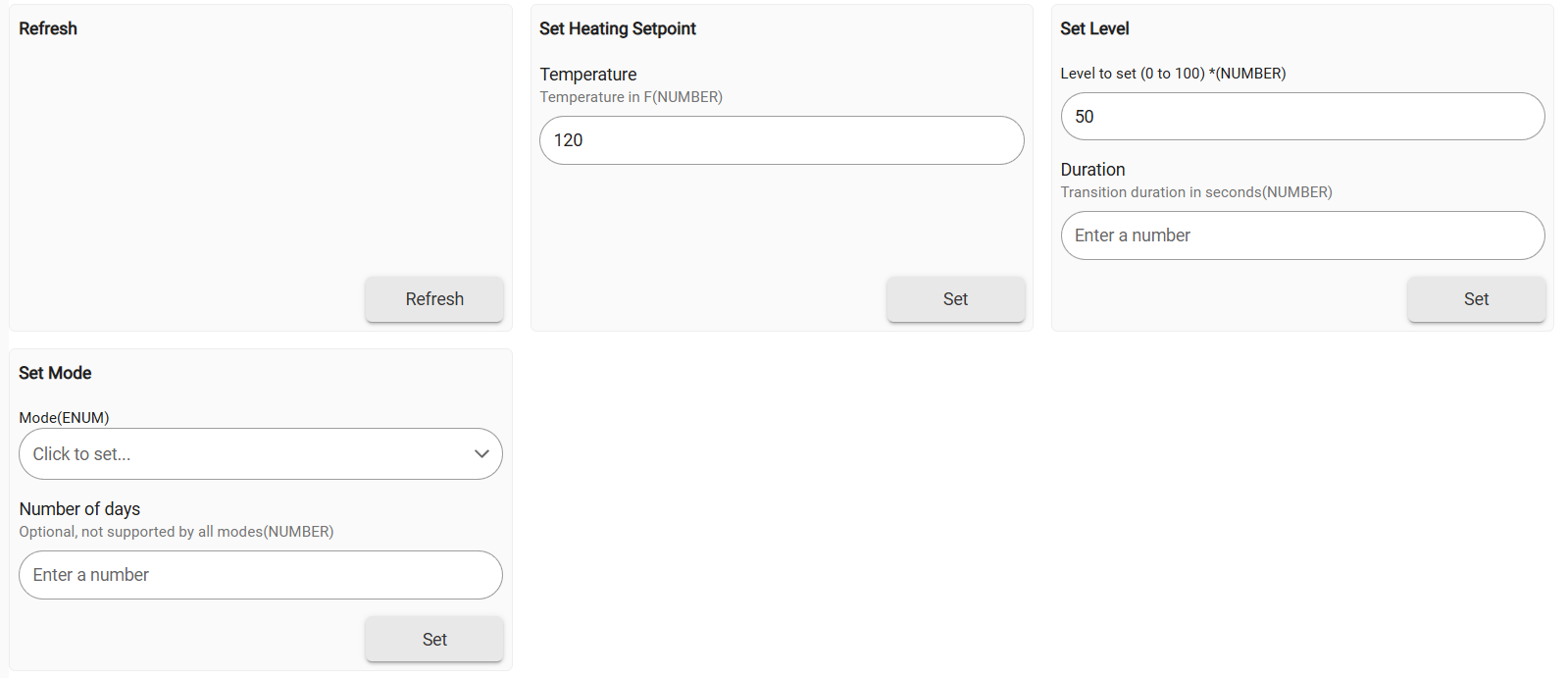
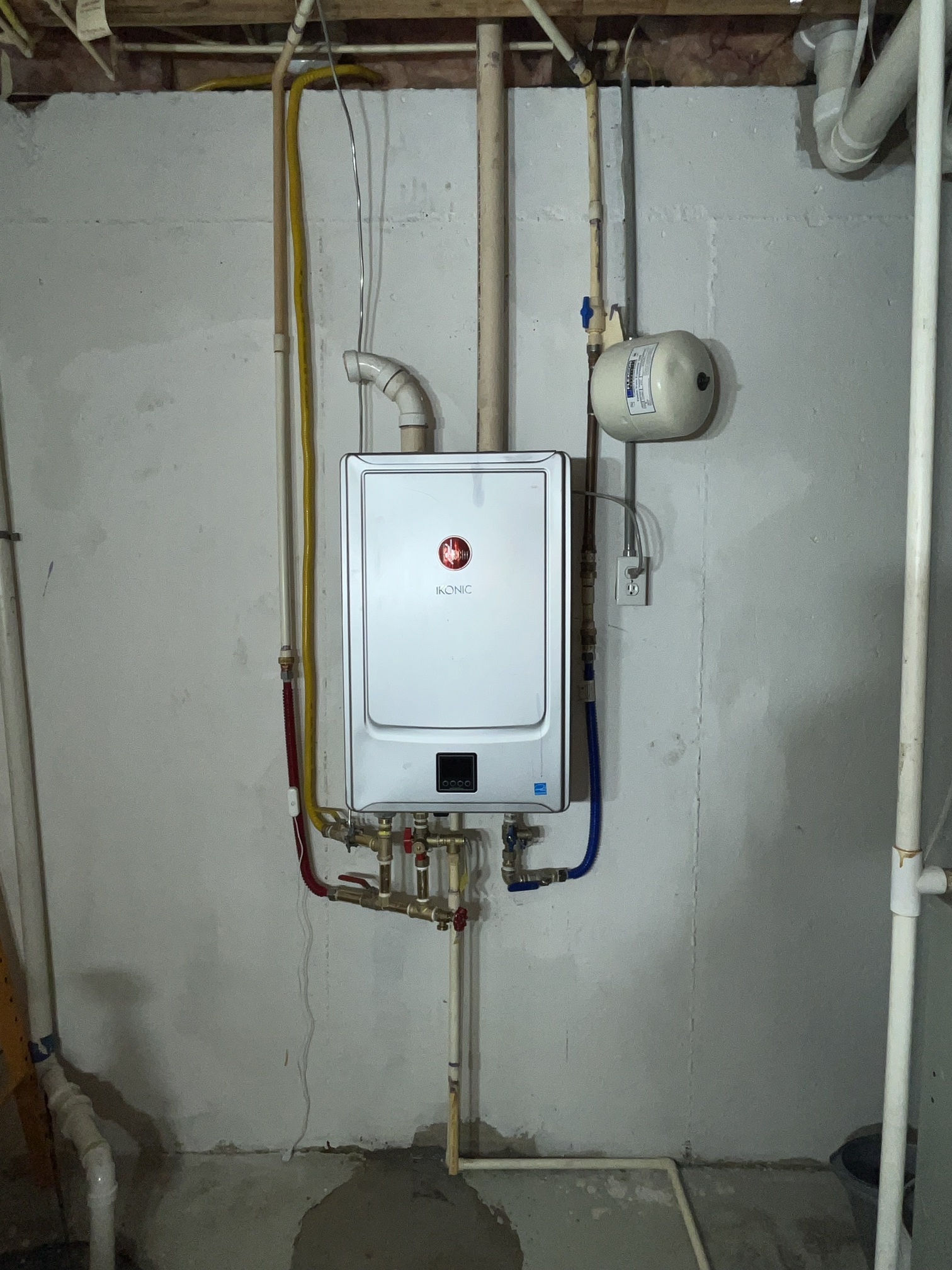
I just got a smart water heater and wanted to hook it into Hubitat, but I couldn't find a driver for it. So I wrote one, drawing heavily from two different projects.
A.O. Smith and State (same company for both brands) have a connectivity service called iCOMM that allows their app to talk to their smart hybrid water heaters. This driver polls the iCOMM service and fetches the same data that shows in the app to expose to Hubitat. You can adjust the setpoint (within bounds) and the mode from Hubitat commands.
The API apparently only wants one active client at a time. When the driver logs in, it will log you out of the app. (If you log in on the app and log out the driver, it will log back in automatically on its next refresh.)
Any iCOMM-capable hybrid water heater should work, but I only have the one, so please confirm what other models work or don't.
It should support multiple water heaters connected to your account, but again, I only have the one.
I haven't attempted to touch any of the recirculation features because I don't have that; if you have a need for it, I'm happy to see what I can work out
I haven't attempted to mess with schedule manipulation, both because their "schedule" capabilities are pitiful and because I assume that if you're doing that, you'll just do the schedule in Rule Machine. (I mostly care about switching it to Vacation mode when we're out of town, personally.)
There are iCOMM-capable non-heat-pump water heaters; I don't think they'll work as-is, but I'm not certain how big a gap it would be. If you have one and want to work with me on it, send me a message!
I just installed a Rheem NG tankless with recirculating pump built in. Their app "Rheem EcoNet" is very limited in scheduling and I would love to control it with Hubitat, so I will be looking into this in the next few months. Unfortunately, I do not have the time to start from scratch right now, so I may look at your code and see what's possible for mine.
I just saw his stuff. Looks great if you have a thermostat, but a little messy for a water heater. I'll have to ping him to see if he is planning any updates.
I'd like to try this out but I can't figure out how to add the water tank. I've got the main iComm driver and I logged into my account (it must have worked to some extent because it logged me out of the app). However, I can't figure out how to add the actual water tank.
Assuming the child driver is installed, a child device should be created once the heater is discovered on your account. You can turn on debug logging for the parent and see exactly what's happening if that's not the case.
OK, I'm starting fresh with both iComm drivers showing under Drivers code section but no devices installed yet. I then go to Add Device and add a Virtual device (I didn't see any other way to add it) and install iComm (not the heater--just the main iComm). I go into device details and enter my account email/password/brand and enable debug logging. Status stays on PENDING.
Logs show this for the iComm device after logging in:
com.hubitat.app.exception.LimitExceededException: Device 594 generates excessive hub load on line 333 (method refresh)
I had the same issue when setting this up. Make sure you have the child driver installed (the one for the heater itself) before adding the parent iComm device. I also came across a good overview of these water heater services that helped me understand the system better. If it’s still not creating the child after logging in, try increasing the “Hub Device Limit” under Settings in Hubitat; that LimitExceeded error usually means you’ve hit the device count cap. Once I bumped mine up, the child appeared on the next refresh.