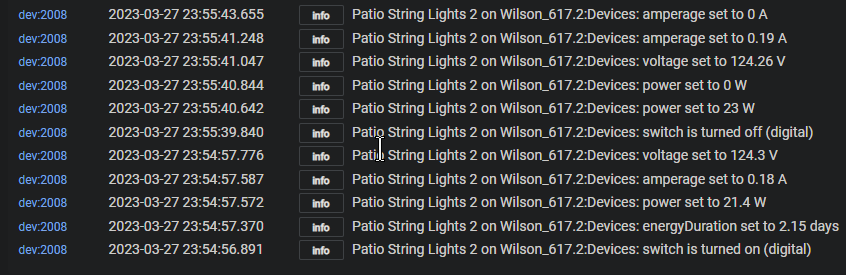
Looked at the switch logs again, only see one switch on/off event from 3/26 and nothing else. Not sure if there should be more? Maybe it is not meshing very well.
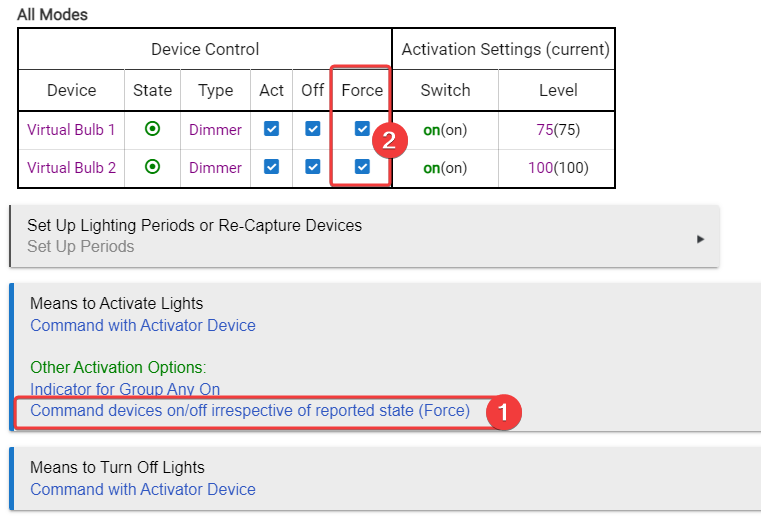
You could try these settings as well in the meantime. It should override the bad state in RL and just try to turn the lights on/off anyway, since it is having a hard time detecting its state correctly.
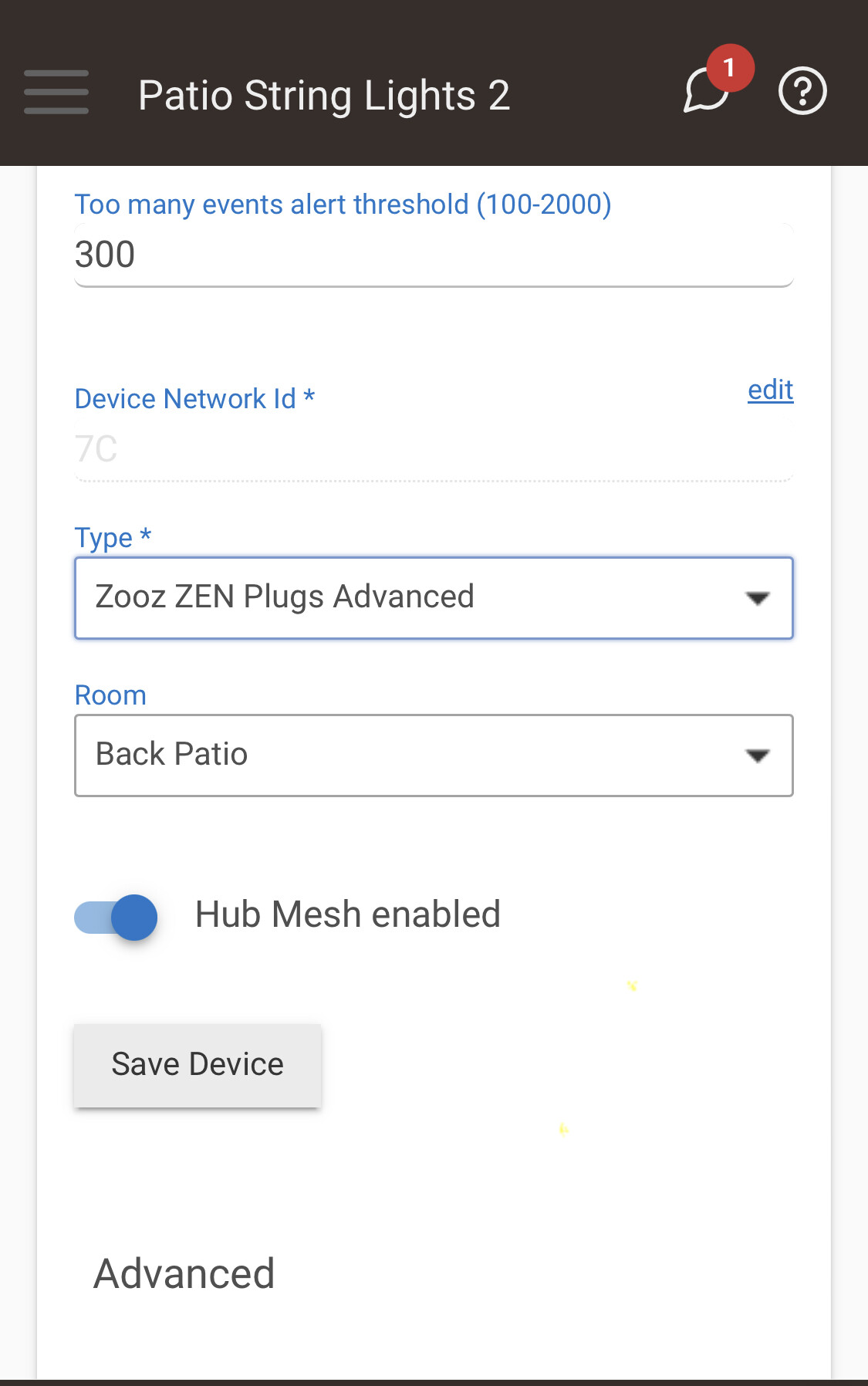
I've been starting to wonder if It's a C8 issue. The switch is a Zooz Zen05 ( Could be a 14, but 99% sure its Zen05), the motion sensor is a Hue Outdoor, I think I have the issues resolved with that one. When it was on a C7 this worked reliably. It just since I moved it to the C8 that has been like this. On Friday I actually excluded the switch and reincluded it and remeshed it.
If it was working properly, yes there should be several. Our dogs like to wake us up in the dead of night to answer the call of the wild. Regardless of what the logs show, I can tell you it's not happening.
Once you got me over the hump on that office automation, i actually knocked out two other rulles I thought were going to be bigger problems than they ended up being. Now this is the last sticker. I'll give this a try tonight. I have to go out of town for a few days, I had been hoping to get this fixed before I left. Looks like my wife is just going to have to flip switches for a few days, Horrors!
I think when I get back in town I'm just going to exclude both devices and delete the RL. Then reinclude the devices and start over with a new RL. Other than that I'm afraid I may have stumbled upon a new C8 issue, though what it is I have no idea.
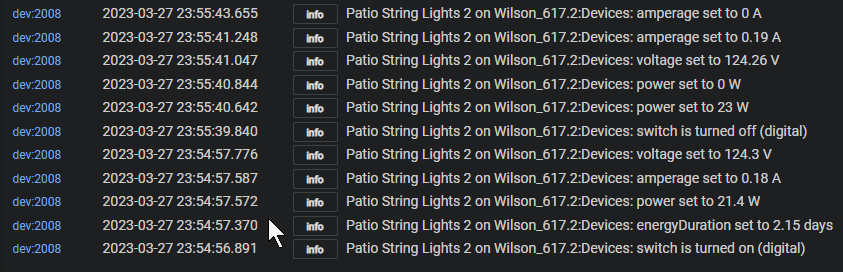
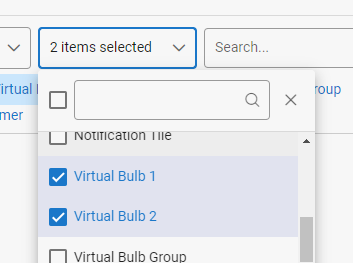
You posted the device logs twice, instead of the app logs. If you filtered the logs to be both the app AND the device both in one log it would actually be the easiest to follow.
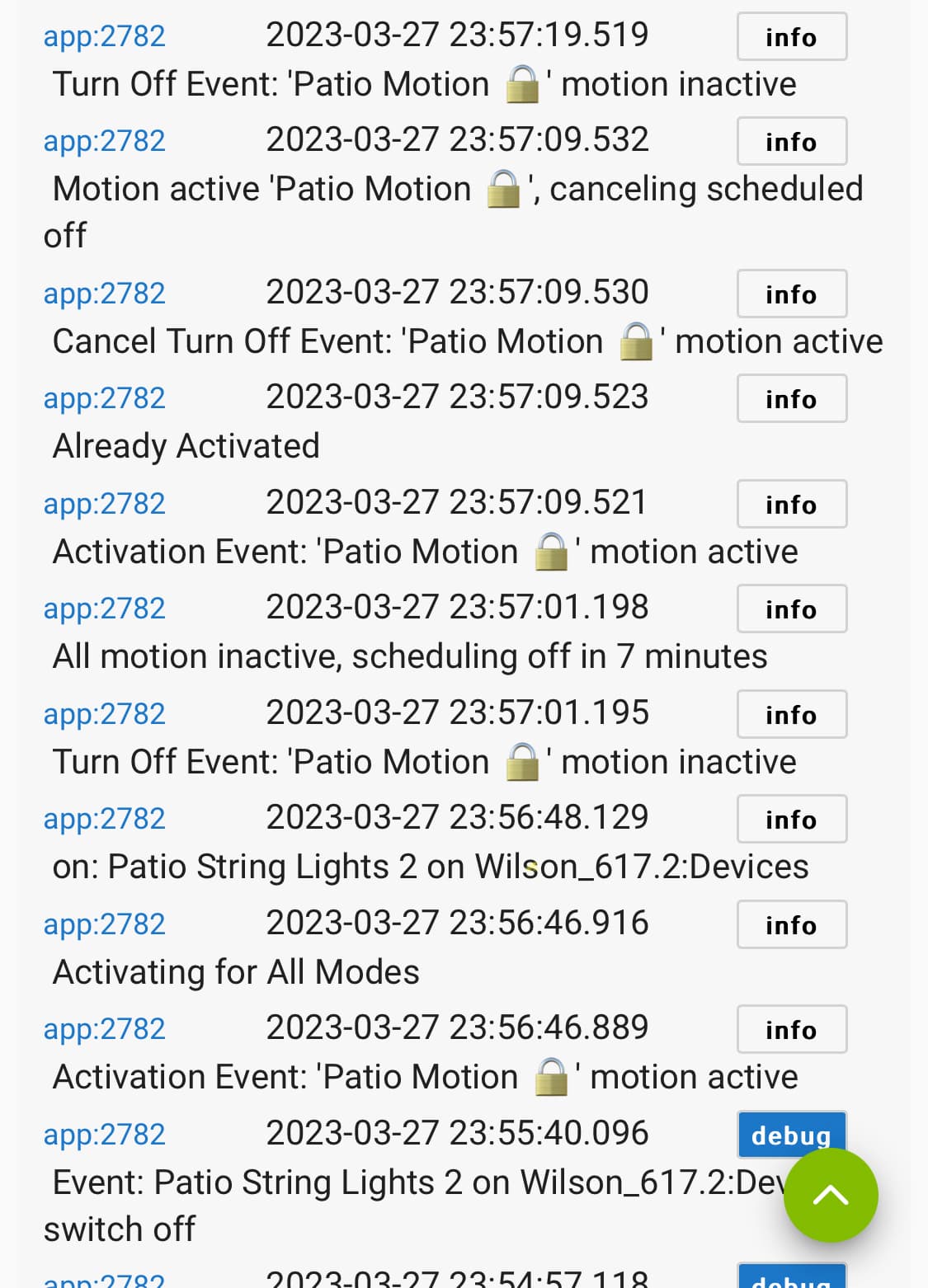
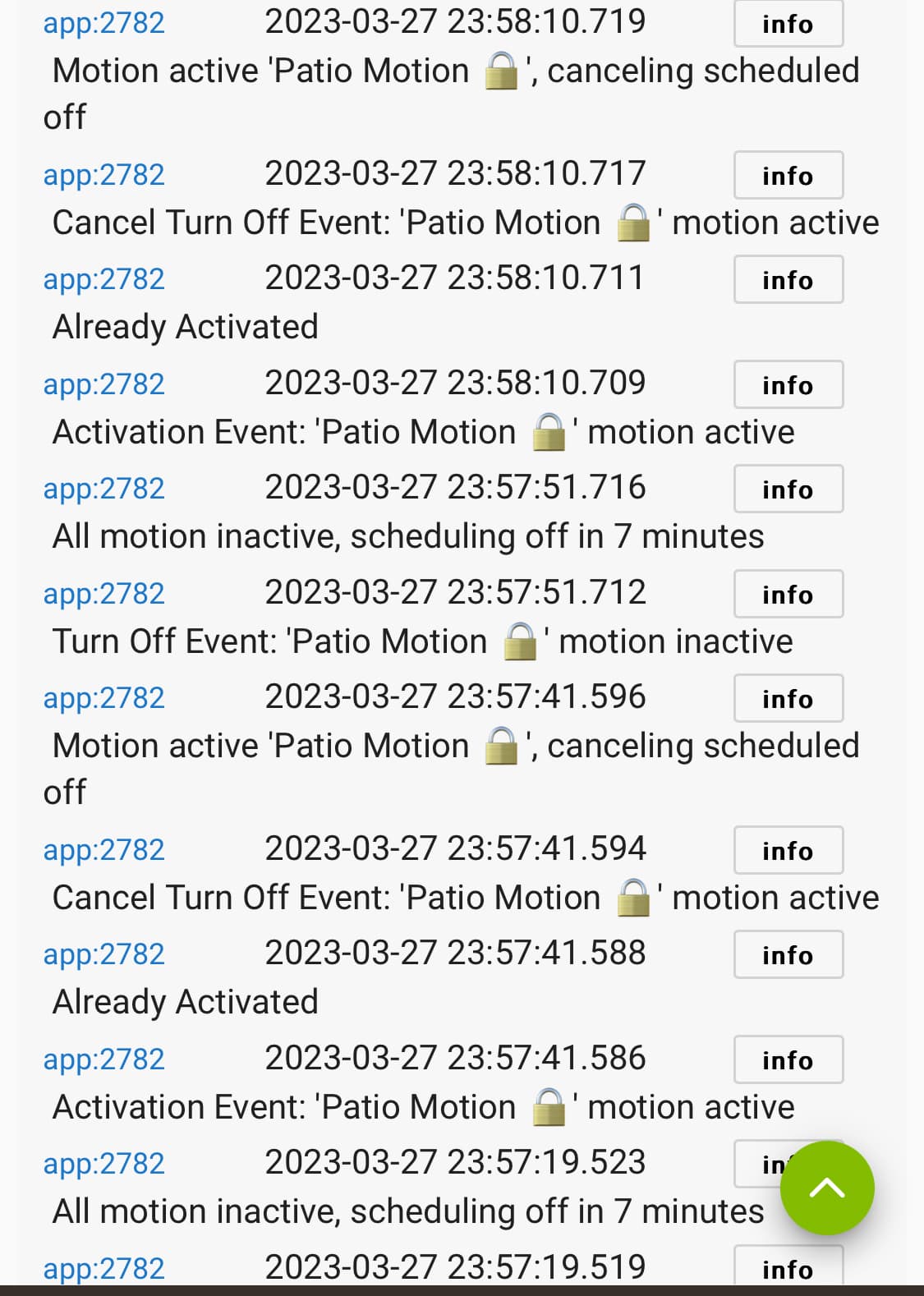
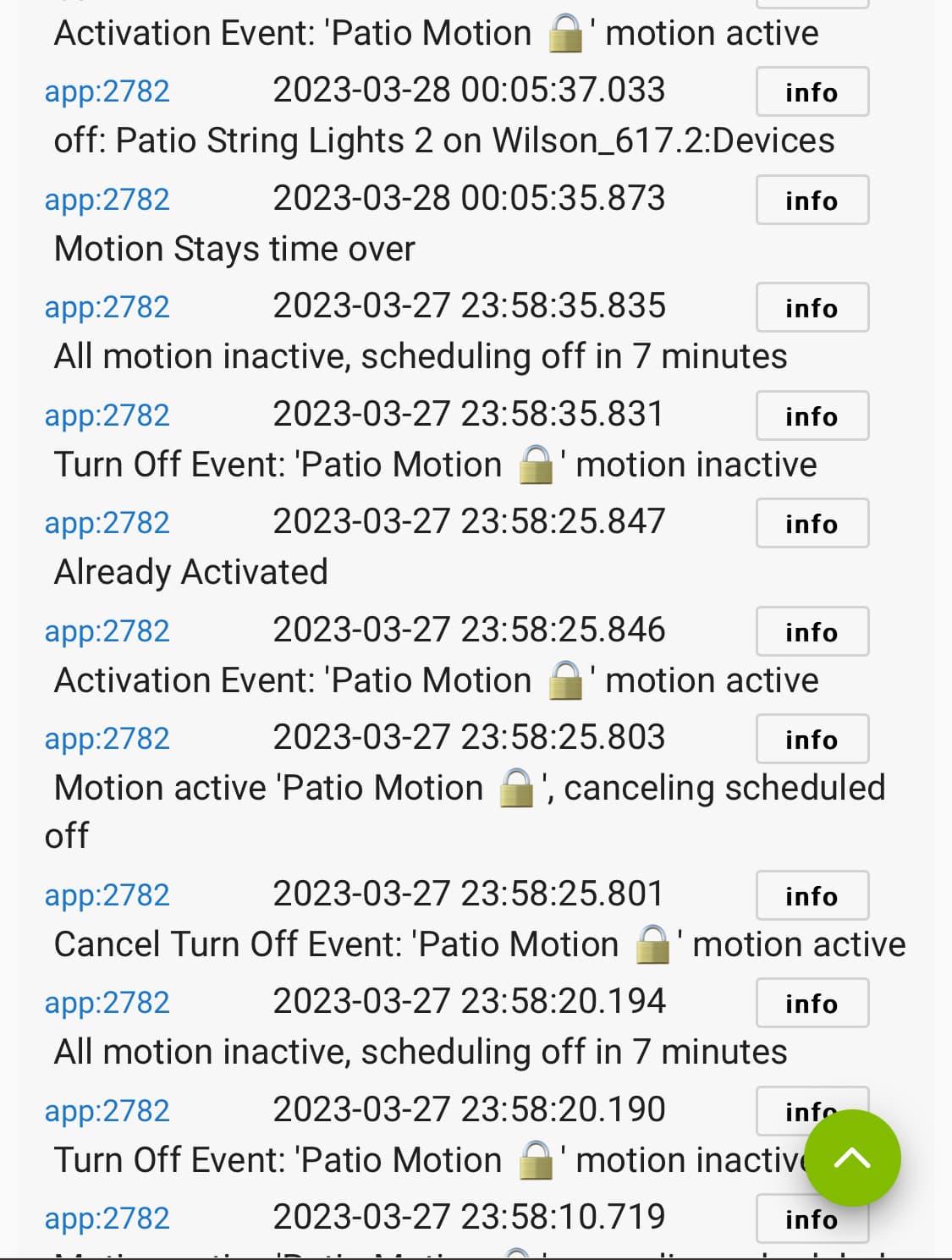
Would be curious to see what the app log said, if it was complaining about already being active or anything. Or also if it saw the event now, with the debug log.
Thats a device/driver issue. The driver is sending an "on" event, so either the device told the hub it was on, or the driver is poorly coded and is sending the on event before getting confirmation from the device.
The logs for the app don't show the same time period as the device logs. Use the filter on the logs to show both the app and device at the same time, in the same log.
That driver is mine, and it wont report the switch is on unless the device tells the hub it is on. I had a ZEN05 (single) in use all winter for holiday decorations and it worked perfectly fine. I also have a ZEN14 (double) on my desk which is working good.
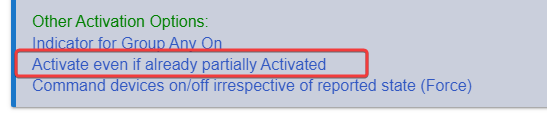
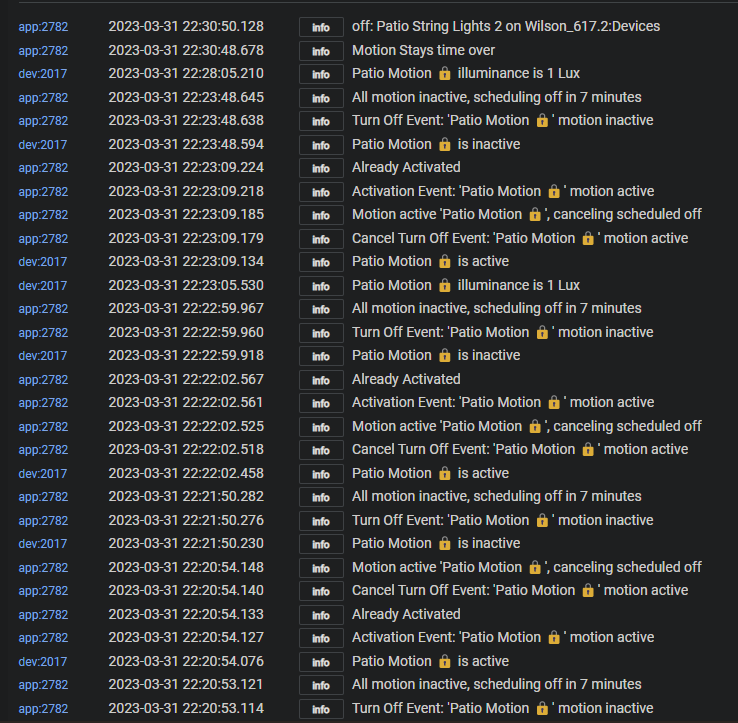
You could try also enabling the "Activate even if already partially Activated" setting. This will cause RL to send an ON command to the device every time the motion is triggered. Currently if RL thinks the light is already on it will skip activation, which is where it says "Already Activated" in the logs.
That is just showing constant motion and it never tries to turn the light on or off that entire time except at the very end it turns off. If you add the option I showed above "Activate even when partially activated" then every time you see Already Activated in the logs, it will instead send an ON command to the light again. That might do the trick since it seems to be having a hard time picking up the changes from the light.
I use that option in a lot of my RL just to be sure things turn on from motion. It can have unintended consequences with dimmers though, as it would reset the dim level every time if you have manually adjusted it. For switches though, I dont think there is any drawbacks of using it, just the small extra of zwave/zigbee traffic.
Thanks!! I just grabbed that as soon as I got home because I knew I had a chance to get a clean log (I honestly never thought about filtering for just the rule and devices).
See that's the funny thing. That switch never turned on.
I hadn't had a chance to try including that last night I will put it in today and see if that does the trick.
If that doesn't work I'm thinking I'm either going to nuke he whole thing and exclude/ include the devices again and try to rewrite the rule from the begining.
It seems to me like it is some sort of issue traversing the hub mesh and back. So unless you move the device to the same hub as the rules I dont think that would help.
That is similar to what I was thinking. I was actually going to put that one RL on the devices hub and see if that solves it. Just kind wonder why all of a sudden there is an issue with these devices and hub mesh. Only thing that has changed is its a C8 to a C7 rather than C7 to C7.
I'm going to try adding that activationto the current rule, if that doesnt do it tonight, then I will nuke it all and try putting the rule on the same devices as the hub.
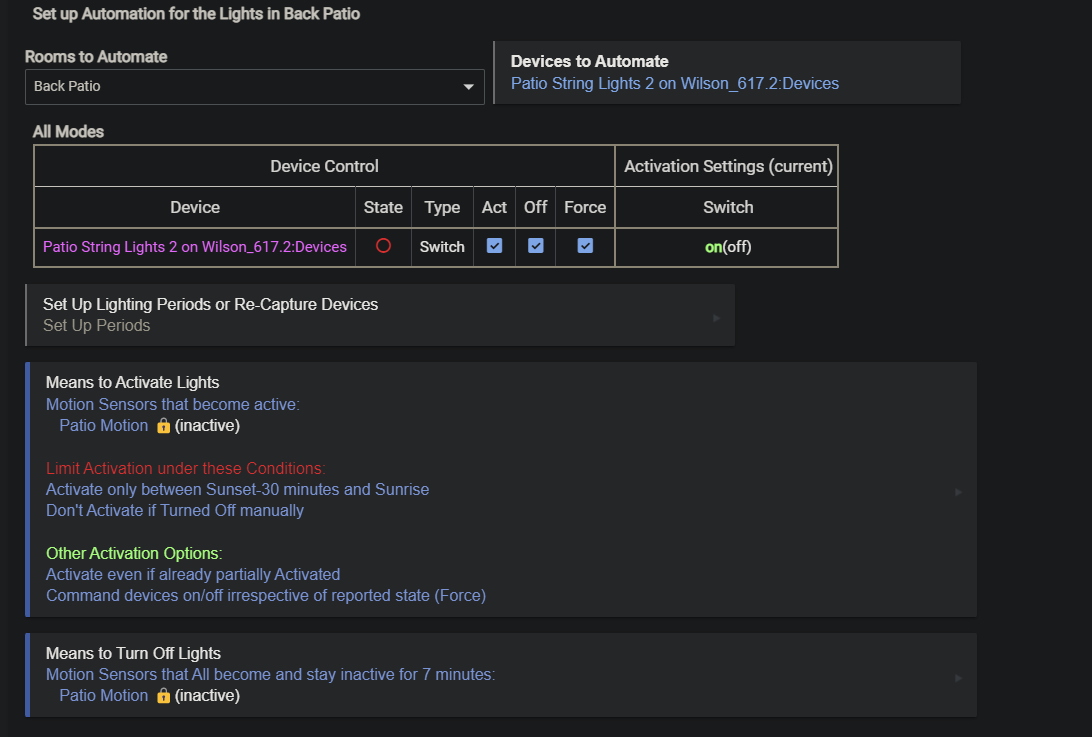
Here is the rule with it included, I think this is what you were advising, right?
Success!!! This finally did it without having to nuke everything and start over. I'm still inclined to think there is some issue with the C8 and a slow hub mesh, but I'll take this solution. On to the next project!