HUE device disappeared from 'Devices', still shows in selected HUE devices

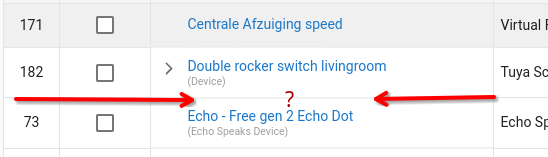
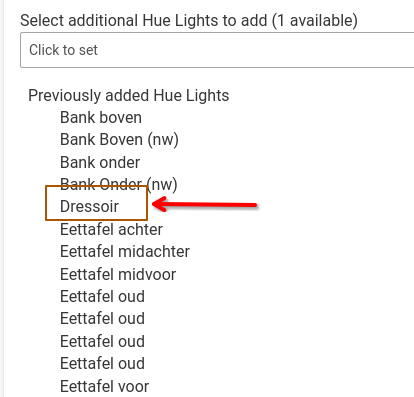
I have 1 device from my HUE hub that is missing in the 'Devices' section, but still shows as selected in the HUE Integration app. There is NO way to delete HUE devices from the integration app, and since I cannot find it in 'Devices', I cannot delete it there either.

Is there any other way to delete the missing device? The HUE app clearly thinks it's still a valid device...
(I've tested and can confirm that deleting any HUE bulb will 'unselect' it in the HUE Integration app for re-adding, so there is something funky going on!)

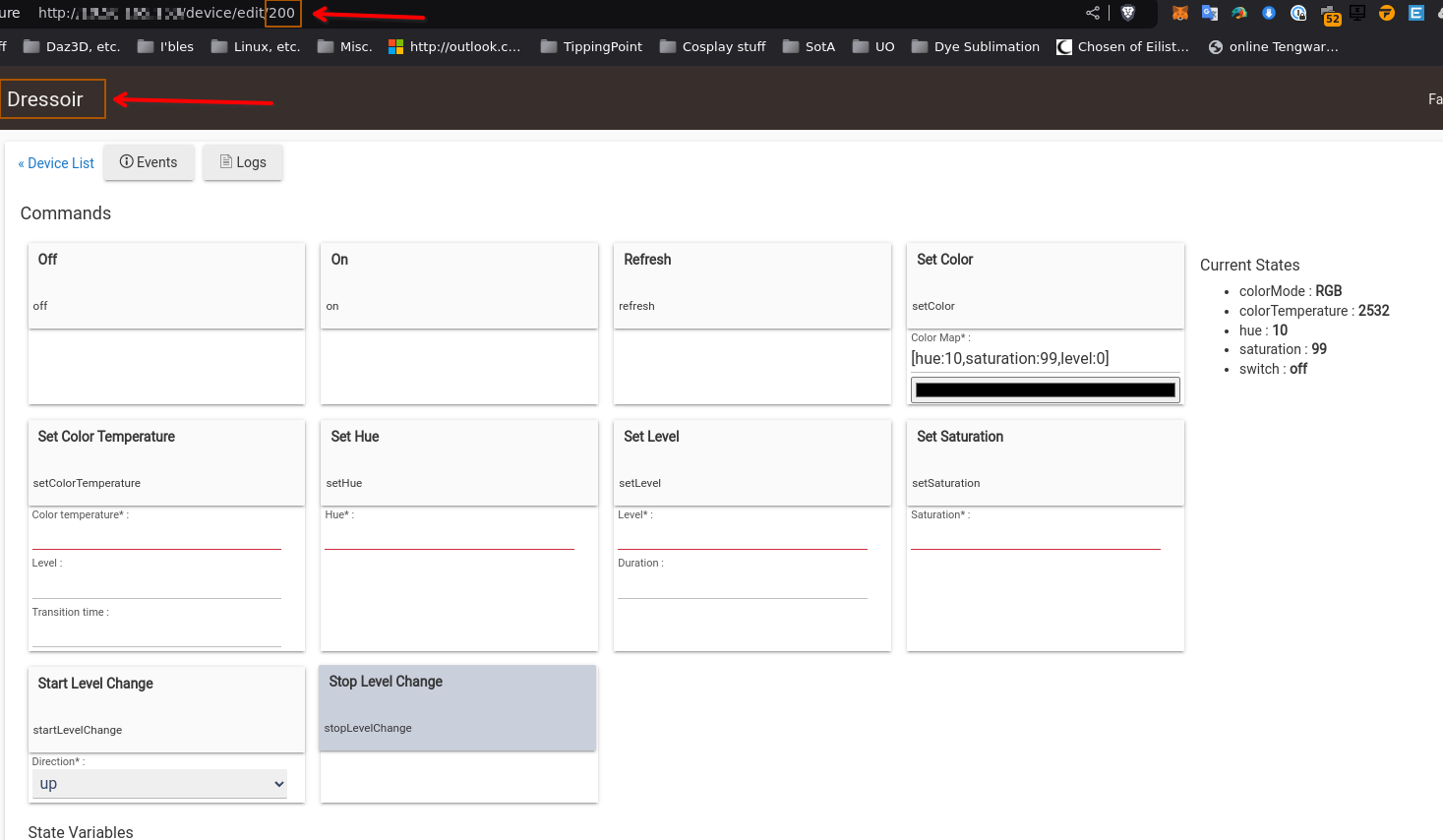
I found that I can see the device by clicking on the cog icon and then scrolling down. I've now deleted and re-added it several times, but it simply refuses to show up under 'Devices'...

I can also see it in device dropdowns for automations, like for instance in the 'Room Lighting' App.
A few screenshots:
In the Hue Integration App:
image
image

In 'Devices':
image

The device as selected from the HUE app:

It was originally device 4, and also had device numbers 198 and 199, now 200, during testing...

Still not showing in devices as you can see!

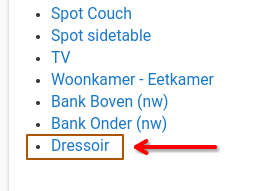
UPDATE: It also does show up under 'Rooms'... Just not in 'Devices'...

I'm guessing you have something in the search box at the top of the page.

1 Like

Wrong guess... :wink:

Literally everything shows except that one HUE bulb...

I had to reset the POE switch the Hub is on, and apparently rebooting it that way is different than a normal reboot, because the device is back?! :confused:

This topic was automatically closed 365 days after the last reply. New replies are no longer allowed.