I have three Philips Hue White + Ambience in a room. They are part of a night time routine where they should turn off when the hub switches to Sleep mode.
Around 90% of the time the bulbs don't change at all when the mode switches, even though in the individual bulb device details it lists the status as "Off". So it seems the hub is sending the command and at least getting something in return, but the bulbs don't change.
Around 8% of the time the bulb or bulbs will fade to off, and then a second later will instantly turn back on their previous state.
The other 2% of the time the bulbs will actually turn off as expected.
When the bulbs either don't respond or just turn back on, I am not able to turn them off through the hub at all, the only thing I can do is set the level to 1% and leave them dimmed, which is not great.
I've tried removing the bulbs from Hue Bridge and from Habitat and adding them back, but that has had mixed results. One time I tried that, the bulbs worked correctly for about a week and then reverted back to this behavior. The other two times I've tried removing / adding, the bulbs just kept doing this behavior right away.
Correct, I’m using the Hue Bridge Integration app.
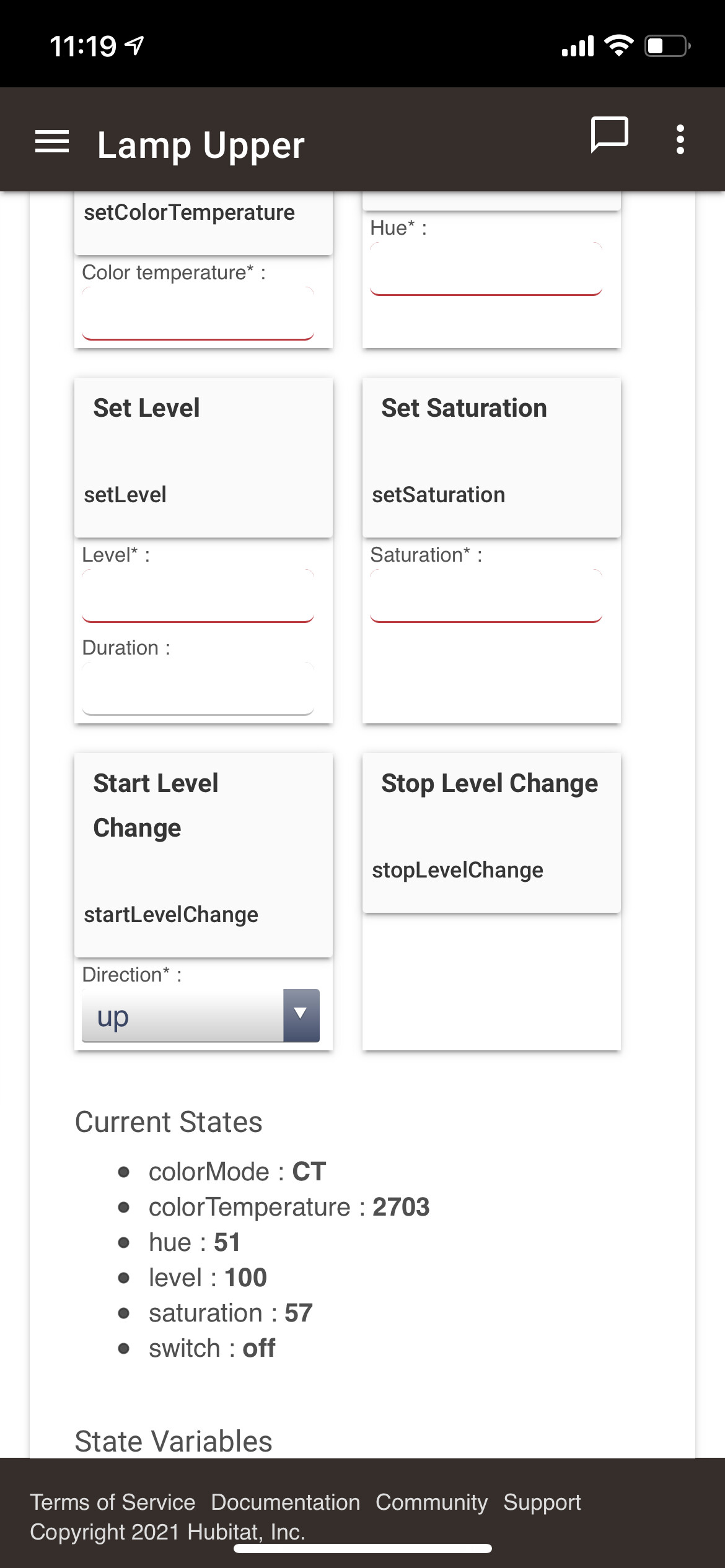
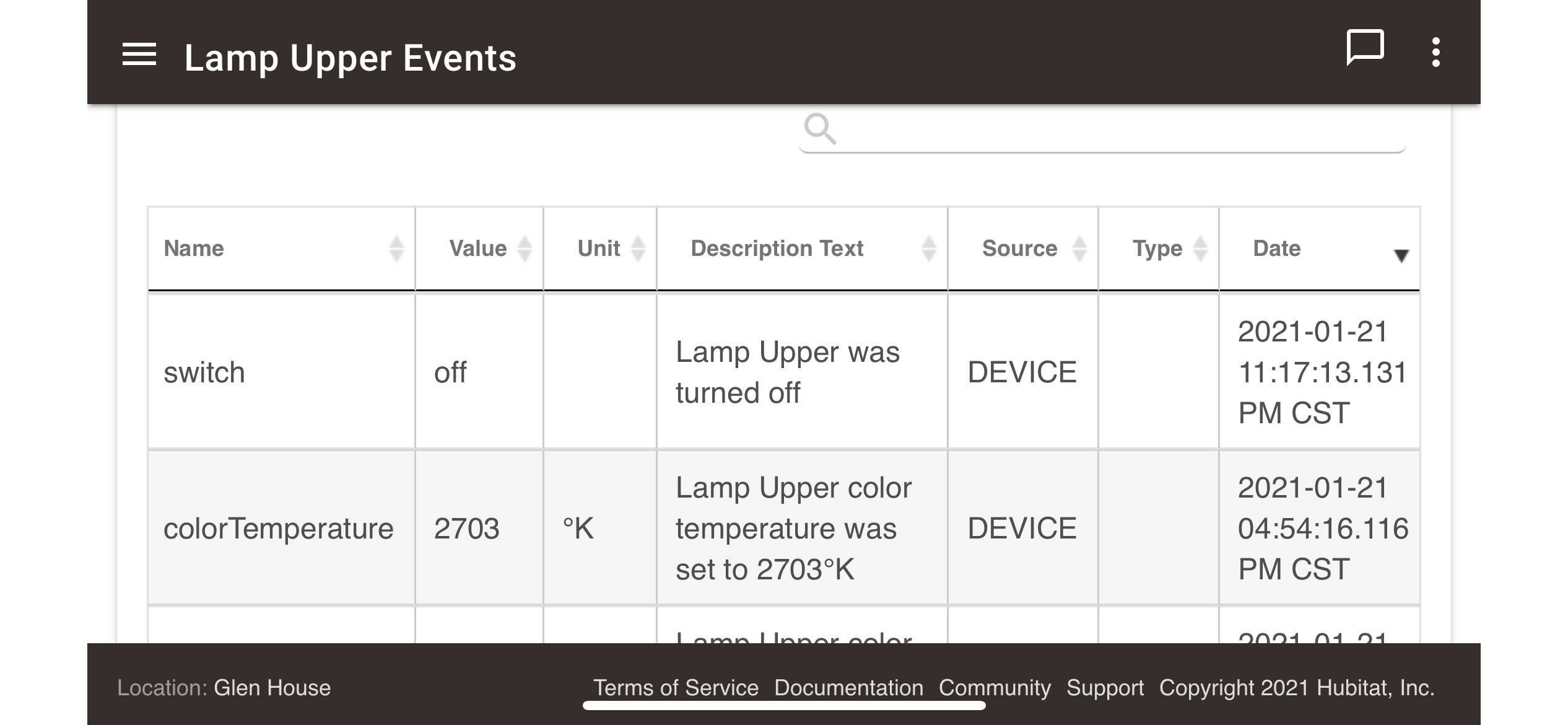
Here’s a screenshot of the event listed for tonight’s routine. The event log for the lamp bulb shows it was switched off, the details show it set to level 100 but switched OFF and the bulb itself is full-brightness.
The bulbs are in a group along with some other devices.
The group is controlled by Simple Automation Rules such that when the system mode changes to "Sleep" (via a Rule Machine rule that monitors other variables), the Simple Automation Rule switches the entire group to "Off".
This made me wonder if you have another automation (either in HE or the Hue Bridge) that is turning these on separate from the rule to turn off with mode change.
I don't have any Hue motion sensors, I do have multi-sensors with motion sensors but for sure I don't have any rules set around motion. In the Hue app, I actually never set any kind of controls / automation from there, I only have it for interfacing to the bridge as-needed.
One method to dramatically improve the performance of these 6 Hue lights would be to create a Hue Group on the Hue Bridge. Then, import this Hue Group into Hubitat, as a single Group Device. Use this Hue Group in your Hubitat automations, instead of 6 Hue lights, or even a Hubitat Group of those 6 Hue lights.
Have the three troublesome bulbs ever been a part of a different group on the Hue bridge? I tried to move a Hue bulb from one group to another and the bulb would randomly respond to commands to its old group that it was no longer a member of.
I would remove the group from Hubitat (bulbs too if you have them added but that is not needed anyway), factory reset the three troublesome bulbs (easy with a Hue dimmer), re-add the bulbs to your Hue bridge, re-add them to your Hue group on the Hue bridge, re-add the group to your hub via Hue Integration.
So I ended up removing the three bulbs from HE and then from the Hue app and bridge. Then I went through and made sure those bulbs weren't referenced anywhere in those or in Amazon Alexa app.
After that was done I physically removed the bulbs and then did a factory reset on them before adding them back to Hue and then to HE.
Well one of the worse bulbs did work correctly for a couple of weeks before reverting back to staying on as it pleases. The other bulbs never even bothered trying turn off properly lol.
I dunno, kind of at a loss here on what to do. Might end up picking up some Inovelli bulbs to see how they stack up to the Hue. One thing I love about the Hue bulbs is that they really have great... hues for white lol. I have one Inovelli bulb I use outside and it didn't impress me out there with the warm or cool white output.
I had a Hue color bulb that started behaving as you described. I removed it from Hue and even paired to HE it would exhibit the same behavior. It would turn off about 2 out of 100 tries. I finally gave up on it, but it’s one out of 60 Hue lights, and in 3 years it’s the only one I’ve had trouble with. It is from my original starter set when they were still made of glass.
Do you think yours may have overheated or been subjected to power fluctuations or frequent power cycles from a switch being used?
The one that started doing this was on a switch that wasn’t blocked and I think that may have been what caused the problem.
No unusual power fluctuations to speak of. Honestly I can't even recall the last time we lost power or had a dip even. The three that I have are all glass as well. They live in lamps that are always 'on' so basically zero power cycles.
Yeah, that is very odd. Hue had been amazingly stable for me. The only other thing I would try is a firmware update if/when one is available. That may snap it out of it's funk.
I ended up picking up a couple of Hue White Ambiance bulbs, set those up as a direct replacement of the color bulbs and for 4 days now they have been flawless.
The hue color bulbs I have are older, I’ve had them at least 5 years I’d say. They shouldn’t be bad in that time but who knows.