This was easy to setup following these steps:
- Install RaspiOS Lite Bullseye 32-bit
- Install InfluxDB from OS repository with command "sudo apt install influxdb"
- Install InfluxDB Client from OS repository with command "sudo apt install influxdb-client"
- Connect to the database with command "influx -precision rfc3339"
- Create database with command "create database Hubitat"
- Config InfluxDB Logger
- Install Grafana Server with commands:
sudo apt-get install -y adduser libfontconfig1
wget https://dl.grafana.com/enterprise/release/grafana-enterprise_9.1.2_armhf.deb
sudo dpkg -i grafana-enterprise_9.1.2_armhf.deb - Run the commands specified after install, ex: enable grafana-server
- Set Grafana source and create a panel
Result:
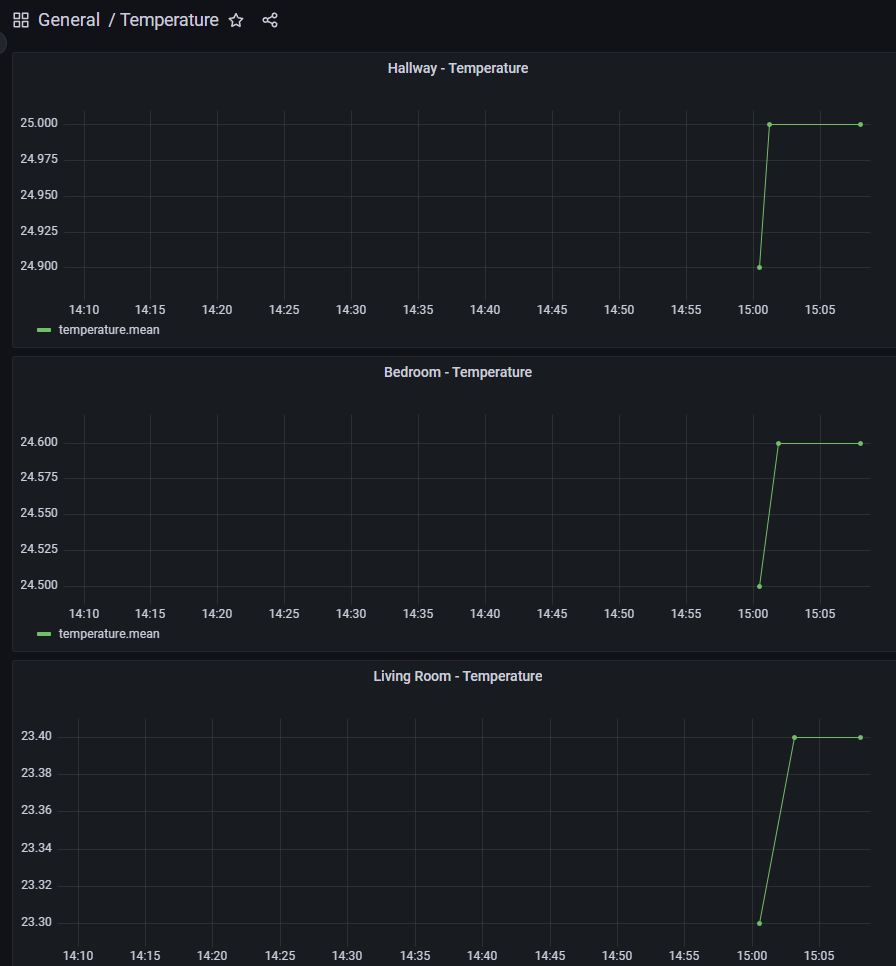
This was setup on a Raspberry Pi 3B+.
But the question is if it is worth it to use a Raspberry at all, and if this setup is enough. For example i want to add energy meters from Shelly, which are not available on Hubitat. Should i use a setup with NodeRed instead?

