Hi, so I have the G41O working through Hubitat HomeKit Controller as a motion sensor. Can anyone tell me how I make a button press work from the G410? The motion sensor on the doorbell works fine using homekit motion/occupancy sensor driver however I can't see a homekit button driver for the bell press. (Just homekit switch).
The button press clearly presents itself to the outside world as Alexa can recognise it. However, as you can imagine, I don't want to rely on Amazon cloud nonsense.
Hi Stuey, did you ever get the button press to work? I have the exact same issue and I figured out a way last night without using Amazon.
In the Aqara app, click on your profile in the bottom right corner.
Goto "Connect to Ecosystems"
Select the Matter Icon
Select "Scene and Signal Sync|"
Select "Signal Management"
Click the + in the upper right corner to create a new signal
Under "IF" select "Add"
Scroll down through your Accessories and find your doorbell, select it
Select "Doorbell Ringing"
SAVE in upper right corner
Give it a name ie- ZZ Doorbell Button (zz because we will create a virtual uDTH in Hubitat called Doorbell Button)
Make sure the "Add to Matter" check box is selected and hit OK to save
Under "Select execution device" select the agara hub you want the signal to appear in. (if your G410 is your only agara hub, then select it, if you have multiple hubs choose the one you want. I also have an M3 hub so I chose that one so I dont have to add another advanced matter bridge to hubitat
Select completed.
Now in hubitat, install @kkossev Advanced Matter Bridge. When you discover your devices you will see ZZ Doorbell as a "Matter Generic Component Motion Sensor". Change its device lable to something more suitable ie ZZ Doorbell Button
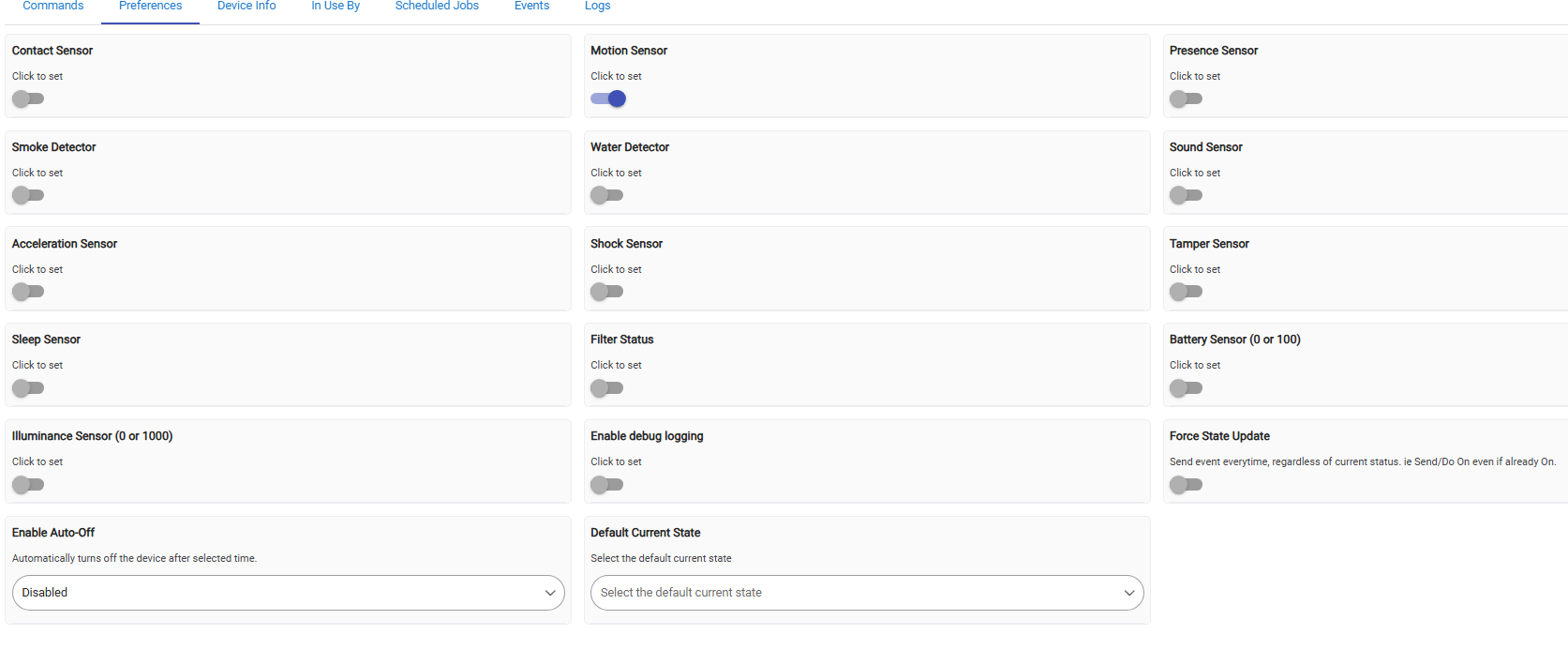
Install Universal Virtual Device Switch uDTH - For Alexa, IFTTT, WebHooks, HSM, and other integrations in HPM and create a virtual device called Doorbell Button (or whatever you prefer. Configure the virtual device.. under the device preferences turn on Button and set the Enable Auto-Off to a time of your preference. I set mine to 30seconds so if someone is spamming my physical G410 button, the rule doesnt keep firing to quickly
Create a rule.. when ZZ Motion triggered, then turn on Doorbell button SWITCH.
And now because of uDTH your virtual Doorbell Button will show Button capabilities.
I hope I wrote this to make sense, if not I will be glad to answer any questions
Gee, how you worked that out in the Aqara App is beyond me. I've got it working a treat, thanks so much for this, I never thought I'd get button press working

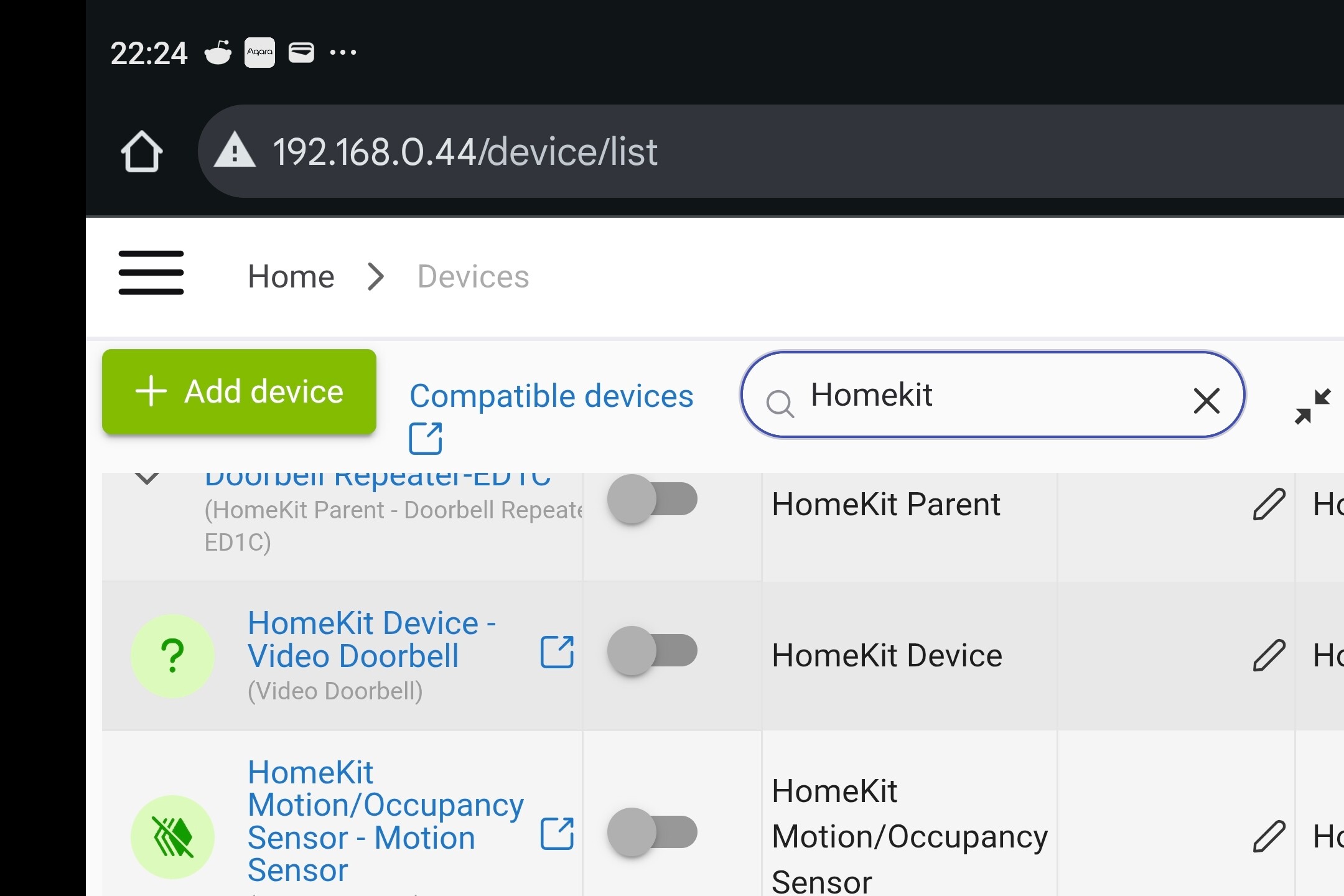

 . I can't see the button option, how do you accomplish this?

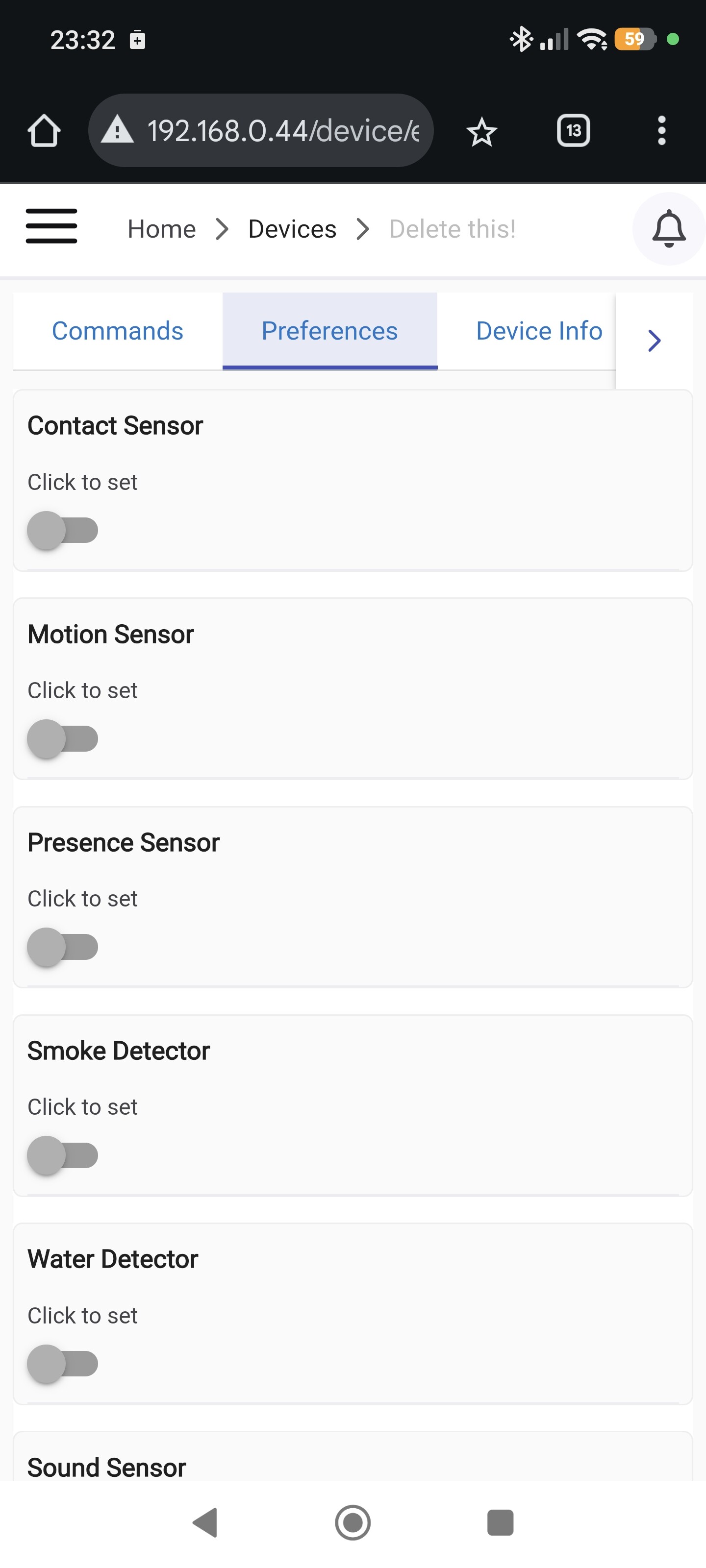
 ) I also don't see a button option, did you get it resolved?