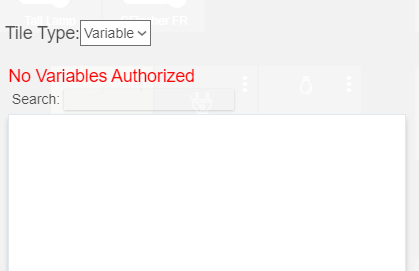
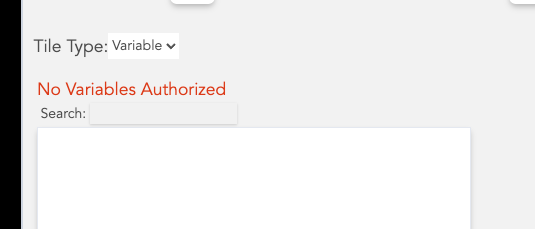
I added hub variable with no connector in dashboard choose variable list.
When adding variable in dashboard under type variable. it shows no variables authorized.
Am I doing something wrong? Also, choose variable list is not sorted and difficult to find specific variables in it. Thx
What hub firmware are both of you (@rwelsh1320@kevin14) on? This is a bug that was fixed in one of the recent releases. Please update your hub firmware and try again.
Try opening the dashboard setting from the Apps section of the Web UI, pretty sure you can set which variables you want access to in there, in the same way you set the list of devices
I have the same issue. When I access the "Choose Variables" through the Apps/Hubitat Dashboard: Name of My Dashboard, I get to a page called "Hubitat Dashboard Configuration".
That page has the "Choose Variables" title and seemingly the dropdown below it that says "click to set" but it won't let me click the drop down and nothing is in the dropdown from which to select. What am I doing wrong?
I have every device selected in the Choose Devices section.
I'm not even sure I need the variables. This is the rabbit hole I have gone down attempting to install and use Hubigraphs. Got it installed but not showing up in Dashboards, so I can't use it, so I figured I may need to get variables working...happy to be corrected.