I've used this one before: https://www.amazon.com/gp/product/B079J5MWYY. But pretty much any "OTG" cable should do--the goal, of course, is to make the micro USB port into both a "regular" (USB-A) port for the stick and another micro USB port to continue to be able to provide power, which I mention only becase an Amazon search for "OTG" will turn up some things that are not really that (like a plain micro-B-to-full-size-A adapter). 
1 Like
If you can ping the hub IP but [HubIP]:8081 doesn't bring up the diag tool, then you best arrange a burial.
1 Like
You can get another C4, contact Hubitat directly, they still have them.
2 Likes
I ordered another C4 a few months back because I like to have the separate z-wave/Zigbee stick for this very reason. When I ordered they also gave me the option of just buying the hub without the stick for about $25 less I think so maybe that’s all you need.
Well I got a shipping notification looks like its going out today, it does says C4 replacement hub so I suspect it will be a C4. I applaud HE support for shipping out a hub so fast. Not used to turning on/off lights manually, I forget to turn stuff off. Such first world problems, I know.
2 Likes
Must feel like staying in a dumb hotel room, where you have to actually touch light switches. Ew! 
I know touching light switches is so 20th century.
1 Like
Touching is so 2019!
2 Likes
Too bad there is no recovery process made public that uses the SD card slot. Then you could rule out the OS by flashing firmware again and seeing if you could start from scratch.
Okay now I really am not sure what is going on. I received the new hub today and after plugging everything in same problem! I can ping the hub but the web ui is not accessible. I tried all the same things as I did with my previous hub.
Except this time I was able to get the diagnostic ui to appear but nothing is there!
This is a C4 hub that I received.
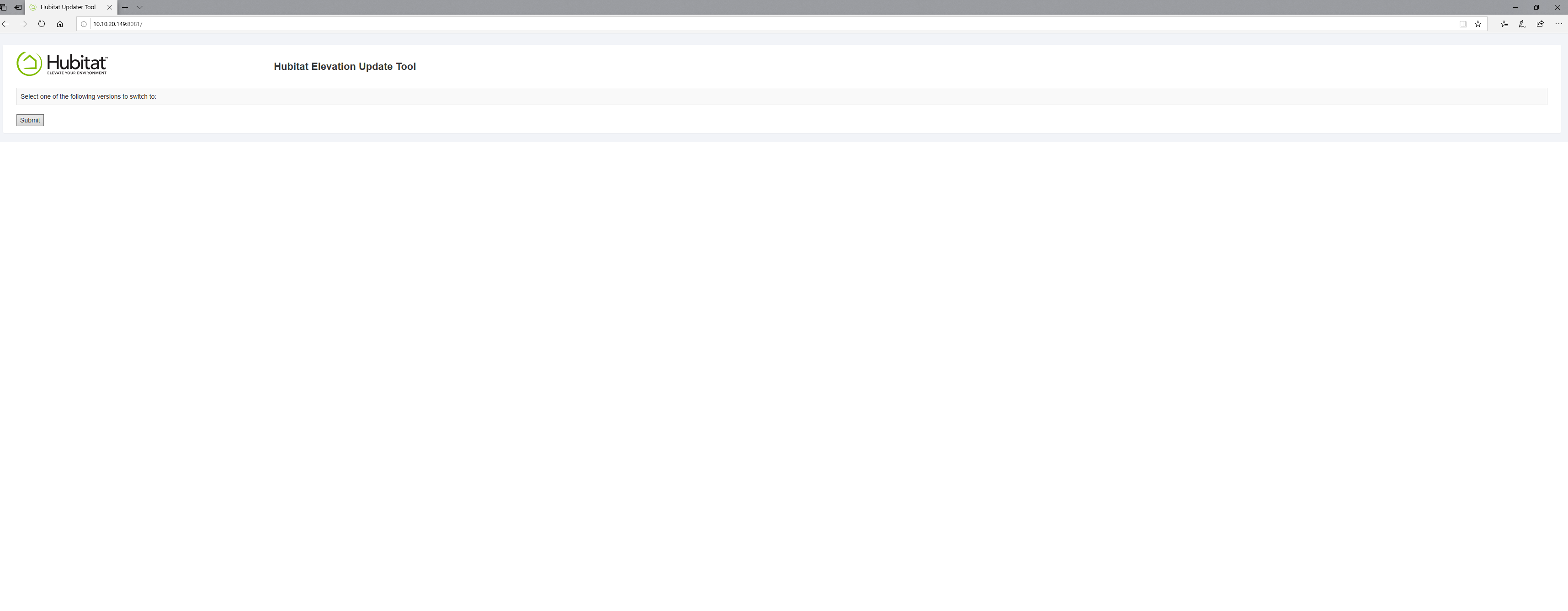
Try another browser?? It looks like you may have accidentally disabled some rendering. JavaScript disabled maybe?
Nope.. not that.. I just tried the Diagnostic menu with JS disabled and I get a message to turn on JS.
What color is the LED?? Green? I mean Blue.. C4's don't do green 
Solid blue like before.
Try logging in to this URL to register the hub. I had similar issue a few months back with a new C4 hub:
https://portal.hubitat.com/portal.html
2 Likes
I PMed you.
1 Like
Thank you, this did the trick! It seems you need to register the hub before the software is loaded on. When I originally bought the hub 2+ years ago I did not have to do this.
4 Likes
Yeah I was in this circular situation too where the hub wouldn’t download and @bobbyD sent me that URL to try and it worked. Glad you got it sorted.
3 Likes
When I bought my first Hubitat they ALL shipped without Platform OS... you'd register and it would download. Not a really great experience since the first hour (probably) was sit and wait. I'm really bad at that... really wanted to do something. Maybe 6 or 7 reboots would make it faster, right 
The entire process has been improved so much the old way is barely a memory. But what you just went through is MUCH more like the original way, in my view.
I tried it out myself and it was just as nerve wracking this time as back in 2018. The Hub sits there.. doing nothing.. forever.. then 2x my maximum give-it-a-chance wait time, it pops to life.
Yeah, I figured the OS would have already been loaded on there. I don't remember doing this a couple years ago, but it was a while ago. I guess its makes sense this way it downloads the latest OS version, but support should have explained this when I communicating with them.

